

ℹ️ Affiliate Disclosure: This article may contain affiliate links. We may earn a commission at no extra cost to you. Thanks for your support! ❤️
Editable Wedding Invitation Templates for Easy DIY Stationery
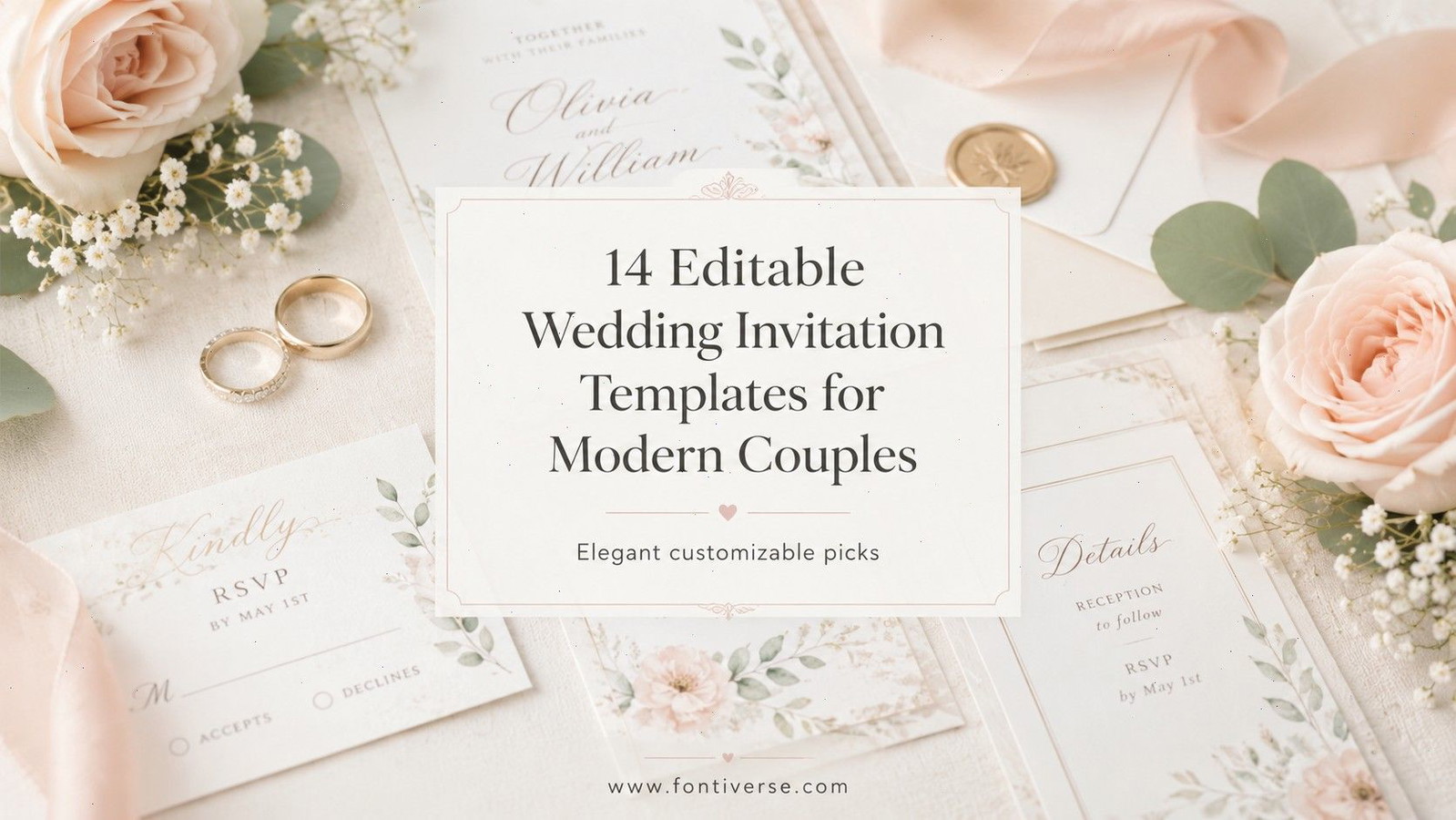
Editable wedding invitation templates give couples a practical way to create coordinated stationery without starting from a blank canvas. My favorite options combine clear typography, flexible layouts, and enough customization to make the finished invitation feel personal rather than generic.

I selected these 14 designs for different modern wedding styles, from understated black-and-white layouts to sage greenery, watercolor florals, photo cards, and complete invitation suites.
Best Editable Wedding Invitation Templates
1. Wedding Invitation Template Modern Canva
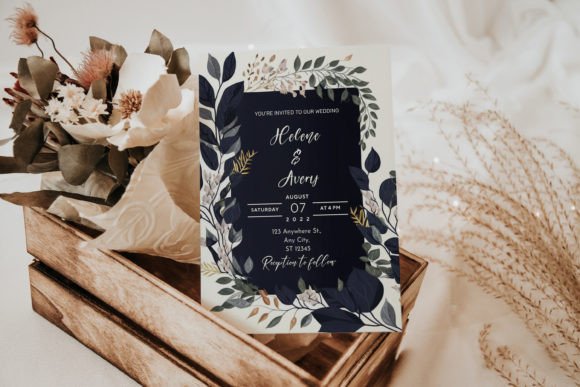
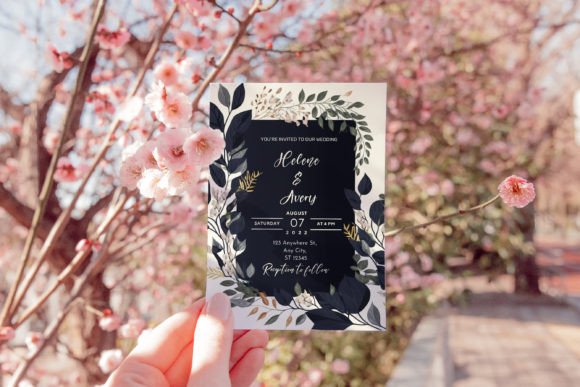
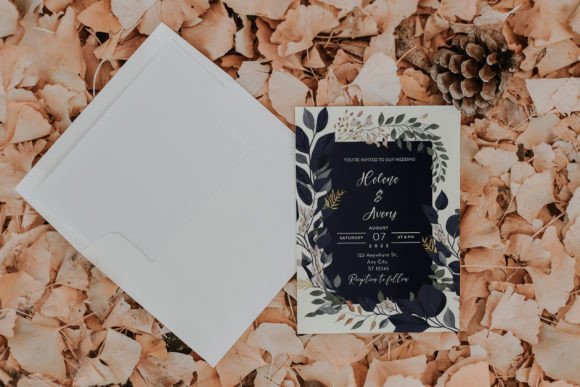
This contemporary invitation uses a restrained visual style, neutral colors, and simple typography. The spacious composition keeps the couple’s names prominent while leaving supporting information easy to scan.
I like this design for a city ceremony, gallery reception, or modern hotel wedding. Its minimal appearance depends heavily on precise wording and alignment, so I would keep the text brief instead of filling every available space.
Best for: City weddings, neutral color schemes, contemporary venues
Key features: Canva editing, minimalist layout, neutral palette
2. Simple Wedding Invitation Suite Canva
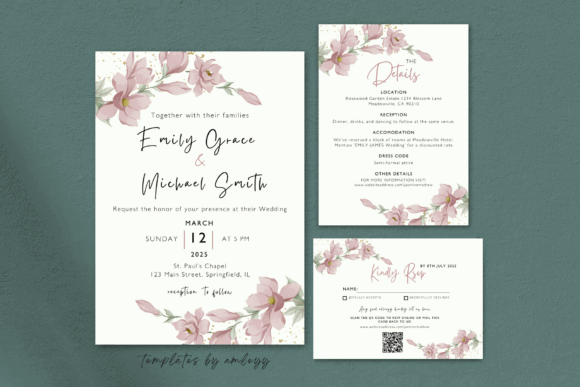
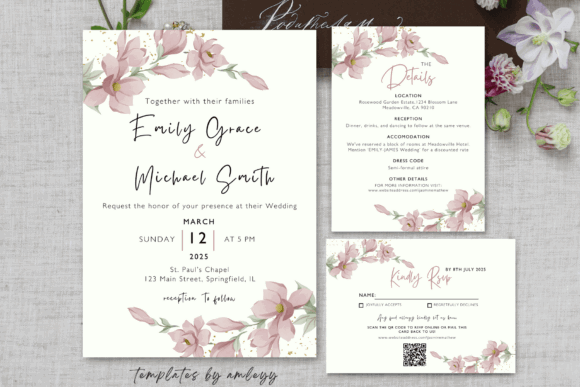
This coordinated suite includes a main invitation, an RSVP card, and a wedding details card. Text, fonts, and colors can be adjusted in Canva, making it easier to maintain one visual system across all three pieces.
My pick for couples managing several guest instructions, this set separates essential ceremony information from directions, accommodations, dress codes, or meal selections. The multiple cards may increase printing and postage costs, so weigh a fully assembled envelope before mailing.
Best for: Formal events, destination weddings, detailed guest information
Key features: Three-card suite, Canva customization, matching RSVP and details cards
3. Minimal Wedding Invitation Suite
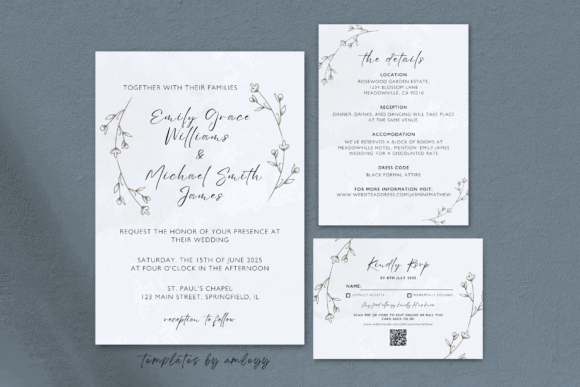
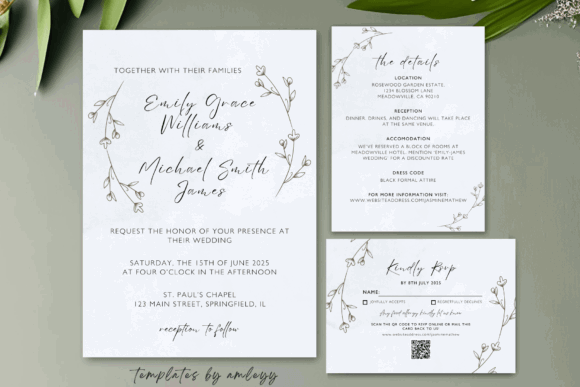
This Canva set combines an invitation, RSVP card, and detail card with elegant typography and a modern minimalist structure. Users can modify the colors, fonts, text, and images before saving the design for print or digital sharing.
I would choose this suite for a couple who wants polished coordination without decorative flourishes competing with the wording. Because typography carries most of the personality, limit the design to one display font and one highly readable supporting font.
Best for: Intimate weddings, monochrome stationery, coordinated enclosures
Key features: Invitation suite, editable typography, print and digital use
4. Canva Minimal Wedding Invitation
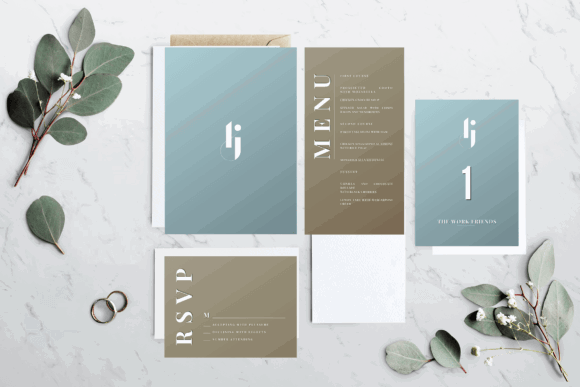
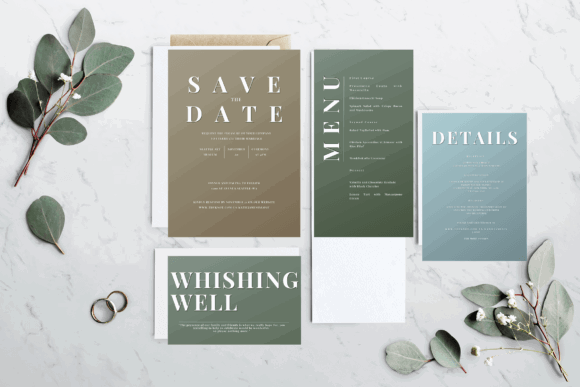
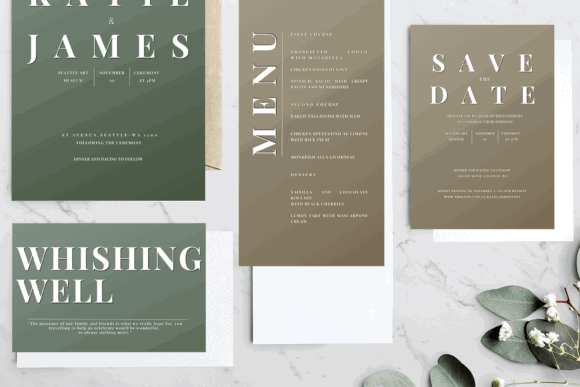
This project provides a fully editable Canva link along with high-resolution files that can also support editing in Adobe Photoshop or Illustrator. That flexibility is useful when one partner prefers Canva and another designer wants access to desktop software.
I like this option for couples who may later adapt the invitation into welcome screens or other digital displays. The expanded format support can feel excessive for a quick DIY project, so Canva-only users should keep their workflow simple.
Best for: Hybrid print and screen use, flexible editing workflows, modern ceremonies
Key features: Canva link, high-resolution files, Adobe-compatible options
5. Modern Minimalist Wedding Invitation
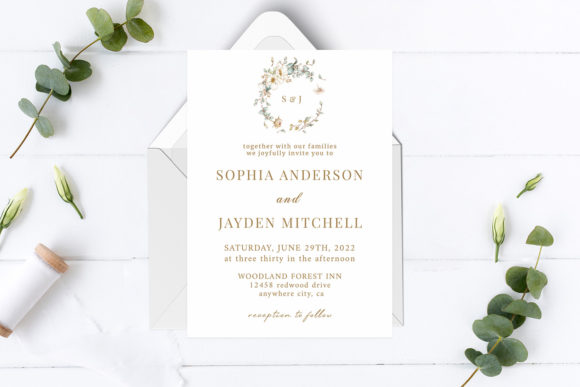
This design pairs an orderly invitation layout with a watercolor floral arrangement. Its organized layers allow users to adjust text, images, and shapes, while links for the included free fonts are supplied with the files.
My take is that this design suits couples who want floral stationery without a dense botanical border. Editing individual layers gives more control, but it may require greater familiarity with design software than a straightforward Canva card.
Best for: Garden ceremonies, soft watercolor themes, layered editing
Key features: Editable layers, floral artwork, free-font information
6. Minimal Wedding Invitation Card Template
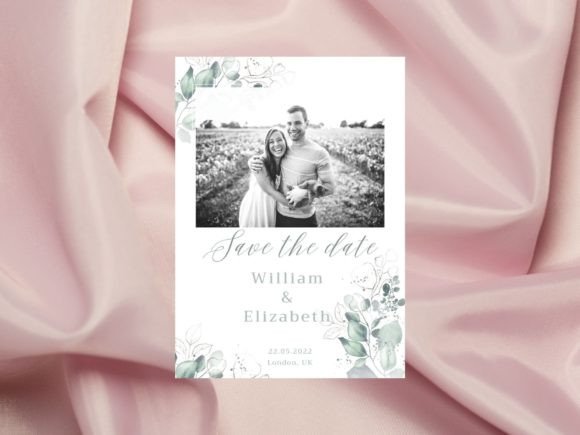
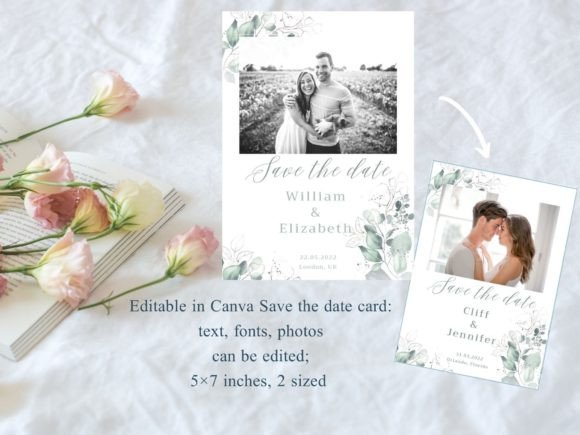
This editable Canva template uses a standard 5-by-7-inch format and includes two sides. Text, fonts, images, and colors can be changed repeatedly, which is helpful when ceremony information is still being finalized.
I would use this for a front-and-back card that keeps the main announcement on one side and supporting details on the reverse. Double-sided printing can reduce the number of enclosure cards, but guests may overlook the back unless the front clearly prompts them.
Best for: Front-and-back invitations, compact mailings, simple DIY editing
Key features: 5-by-7-inch size, two-sided layout, Canva customization
7. Elegant 5×7 Wedding Invitation Template
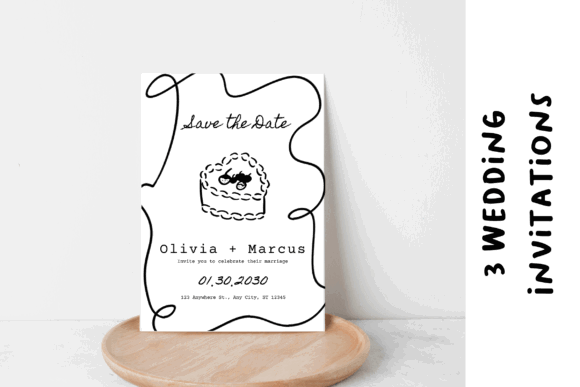
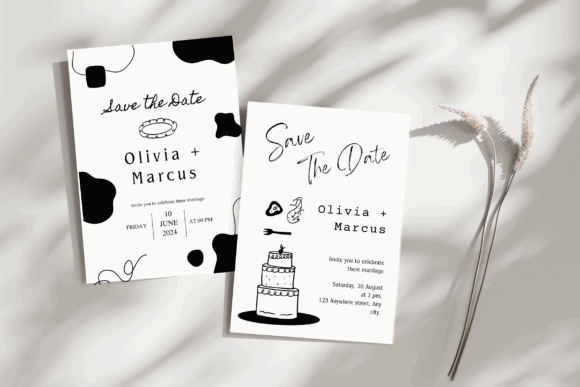
This invitation is designed in the familiar 5-by-7-inch format and can be personalized through Canva. The proportions suit standard invitation envelopes and provide enough room for a clear hierarchy of names, date, venue, and response instructions.
I like this format for couples ordering prints from a local shop because the conventional dimensions simplify paper and envelope selection. Before committing to a full order, print one sample to check type size, margins, and color reproduction.
Best for: Professional printing, classic envelopes, elegant modern weddings
Key features: 5-by-7-inch format, Canva editing, print-friendly proportions
8. Aesthetic Wedding Invitation Template
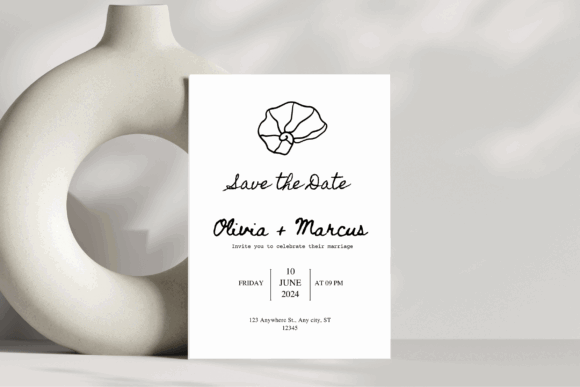
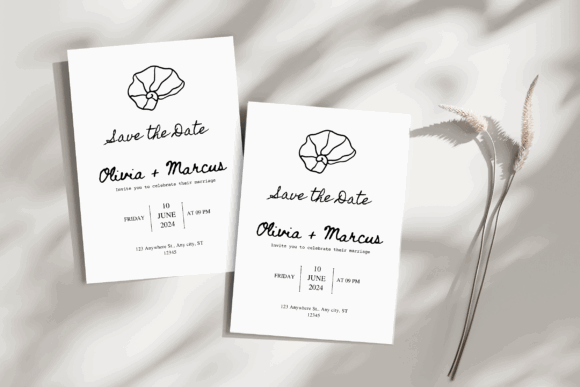
This 5-by-7-inch Canva template includes editable text and design elements, with PDF and PNG output options. Its adaptable look can be styled for either a contemporary celebration or a more traditional ceremony.
I would choose this design when the invitation needs to bridge two aesthetics, such as a formal venue paired with modern décor. Export a PDF for professional printing and reserve the PNG version for email previews or digital announcements.
Best for: Transitional styles, print and digital copies, chic ceremonies
Key features: Canva customization, PDF and PNG formats, 5-by-7-inch layout
9. Sage Green Wedding Invitation Template
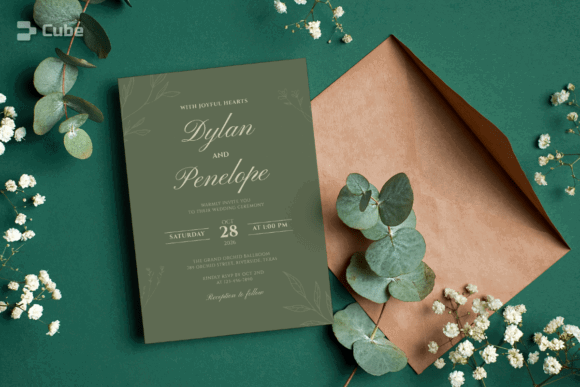
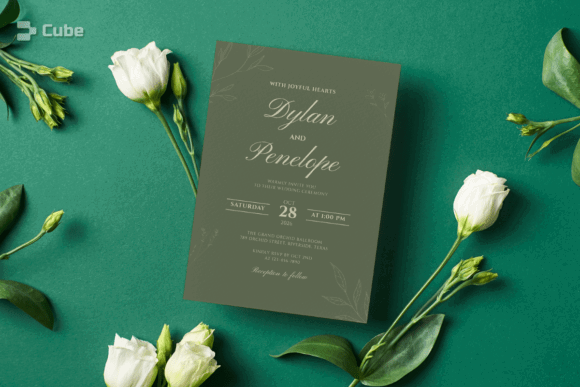
This Canva invitation combines sage green tones with elegant typography and comes in both 5-by-7-inch and 4-by-6-inch sizes. Users can change the wording, fonts, colors, placement, and many illustration colors or add photos and QR codes.
My pick for botanical and outdoor weddings, the muted palette feels current without relying on a short-lived trend. Sage can print differently across screens and paper stocks, so approve a physical sample before ordering the entire batch.
Best for: Botanical weddings, outdoor venues, QR-based RSVPs
Key features: Two invitation sizes, Canva editing, customizable text and graphics
10. Wedding Invitation Template with Canva
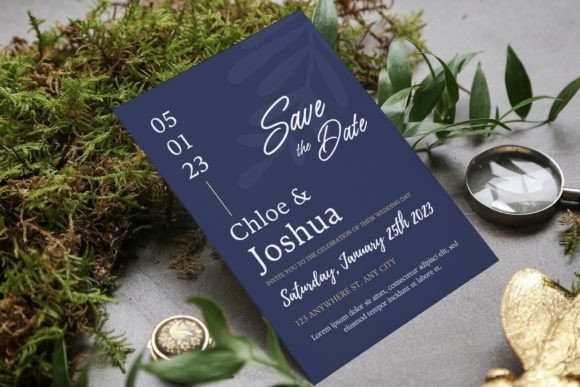
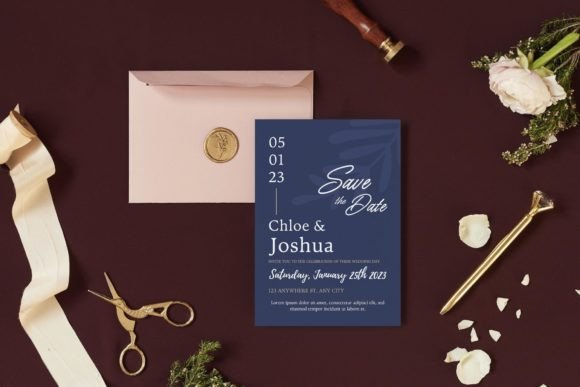
This 5-by-7-inch template allows changes to photos, text, colors, fonts, and layout elements in Canva. Its drag-and-drop photo replacement makes personalization more approachable for couples who want to feature an engagement portrait.
I like this for casual-modern celebrations and photo-led save-the-date styling. A photograph can dominate a small card, so select an image with open space around the couple and verify that the wording remains readable at actual print size.
Best for: Photo invitations, engagement portraits, casual celebrations
Key features: Drag-and-drop photo editing, 5-by-7-inch ratio, print-ready format
11. Wedding Invitation Card Editable Canva
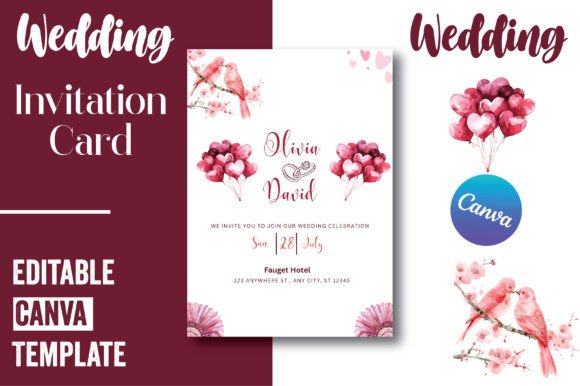
This editable Canva card uses a 5-by-7-inch format and focuses on a single invitation layout. Its straightforward structure is useful for replacing names, wording, dates, and venue information without coordinating several separate files.
I would recommend this to couples who need one central card and plan to place travel or registry details on a wedding website. It may be too limited for a traditional multi-piece suite, but its simplicity can make revision and printing easier.
Best for: One-card invitations, wedding website users, quick personalization
Key features: Editable Canva template, 5-by-7-inch size, single-card format
12. Wedding Invitation Canva Flower
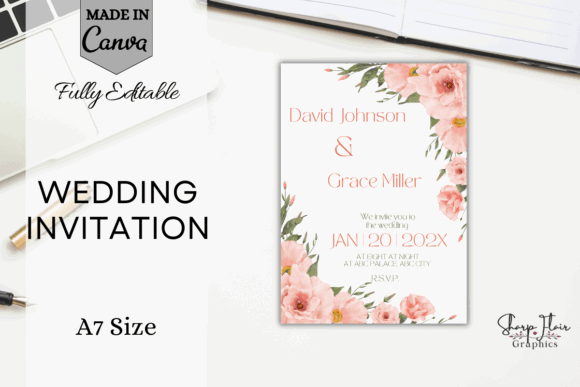
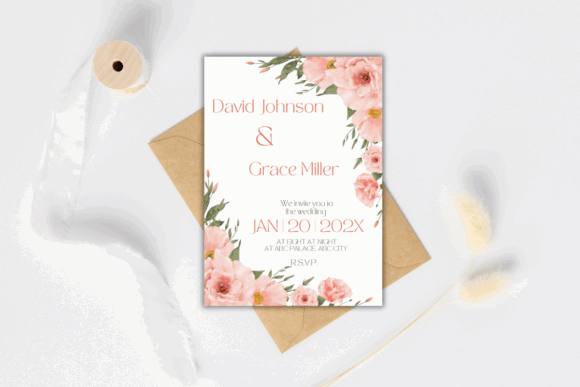
This floral wedding invitation is fully editable in Canva, including its text, fonts, elements, background, size, and colors. The template can be customized with a free Canva account and downloaded as a printable file.
My take is that this design brings softness to a simple layout without requiring a separate floral illustration pack. Keep decorative elements away from names and venue details so the botanical accents frame the information instead of obscuring it.
Best for: Spring weddings, floral themes, romantic stationery
Key features: Canva editing, adjustable background and elements, printable design
13. Wedding Invitation Card Template
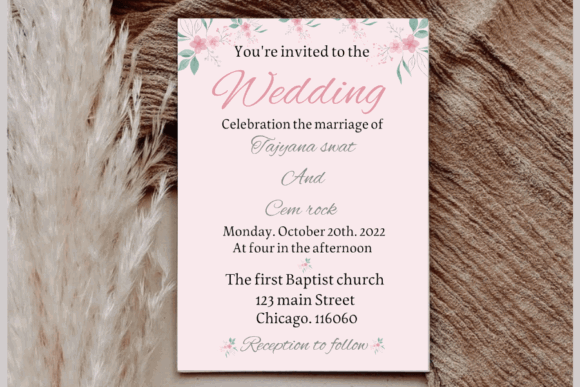
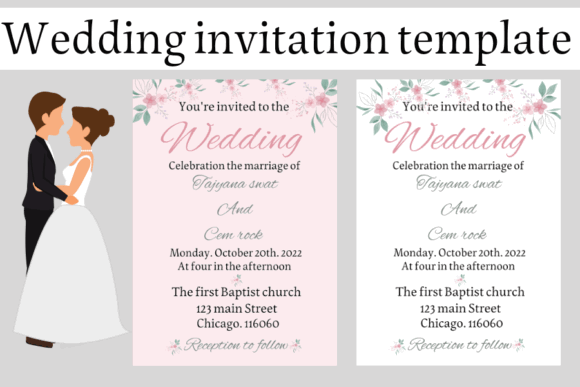
This modern floral invitation is editable in Canva and sized at 5 by 7 inches. Fonts, colors, and other design details can be changed, and the download includes a PDF containing the link to the Canva template.
I like this option for couples who want an approachable floral card suitable for home or professional printing. Home printers vary in how much cardstock they can handle, so check the printer’s paper-weight limit before purchasing heavy stock.
Best for: Home printing, floral weddings, beginner Canva users
Key features: 5-by-7-inch layout, editable fonts and colors, Canva access PDF
14. 40 Wedding Invitation Canva Template
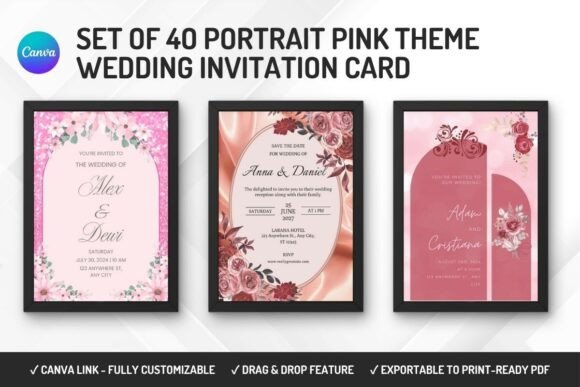
This collection contains 40 Canva wedding invitation designs, giving couples a broad set of layouts to compare and personalize. A multi-template bundle can also provide alternate compositions for related events or stationery pieces.
I would choose this pack for a couple who has not settled on a visual direction or for a planner producing stationery for several celebrations. The large selection can slow down decision-making, so shortlist three layouts before adjusting fonts and colors.
Best for: Design variety, wedding planners, multiple event cards
Key features: 40 templates, Canva format, multiple layout options
How to Choose and Customize Your Invitation
Start With the Information Hierarchy
The couple’s names, wedding date, start time, and venue should be immediately visible. Secondary information such as dress codes, accommodation notes, transportation, and meal choices can move to a details card or wedding website.
Match the Template to Your Delivery Method
A 5-by-7-inch card is a practical format for printed invitations, but the complete stuffed envelope still needs to be checked for weight, dimensions, and thickness. Decorative knots, wax seals, heavy enclosures, or unusually shaped envelopes may affect postage and automated processing.
For professional printing, export a print-quality PDF and ask the printer about bleed, crop marks, safe margins, and preferred color settings. For digital delivery, review the invitation on both a phone and a computer to ensure small text remains legible.
Order or Print a Sample First
Colors shown on a monitor can shift when printed, especially muted greens, blush tones, and light gray text. A sample also reveals whether the type is large enough, the paper is sturdy enough, and important content sits too close to the trimmed edge.
Keep Customization Controlled
Changing every font, color, and decorative element can weaken a well-balanced template. I suggest choosing one main color, one accent color, and no more than two font families. After editing, ask another person to proofread every name, number, date, and address.
Final Thoughts
The best editable wedding invitation template is not necessarily the most decorative one. It is the design that supports your wording, fits your printing or digital workflow, and gives guests the information they need without confusion.
For a complete stationery package, I would start with the Simple Wedding Invitation Suite Canva or Minimal Wedding Invitation Suite. Couples seeking one flexible card may prefer the Sage Green Wedding Invitation Template, Wedding Invitation Template with Canva, or a clean 5-by-7-inch option.
Frequently Asked Questions
Can I print an editable wedding invitation at home?
Yes, provided your printer supports the selected cardstock and can reproduce the design clearly. Print one sample at actual size before buying paper or producing the complete quantity.
What information belongs on a wedding invitation?
Include the couple’s names, wedding date, ceremony time, venue name, and location. Place RSVP instructions, dress codes, reception details, or travel information on the invitation, an enclosure card, or a wedding website as space permits.
What file type should I use for professional printing?
A print-quality PDF is usually the most practical choice. Confirm the printer’s requirements for bleed, crop marks, color settings, and dimensions before exporting the final file.
Can I add a QR code to a Canva wedding invitation?
Many Canva templates allow additional elements, including a QR code linked to an RSVP page or wedding website. Test the printed code with multiple phones and leave clear space around it so it scans reliably.
Follow Us