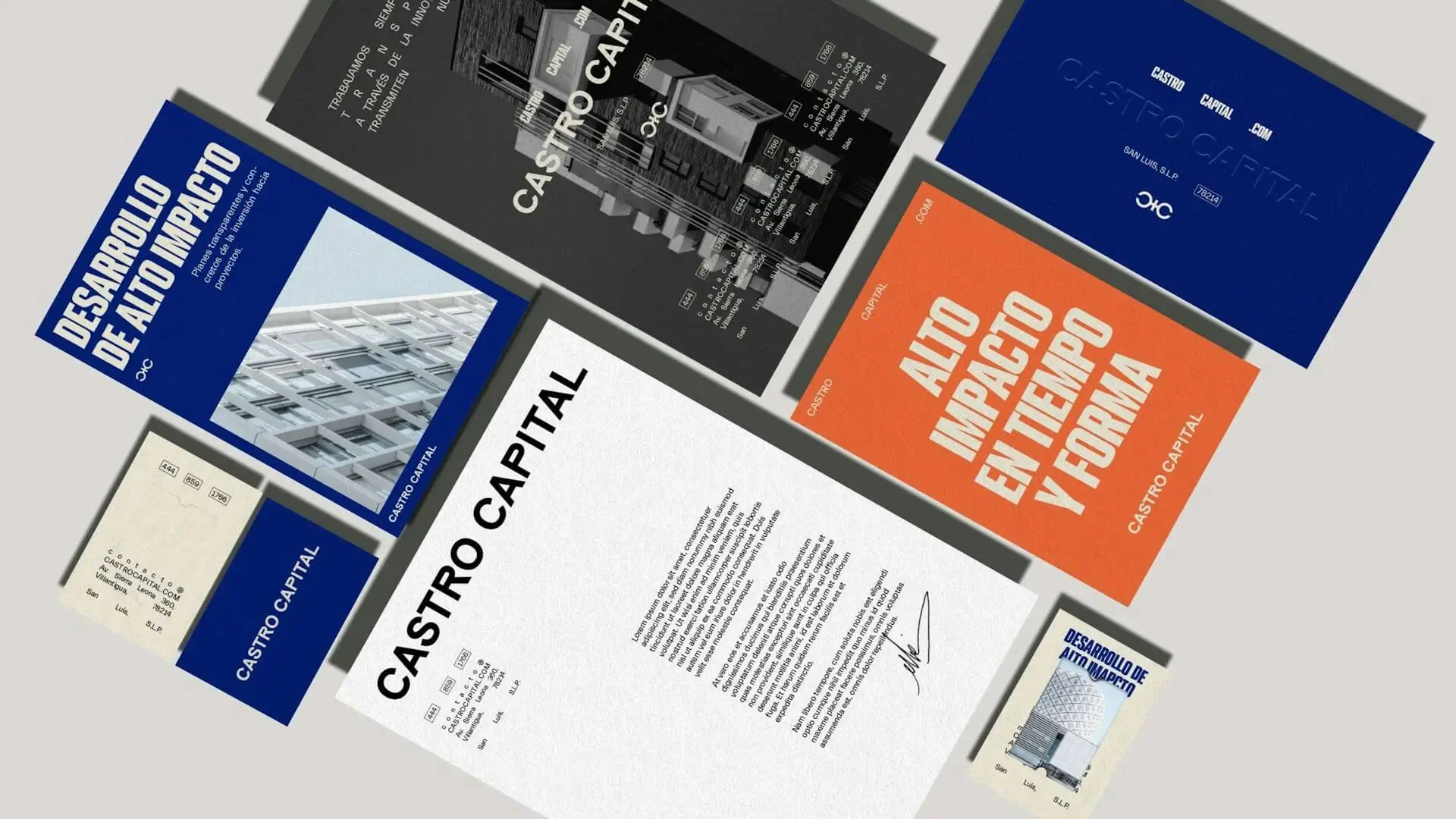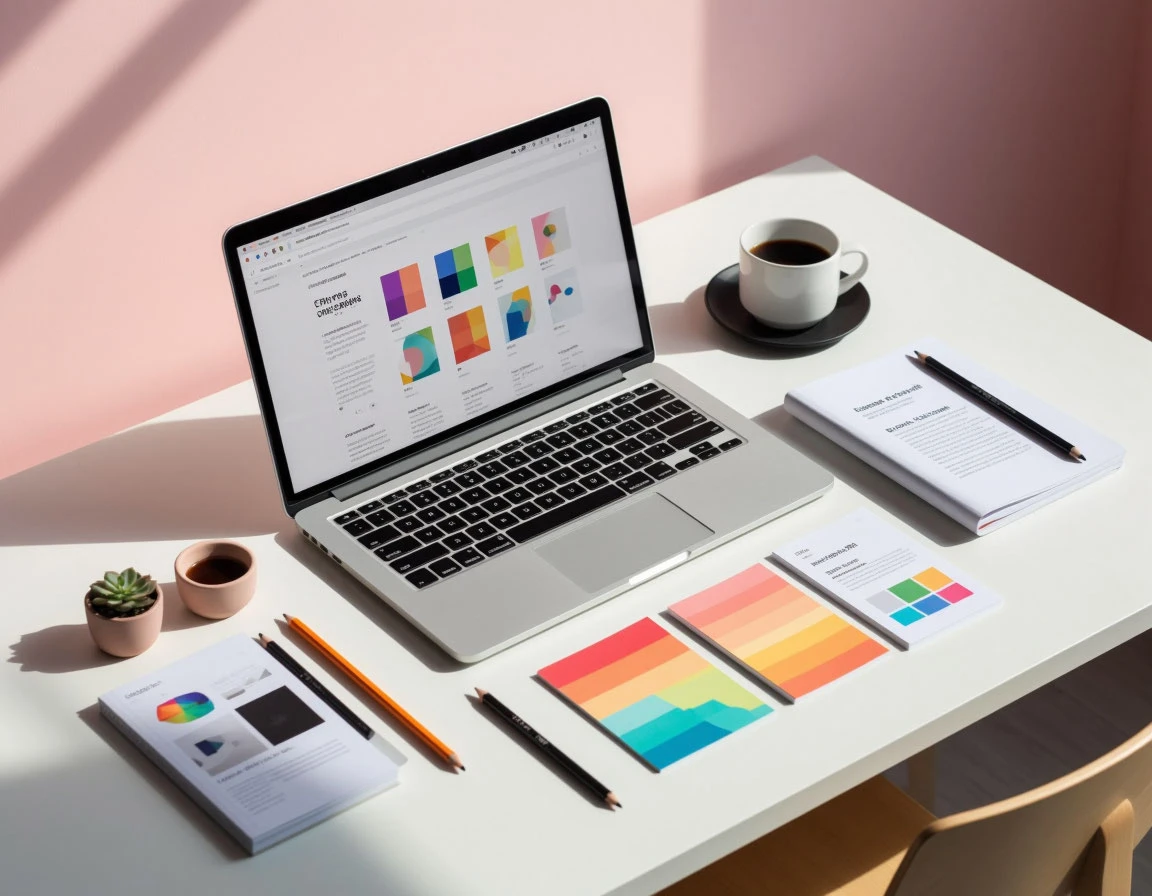
Typography is more than decoration — it’s communication. The right font can amplify your message, shape how your audience perceives your brand, and influence how easily your content is read. But how to choose the right font for any project isn’t always obvious.
Let’s explore a step-by-step guide that blends font psychology, readability principles, and practical font pairing tips for designers of all levels.
Table of contents
1. Understand the Purpose of Your Design
Before diving into font selection, ask yourself:
What’s the purpose of this project?
Typography for design projects varies by context — a minimalist website, a bold logo, or a print poster all demand different fonts. The first step in choosing the right font is to define your tone and intent:
- Professional or corporate: clean sans serif fonts like Roboto, Lato, Helvetica Neue
- Elegant or luxury: serif fonts like Playfair Display, Garamond, Georgia
- Creative or personal: script or handwriting fonts
Your typeface should reflect the mood and message — this is where font psychology in design plays a vital role.
2. Learn the Main Font Categories
Understanding categories simplifies font selection:
| Font Type | Description | Best For |
|---|---|---|
| Serif | Traditional, formal, trustworthy | Print, editorial, branding |
| Sans Serif | Modern, minimal, clean | Web design, apps, UI |
| Script / Handwriting | Artistic, emotional | Invitations, logos |
| Display / Decorative | Expressive, bold | Posters, titles, ads |
Knowing the difference between serif vs sans serif fonts helps you communicate more effectively.
3. Prioritize Readability and Legibility
One of the most common font selection mistakes is focusing only on aesthetics. A beautiful font that’s hard to read will fail your design.
Here are some key font readability tips:
- Use larger line spacing (leading) for long texts
- Keep sufficient contrast between text and background
- Avoid overly decorative fonts for body copy
- Test readability on both desktop and mobile
If you’re designing for the web, focus on accessibility typography — inclusive fonts improve user experience for everyone.
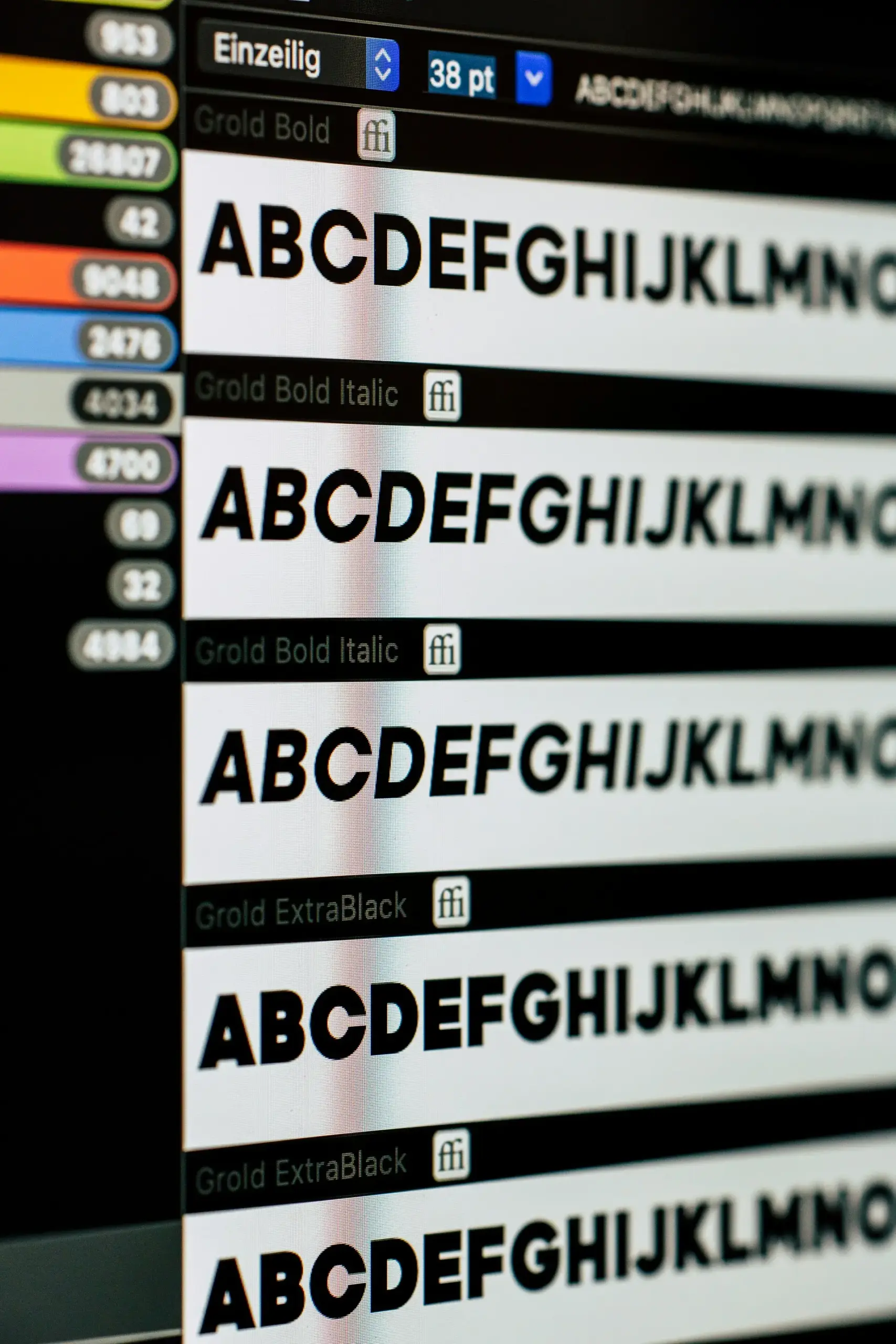
4. Understand Font Psychology
Fonts carry emotional weight. Understanding font psychology helps align design and message:
- Serif fonts → reliability, authority, professionalism
- Sans serif fonts → clarity, modernity, efficiency
- Script fonts → creativity, friendliness, intimacy
- Display fonts → uniqueness, energy, impact
Your font choice influences how your audience feels before they even read the words.
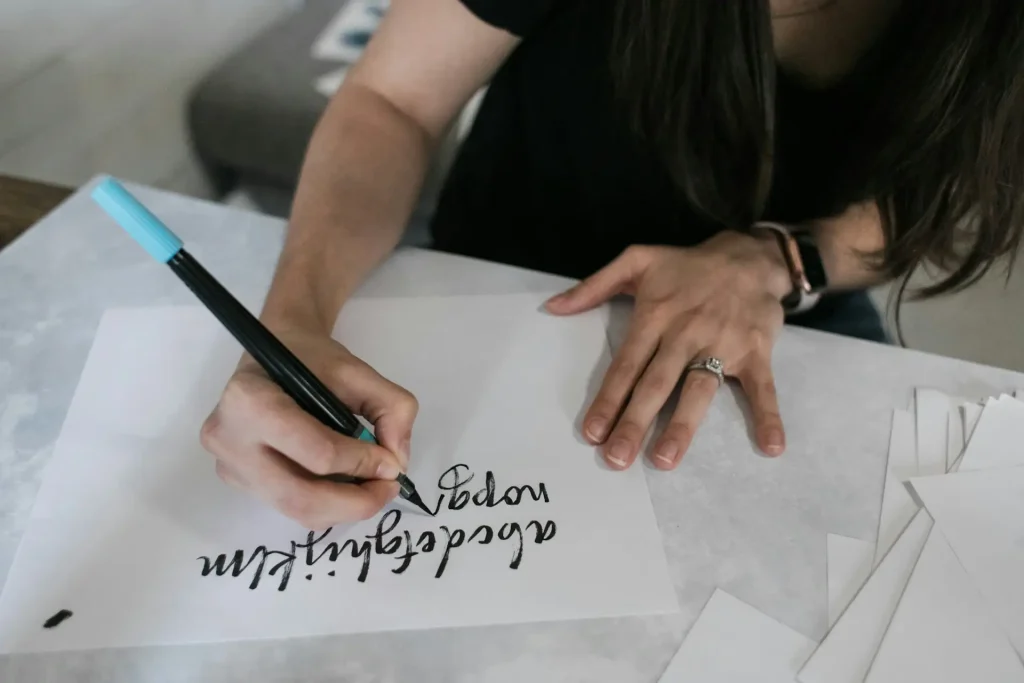
5. Master Font Pairing
Too many fonts can make your layout chaotic. Limit yourself to two or three fonts and learn how to pair fonts properly.
Font pairing guide:
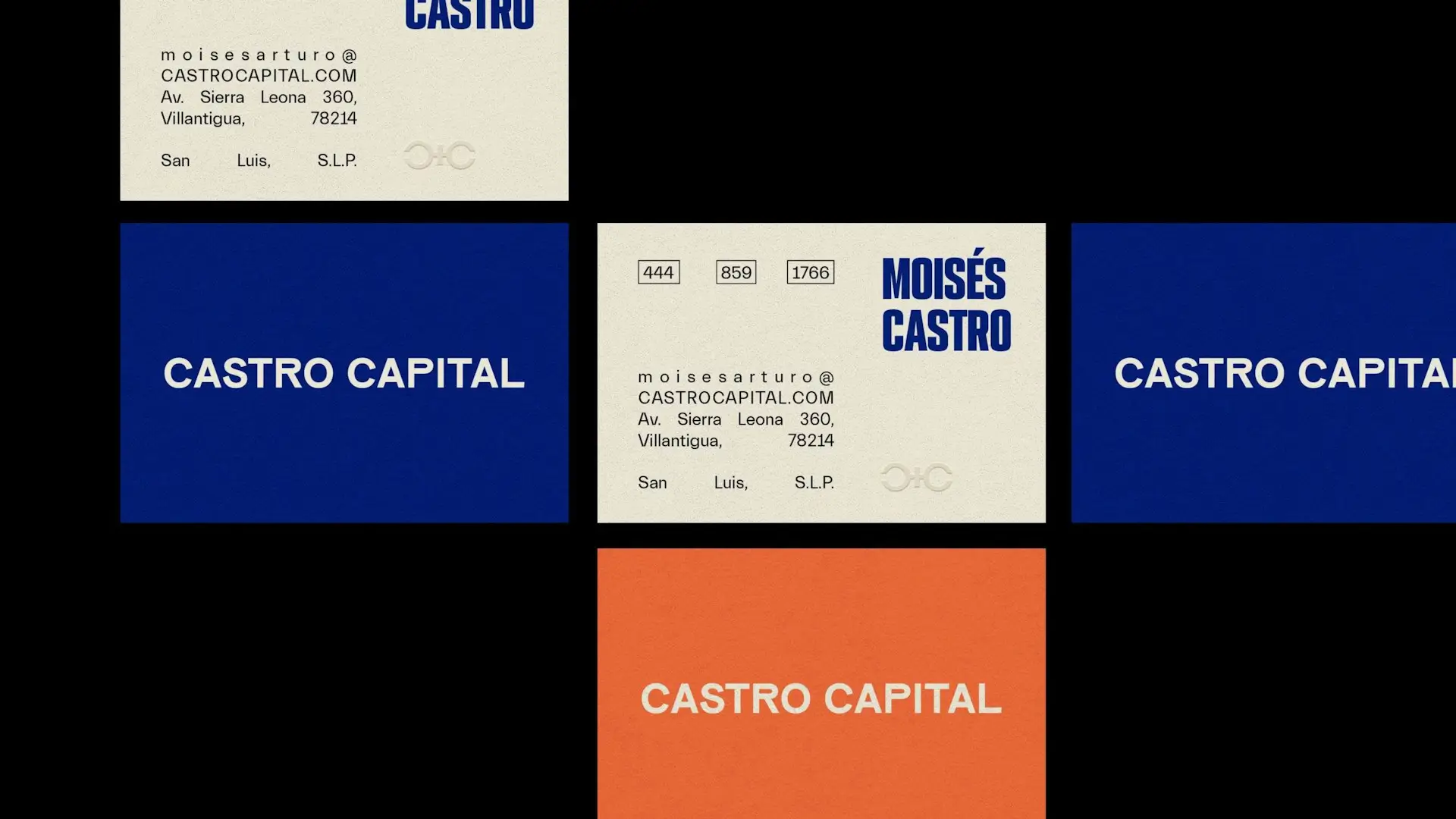
- Combine serif (for headlines) + sans serif (for body)
- Balance weights — bold titles, light paragraphs
- Stick to one font family with multiple weights when possible
Font pairing consistency improves your design’s hierarchy and harmony.
6. Think About Technical and Practical Factors
When choosing fonts for design projects, consider:
- Licensing — Is it free for commercial use?
- File format — TTF, OTF, WOFF (for web)
- Performance — fewer font files = faster website
- Cross-platform support — test on macOS, Windows, and Android
Tools like Google Fonts make implementation easy and optimize loading performance.
7. Test Your Fonts in Context
Never rely on first impressions alone.
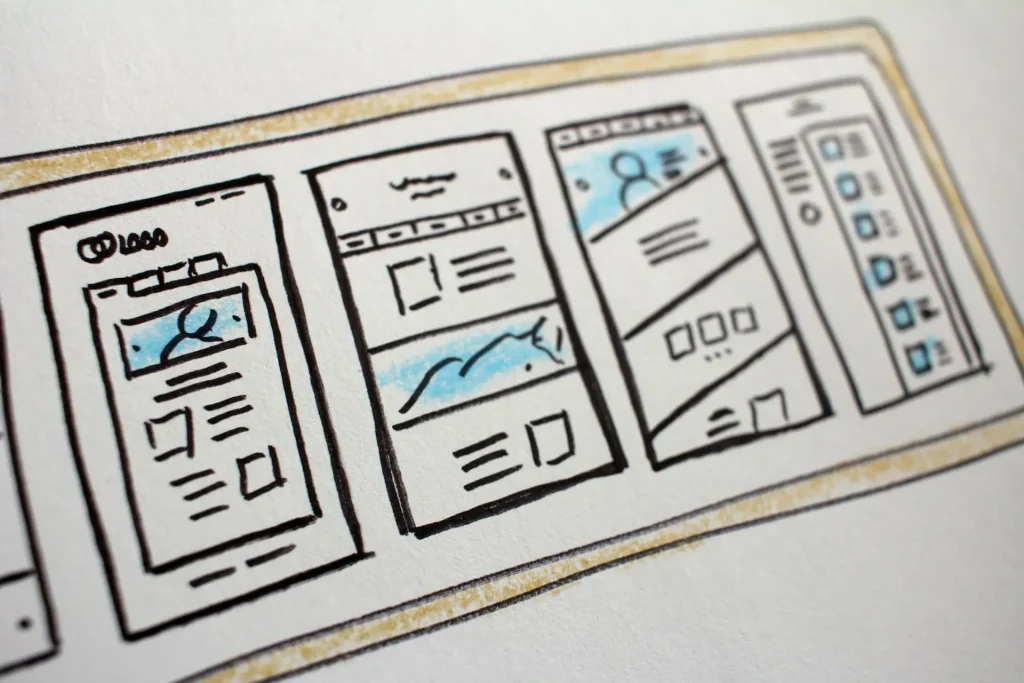
Test how your chosen typefaces perform in real layouts — in your website, poster, or product mockup.
Compare several options, do A/B testing, and gather feedback from real users. The best typography for design projects comes from iteration and testing.
8. Avoid Common Mistakes
Here are frequent mistakes when choosing fonts:
- Using too many fonts at once
- Ignoring contrast and hierarchy
- Choosing style over function
- Not aligning fonts with brand voice
- Forgetting about responsive and accessible design
A consistent, thoughtful typographic system is the foundation of professional design.
Conclusion
Learning how to choose a font is both an art and a science.
It’s about balance — between beauty and function, emotion and clarity.
When typography aligns with your message, your design not only looks good — it feels right.
The next time you face the question “How to choose the right font for any project,” remember:
A great typeface doesn’t just decorate — it communicates.
FAQ: Choosing the Right Font (Common Questions)
1. What is the difference between a font and a typeface?
A typeface is a family (like Helvetica), while a font is a specific style or weight within that family (like Helvetica Bold 12pt).
2. How do I know if a font is readable?
Test it in different sizes, colors, and backgrounds. If you can easily read it at small sizes or low contrast, it passes the font readability test.
3. What are the best fonts for web design?
Clean sans serif fonts like Roboto, Inter, or Open Sans are the most used for web readability and accessibility.
4. Can I mix serif and sans serif fonts?
Yes — in fact, it’s a classic font pairing technique.
Use serif for headings and sans serif for body text (or the reverse) to create contrast.
5. What are common mistakes in choosing fonts?
- Picking fonts that clash
- Ignoring hierarchy
- Not checking licenses
- Overusing trendy typefaces
- Forgetting accessibility and mobile readability
6. How do fonts affect user perception?
Fonts trigger subconscious reactions — font psychology shows serif fonts build trust, sans serif conveys modernity, and script fonts express personality.
7. What’s the safest number of fonts to use in one project?
Ideally, no more than two or three fonts.
Too many typefaces create noise and destroy visual unity.
8. How can I choose fonts for branding?
Identify your brand’s personality (trustworthy, playful, luxurious) and pick fonts that visually reinforce it.
Refer to font psychology in branding guides for deeper insights.
9. What are some tools to help choose fonts?
Here are some of the best resources for discovering and testing fonts:
- Fontiverse — Community-driven font discovery platform with curated collections
- Creative Fabrica — Marketplace for premium and free fonts, graphics, and templates
- Google Fonts — Free, web-safe fonts with easy integration
- Font Pair — Great for exploring font combinations
- Fontjoy — AI-based font pairing suggestions
- WhatFontIs — Identify fonts from images
These tools can help you explore font pairing ideas, check licenses, and stay up-to-date with typography trends.
10. How often should I update my typography?
Check typography trends yearly — new typefaces appear, and styles evolve.
Refreshing your typography keeps your design modern and relevant.
You may also like: