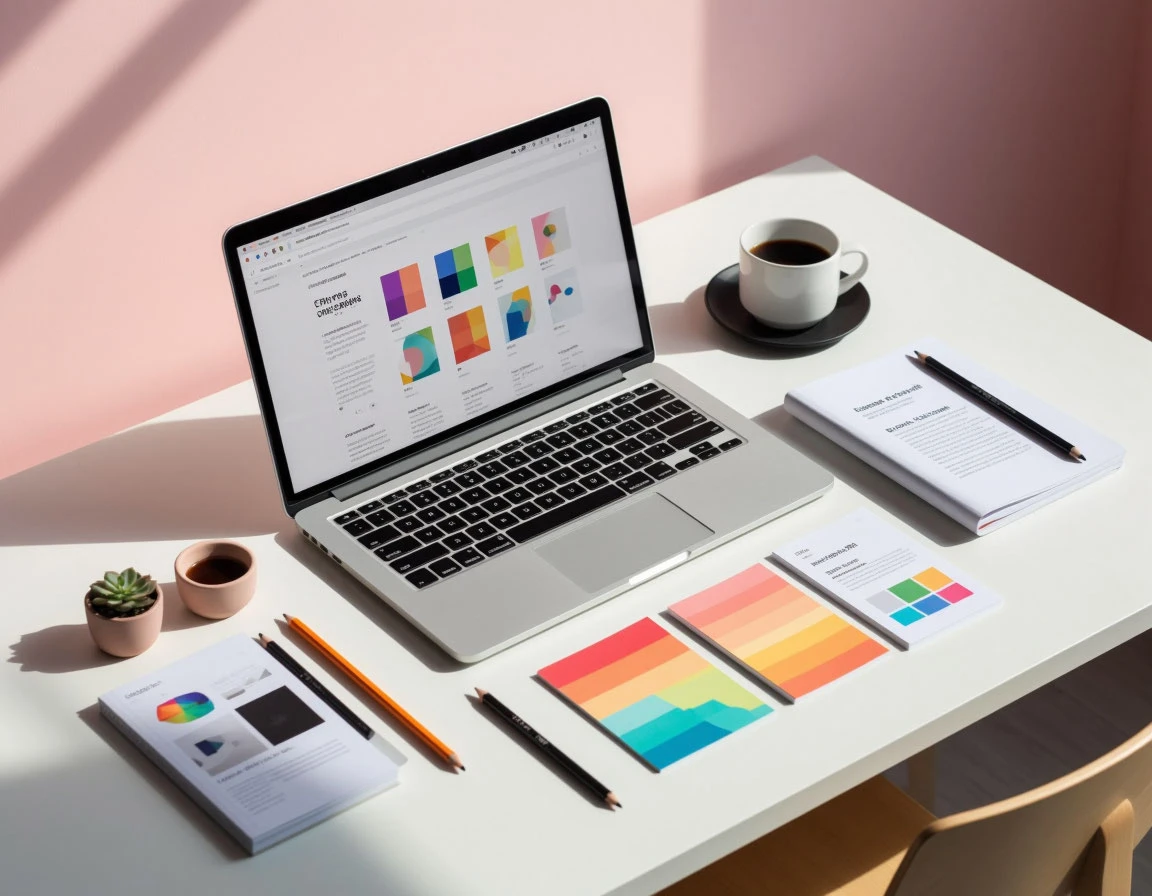
Typography is basically the skill and art of arranging type. It’s a design thing that makes writing easy to read and nice to look at. Each letter, space, and line adds to the overall message and the feeling you get when you read it. Whether it’s a title in a magazine, a website, or a label on a product, typography tells you how to understand the info.
Table of contents
A Quick Look at Type History
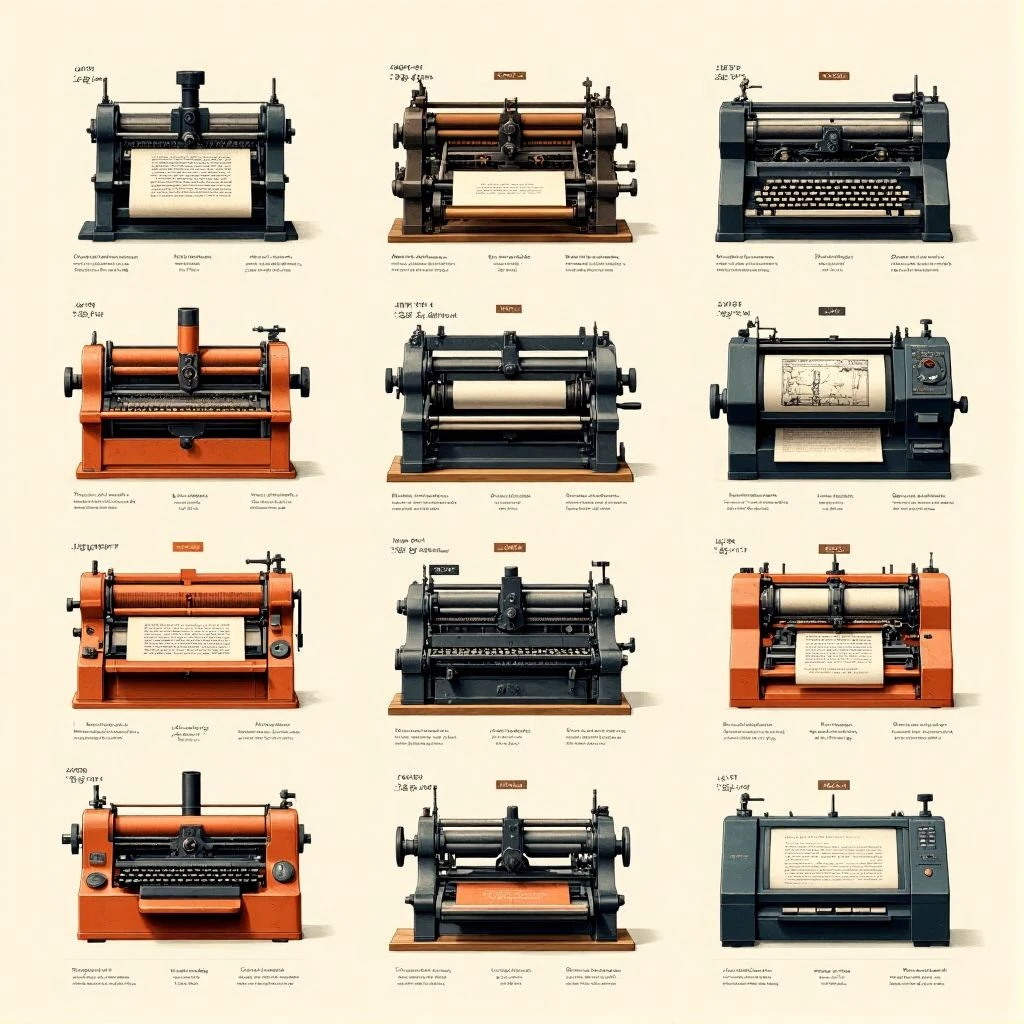
Type has changed a lot since the first printing machines. From old-style fonts like serif to newer ones like sans-serif, the story of typography goes along with changes in technology and culture. Old fonts such as Garamond or Baskerville cared about looking good and being easy to read. But modern digital fonts are made for screens and changing layouts.
The Main Kinds of Fonts
Designers usually use these five kinds of fonts today:
- Serif fonts: These are old-fashioned and dependable. They’re used in books and things that are printed.
- Sans-serif fonts: These are simple and new. They’re good for screens.
- Slab serif fonts: These are strong and blocky. They’re great for titles.
- Script fonts: These are fancy and showy. They look like handwriting.
- Display fonts: These are creative and get your attention. They’re used for making a brand.
Understanding how fonts are grouped helps designers pick the right feeling and balance looking good with being easy to read. When you know the different types of fonts, you can mix and match to convey different feelings.
Font Things and How They Look
Each font has special things about it, like how thick it is, how wide it is, how much difference there is between the thick and thin parts, and how it looks. These things tell you if a font feels soft or hard, fancy or fun.
A good designer knows how to pick fonts that match what the project is trying to do. This means thinking about how big the font is, how much space there is between lines (leading), how much space there is between letters (tracking), and kerning. Kerning is adjusting the space between specific letters, which all change how easy it is to read and how things look overall.
Why Hierarchy and c
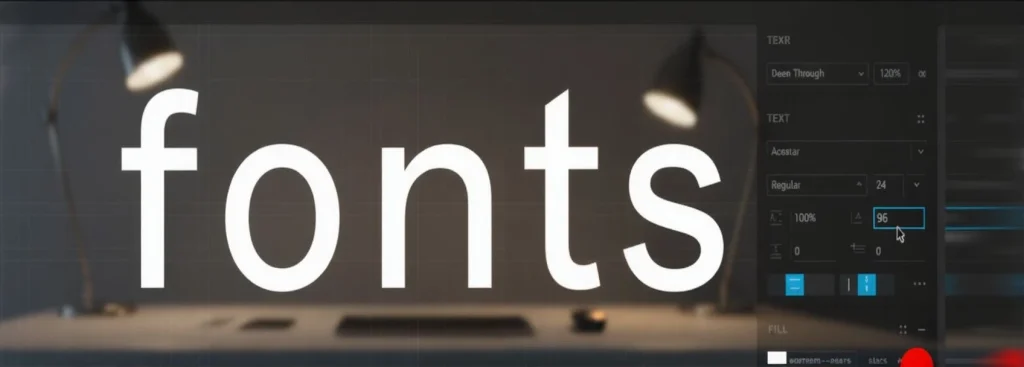
Good typography isn’t just about picking a pretty font. It’s about hierarchy, alignment, and balance. By hierarchy, I mean that the most important things are the biggest and easiest to read. And the rest of the text is smaller.
A clear hierarchy in typography guides the reader’s eyes through the design. The headlines, subheadings, and main text all have their own jobs. Keeping things lined up and in proportion makes sure everything looks good together, whether it’s printed or on a screen.
How to Pick Fonts and Put Them Together
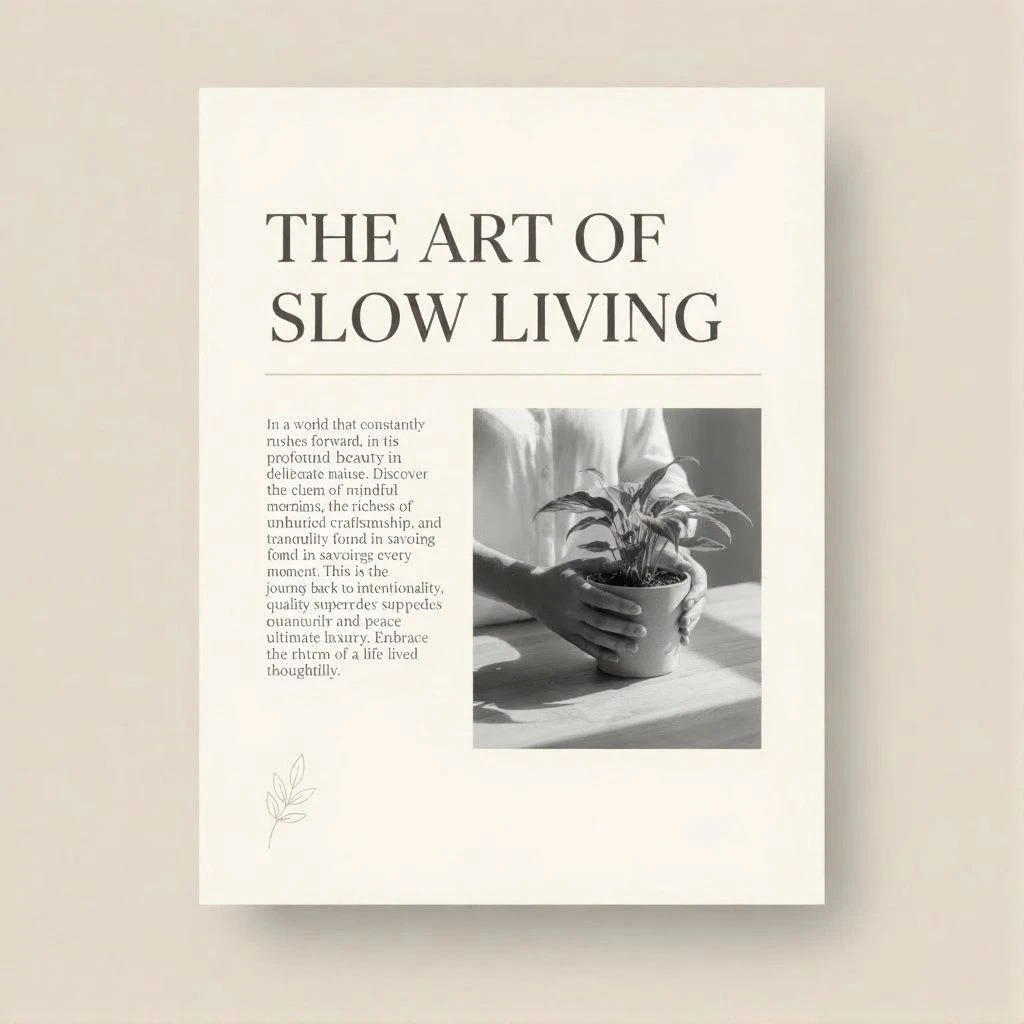
Picking the right fonts to go together is both a skill and an art. Fonts that go together should make each other look better. They should be different in style but have a similar feeling.
For example, a serif headline with a sans-serif main text makes things look different without being too much for the reader.
If you’re not sure, try out your typography on different screens and devices to make sure it’s easy to read and looks good.
What Typography Does in Design
Typography is a key part of visual design and how a brand looks. The right font can make a product feel expensive, young, or cutting-edge. It tells you the feeling, makes you trust it, and makes the user experience better.
When the design is on websites etc, typography says how easy it is to access, how easy it is to read, and how the design flows.
Where to Find Fonts
Now, designers have a lot of free and paid fonts they can get from places like Google Fonts, Adobe Fonts, and professional font places such as TypeType. Before getting a font, always read the rules about how you can use it, especially if you’re using it for business.
Font Resources
Here are some trusted font libraries and marketplaces to explore high-quality typefaces for your next project:
- Fontiverse— a curated platform featuring unique and trending modern fonts from independent designers.
- TypeType Fonts — premium foundry known for versatile geometric and humanist typefaces.
- Google Fonts — the go-to source for free web-optimized fonts with global language support.
- Adobe Fonts — professional library seamlessly integrated with Creative Cloud.
- Fontshare — free and open-source fonts for web and print, perfect for startups and creatives.
- Creative Fabrica — a creative marketplace with thousands of fonts, graphics, and design assets, ideal for commercial projects and print-on-demand work.
Each of these platforms offers previews, pairing suggestions, and licensing details — helping designers choose fonts that balance readability, aesthetics, and brand identity.
FAQ — Common Questions About Typography
1. What is typography in design?
Typography is the art and technique of arranging type to make written language legible, readable, and visually appealing. It involves choosing fonts, adjusting spacing, and defining hierarchy — all to support the message and improve the user experience.
2. What are the main types of fonts?
The five main types of fonts are:
- Serif – traditional and classic
- Sans-serif – clean and modern
- Slab serif – bold and geometric
- Script – handwritten and elegant
- Display – decorative and expressive
Each category creates a unique tone and emotional impression.
3. How do I choose the right font for my design?
To choose fonts effectively:
- Define your project’s purpose and audience.
- Pair contrasting fonts (e.g., serif + sans-serif) for hierarchy.
- Check readability on different devices.
- Consider the brand’s personality — playful, serious, modern, or traditional.
For inspiration, explore libraries like Fontiverse, Creative Fabrica.
4. What is font hierarchy and why is it important?
Font hierarchy organizes text visually to guide the reader’s attention. It uses size, weight, and spacing to separate titles, subtitles, and body text.
A clear hierarchy improves readability and ensures that key information stands out — especially in UI/UX and editorial design.
5. What’s the difference between typeface and font?
A typeface refers to the overall design (like Helvetica or Garamond), while a font is a specific style and weight within that family (e.g., Helvetica Bold 16pt).
Think of a typeface as a family, and fonts as its individual members.
6. Why is typography important for branding?
Typography communicates the personality and tone of a brand. A bold sans-serif might convey innovation and strength, while a serif font suggests trust and tradition.
Good typography ensures visual consistency across all platforms — from packaging to websites and social media.
7. What are some common typography mistakes to avoid?
- Using too many fonts in one design.
- Ignoring spacing (kerning, leading, and tracking).
- Poor contrast between text and background.
- Not checking font licensing for commercial use.
Attention to these details separates professional typography from amateur work.
In short
Typography is more than just letters on a page. It’s a way of speaking through how things look and how they work. If you understand the basics of type, font, and design, you can make visuals that are easy to read and make people feel something.
So, next time you pick a font, think about the story it tells. Because every letter has a voice. Think about the overall message of the design, and then find a font that matches that message.
You may also like: