

ℹ️ Affiliate Disclosure: This article may contain affiliate links. We may earn a commission at no extra cost to you. Thanks for your support! ❤️
Best Notion Alternatives for Different Workflows
Notion is popular for a reason. It combines notes, databases, project boards, wikis, and lightweight collaboration inside one flexible workspace.
That flexibility is also where some people start to struggle with it.
A simple note-taking setup can slowly turn into a maze of linked databases, templates, properties, and views. Teams may find that task management lacks the depth of a dedicated project platform. Other users simply want faster loading, dependable offline access, or more control over where their files are stored.
The good news is that you don’t need to find another tool that copies every part of Notion. In most cases, the better approach is to choose a platform that handles your main workflow more comfortably.
Below are 12 Notion alternatives worth looking at, from local-first knowledge tools to full project management systems.
See Also: Just as you might seek alternatives to streamline your workflow, exploring 5 Digital Planner Templates: Powerful Picks for Small Business can offer dedicated solutions for managing your small business tasks and goals.
Why Look for a Notion Alternative?
Notion can handle a surprising number of jobs, but it doesn’t handle every job equally well.
Some users start looking elsewhere because they want:
- Faster page loading and navigation
- More dependable offline functionality
- Deeper task and project management
- Notes stored as ordinary local files
- Stronger privacy and data ownership
- More predictable pricing for a growing team
- A simpler interface with fewer setup decisions
The right replacement usually depends on the part of Notion that matters most to you.
For example, someone building a personal research library has very different needs from a marketing team managing deadlines, approvals, and campaign assets. One may care about backlinks and local Markdown files, while the other needs permissions, dashboards, automations, and reliable collaboration.
1. Obsidian

Best for: Personal knowledge management
Obsidian takes a noticeably different approach from Notion. Instead of storing your notes mainly inside a cloud workspace, it saves them as local Markdown files on your device.
That detail matters. Your notes remain readable outside the app, can be backed up using ordinary file-storage tools, and aren’t locked into a proprietary page format.
Obsidian is especially good for building a connected library of ideas. Backlinks make it easy to see where a topic has been mentioned elsewhere, while the graph view gives you a visual picture of how your notes relate to one another.
The graph can look impressive, although the backlink system is usually more useful in day-to-day work.
Key advantages
- Offline-first design
- Local Markdown file ownership
- Large community plugin ecosystem
- Fast performance
- Strong backlinking and linking tools
- Useful for researchers, writers, and students
Obsidian starts fairly simple, but it can become highly customized through plugins, themes, templates, and community workflows.
That flexibility is helpful, though it can also become another form of procrastination. It’s easy to spend more time refining a note-taking system than using it. A basic folder structure and a few consistent links are often enough.
Consider before choosing
Real-time collaboration is not as seamless as it is in cloud-first tools. Obsidian is at its best as a personal workspace or a knowledge system managed by a relatively independent user.
2. Coda
Best for: Interactive documents and workflows
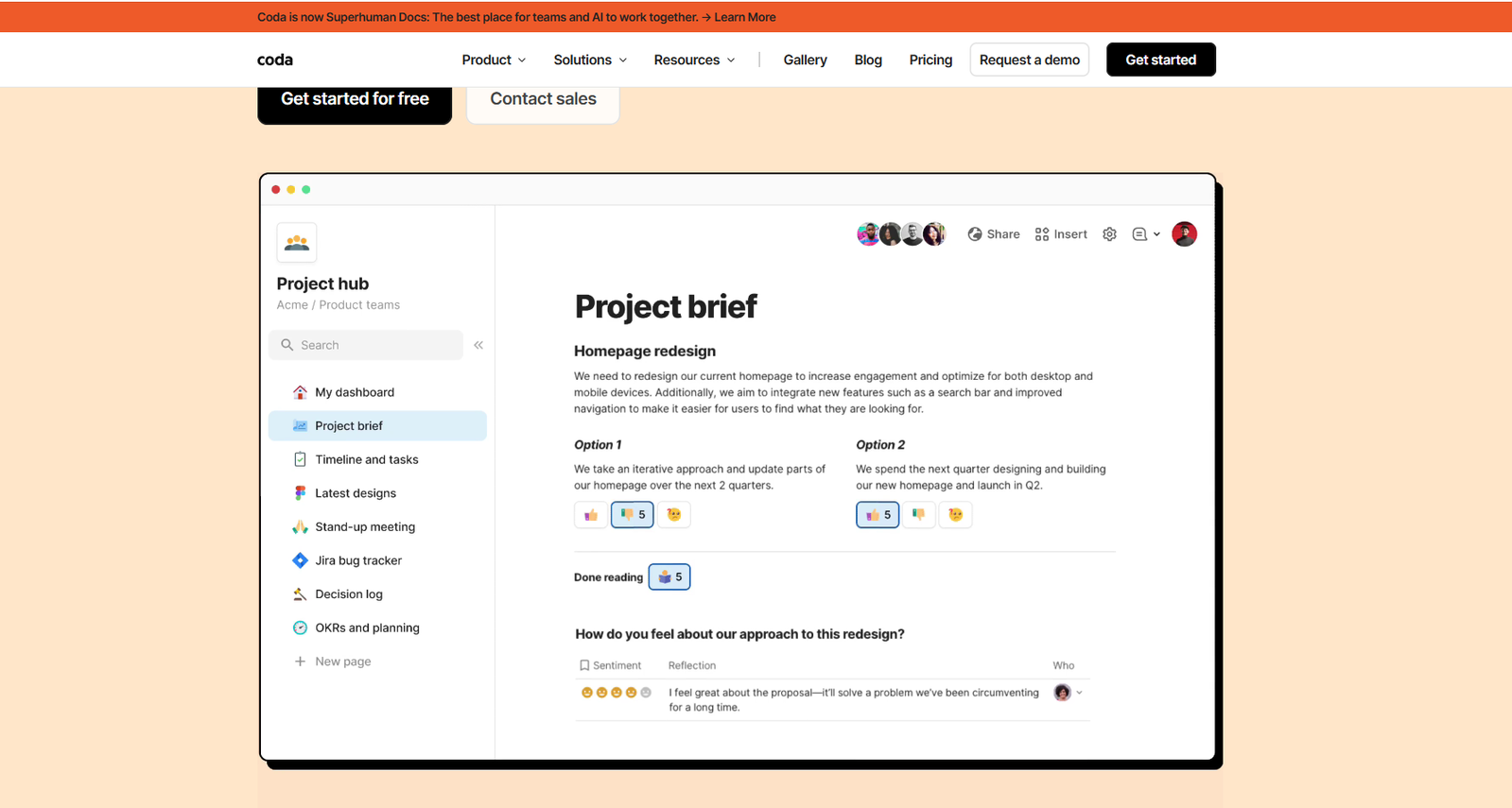
Coda sits somewhere between a document editor, spreadsheet, database, and lightweight app-building platform.
At first glance, a Coda page looks similar to a modern collaborative document. Once you start adding tables, formulas, buttons, automations, and connected views, it becomes much more interactive.
This is where Coda differs from a typical notes app. A table can function like a project tracker, inventory system, content calendar, request queue, or internal dashboard. Buttons can update records, assign people, change statuses, or trigger actions.
Key advantages
- Powerful automation options
- Interactive tables
- Flexible formulas
- Custom buttons and actions
- Integrations through Packs
- Strong collaborative features
Coda is particularly useful when a team currently jumps between documents, spreadsheets, and small workflow tools.
For example, an operations team could manage requests, owners, deadlines, comments, and status updates from one connected document rather than maintaining several disconnected files.
Ideal users
Coda tends to suit operations teams, startups, product groups, and businesses that want to design their own processes without developing a custom application.
The tradeoff is that advanced Coda documents can take time to build and maintain. A well-designed workspace feels intuitive. A poorly planned one can become just as complicated as an overloaded Notion setup.
3. ClickUp
Best for: Project management with documentation
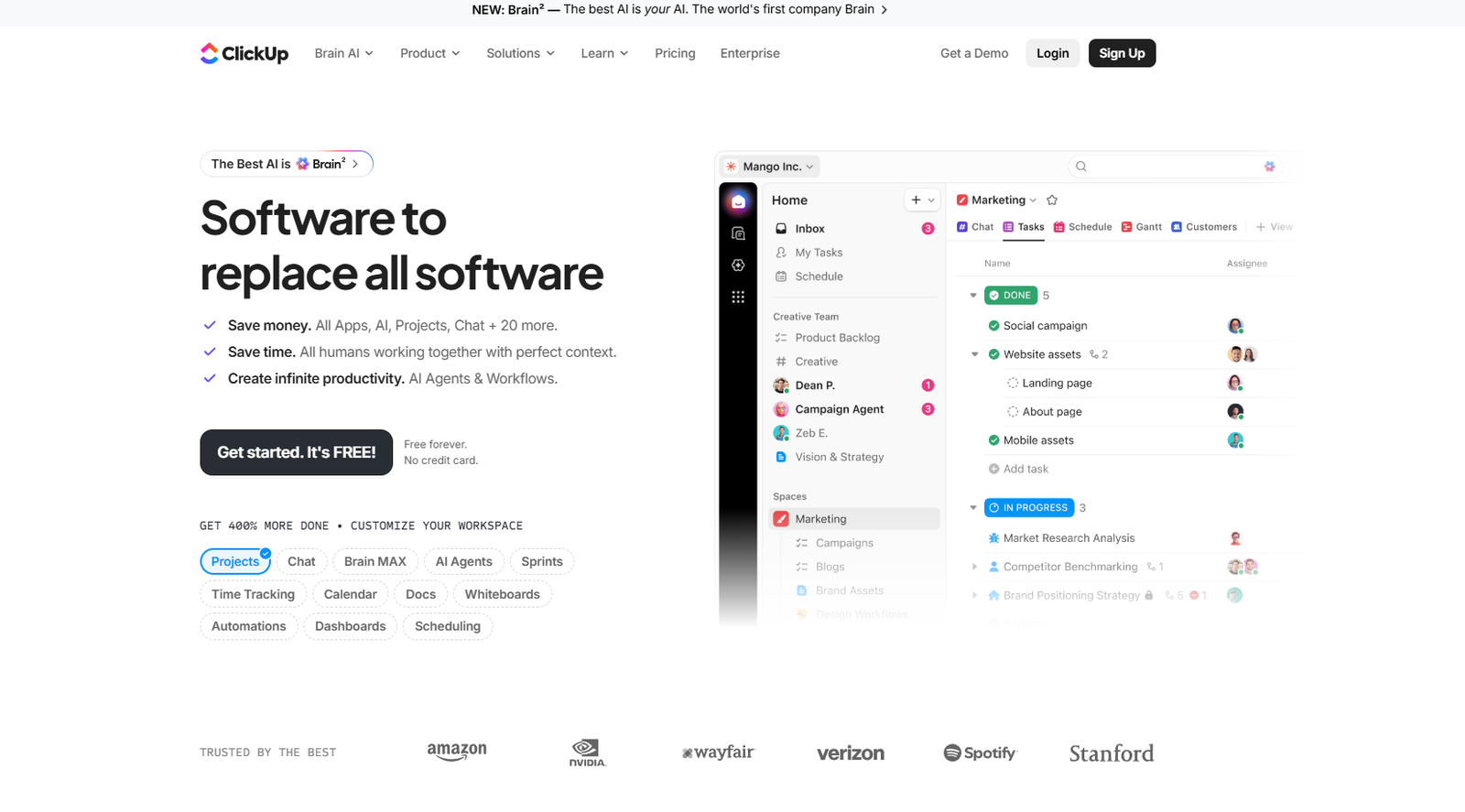
ClickUp is a project management platform first and a documentation tool second.
That distinction is important. While Notion can be adapted into a task manager, ClickUp already includes the structure many teams need: task relationships, priorities, assignees, statuses, recurring work, dependencies, estimates, dashboards, and reporting.
It also includes Docs, whiteboards, goals, forms, time tracking, and multiple project views.
Key advantages
- Advanced task management
- Built-in Docs
- List, board, calendar, Gantt, and timeline views
- Workflow automation
- Dashboards and reporting
- Team collaboration tools
ClickUp makes more sense when the work itself is the priority.
A content team, for example, can track briefs, drafts, reviews, publication dates, and ownership with far more precision than a basic Notion board usually provides. Managers also get better visibility into overdue tasks, workload, and project progress.
If project management is your main reason for using Notion, ClickUp is one of the more capable replacements.
The interface is denser, though. There are a lot of menus, settings, and features, and smaller teams may not need all of them.
4. Anytype
Best for: Privacy-focused note-taking
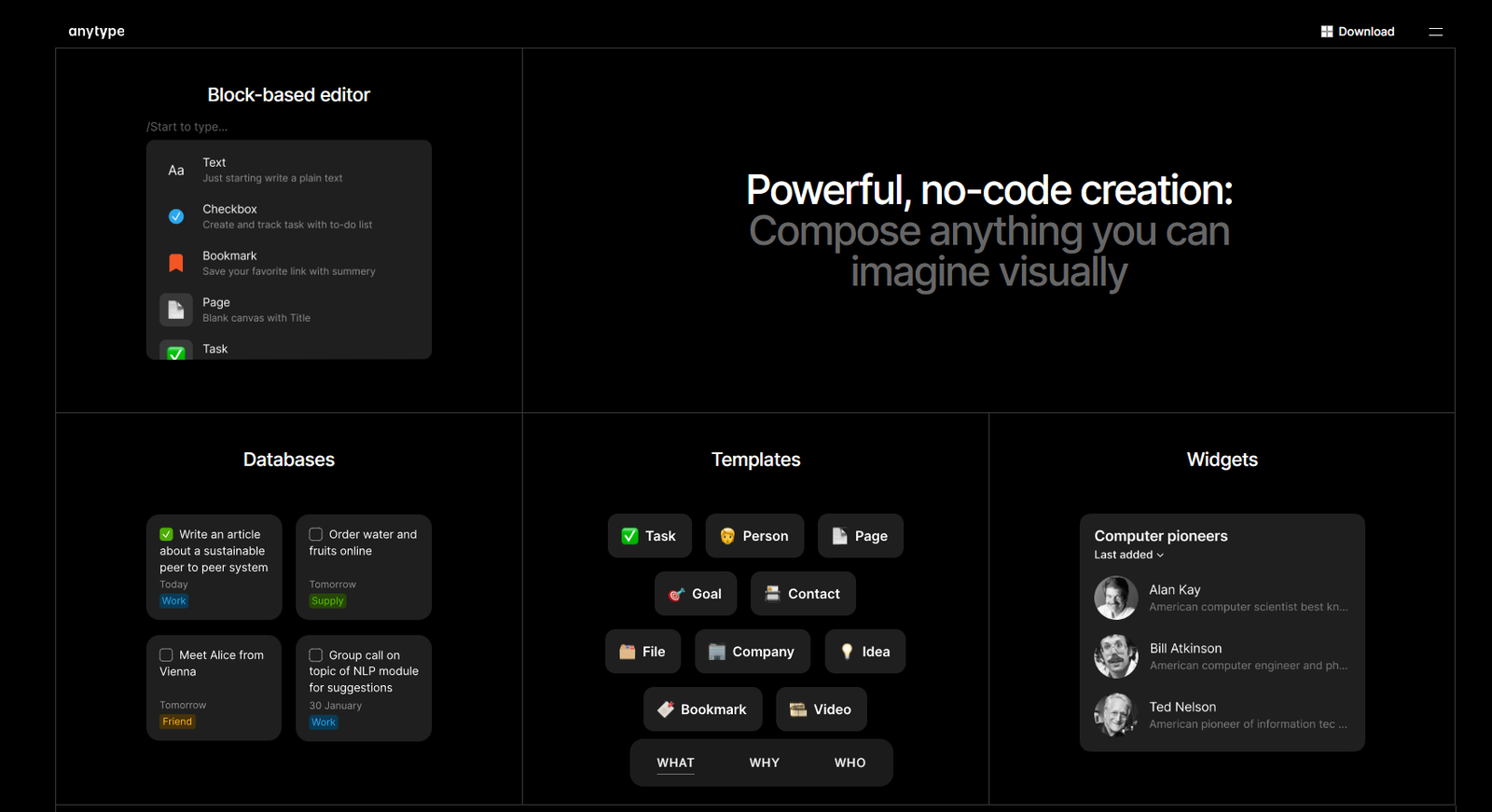
Anytype is built around local-first storage, encryption, and personal ownership of information.
Its organization system uses objects rather than relying only on traditional pages and folders. An object might represent a note, book, person, task, project, or almost anything else. These objects can then be connected and displayed in different ways.
The concept feels familiar to anyone who has used Notion databases, but the underlying privacy approach is quite different.
Why users choose it
- Local-first architecture
- End-to-end encryption
- Cross-device synchronization
- Flexible object-based organization
- Strong focus on data ownership
- Offline access
Anytype is attractive for people who like Notion’s structured approach but don’t want their entire knowledge system to depend on a conventional cloud workspace.
Its visual interface is polished, and the object system can be genuinely useful once you understand it. There is a learning curve, however. Users looking for a simple notes list may find the structure more elaborate than necessary.
5. Microsoft OneNote
Best for: Traditional note-taking
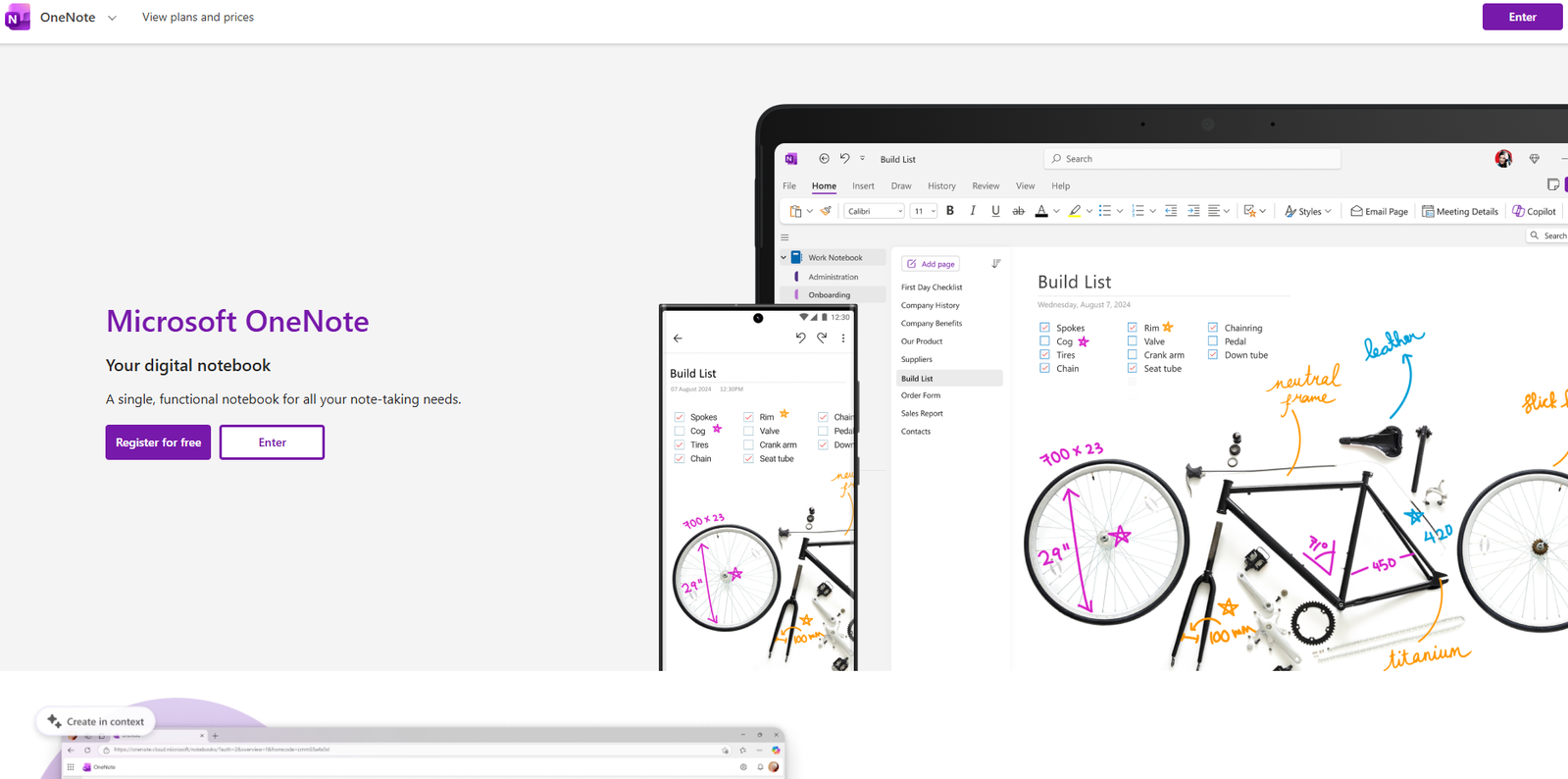
OneNote is less trendy than many newer productivity apps, but it remains practical.
Its notebook-style layout is easy to understand: notebooks contain sections, and sections contain pages. You can place text, drawings, screenshots, files, and handwritten notes freely across the page rather than following a rigid block layout.
That freeform canvas is especially convenient on tablets or touchscreen laptops.
Strengths
- Free for many users
- Strong handwriting and drawing support
- Microsoft 365 integration
- Good search functionality
- Flexible page layout
- Familiar notebook structure
OneNote is a sensible choice for students, teachers, office workers, and anyone already using Outlook, Teams, Word, or other Microsoft tools.
It doesn’t offer the same database-building possibilities as Notion, and its interface can feel less refined in places. Still, for meeting notes, class notes, research clippings, and handwritten planning, it often requires less setup.
You can open a notebook and start writing. Sometimes that simplicity is exactly what people are missing.
6. Confluence
Best for: Company knowledge bases
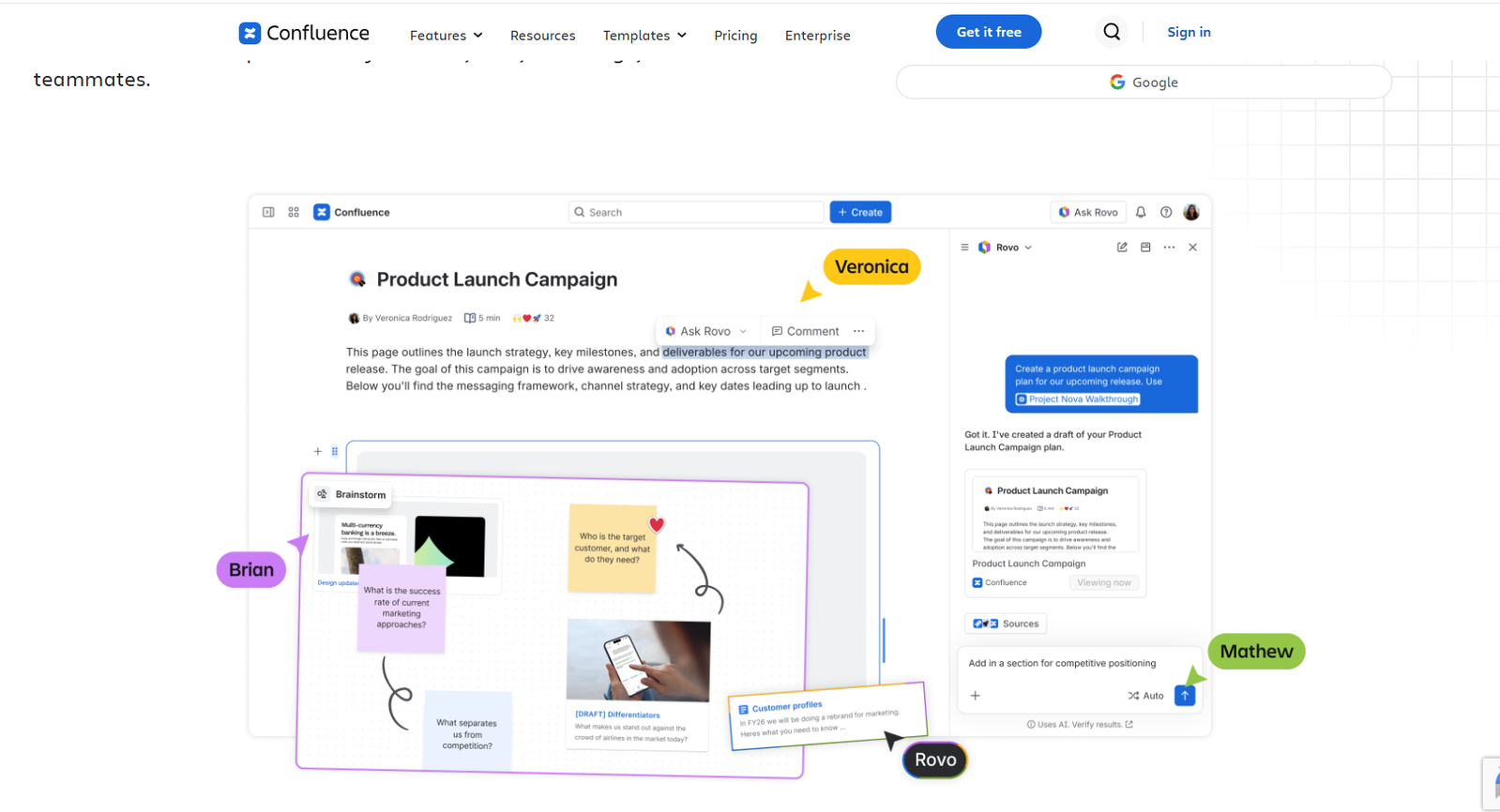
Confluence is designed for structured team documentation.
It is commonly used for internal wikis, technical documentation, meeting records, onboarding materials, policies, product requirements, and shared company knowledge.
The platform is particularly useful in organizations already using Jira or other Atlassian products.
Benefits
- Collaborative document editing
- Detailed permission controls
- Page history and version tracking
- Organized team spaces
- Templates for common business documents
- Strong Jira integration
Confluence feels more formal than Notion. That can be useful when documentation needs clear ownership, consistent structure, and controlled access.
Large teams often prefer it because information can be separated into spaces, permissions can be managed more carefully, and page histories are easy to review.
It is less appealing for casual personal notes or highly visual dashboards. Confluence works best when documentation is treated as part of an organization’s infrastructure rather than as a creative personal workspace.
7. Evernote
Best for: Organizing personal notes
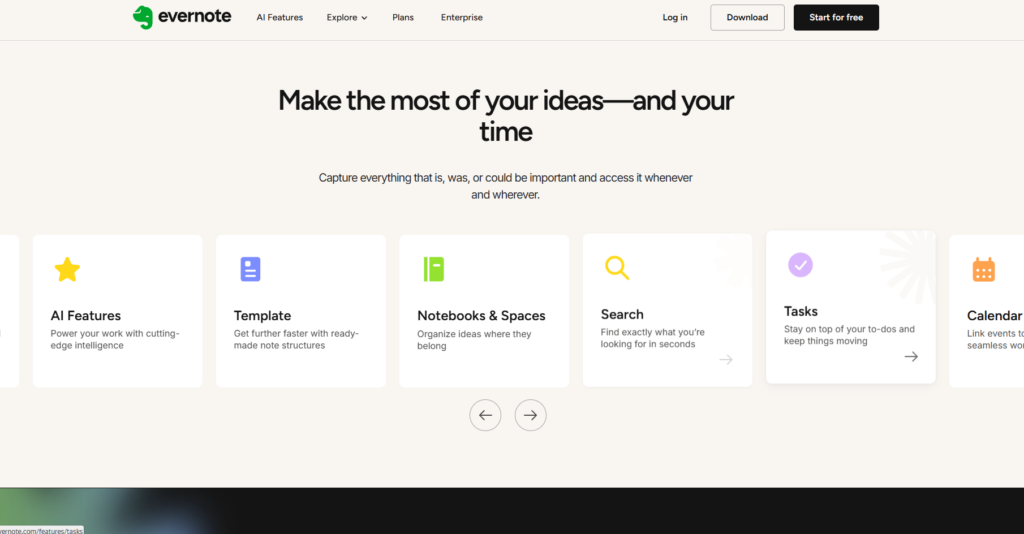
Evernote has been around much longer than most of the tools on this list. Its main strength is still capture: saving ideas, web pages, documents, receipts, meeting notes, and reference material in one searchable place.
The web clipper remains one of its most useful features. It can save full pages, simplified articles, bookmarks, or screenshots without requiring much cleanup.
Highlights
- Reliable web clipping
- Strong search
- OCR for scanned documents and images
- Cross-platform support
- Notebook and tag organization
- Document scanning
Evernote works best for people who want to collect and retrieve information rather than build complicated databases.
It is useful for research archives, personal records, travel planning, recipes, receipts, and ongoing reference material. Search is particularly valuable when a notebook has grown over several years and manual organization becomes less realistic.
The main limitation is that its pricing and plan restrictions have changed over time, which has pushed some long-term users toward alternatives. It’s worth checking the current plan limits before moving a large archive into the platform.
8. AppFlowy
Best for: Open-source enthusiasts
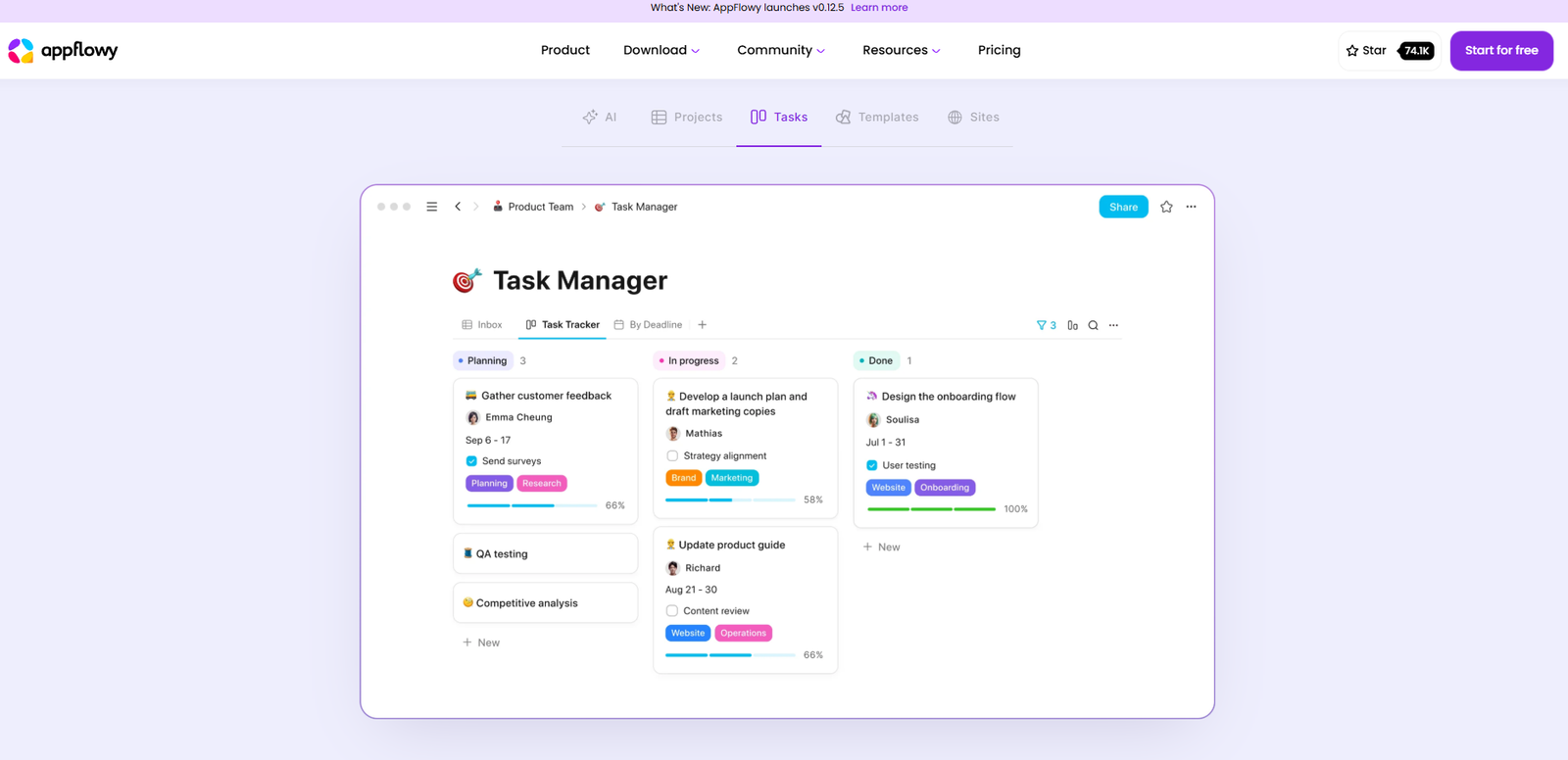
AppFlowy is one of the closest open-source alternatives to Notion in terms of its general workspace style.
It includes pages, databases, boards, documents, and customizable views while giving users more control over hosting and data.
The interface feels familiar without being a direct copy. Anyone who understands blocks, tables, and Kanban boards should be able to find their way around fairly quickly.
Advantages
- Open-source development
- Community-driven ecosystem
- Self-hosting options
- Customizable workspace
- Offline-friendly approach
- Familiar page and database structure
AppFlowy is particularly interesting for technical users, privacy-conscious teams, and organizations that prefer not to depend entirely on a closed software platform.
It is still developing, so some areas may feel less mature than Notion. Integrations, templates, mobile behavior, and collaboration features may not always have the same level of polish.
Even so, its open architecture gives it an advantage that most mainstream productivity tools simply don’t offer.
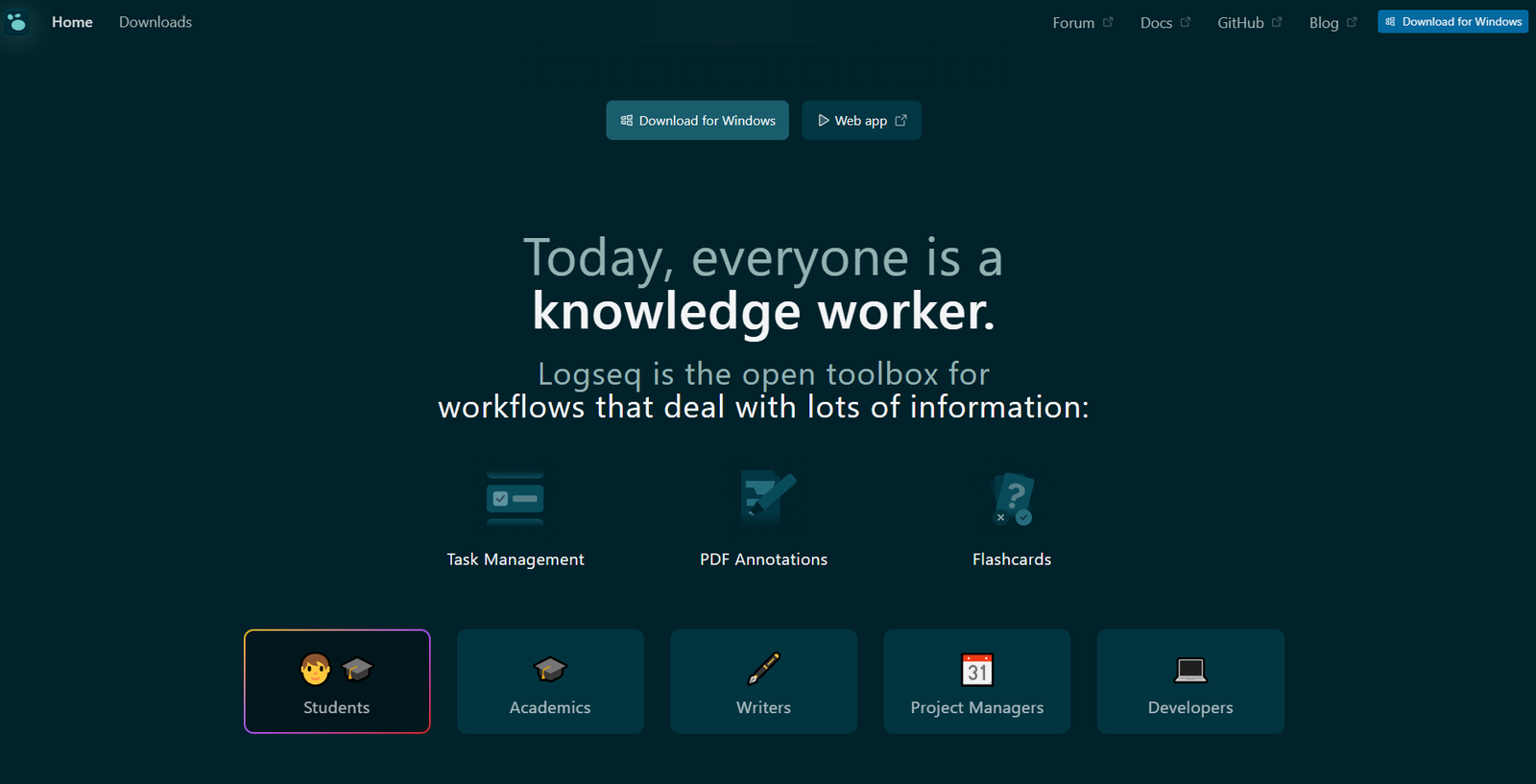
9. Logseq
Best for: Connected thinking
Logseq is an outliner-based knowledge management tool built around daily notes, linked references, and local files.
Instead of starting with a blank page and deciding where each note belongs, many users begin in the daily journal. They write thoughts, tasks, references, or meeting notes as bullet points and link important topics as they go.
Over time, those links create a connected knowledge system.
Best features
- Daily journals
- Local file storage
- Bidirectional links
- Graph visualization
- Block-level references
- Open-source foundation
Logseq is useful for researchers, students, developers, and people who naturally think in outlines.
Its block-based structure makes it easy to reference a specific idea without linking to an entire page. This can be surprisingly effective for research notes and long-running projects.
The interface is more specialized than Notion’s. People who prefer polished pages, visual databases, or conventional documents may not enjoy it. Logseq rewards a consistent note-taking habit, but it can feel unusual during the first few days.
10. Airtable
Best for: Database-driven workflows
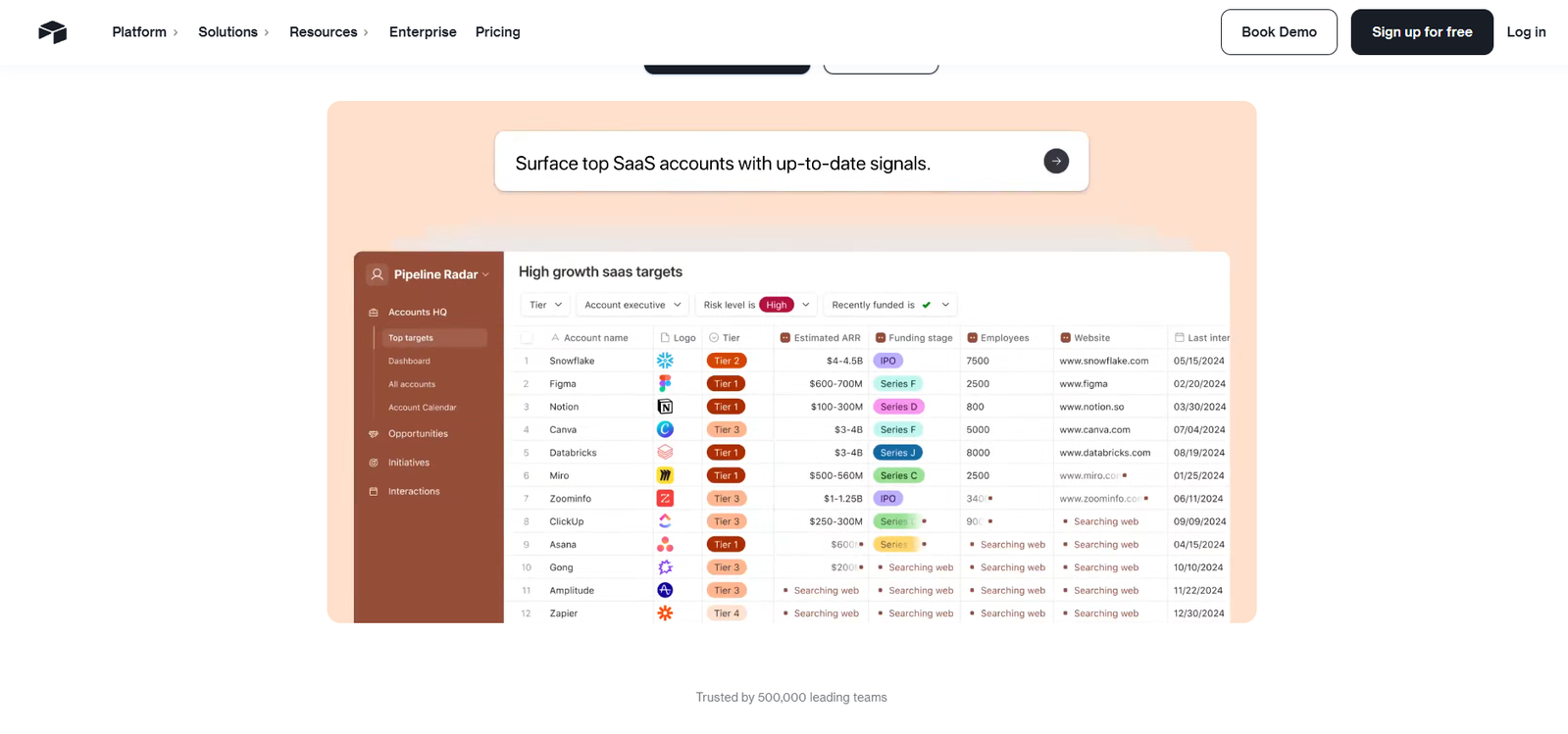
Airtable combines the familiarity of a spreadsheet with the structure of a relational database.
It is especially useful when your information consists of clearly defined records: products, campaigns, clients, content pieces, applicants, inventory items, or project requests.
Each record can include attachments, dates, collaborators, linked records, selections, formulas, and other field types.
Common use cases
- Editorial and content calendars
- Marketing campaign planning
- Product roadmaps
- Lightweight CRM systems
- Event planning
- Inventory tracking
Airtable offers several views, including grids, calendars, Kanban boards, galleries, timelines, and forms. The same underlying data can be displayed differently for different teams.
This is often where Airtable feels stronger than Notion. Its databases are more structured, and relationships between records tend to be easier to manage at scale.
It is not a natural replacement for freeform notes or long documentation. Airtable is at its best when the data itself is the center of the workflow.
11. Nuclino
Best for: Lightweight collaboration
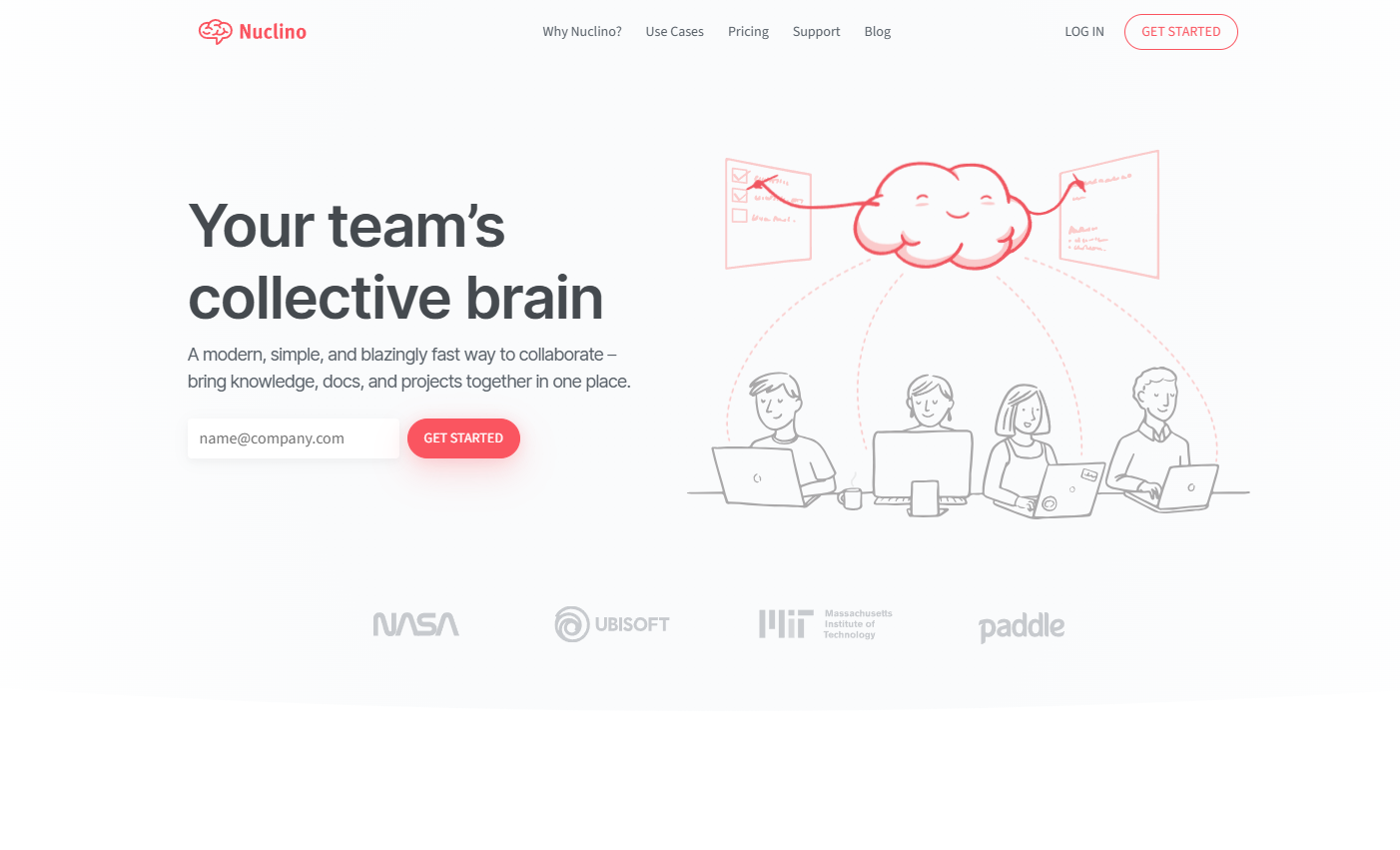
Nuclino is designed for teams that want a shared workspace without spending days configuring it.
Its editor is clean, navigation is quick, and the feature set is intentionally restrained. Teams can create documents, link related pages, assign work, and organize information visually without building an elaborate system.
Advantages
- Fast, uncluttered interface
- Easy real-time collaboration
- Visual graph and board organization
- Low learning curve
- Simple internal linking
- Useful for small teams
Nuclino is well suited to lightweight wikis, product documentation, meeting notes, onboarding guides, and simple team planning.
Its biggest strength is also its limitation. You won’t find the same depth of databases, formulas, automation, or task controls available in larger platforms.
For a team that mainly wants to write, organize, and find information, that restraint can be refreshing.
12. Slite

Best for: Internal team documentation
Slite focuses on collaborative documentation and knowledge sharing, particularly for remote and distributed teams.
The editor is clean and doesn’t demand much training. Teams can use it for meeting notes, decisions, onboarding, project documentation, handbooks, and internal processes.
Why it stands out
- Clean document editor
- AI-assisted search and writing features
- Team collaboration
- Organized collections
- Decision tracking
- Suitable for remote teams
Slite is less flexible than Notion, but that can make it easier to maintain.
Many internal wikis fail because every person creates pages differently. Slite encourages a more consistent documentation habit, making it easier for teammates to find useful information later.
It is best viewed as a focused team knowledge base rather than an all-purpose productivity platform.
Read More: While evaluating tools for managing your notes, projects, and teamwork, you might also find that digital planners offer an excellent way to keep your personal tasks and goals organized, such as these 12 Best Digital Planner Templates for GoodNotes and iPad.
Comparison Table
| Tool | Best For | Offline Support | Collaboration |
|---|---|---|---|
| Obsidian | Personal knowledge management | Excellent | Moderate |
| ClickUp | Project management | Limited | Excellent |
| Coda | Interactive workflows | Limited | Excellent |
| Anytype | Privacy and data ownership | Excellent | Good |
| OneNote | Traditional note-taking | Good | Good |
| Confluence | Enterprise documentation | Limited | Excellent |
| Evernote | Personal organization | Good | Moderate |
| AppFlowy | Open-source workspaces | Excellent | Good |
| Logseq | Connected notes and outlining | Excellent | Moderate |
| Airtable | Structured databases | Limited | Excellent |
| Nuclino | Lightweight team documentation | Limited | Excellent |
| Slite | Internal knowledge sharing | Limited | Excellent |
Conclusion
Notion remains one of the most flexible productivity tools available, but flexibility isn’t always the same as suitability.
Obsidian and Logseq are stronger for local knowledge management. ClickUp provides more serious project controls. Airtable handles structured data more naturally, while Coda is useful for interactive workflows. Anytype and AppFlowy offer greater control, and platforms such as Confluence, Nuclino, and Slite provide more focused team documentation.
The most useful alternative isn’t necessarily the one with the longest feature list. It’s the one that supports your regular work without creating extra maintenance.
Identify the two or three capabilities you genuinely rely on—offline access, task management, collaboration, privacy, databases, or simple notes—and compare tools around those priorities. That usually leads to a much better decision than trying to replace every Notion feature at once.
Frequently Asked Questions
What is the best overall Notion alternative?
There is no single best Notion alternative for every user. Obsidian is excellent for personal knowledge management, ClickUp is better for project management, Airtable works well for structured databases, and Confluence is more suitable for company documentation.
What is the best free alternative to Notion?
Obsidian is one of the strongest free options for local notes and knowledge management. Microsoft OneNote is better for traditional notebooks, while AppFlowy and Logseq are useful open-source alternatives for users who want more control over their data.
Which Notion alternative works best offline?
Obsidian, Logseq, Anytype, and AppFlowy provide some of the strongest offline and local-first workflows. Obsidian is especially practical because notes are stored as standard Markdown files directly on the user’s device.
Is there an open-source alternative to Notion?
Yes. AppFlowy is an open-source Notion alternative that supports offline use, customization, and self-hosting. Logseq is another open-source option designed mainly for outlining, linked notes, and personal knowledge management.
Which Notion alternative is best for teams?
ClickUp is a strong option for teams focused on projects, tasks, deadlines, and reporting. Confluence is better for structured company documentation, while Slite and Nuclino are easier choices for teams that want a simple internal knowledge base.
Which Notion alternative offers the best privacy?
Anytype is one of the strongest privacy-focused alternatives because it uses a local-first approach and end-to-end encryption. Obsidian also gives users strong data ownership by storing notes as local Markdown files.
Is Obsidian better than Notion?
Obsidian is better for offline writing, backlinks, local file ownership, and personal knowledge management. Notion is generally easier for real-time collaboration, shared databases, team dashboards, and browser-based workflows.
Can I migrate from Notion to another platform?
Yes. Notion allows users to export pages and databases in formats such as Markdown, CSV, HTML, and PDF. Simple notes usually transfer easily, but formulas, relations, automations, permissions, and advanced database views may need to be rebuilt manually.
Save your Pin in Pinterest
Follow Us