

Digital Planner Templates: 15 Smart Picks You’ll Love
The best digital planner templates do more than recreate a paper calendar on a screen. They give your schedule, goals, finances, habits, and half-finished ideas a place to live without forcing you to carry another notebook.
A good template also removes much of the setup work. Instead of building monthly pages, linking sections, and designing trackers from scratch, you can import a ready-made PDF into Goodnotes, Notability, Xodo, or another annotation app and start planning.
That convenience matters, but the number of available designs can make choosing one surprisingly difficult. Some planners are enormous all-in-one systems. Others focus tightly on budgeting, wellness, or daily scheduling.
We narrowed the options to 15 practical Creative Fabrica templates that cover different planning styles and routines. Creative Fabrica currently lists thousands of digital planner-related assets, including dedicated collections for Goodnotes and iPad planners.
Quick Picks
- Best overall flexible option: Ultimate Digital Planner 2025–2027 and Undated
- Best all-in-one option: All in One Digital Planner
- Best for budgeting: Digital Budget Planner and Financial Plan
- Best for wellness: Digital Wellness Journal
- Best editable option: Editable 2026 Digital Planner Canva Template
How I Picked These
I compared these digital planner templates by navigation, page clarity, dated and undated flexibility, specialization, app compatibility, customization, file complexity, and how naturally each option fits a practical routine rather than simply offering the largest number of pages or decorative extras.
15 Best Digital Planner Templates
1. Premium 2026 Digital Planner for Goodnotes
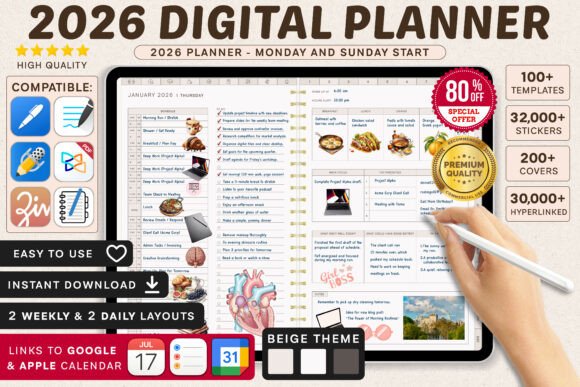
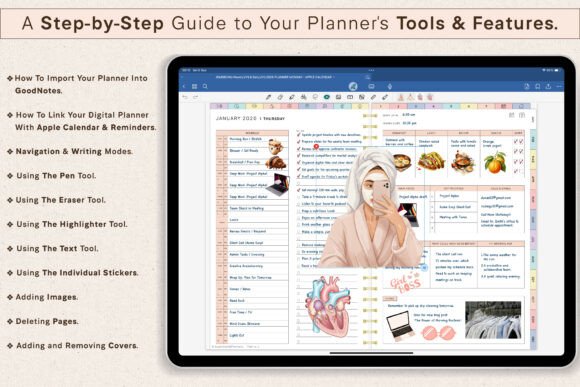
This dated planner is aimed at people who prefer a structured year rather than an open-ended undated system. Its visual presentation is polished but restrained, so appointments and notes remain easier to scan than they would in a heavily decorated layout.
It makes the most sense for someone who plans consistently and wants each week already assigned to the correct calendar dates. A dated planner does require more commitment, though. If you regularly abandon planning for several weeks, an undated design will waste fewer pages.
The template is listed as a Goodnotes planner and comes from SuperDigitalPlanners.
Best for: Structured annual planning and weekly scheduling
Key features: Dated layouts, polished pages, organized navigation
2. All in One Digital Planner
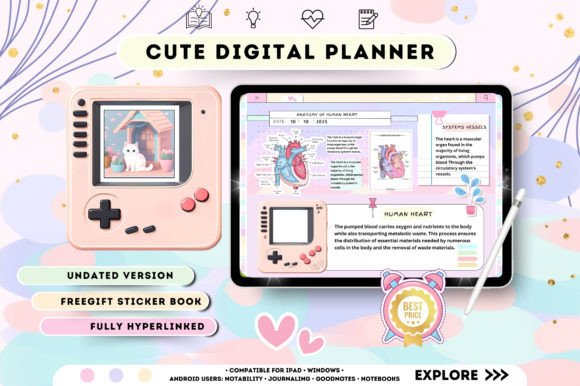
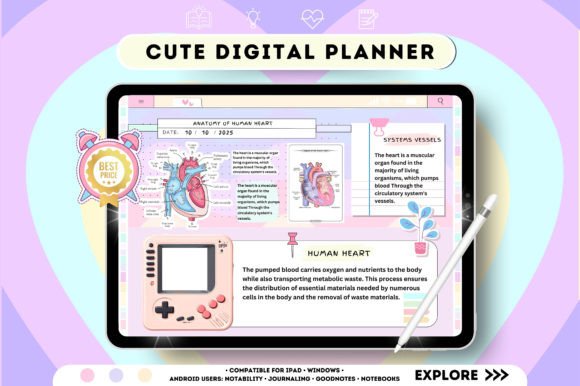
This template combines everyday scheduling with more specialized sections for productivity, projects, meals, budgets, notes, and personal organization.
An all-in-one setup can be useful when your information is currently scattered across several notebooks and apps. The tradeoff is that large planners usually take longer to learn. You may need a few days to decide which sections genuinely help and which ones can be ignored.
The design is described as an undated, interactive organizer suitable for digital planning and note-taking.
Best for: Managing several areas of life together
Key features: Undated structure, project pages, budget sections
3. Digital Budget Planner and Financial Plan
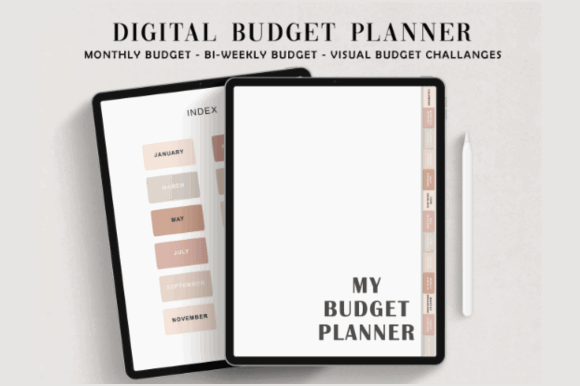
General life planners often include one or two basic expense pages. That is rarely enough for anyone trying to understand where their money is actually going.
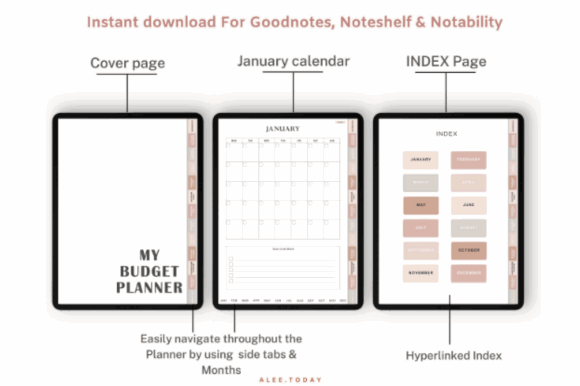
This finance-focused planner gives budgeting its own dedicated workspace. It is better suited to tracking recurring expenses, savings goals, monthly plans, and financial progress without mixing those details into daily scheduling pages.
The layout is a sensible option for beginners who want more structure than a blank spreadsheet but do not need a complicated accounting system.
Best for: Monthly budgeting, savings, and expense tracking
Key features: Finance-focused pages, structured categories, clean layout
4. Digital Wellness Journal
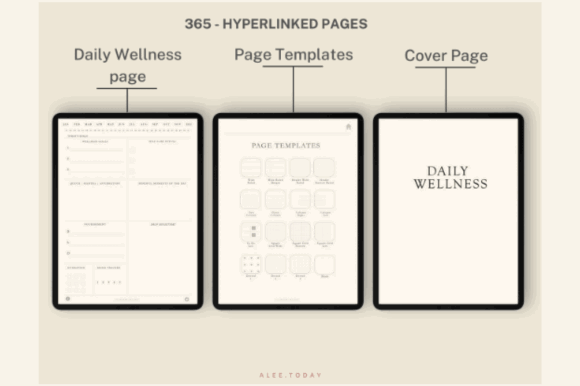
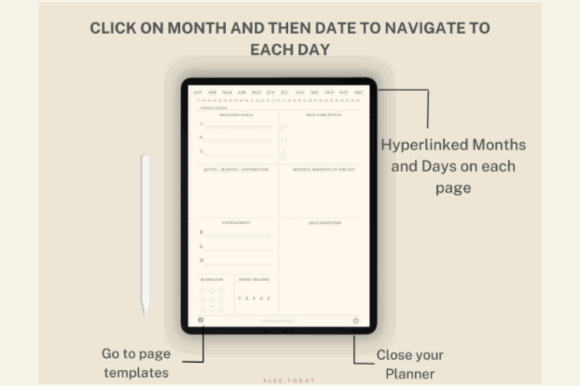
This minimalist wellness planner shifts the focus away from appointments and toward reflection, self-care, and everyday wellbeing.
It includes 365 undated hyperlinked pages, five daily wellness covers, and more than 100 digital stickers. The ivory-toned layout is fairly quiet visually, which suits reflective journaling better than a brightly colored productivity dashboard.
This is not the strongest option for detailed work scheduling. It is more useful as a private journal for recording routines, moods, observations, and personal check-ins.
Best for: Wellness tracking, reflection, and self-care journaling
Key features: 365 pages, hyperlinks, bonus covers, stickers
5. Ultimate Digital Planner 2025–2027 and Undated

This bundle solves one common problem with dated planners: their limited lifespan. It includes dated versions for several years alongside an undated option, making it easier to keep the same basic system without replacing it immediately.
Users can choose from different daily, weekly, and monthly layouts, as well as modern tabs and customizable configurations. It is designed for Goodnotes, iPad use, and Notability.
The bundle is most useful for people who already know they prefer digital planning. Beginners may find the number of available variations slightly distracting at first.
Best for: Long-term planning across multiple calendar years
Key features: Dated versions, undated pages, multiple layouts
6. All-in-One Digital Planner with Stickers
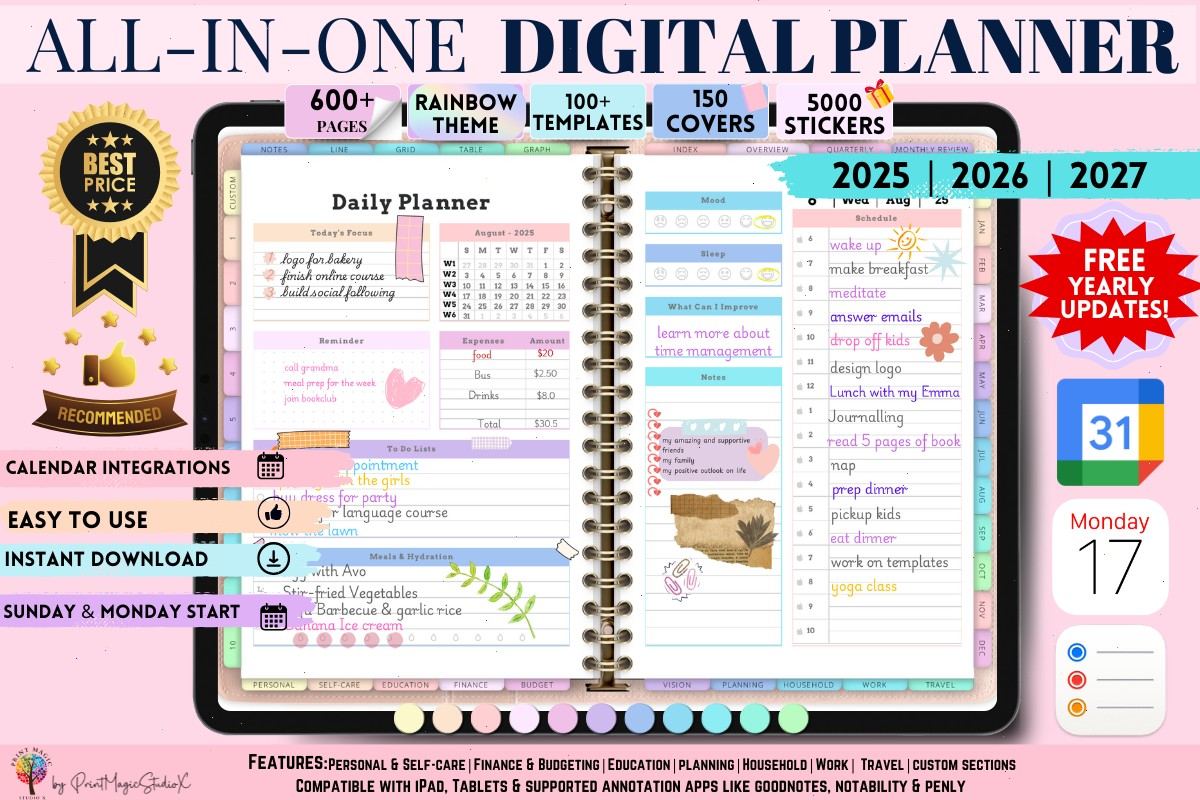
Some people treat digital planning as a functional task. Others enjoy customizing each page almost as much as completing the tasks written on it.
This rainbow-themed planner sits firmly in the second category. It includes a large sticker collection, numerous covers, calendar integration, and templates covering personal planning, self-care, education, finance, household management, work, travel, and vision planning.
It offers plenty of variety, but that abundance can become visual noise. It is best for someone who enjoys personalization and will actually use the extra sections.
Best for: Decorative planning and broad life organization
Key features: Multiple covers, stickers, calendar integration, themed sections
7. Budget Digital Planner with Hyperlinked Tabs
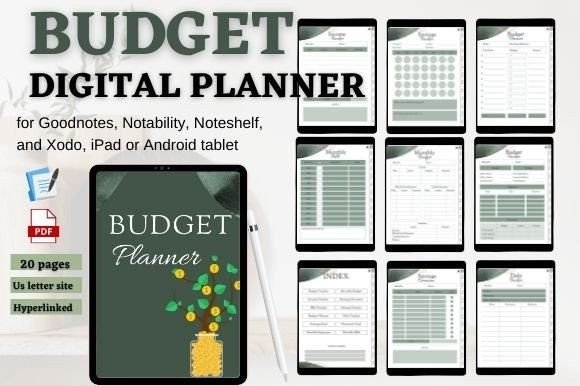
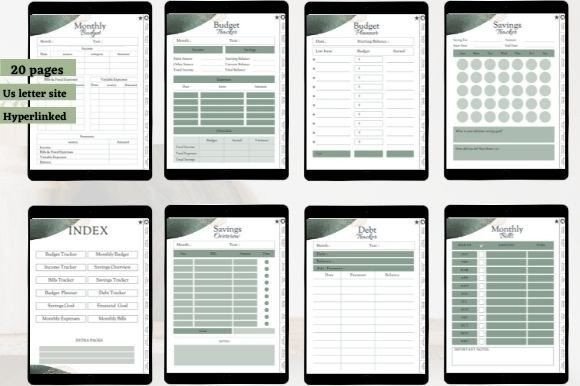
This planner organizes financial information through clickable tab navigation. Its sections cover areas such as savings goals, income, bills, expenses, and monthly budgeting.
Hyperlinked tabs are especially useful in a finance planner because you may need to jump frequently between an overview and a specific tracker. Without that navigation, a large budgeting PDF quickly becomes tedious to use.
The layout is more practical than decorative. That is usually a good thing for financial planning, where clarity matters more than visual embellishment.
Best for: Bills, savings goals, and monthly budgets
Key features: Hyperlinked tabs, finance trackers, structured navigation
8. Goodnotes and Xodo Digital Planner
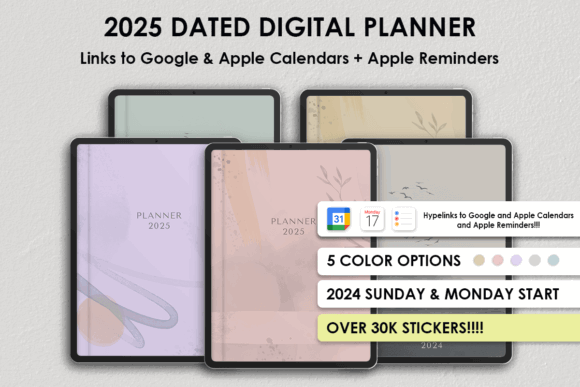
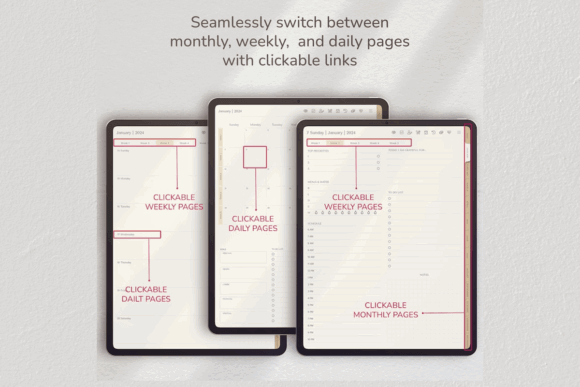
This planner is designed for several popular annotation apps, including Goodnotes and Xodo, making it a more flexible choice for households using different devices.
It includes hyperlinked navigation and links that connect with Apple and Google calendars. That does not turn the PDF into a fully synchronized calendar app, but it can make moving between planning pages and scheduled events more convenient.
The design is especially useful for Android tablet owners, who sometimes have fewer planner options than iPad users.
Best for: Cross-platform planning on tablets and computers
Key features: Hyperlinks, calendar links, broad app compatibility
9. All-in-One Digital Planner 2025–2027
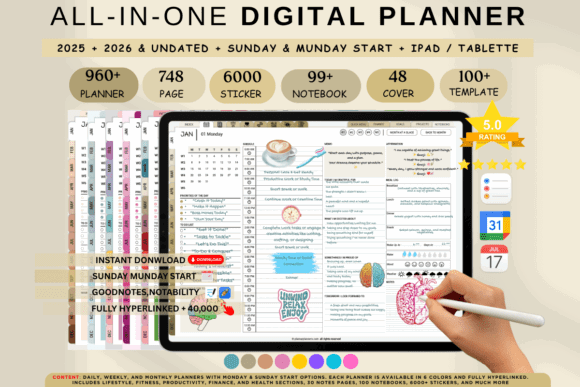
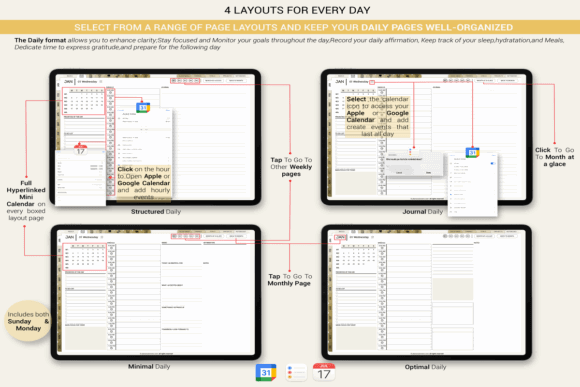
This broad life planner includes sections for personal organization, self-care, wellness, events, weddings, travel, budgets, and work.
It is a useful choice when a standard weekly calendar feels too narrow. Event and travel pages, for example, let you keep vendor information, timelines, checklists, expenses, and schedules inside the same planner rather than creating separate documents.
Still, not everyone needs a system this large. Someone mainly tracking appointments may move through a smaller planner faster.
Best for: Life management, events, travel, and wellness
Key features: Multi-year pages, specialized sections, broad organization
10. Digital Planner for iPad and Goodnotes
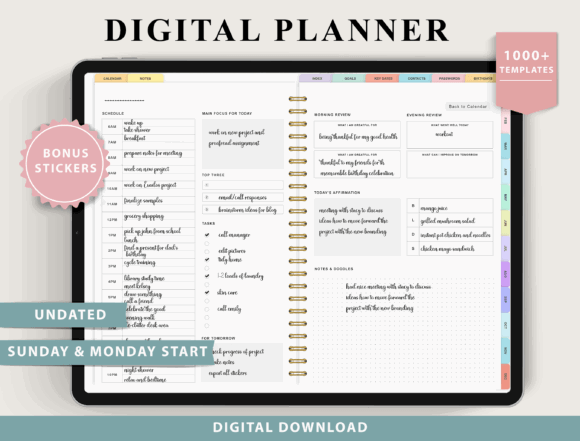
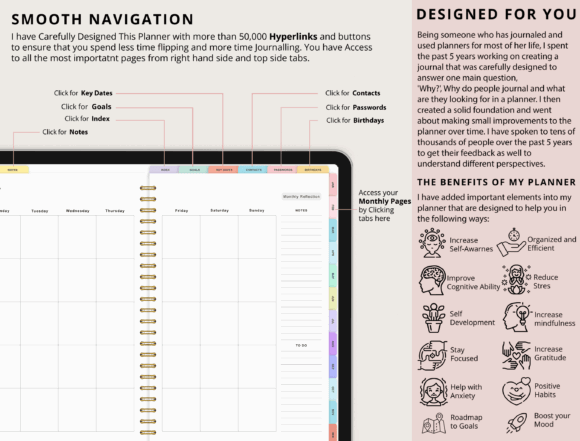
This all-in-one planner supports a broad selection of PDF annotation apps, including Goodnotes, Notability, Samsung Notes, CollaNote, and Xodo.
It can be used on Apple, Android, and Windows devices, although the listing specifically notes that it was not designed for OneNote and may not support certain e-ink devices.
That compatibility information makes it easier to avoid buying a polished planner that cannot be used in your preferred app. Check your exact device and software before downloading.
Best for: Users switching between devices or annotation apps
Key features: Cross-platform support, all-in-one planning, PDF annotation
11. All in One Digital Planner “Black”
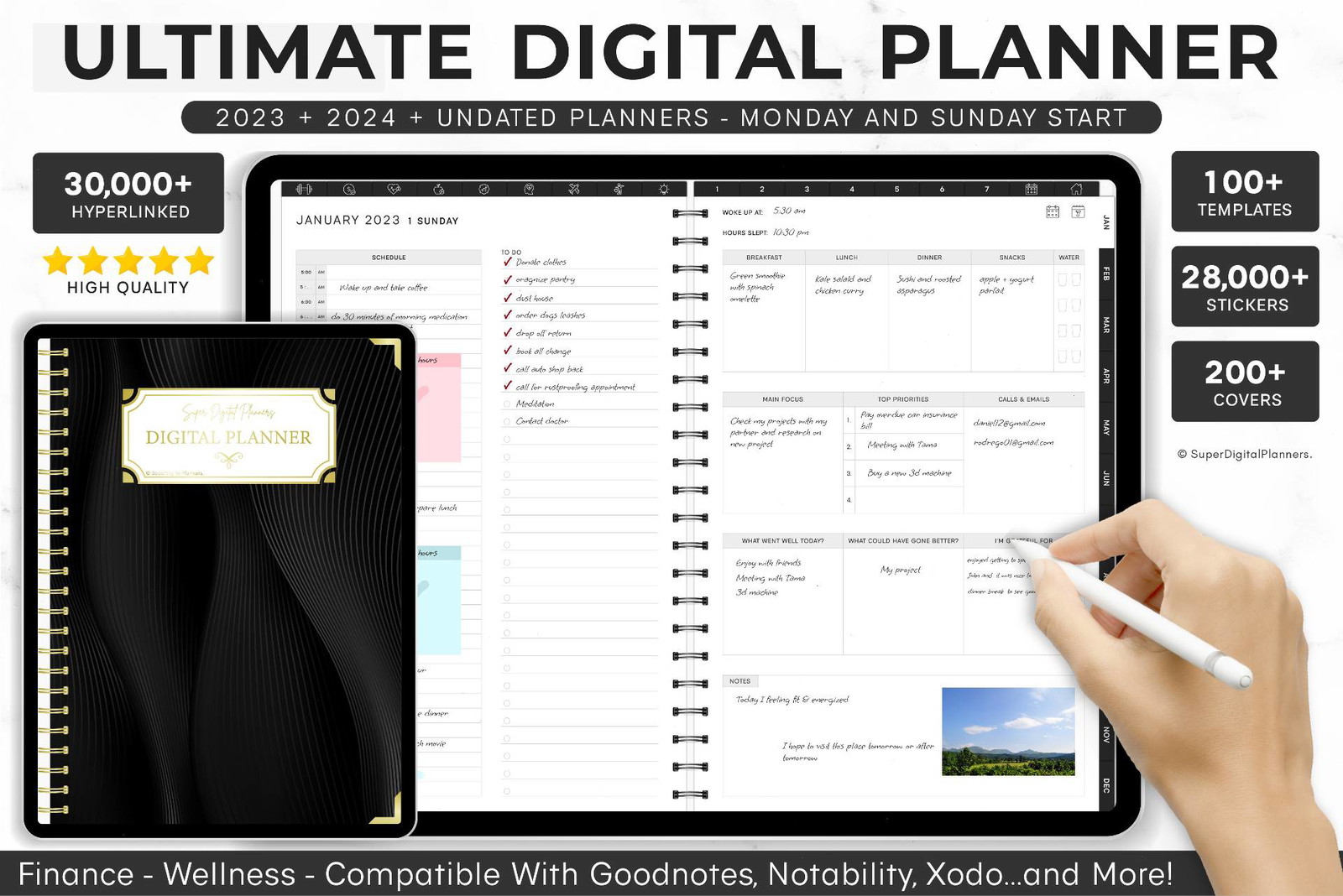
Dark planner themes can feel calmer on screen, especially when used in the evening. This black all-in-one planner offers a more dramatic alternative to the beige, pastel, and white layouts commonly found in planner collections.
The darker background gives headings and colored accents more visual weight. It can also make thin handwriting or low-contrast pen colors harder to read, so you may need to adjust your digital pen settings.
The template has received a five-star rating based on two reviews and has been saved to hundreds of Creative Fabrica favorites.
Best for: Dark-mode planning and bold visual organization
Key features: Black theme, all-in-one layout, strong contrast
12. 2026 Goodnotes Planner Bundle
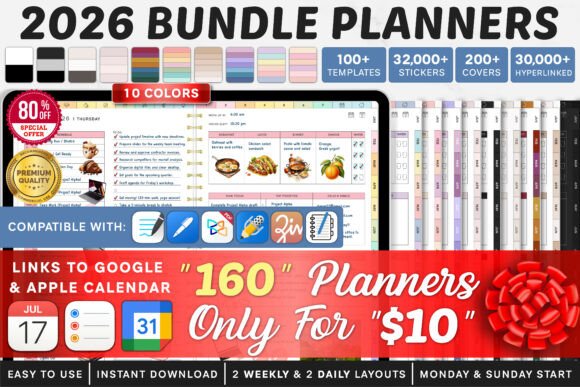
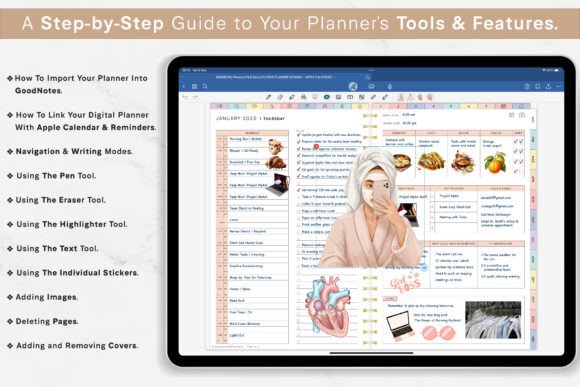
This bundle is built for users who want a dated Goodnotes planner with multiple design and layout options.
A bundle can be more useful than a single fixed planner when you are unsure whether you prefer horizontal, vertical, daily, or weekly planning. You can compare layouts without purchasing several unrelated products.
The downside is file clutter. Import only the version you intend to use rather than filling your annotation app with every included variation.
Best for: Comparing dated Goodnotes planner layouts
Key features: 2026 pages, multiple variations, structured scheduling
13. Editable 2026 Digital Planner Canva Template
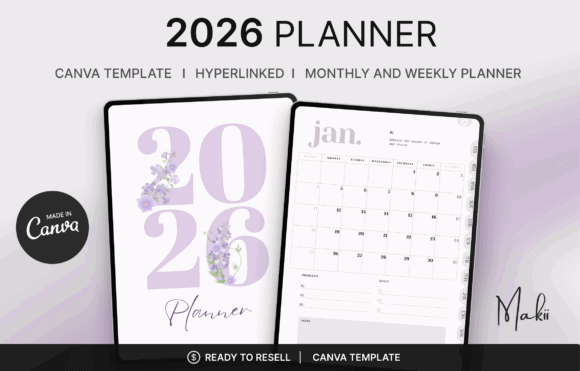
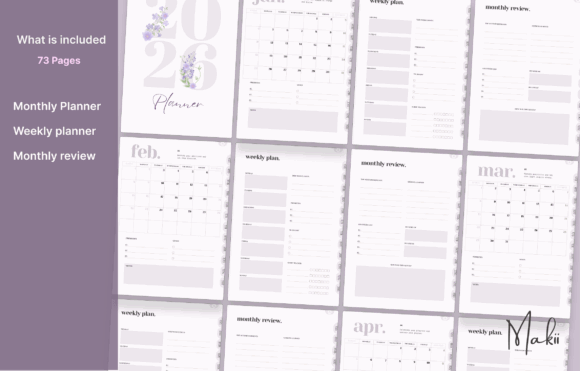
Most digital planners let you write on pages but do not let you redesign the underlying layout. This Canva template gives you more control over fonts, colors, components, branding, and page structure.
It is hyperlinked and intended for use with apps such as Goodnotes, Notability, and Xodo after editing and export. The template also includes an undated option.
This is the strongest option in the list for creators who care about visual identity. It is less convenient for someone who simply wants to download a finished planner and begin writing.
Best for: Custom branding and editable planner layouts
Key features: Canva editing, hyperlinks, customizable pages, undated option
14. Digital Planner Goodnotes Template
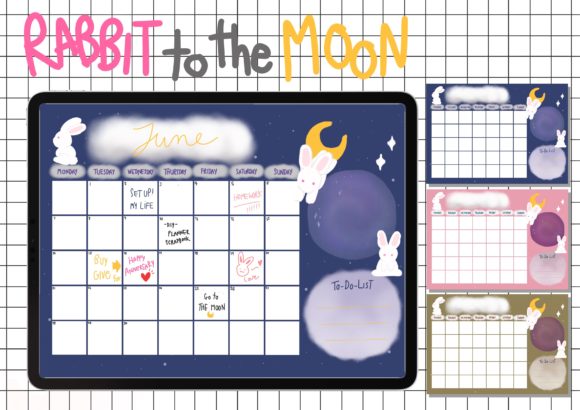
This straightforward Goodnotes template is a sensible option for users who do not need an enormous bundle or dozens of specialized life-management sections.
A smaller planner often feels faster in daily use. Fewer decorative dashboards mean less swiping, less decision fatigue, and less temptation to spend more time customizing pages than following the schedule.
The product is listed as a digital planner template from LITTLEENJOY with a commercial license included.
Best for: Simple Goodnotes planning without excess pages
Key features: Clean template, focused structure, tablet-friendly design
15. Digital Planner 2025
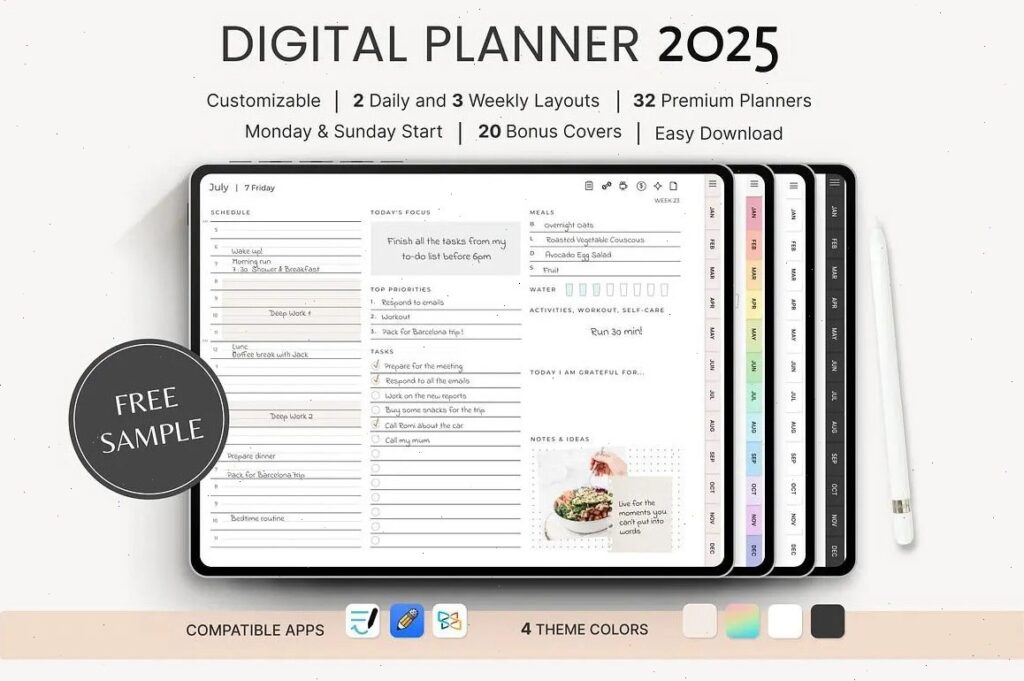
Although this version is dated for 2025, its structure is worth examining when choosing a broad digital life planner. It combines productivity with dedicated areas for health, fitness, and budget tracking.
The template illustrates what an all-in-one system can do well: related planning areas remain accessible from one central file. However, a past-year dated edition is no longer practical for current scheduling unless the pages can be edited or reused.
Choose the creator’s current edition rather than this older version when you need live calendar dates.
Best for: Reviewing all-in-one life planner organization
Key features: Productivity, health, fitness, budget sections
Read More: While these templates provide a great foundation for an organized digital life, you might also be looking for the perfect platform to use them with, like the 14 Best Digital Planners for 2026 to Stay Organized.
What Makes a Digital Planner Worth Using?
A digital planner should reduce friction rather than create another organizational project. The most useful layouts usually have clear tabs, readable page hierarchy, enough writing space, and hyperlinks that move between daily, weekly, and monthly sections.
Compatibility is just as important. Most downloadable planners are interactive PDF files rather than standalone apps. You normally import the PDF into an annotation app and write on it with a stylus, keyboard, or text tool.
Apps such as Goodnotes, Notability, Xodo, Noteshelf, and Samsung Notes support many of these workflows, although individual templates may not work in every app. Some planners also include calendar links, digital stickers, alternative covers, or editable Canva source files.
The right choice depends less on how many pages a planner contains and more on how naturally those pages fit your real routine.
How to Choose the Right Digital Planner Template
Check App Compatibility
Do not assume every digital planner will work inside every note-taking app.
Most are interactive PDFs, but features such as hyperlinks, embedded calendar links, stickers, or page duplication can behave differently across Goodnotes, Notability, Xodo, Samsung Notes, Noteshelf, and OneNote.
Check four things before downloading:
- Your device and operating system
- Your preferred annotation app
- Support for clickable hyperlinks
- Whether a stylus is required for your preferred workflow
One product in this roundup, for example, supports several annotation apps but explicitly excludes OneNote.
Choose Between Dated and Undated Layouts
A dated planner is faster to begin using because every day and week is already prepared. It is a natural fit for appointments, school terms, project deadlines, and consistent weekly routines.
An undated planner is more forgiving. You can skip several days or months without leaving visible gaps, and the same file can be reused for a longer period.
People new to digital planning often do better with an undated layout. It removes the pressure to use the planner continuously just because the calendar keeps moving.
Look at Navigation Before Decoration
Covers and stickers are appealing, but navigation determines how the planner feels after the novelty wears off.
Look for clickable monthly tabs, links from calendar pages to daily pages, clear return buttons, and an index that does not require repeated swiping.
A beautiful 1,000-page planner becomes frustrating when it takes ten taps to reach today’s schedule.
Avoid Overloaded Planners
More templates do not automatically create a better system. Large planners sometimes include sections for finances, reading, meals, fitness, social media, household tasks, travel, wellness, and dozens of other categories.
That variety is useful only when those sections match your actual life.
A planner containing ten pages you use every week is more valuable than one containing hundreds of trackers you never open. Start with the smallest system that covers your real needs, then expand when a repeated problem appears.
Which Digital Planner Template Should You Choose?
The best digital planner templates are not necessarily the ones with the most pages, stickers, covers, or trackers. They are the ones you can open quickly, understand without effort, and continue using after the initial excitement fades.
Choose an all-in-one planner when you genuinely want your schedule, goals, money, wellness, and projects in one file. Pick a focused budget or wellness planner when one area needs more attention. An editable Canva template makes more sense when visual customization matters as much as planning itself.
Above all, pay attention to compatibility and navigation. Those two details have a much bigger effect on daily use than decorative extras.
Some links in this article may be affiliate links. If you purchase through them, we may earn a small commission at no extra cost to you. Thanks for supporting our work.
FAQ
What is a digital planner template?
A digital planner template is usually an interactive PDF containing calendar, scheduling, note-taking, goal-setting, or tracking pages. It is imported into an annotation app such as Goodnotes, Notability, or Xodo.
Can digital planner templates be used without an iPad?
Yes. Many templates support Android tablets, Windows computers, and Apple devices. Compatibility depends on the PDF annotation app rather than the iPad alone, so check the individual product details before downloading.
Are Goodnotes planner templates reusable?
Undated Goodnotes planner templates can usually be reused by importing a clean copy of the original PDF. Dated templates are tied to a particular calendar year unless they also include undated pages.
What should a beginner look for in a digital planner?
A beginner should prioritize clear hyperlinks, simple daily and weekly layouts, readable typography, and compatibility with their chosen app. Avoid very large planner bundles until you know which sections you use regularly.

Follow Us