

ℹ️ Affiliate Disclosure: This article may contain affiliate links. We may earn a commission at no extra cost to you. Thanks for your support! ❤️
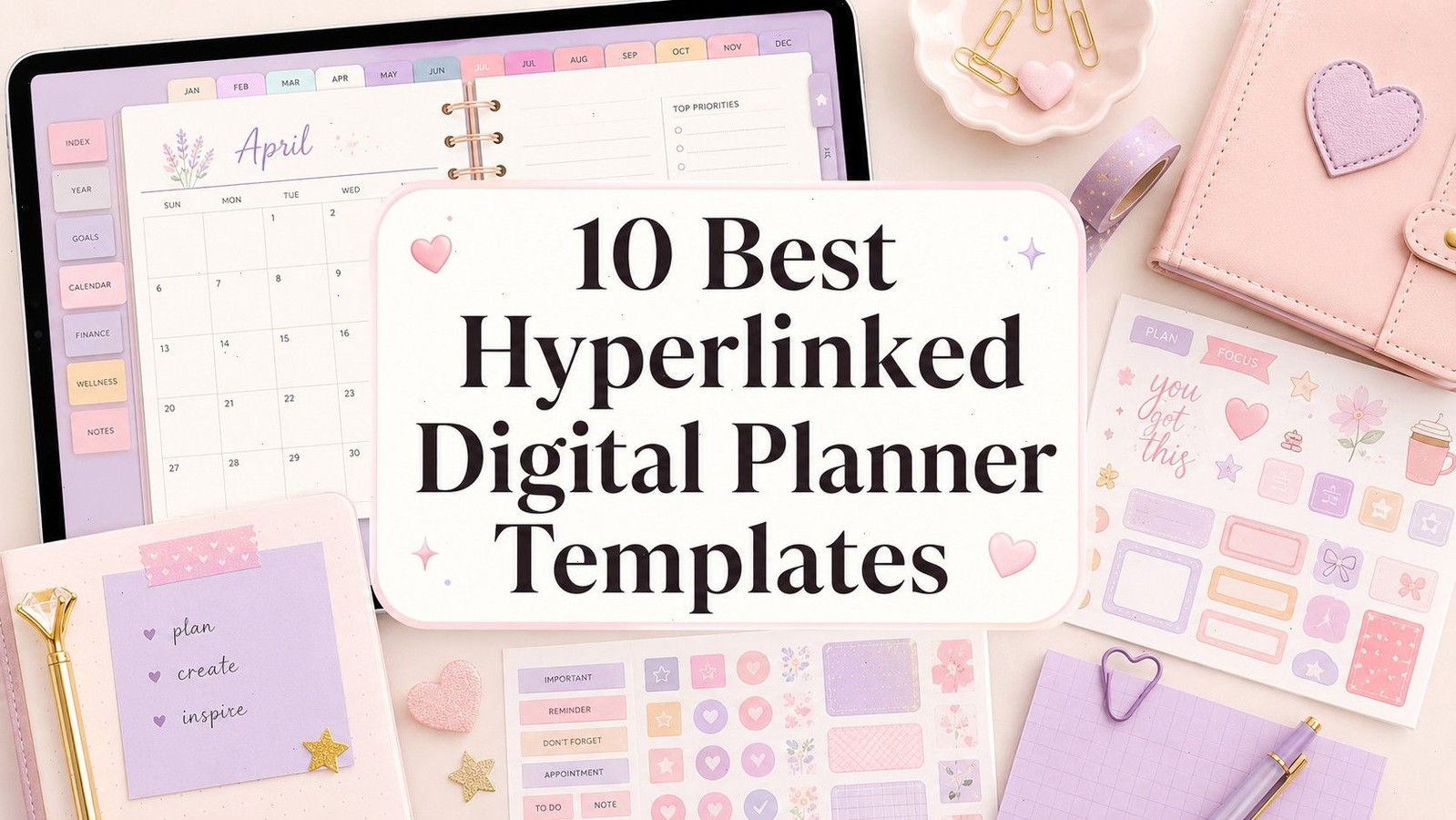
Hyperlinked Digital Planner Templates: 10 Best Picks
A good digital planner should reduce the time you spend organizing—not give you another complicated system to maintain. That is why the best hyperlinked digital planner templates rely on simple navigation, clearly labeled sections, and layouts you can understand without constantly returning to an index page.
Hyperlinks turn an ordinary planner PDF into something closer to a lightweight app. Tap a month, weekday, category, or side tab, and the planner jumps directly to that page. It feels much more natural than scrolling through hundreds of nearly identical sheets.
The ten templates below cover several planning styles, from minimalist daily schedules to large all-in-one collections. Each one offers confirmed hyperlink functionality, though the depth of navigation varies. Some are ready for immediate use, while others provide Canva editing access for creators who want more control.
Read More: If you're looking for even more ways to stay on top of your schedule and tasks, we've also compiled a list of the 14 Best Digital Planners for 2026 to Stay Organized.
Quick Picks
- Best simple reusable option: Undated Digital Planner for iPad and Goodnotes
- Best mega bundle: Digital Planner Mega Bundle
- Best daily option: Digital Minimalist Daily Planner
- Best lightweight weekly option: Digital Weekly Planner
- Best editable dated option: 2026 Digital Planner Canva Template
How I Picked These
I compared these hyperlinked planners by navigation clarity, useful link depth, writing space, page count, dated and undated flexibility, app compatibility, customization, and how quickly users can move between the pages they actually need without returning to an index or swiping through a large PDF.
What Makes a Hyperlinked Digital Planner Worth Using?
Hyperlinks alone do not make a planner useful. The navigation also needs to match the way the pages are structured.
For example, monthly tabs are enough for a small weekly planner. A 500-page life planner needs a deeper system with links between yearly, monthly, weekly, and daily sections. Otherwise, the extra pages become harder to manage rather than more helpful.
The strongest templates usually have:
- Clearly visible tabs that remain in the same position
- Links connecting related monthly, weekly, and daily pages
- A readable layout at normal tablet size
- Enough writing space for an Apple Pencil or stylus
- Compatibility with established PDF annotation apps
- Sections you will realistically use
Large page counts can sound impressive, but they are not automatically better. A focused 50-page planner can feel faster and cleaner than a huge bundle filled with trackers you never open.
1. Undated Digital Planner for iPad and Goodnotes
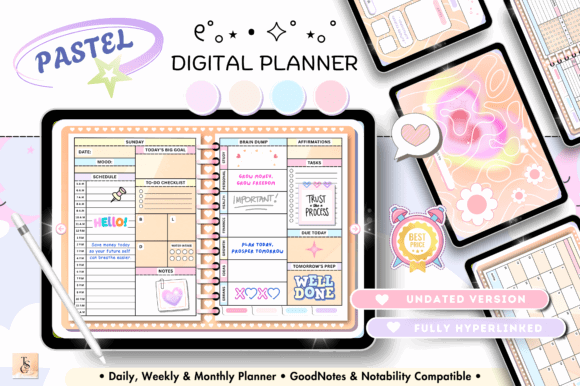
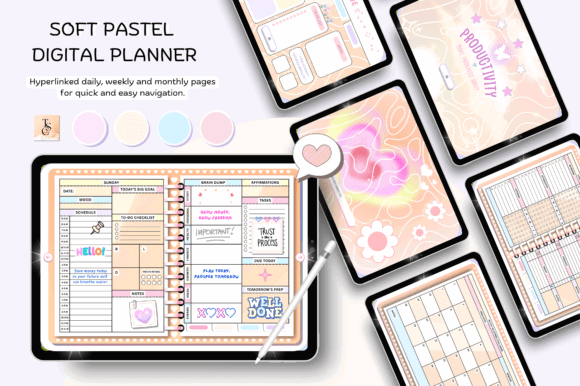
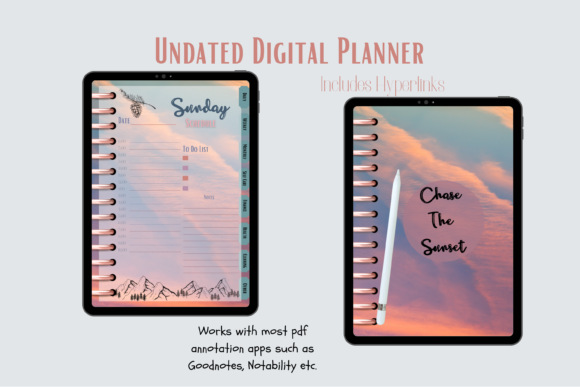
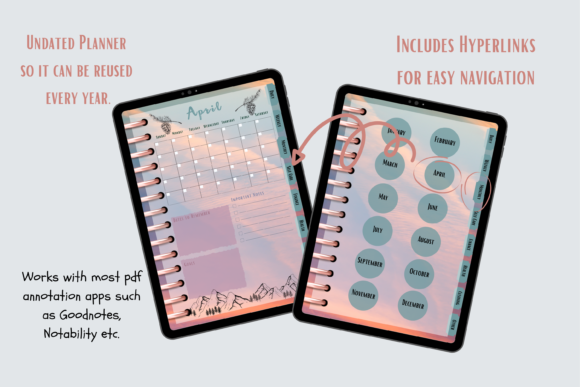
The [Undated Digital Planner for iPad and Goodnotes] offers a straightforward horizontal layout with daily, weekly, and monthly navigation. It contains 68 pages and includes an instruction guide, making it an approachable starting point for someone moving from paper to an iPad planner.
Its undated format is the main advantage. You can import a fresh copy whenever you need one instead of replacing the planner at the beginning of every calendar year. The landscape proportions also leave enough horizontal space for appointments, task lists, and handwritten notes.
This template is better suited to general scheduling than highly specialized planning. People who want detailed finance, wellness, or business systems may find it too simple, but that simplicity keeps the navigation manageable.
Best for: Everyday planning, beginners, reusable schedules
Key features: 68 pages, landscape layout, clickable navigation
2. Digital Planner Mega Bundle
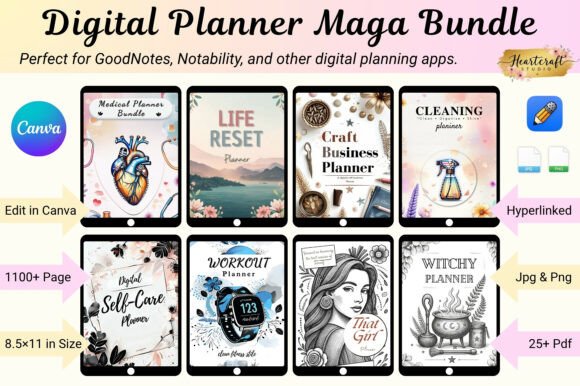
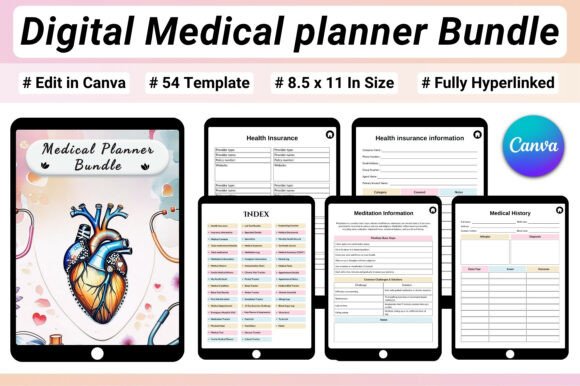
The [Digital Planner Mega Bundle] is aimed at users who do not want to commit to one narrow planning system. It includes 26 hyperlinked planners and more than 1,146 templates covering areas such as productivity, wellness, business, fitness, teaching, home organization, and travel. PDF, JPG, PNG, and Canva-editable files are included.
This is the broadest option in the roundup, but it is also the one most likely to overwhelm a casual planner. I would not import every included section into a note-taking app at once. It makes more sense to choose one main planner, then pull in a few specialized pages as needed.
For digital-product creators, the editable files provide more flexibility than a locked PDF. For personal users, the value comes from being able to experiment with several layouts before settling on a routine.
Best for: Template creators, varied routines, multiple planning categories
Key features: 26 planners, 1,146+ templates, Canva editable
3. Digital Minimalist Daily Planner
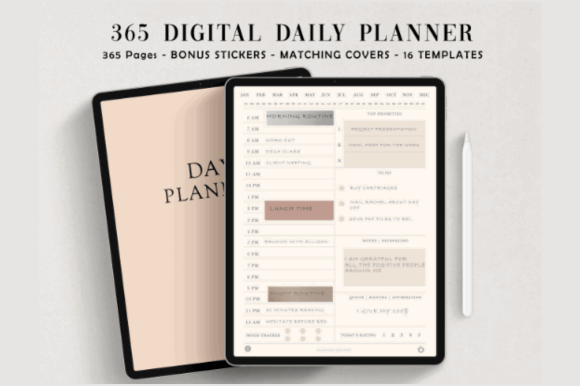
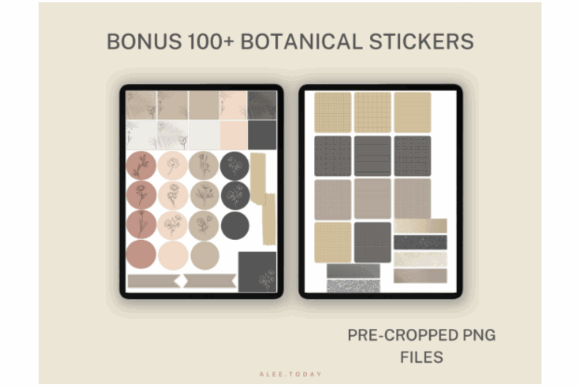
The [Digital Minimalist Daily Planner] focuses on one of the most practical uses for hyperlinks: moving quickly between individual days. It contains 365 undated linked pages, five planner covers, and more than 100 digital stickers.
The ivory-toned minimalist design should appeal to users who find colorful dashboards distracting. Daily pages generally need more writing room than monthly overview pages, and this format gives each day its own dedicated space.
The tradeoff is that it is primarily a daily planner rather than a complex life-management system. It suits detailed scheduling, journaling, or time blocking, but users who plan mostly from a weekly overview may not need 365 separate pages.
Best for: Daily scheduling, time blocking, focused routines
Key features: 365 linked pages, minimalist design, bonus stickers
4. Digital Planner by The Paper Princess

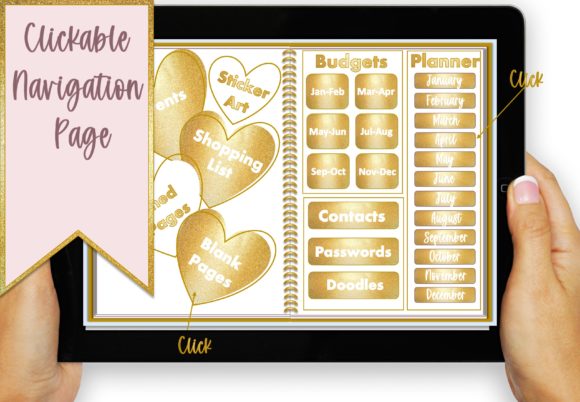
The [Digital Planner by The Paper Princess] combines an undated yearly structure with 87 pages and five sets of date stickers. Its sections include monthly overviews, weekly pages, events, passwords, birthdays, and idea pages.
This template has more personality than a plain productivity planner without becoming visually crowded. The date stickers are useful for people who like the flexibility of an undated planner but still want their calendar to look complete.
The inclusion of password pages may not appeal to everyone. Sensitive login information is usually better stored in a dedicated password manager. That section can simply be ignored or repurposed for non-sensitive account notes.
Best for: Personal organization, decorative planning, recurring events
Key features: 87 pages, date stickers, yearly navigation
5. All-in-One Digital Planner
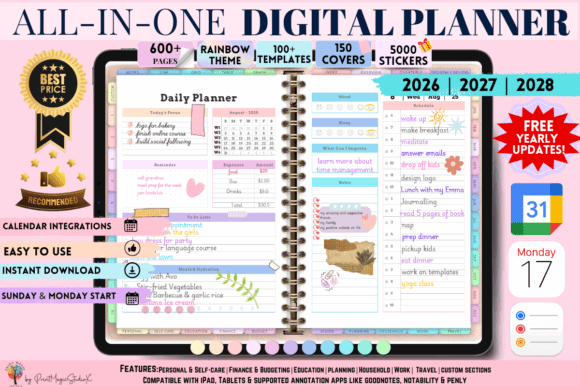
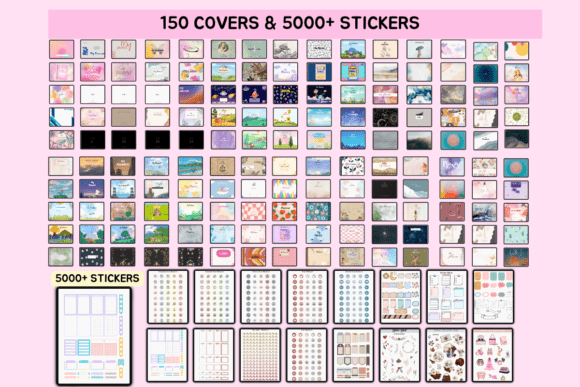
The [All-in-One Digital Planner] is built around broad lifestyle planning rather than a single schedule view. Its listed sections cover daily, weekly, monthly, yearly, productivity, goals, budgeting, self-care, student planning, and work organization. It also supports common digital-planning platforms, including Goodnotes, Notability, ZoomNotes, and Penly.
The advantage of this type of planner is consistency. Instead of keeping a separate goal journal, budget file, weekly calendar, and habit tracker, you can house them inside one linked document.
Still, all-in-one planners only stay useful when their visual hierarchy is strong. It is worth spending a few minutes learning the tab structure before adding personal notes. Once familiar, it can replace several smaller digital notebooks.
Best for: Life planning, goals, budgeting, mixed routines
Key features: Multiple planning areas, clickable tabs, broad compatibility
6. ADHD Undated Digital Planner
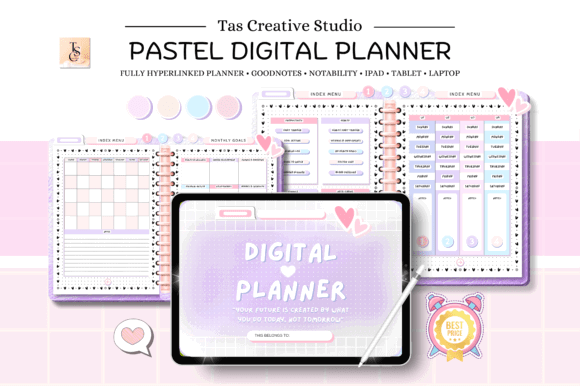
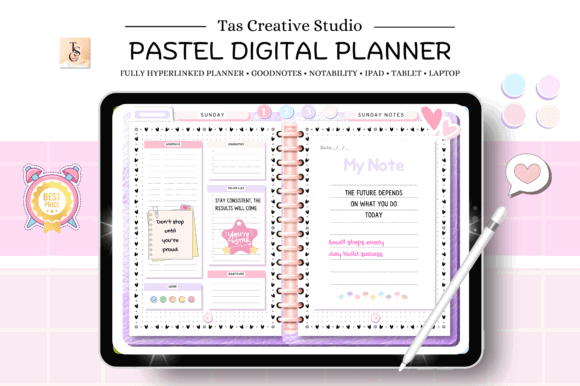
The [ADHD Undated Digital Planner] contains 60 landscape pages with hyperlinks connecting daily, weekly, and monthly sections. It supports Goodnotes, Notability, Noteshelf, Xodo, Samsung Notes, and other PDF editing apps.
Its relatively compact size is a positive feature. ADHD-oriented planners sometimes become cluttered with dozens of productivity frameworks, which can create more decisions rather than fewer. A 60-page system is easier to explore and personalize.
The undated structure also removes the guilt of leaving several weeks blank. You can return to it after a break without facing a long stretch of unused pages—a small detail that matters in real use.
Best for: Flexible routines, focus support, low-pressure planning
Key features: 60 pages, landscape layout, reusable sections
7. Starlight Digital Planner
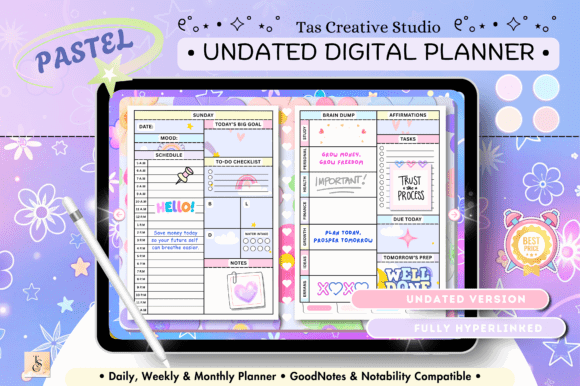
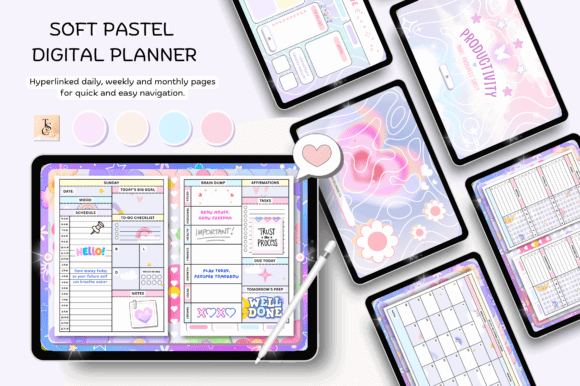
The [Starlight Digital Planner] uses a 68-page undated structure with hyperlinked daily, weekly, and monthly pages. It comes in an 11-by-8.3-inch horizontal layout and is positioned for personal, student, teacher, and work planning.
This is one of the more versatile options for someone who wants a decorative planner but does not need a massive collection. The dark, celestial visual direction gives it more atmosphere than a neutral office planner.
Dark backgrounds can be attractive on-screen, though pen colors need enough contrast to remain readable. Test a few favorite digital pen shades before committing to the template for a full semester or year.
Best for: Students, teachers, decorative digital planning
Key features: 68 pages, celestial theme, monthly navigation
8. Digital Weekly Planner
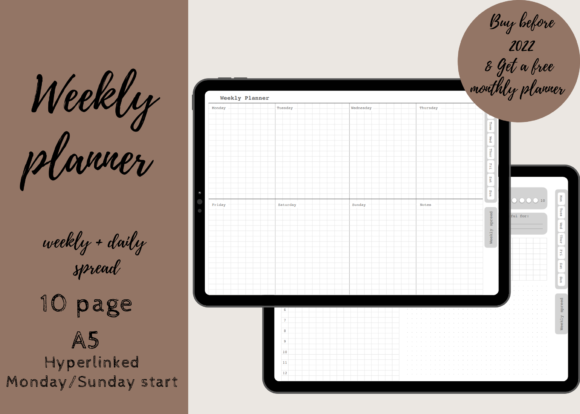
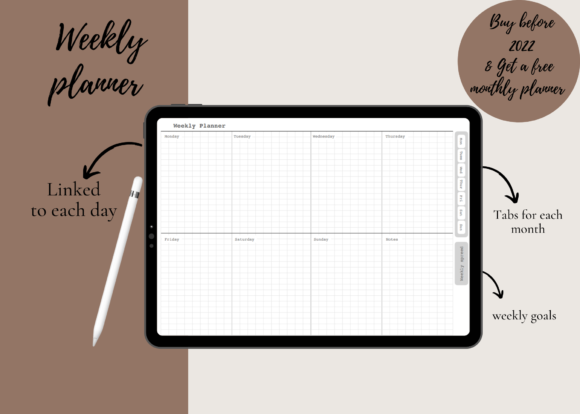
The [Digital Weekly Planner] is a compact ten-page system with a weekly spread, linked pages for every weekday, and an additional weekly goals page. Both Monday-start and Sunday-start versions are provided, and the planner works with Goodnotes, Notability, and other PDF annotation apps.
This is the planner I would choose for someone who already manages long-term dates elsewhere and only needs a clean weekly workspace. There is little setup, fewer tabs to learn, and less temptation to spend time decorating sections that do not affect the week ahead.
Its limited scope is intentional. It is not designed for annual goals, detailed budgeting, or project archives.
Best for: Weekly priorities, simple schedules, first-time users
Key features: Ten pages, daily tabs, two week starts
9. Digital Planner for Goodnotes and Notability
The [Digital Planner for Goodnotes and Notability] includes eight linked divider pages, 12 monthly pages, five weekly layouts, seven daily layouts, routine checklists, self-care pages, budget tools, savings trackers, meal planning, and fitness logs.
This template stands out because it provides several layout variations rather than forcing every user into the same daily or weekly structure. That is helpful when you are still figuring out how much detail you prefer.
The mixture of financial, wellness, and schedule pages gives it an all-in-one feel, but the categories remain practical. It avoids some of the obscure trackers that make larger planner bundles feel padded.
Best for: Lifestyle planning, budgeting, wellness tracking
Key features: Multiple layouts, eight dividers, specialized trackers
10. 2026 Digital Planner Canva Template
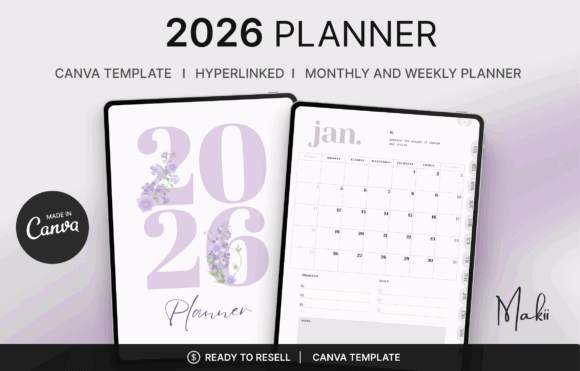
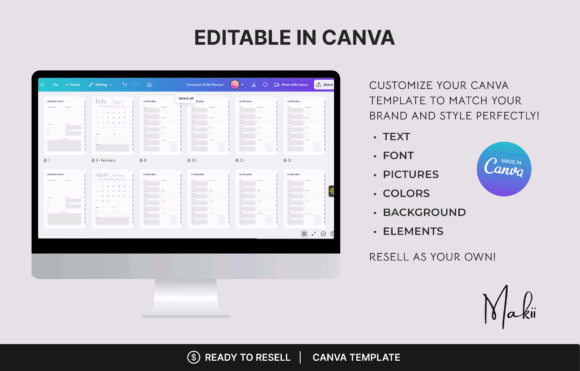
The [2026 Digital Planner Canva Template] includes 73 fully hyperlinked pages covering a yearly overview, monthly planners, weekly pages, and monthly reviews. The Canva template can be customized before export, and the resulting PDF is intended for apps such as Goodnotes, Notability, Xodo, and Noteshelf.
This is the strongest option here for users who want to change colors, fonts, or page details before importing the planner. It is also dated, which removes the setup required with sticker-based or undated calendars.
The limitation is longevity. A dated 2026 planner has a defined lifespan, while an undated file can be reused indefinitely. Choose this one for immediate structure rather than long-term flexibility.
Best for: Dated planning, Canva customization, monthly reviews
Key features: 73 pages, editable layout, fully linked tabs
Read More: If you're looking for even more options to organize your life, we've also compiled a list of the 12 Best Digital Planner Templates for GoodNotes and iPad.
How to Choose the Right Hyperlinked Planner
The best-looking planner is not always the one you will keep using. Navigation, page density, and writing space matter more after the novelty wears off.
Daily, Weekly, or All-in-One Layouts
Daily planners provide the most writing space and suit detailed schedules, journaling, or time blocking. They can also become cumbersome when you only record a few tasks per day.
Weekly planners offer a better visual overview. They are usually enough for appointments, deadlines, meal planning, and priority lists.
All-in-one planners combine scheduling with goals, money, wellness, home, or study sections. They provide more value only when you intend to use those sections regularly.
App and Device Compatibility
Most hyperlinked planners are interactive PDF files. They need to be opened in an annotation app that supports internal PDF links.
Goodnotes and Notability are common iPad options. Noteshelf, Xodo, Penly, and Samsung Notes may suit Android or cross-platform users, depending on the device and file.
Always keep the original downloaded file untouched. Import a duplicate into your planning app so you have a clean backup if pages are accidentally deleted.
Editable Templates vs. Ready-to-Use PDFs
A ready-to-use PDF is faster. Import it, test the tabs, and begin planning.
A Canva-editable template gives you more visual control. You may be able to change typography, colors, section labels, or branding before exporting it as a linked PDF.
Editing can also become a distraction. Unless the existing design truly conflicts with your routine, small changes are usually enough.
How to Use Hyperlinks in Goodnotes
After importing the PDF into Goodnotes, switch from editing mode to navigation or read-only mode. In editing mode, tapping a tab may place a pen mark instead of opening the linked page.
Tap one of the visible monthly, weekly, or category tabs to test navigation. If the link does not respond, confirm that you are using the selection or navigation tool rather than the pen tool.
For a smoother setup:
- Keep one untouched copy of the original planner.
- Test the main tabs before adding personal information.
- Add frequently used pages to your Goodnotes favorites.
- Duplicate reusable sheets instead of rewriting the original.
- Use a small set of consistent pen colors.
- Avoid importing every bonus sticker at once.
Hyperlinks make navigation faster, but favorites and search still help once the file contains months of handwritten notes.
Which Hyperlinked Digital Planner Should You Choose?
The best hyperlinked digital planner templates are not necessarily the ones with the most pages. They are the ones that make the next page obvious.
For a clean daily routine, the Digital Minimalist Daily Planner is easy to understand. The Digital Weekly Planner is better for lightweight scheduling, while the All-in-One Digital Planner suits users who want goals, money, wellness, and personal planning in one file.
The ADHD Undated Digital Planner offers a forgiving reusable structure, and the 2026 Canva template is the more practical choice when you want a dated planner you can visually customize.
Creative Fabrica also makes it easier to experiment with several planner styles under one subscription instead of committing to a single layout immediately. Start with the smallest planner that covers your real routine. You can always add more sections later.
FAQ
What is a hyperlinked digital planner?
A hyperlinked digital planner is an interactive PDF with clickable tabs, buttons, or index links. Tapping a link moves directly to a specific month, week, day, or planning section.
Do hyperlinked planners work in Goodnotes?
Yes. Hyperlinked PDF planners generally work in Goodnotes, though you need to use navigation or read-only mode when tapping links. Editing mode is used for handwriting, highlighting, and adding stickers.
Can I use a hyperlinked digital planner on Android?
Many planners work on Android through compatible PDF annotation apps such as Xodo, Noteshelf, Penly, or Samsung Notes. Compatibility should still be checked for the specific planner and app.
Is an undated digital planner better than a dated one?
An undated planner is more reusable and forgiving when you skip weeks. A dated planner requires less setup and is easier to start using immediately. The better option depends on how consistently you plan.

Follow Us