

ℹ️ Affiliate Disclosure: This article may contain affiliate links. We may earn a commission at no extra cost to you. Thanks for your support! ❤️
Understanding SVG Files for Laser Cutting
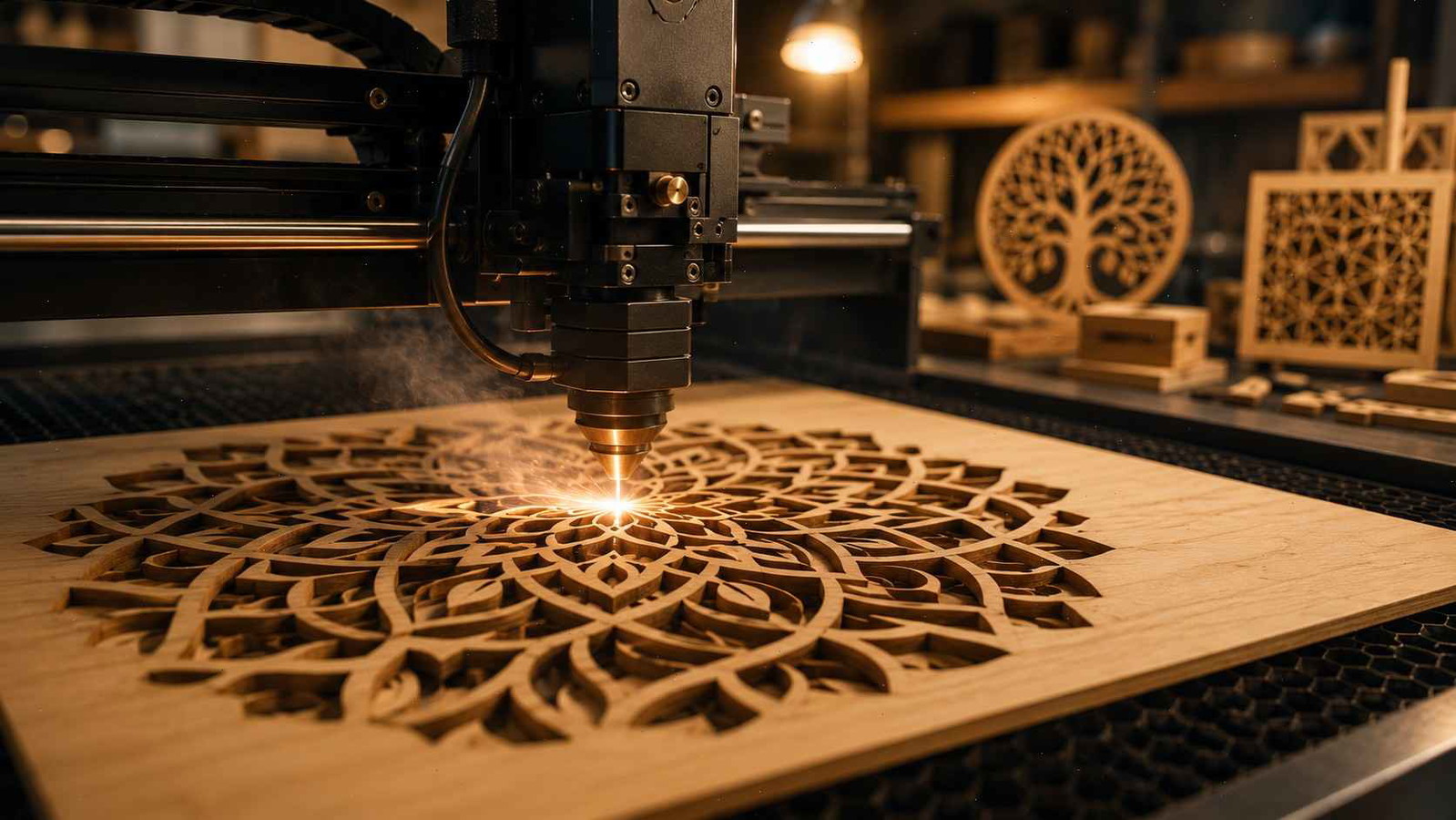
The popularity of desktop and professional laser cutters has exploded over the last few years. From hobbyists creating personalized gifts to businesses producing custom signage and home décor, laser technology has become more accessible than ever. At the center of most successful projects are SVG files for laser cutting, which provide the precise vector information needed for accurate cuts and engravings. Before downloading any design, it's important to understand what SVG files are and why they play such a critical role in laser fabrication.
Many newcomers assume that any digital image can be sent directly to a laser machine. Unfortunately, that approach often leads to failed cuts, incomplete engravings, or wasted materials. A laser cutter relies on clearly defined vector paths to determine where the beam should move. SVG files are specifically designed to store those paths while maintaining scalability and precision. Whether you're working with laser cutting SVG files, creating personalized ornaments, or producing commercial products, choosing the right file can dramatically impact the final result.

Understanding how SVG files function allows users to evaluate quality before spending time and money on production. It also helps prevent common mistakes such as open paths, duplicate lines, or improper scaling. By learning what makes a file laser-ready, you can confidently download, edit, and use designs across a variety of machines including Glowforge, xTool, OMTech, Thunder Laser, and many others.
What Are SVG Files for Laser Cutting?
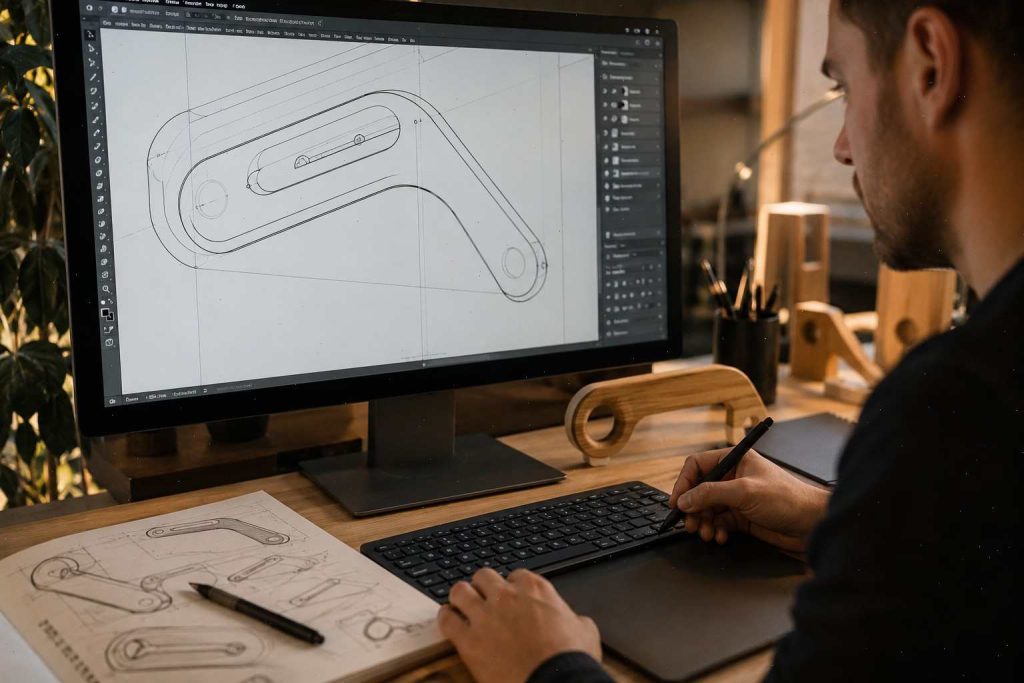
SVG (Scalable Vector Graphics) is a vector-based file format that stores shapes, lines, curves, and paths using mathematical coordinates rather than pixels. Unlike JPEG or PNG images, SVG files can be resized without losing quality. This characteristic makes them ideal for precision manufacturing applications such as laser cutting and engraving.
When people search for what are SVG files for laser cutting, they are typically referring to vector designs prepared specifically for use with laser machines. These files contain cut lines, engraving areas, scoring paths, and structural elements that a laser software program can interpret accurately. Because the laser follows vector paths directly, clean geometry is essential.
Knowing what to look for in SVG files is a great first step towards successful laser cutting, which can even lead to creating Laser Cut Products That Sell on Etsy and Make Money.
A well-designed SVG laser file often includes organized layers, color-coded operations, and optimized paths. Designers frequently separate engraving elements from cutting lines, making production easier and reducing setup time. For example, a decorative wooden sign might include engraved text, etched artwork, and cut outlines within a single SVG document.
The flexibility of SVG files also allows users to customize designs before production. Text can be modified, dimensions adjusted, and elements rearranged without sacrificing accuracy. This adaptability explains why svg laser cut files have become the industry standard for hobbyists and professionals alike.
Why SVG Is the Preferred Format for Laser Cutters
Laser cutting demands precision. Even a tiny deviation in a design can create alignment problems or structural weaknesses. SVG files excel because they preserve exact vector information while remaining compatible with a wide range of design and production software.
Programs such as Adobe Illustrator, Inkscape, CorelDRAW, LightBurn, Glowforge App, and xTool Creative Space all support SVG workflows. This broad compatibility simplifies file sharing and collaboration. Designers can create artwork in one program and process it in another without major conversion issues.
Another significant advantage is scalability. Imagine designing a keychain and later deciding to produce a wall sign using the same artwork. With SVG, the design can be enlarged dramatically while maintaining sharp edges and smooth curves. Raster images often become blurry under similar conditions.
The lightweight nature of SVG files is also beneficial. Complex designs with thousands of vector nodes typically occupy less storage space than equivalent high-resolution images. Faster loading, easier editing, and improved machine interpretation all contribute to SVG's popularity in laser fabrication environments.
How Laser Cutters Use SVG Files
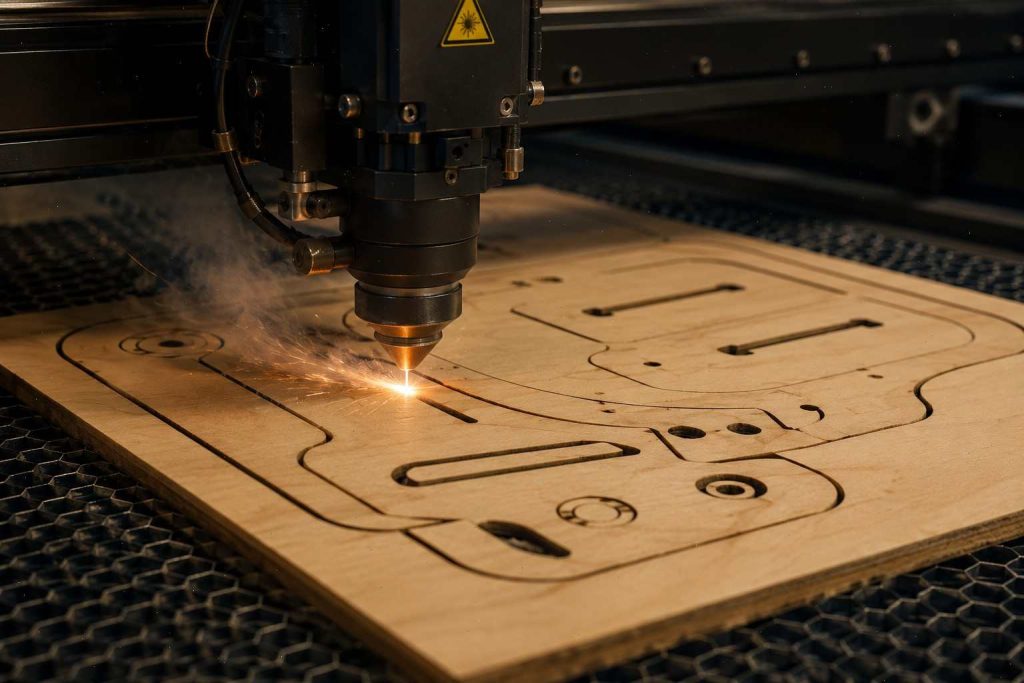
Laser cutters transform digital vector paths into physical objects by directing a focused beam along predefined routes. Understanding this process helps users identify whether downloaded laser cut SVG files are truly suitable for production.
Every vector path represents an instruction. Depending on machine settings, a path may be cut completely through the material, lightly scored, or engraved. Software interprets line colors, layer assignments, and stroke properties to determine specific operations. Clean file structure ensures smooth machine performance and reduces unexpected results.
A common misconception is that laser machines understand design intent automatically. In reality, the machine only follows instructions embedded in the vector file. Poorly prepared SVGs can create duplicate cuts, excessive burn marks, or incomplete geometry. Learning how lasers interpret files enables users to evaluate designs more effectively before production begins.
Vector Paths vs Raster Images
One of the most important concepts in laser fabrication is the distinction between vector and raster graphics. Vector paths consist of mathematically defined lines and curves. Raster graphics consist of pixels arranged in a grid.
For cutting operations, vectors are essential. The laser follows vector lines with precision, creating clean edges and accurate dimensions. Raster images, on the other hand, are typically used for engraving photographs or shaded artwork. They do not provide the path information required for cutting.
Consider a simple circle. In vector format, the laser recognizes the exact shape and follows its perimeter. In raster format, the circle is represented by colored pixels. The laser can engrave the image but cannot reliably interpret it as a cutting path without conversion.
This distinction explains why many downloaded graphics require cleanup before use. A visually attractive image does not automatically qualify as a laser-ready SVG.
SVG File Compatibility for Laser Cutters
Most modern laser systems support SVG files, but compatibility varies depending on software ecosystems and workflow requirements.
| Laser Platform | SVG Support | Notes |
|---|---|---|
| Glowforge | Excellent | Direct SVG upload |
| xTool | Excellent | Native SVG support |
| LightBurn | Excellent | Widely used for editing |
| OMTech | Excellent | Often paired with LightBurn |
| Thunder Laser | Excellent | Strong vector workflow |
| Epilog | Good | May use additional software |
Even when software supports SVG import, users should verify units, scaling, layers, and path integrity. Some programs interpret stroke widths differently, while others automatically convert elements during import.
For this reason, understanding svg file compatibility for laser cutters can prevent production errors and improve workflow efficiency.
Popular Uses of Laser Cutting SVG Files
Laser-cut designs span virtually every creative and commercial industry. From personalized gifts to architectural models, SVG files serve as the foundation for countless projects.
SVG Files for Wood Laser Cutting
Wood remains one of the most popular laser-cutting materials due to its versatility, affordability, and natural appearance. Many creators use svg files for wood laser cutting to produce signs, ornaments, puzzles, jewelry, wall art, and decorative boxes.
The best wood-focused SVG files account for material thickness and assembly requirements. Slot dimensions, tab connections, and structural supports should be designed carefully to ensure proper fit after cutting. High-quality files often include multiple size variations or customizable parameters.
Wood species also influence outcomes. Birch plywood, maple, walnut, basswood, and MDF react differently to laser energy. Designers frequently optimize files to minimize scorching while maintaining clean edges.
SVG Files for Acrylic Laser Cutting
Acrylic offers a modern, polished appearance that appeals to businesses and makers alike. SVG files for acrylic laser cutting are commonly used for signs, LED displays, cake toppers, keychains, and branding products.
Unlike wood, acrylic requires careful attention to edge quality and heat management. Detailed designs with extremely narrow elements may crack or melt if not optimized properly. Quality SVG templates consider these material characteristics and avoid fragile geometry.
Transparent, translucent, and colored acrylics each create unique visual effects. Designers often incorporate engraving areas and cut sections strategically to maximize aesthetic impact.
Choosing the Best SVG Files for Laser Cutting
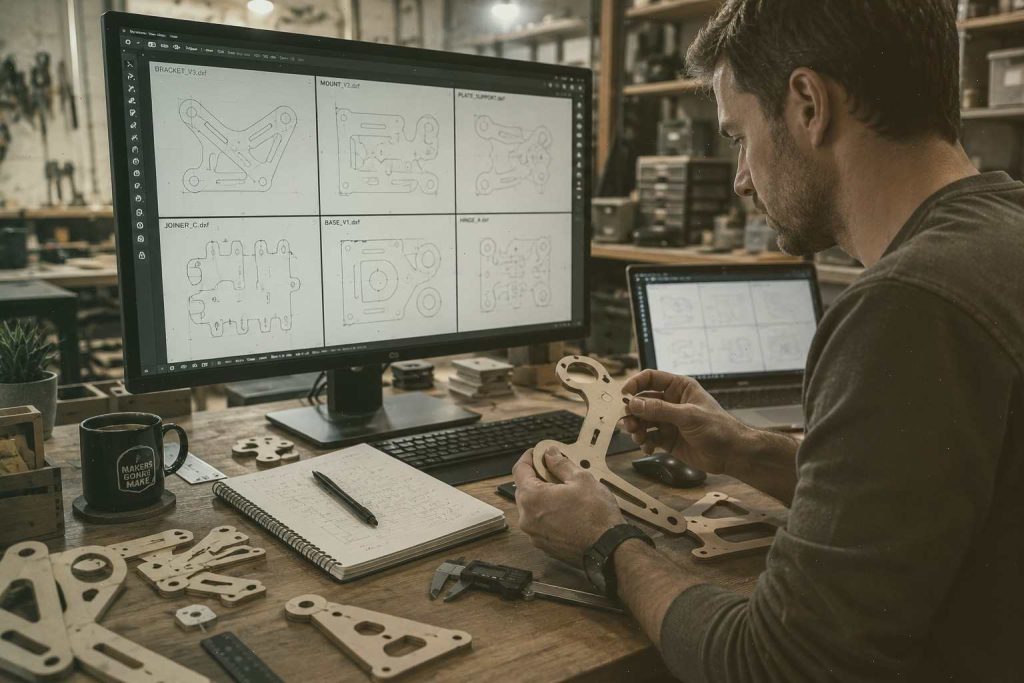
Selecting the best SVG files for laser cutting involves much more than finding an attractive design. A file may look impressive in a product preview yet contain hidden issues that cause production problems once it reaches the laser bed. Experienced makers often spend a few minutes inspecting a design before cutting because that small investment of time can prevent wasted materials, machine downtime, and frustration.
One of the first things to examine is path quality. Clean vector paths should be continuous, properly joined, and free from unnecessary anchor points. Excessive nodes can slow processing and create rough curves. High-quality svg laser cut files generally feature smooth geometry, organized layers, and logical grouping of design elements. These details may seem minor, but they significantly affect machine performance.
As you make your selections, it's also incredibly helpful to familiarize yourself with common pitfalls to avoid costly errors, especially if you're just starting out, as discussed in Beginner Laser Cutting Mistakes: 9 Costly Lessons I Learned.
Another consideration is design purpose. A file intended for vinyl cutting may not work well for laser cutting without modifications. Laser-ready designs typically account for kerf, material thickness, assembly requirements, and structural integrity. For example, a decorative lantern design requires proper tab placement and support structures to ensure successful assembly after cutting.
File organization is equally important. Well-prepared SVG files often separate engraving, scoring, and cutting operations into distinct layers or colors. This structure allows users to assign machine settings quickly and reduces setup errors. When evaluating laser cut templates SVG, look for files that include clear instructions, dimensions, and material recommendations.
The most reliable designs are usually tested by their creators. Reputable designers often provide project photos, assembly guides, customer reviews, and machine compatibility information. These indicators suggest the file has been successfully used in real-world environments rather than generated purely for visual presentation.
Characteristics of High-Quality SVG Laser Cut Files
Quality SVG files share several common traits regardless of project type. Understanding these characteristics helps buyers separate professional designs from poorly optimized files.
A strong laser-cut SVG typically includes:
- Closed vector paths
- Minimal duplicate lines
- Clean node structure
- Correct scaling
- Organized layers
- Material-friendly geometry
- Clear licensing terms
- Machine compatibility information
One of the most overlooked qualities is efficient path optimization. A design with unnecessary duplicate vectors may cause the laser to cut the same area multiple times. This increases burn marks, extends production time, and can damage delicate materials.
Professional designers also consider structural strength. Intricate artwork may look beautiful on a computer screen but become fragile after cutting. High-quality files balance aesthetics with functionality. Thin bridges, unsupported details, and overly complex patterns are either reinforced or redesigned to improve durability.
Documentation is another sign of professionalism. Many premium designers include PDFs, assembly instructions, recommended settings, and troubleshooting notes. These resources save users considerable time and improve project success rates.
Laser Cut SVG Files for Beginners
Beginners often make the mistake of downloading extremely complex designs before mastering basic machine operation. While ambitious projects can be exciting, starting with simpler files usually produces better results and builds confidence faster.
The best laser cut SVG files for beginners feature straightforward geometry, minimal assembly requirements, and forgiving tolerances. Coasters, simple signs, ornaments, bookmarks, and keychains are excellent starting projects. These designs allow users to learn material behavior, focus adjustment, power settings, and workflow management without becoming overwhelmed.
Simple files also make troubleshooting easier. If a cut fails, users can identify the cause more quickly because fewer variables are involved. Was the issue related to speed settings, focus, material quality, or file preparation? Basic designs simplify diagnosis.
Beginners should prioritize SVG files that include setup instructions. Learning how layers, colors, and operations interact within laser software is an essential skill. Files with clear organization provide valuable educational examples while producing attractive finished products.
As experience grows, users can gradually move toward more advanced projects involving layered artwork, intricate engravings, and complex assemblies. Building skills progressively often leads to better long-term success than jumping directly into highly detailed designs.
Where to Download SVG Files for Laser Cutting
Finding reliable sources for svg files for laser cutting is one of the most important steps in a successful workflow. The internet offers thousands of options, ranging from free community resources to professionally tested premium marketplaces. Knowing where to look—and what to avoid—can save both time and money.
Many creators begin their search with free downloads because they provide an easy way to experiment. Free resources can be useful, especially for practice projects, but quality varies significantly. Some files are carefully designed and tested, while others contain hidden issues that only become apparent during production.
Premium marketplaces often provide greater consistency. Designers who sell their work typically invest more effort into testing, documentation, customer support, and updates. For businesses producing products for sale, this additional reliability can justify the purchase cost many times over.
When evaluating any download source, pay attention to customer feedback, project photos, licensing information, and machine compatibility notes. These details offer valuable clues about overall file quality.
Free SVG Files for Laser Cutting
The appeal of free SVG files for laser cutting is obvious. They allow users to experiment with designs, practice machine operation, and build skills without financial risk. Many hobbyists begin their laser-cutting journey using free templates before investing in premium collections.
Popular sources of free laser-cutting SVGs include design communities, maker forums, open-source repositories, and designer promotional libraries. Some creators offer free files to showcase their work and attract future customers.
Despite the benefits, free files should be approached carefully. Not every design is laser-ready. Common issues include open paths, overlapping lines, improper scaling, missing fonts, and unclear licensing terms. A file that appears functional may require extensive cleanup before use.
Before downloading, review comments and user photos whenever possible. Community feedback often reveals hidden problems or confirms successful results. Taking a few moments to verify quality can prevent wasted materials later.
Paid SVG Files for Laser Cutting
Professional users frequently prefer paid SVG files for laser cutting because of their reliability and support. While premium designs require an upfront investment, they often reduce production errors and improve efficiency.
Paid files typically offer advantages such as:
| Feature | Free Files | Paid Files |
|---|---|---|
| Quality Control | Varies | Usually High |
| Customer Support | Rare | Common |
| Licensing Clarity | Often Limited | Usually Detailed |
| Testing | Inconsistent | Frequently Tested |
| Documentation | Minimal | More Comprehensive |
Commercial sellers often provide updates, corrections, and expanded file formats. Some even include LightBurn project files, DXF versions, assembly guides, and recommended machine settings.
For businesses creating products for sale, professionally designed SVG files can accelerate production and reduce costly mistakes. The savings in material and labor frequently outweigh the initial purchase price.
Creative Fabrica: One of the Best Sources for Laser Cut SVG Files
If you're looking for a large collection of professionally designed laser cutting SVG files, Creative Fabrica is one of the most popular marketplaces among makers, Etsy sellers, and laser engraving businesses. The platform offers thousands of ready-to-use SVG files for laser cutting, including layered mandalas, shadow boxes, ornaments, signs, cake toppers, puzzles, jewelry templates, decorative boxes, and seasonal designs.
One reason many laser users prefer Creative Fabrica is the variety of machine-compatible files. Most designs are available in SVG, DXF, PNG, EPS, and PDF formats, making them suitable for Glowforge, xTool, OMTech, LightBurn, Cricut, and other cutting platforms. Whether you're searching for svg files for wood laser cutting, svg files for acrylic laser cutting, or laser engraving SVG files, the library covers virtually every niche.
The marketplace is especially useful for small businesses because many products include commercial-use licenses. This allows makers to create and sell physical products without designing everything from scratch. Instead of spending hours building templates manually, users can download tested designs and move directly into production.
Popular categories include:
- Home decor and wall art
- Shadow box SVG files
- Cake topper designs
- Personalized signs
- Jewelry templates
- Keychains and ornaments
- Holiday collections
- Layered laser cut projects
- Educational puzzles and games
For beginners, Creative Fabrica also simplifies the search process by organizing files into categories such as Home Decor, Jewelry, Celebrations, Seasonal Designs, and Toys & Games, making it easier to find laser-ready projects that match specific materials and skill levels.
If you're comparing sources for paid SVG files for laser cutting, Creative Fabrica is often one of the easiest places to find tested, production-ready files with commercial licensing options and support for popular laser cutter software.
How to Check SVG Files Before Laser Cutting
A critical skill every laser user should develop is learning how to check SVG files before laser cutting. Even professionally designed files can occasionally contain issues that need attention. A thorough inspection process dramatically reduces the likelihood of production failures.
The first step is importing the SVG into your preferred software and examining the design structure. Verify dimensions, layer organization, and overall geometry. Zoom in closely to inspect curves, corners, and intersections. Small issues that are invisible at normal magnification can create significant problems during cutting.
Next, switch to outline or wireframe view if your software supports it. This perspective reveals duplicate lines, open paths, and overlapping vectors more clearly than standard display modes. Duplicate cuts are among the most common causes of excessive burning and extended production times.
Users should also confirm that text elements have been converted to paths. Missing fonts can alter layouts unexpectedly, especially when sharing files between systems. Converting text to vectors preserves design integrity regardless of software environment.
Testing on inexpensive scrap material before using premium stock is another valuable habit. A quick trial run can reveal alignment problems, fitment issues, or scaling errors before they become expensive mistakes.
Common SVG File Mistakes for Laser Cutting
Understanding common SVG file mistakes for laser cutting helps users recognize problems early and improve workflow reliability.
Some of the most frequent issues include:
- Open vector paths
- Duplicate cut lines
- Incorrect scaling
- Unjoined shapes
- Excessive node counts
- Unsupported thin elements
- Hidden objects
- Missing font conversions
Duplicate lines deserve special attention. When two vectors occupy the same position, the laser often follows both paths independently. This can create excessive burning, wider kerfs, and unnecessary machine wear.
Open paths represent another common challenge. Since the laser expects complete geometry for many operations, gaps in vectors may prevent successful cutting. Fortunately, most design software includes tools for identifying and repairing these problems.
Complex imported artwork frequently contains thousands of unnecessary nodes. Simplifying geometry can improve machine performance and create smoother cuts.
Laser Cutting SVG File Tips Before Production
Before sending a file to your machine, a few final checks can make a significant difference in project quality.
First, verify material dimensions. Ensure the design fits comfortably within the available workspace and material sheet size. Next, review operation assignments. Confirm that engraving, scoring, and cutting layers are configured correctly and use appropriate machine settings.
Perform a simulation or preview if available. Many laser software packages display the expected toolpath sequence, helping users identify mistakes before production begins.
Material-specific testing is equally important. A file that performs perfectly on plywood may require adjustments when used with acrylic, leather, cardstock, or MDF. Recording successful settings creates a valuable reference library for future projects.
Consistency is often what separates experienced laser operators from beginners. Developing a pre-production checklist reduces errors and improves repeatability across projects.
SVG Files for Glowforge and Other Popular Machines
Not all laser machines use identical workflows, which is why machine compatibility matters when selecting SVG designs. Among hobbyists and small businesses, Glowforge remains one of the most recognizable platforms. At the same time, xTool, OMTech, Thunder Laser, and other manufacturers continue gaining popularity.
Fortunately, SVG remains one of the most universally supported formats across these ecosystems. Properly prepared vector files can often move between platforms with minimal modification. Still, users should understand machine-specific considerations before purchasing or downloading designs.
How to Choose SVG Files for Glowforge
When selecting svg files for Glowforge, simplicity and organization are especially valuable. Glowforge's cloud-based software supports SVG imports directly, making it easy to upload designs and assign operations.
Look for files with:
- Clean vector paths
- Properly grouped elements
- Color-coded operations
- Real-world project photos
- Tested assembly dimensions
Because Glowforge users often create products from wood, acrylic, leather, and cardstock, versatile designs tend to perform best. Files optimized for common material thicknesses can reduce adjustment time significantly.
Many designers specifically label their products as Glowforge SVG files, indicating that they have been tested within the Glowforge ecosystem. While not mandatory, this extra assurance can be helpful for new users.
Glowforge SVG Files vs Other Laser Platforms
The core SVG structure remains consistent across platforms, but workflow differences may affect setup procedures.
| Platform | SVG Support | Workflow Style |
|---|---|---|
| Glowforge | Native | Cloud-Based |
| xTool | Native | Software-Based |
| LightBurn Systems | Native | Advanced Control |
| OMTech | Native | LightBurn Focused |
| Thunder Laser | Native | Professional Workflow |
Most compatibility issues involve software interpretation rather than SVG limitations. Layer colors, stroke settings, and unit preferences may require minor adjustments during import.
For users working across multiple machine types, maintaining clean and standardized SVG files simplifies production and reduces troubleshooting.
Commercial Use and Licensing Considerations
Commercial Use Laser Cut SVG Files
Many users eventually move beyond hobby projects and begin selling laser-cut products online, at craft fairs, or through retail channels. At that point, licensing becomes critically important.
Not every SVG file allows commercial use. Some downloads are intended exclusively for personal projects, while others permit limited or unlimited product sales. Reading licensing terms before production protects users from potential legal complications.
When evaluating commercial use laser cut SVG files, consider:
- Personal-use restrictions
- Commercial-use permissions
- Product quantity limitations
- Attribution requirements
- Redistribution rules
A commercial license often provides greater flexibility and peace of mind. Businesses producing large quantities should maintain records of purchases and licensing agreements for future reference.
Professional designers deserve compensation for their work, and respecting licensing terms helps sustain the creative ecosystem that supports the laser-cutting community.
If you're already thinking about commercial use for your laser-cut SVG files, you might be interested in exploring some of the best-selling items you can create and sell in 16 Laser Cut Projects That Sell Well on Etsy.
Conclusion
The success of any laser-cutting project begins long before the machine starts running. Choosing the right svg files for laser cutting can determine whether a project becomes a polished finished product or an expensive learning experience. Understanding vector paths, machine compatibility, material requirements, and file quality gives users a significant advantage.
Whether you're searching for laser cutting SVG files, exploring svg files for Glowforge, creating products from wood or acrylic, or preparing items for commercial sale, careful file selection is essential. Taking time to inspect designs, verify licensing, and perform test cuts dramatically improves reliability and production quality.
The best approach is to treat every SVG file as part of your manufacturing process rather than just a download. A well-prepared design saves time, reduces waste, and produces cleaner, more professional results. As laser technology continues to evolve, high-quality SVG files will remain one of the most valuable tools in every maker's workflow.
FAQs
u003cstrongu003eWhat SVG files work best for laser cutting?u003c/strongu003e
The best SVG files contain clean vector paths, closed shapes, organized layers, and minimal duplicate lines. Professionally tested designs generally provide the most reliable results.
u003cstrongu003eCan any SVG file be used for laser cutting?u003c/strongu003e
No. While many SVG files are vector-based, not all are optimized for laser production. Some may contain open paths, overlapping vectors, or design elements unsuitable for cutting.
u003cstrongu003eHow do I know if an SVG file is laser-ready?u003c/strongu003e
Check for clean vector paths, proper scaling, organized layers, and closed shapes. Opening the file in software such as LightBurn, Inkscape, or Adobe Illustrator can help identify issues.
u003cstrongu003eAre free SVG files safe for laser cutting projects?u003c/strongu003e
Many free files work well, but quality varies. Always inspect downloaded files for errors and verify licensing terms before using them in commercial projects.
u003cstrongu003eWhat software opens SVG files for laser cutters?u003c/strongu003e
Popular options include LightBurn, Inkscape, Adobe Illustrator, CorelDRAW, Glowforge App, and xTool Creative Space.
u003cstrongu003eDo Glowforge and xTool support SVG files?u003c/strongu003e
Yes. Both Glowforge and xTool offer native support for SVG imports, making SVG one of the most commonly used formats on these platforms.
u003cstrongu003eWhy do some SVG files fail during laser cutting?u003c/strongu003e
Common causes include open paths, duplicate lines, excessive node counts, improper scaling, unsupported design details, and incorrect machine settings.
u003cstrongu003eWhat should I check before downloading an SVG file?u003c/strongu003e
Review project photos, customer feedback, licensing terms, machine compatibility information, and whether the file has been tested for laser-cutting applications.
Follow Us