

AI Designs: Brutal Reasons Clients Choose Them
Few things frustrate designers more than spending hours shaping thoughtful, professional work only to watch a client choose something that feels weaker from a design perspective.
If you have worked around websites, branding, product interfaces, or marketing visuals for long enough, you have probably seen some version of this happen.
You present a carefully considered solution.
You have thought about typography, spacing, hierarchy, usability, accessibility, responsive behavior, and brand consistency.
Then the client points to an AI-generated concept, a cheap template, or a rushed mockup and says:
“I like this one better.”
At first, it can feel irrational.
Why would someone choose a design that has obvious flaws?
But the answer is usually simpler than we want to admit.
Most clients are not evaluating design the same way designers do.
The Designer's Perspective

When I review a design, I notice things most people never consciously think about.
I look at:
- Typography
- Alignment
- White space
- Visual hierarchy
- Color relationships
- Brand consistency
- User experience
Designers are trained to see small decisions that affect how an interface feels and functions.
A button that is too small.
A layout that breaks on mobile.
A heading system that looks fine visually but creates weak content hierarchy.
A color palette that feels modern but fails basic contrast.
A page that looks clean in a mockup but becomes hard to scale once real content, error states, forms, and edge cases appear.
These details matter.
They influence clarity, usability, accessibility, and trust.
The problem is that clients often judge design through a completely different lens.
The Client's Perspective
Most clients are not really buying design.
They are buying outcomes.
When looking at a website, logo, landing page, or piece of marketing material, they are usually asking:
- Will this help me get customers?
- Will people trust my business?
- Does this represent my company?
- Will it help me make money?
- Does it feel right?
Notice what is missing.
Very few clients are evaluating kerning, spacing systems, component behavior, or typography choices.
They care about whether the design feels useful for their business.
That does not mean they do not care about quality.
It means their definition of quality is often tied to confidence, emotion, and business value rather than design craft.
Why AI Designs Often Look Impressive at First

AI-generated designs have become very good at creating first impressions.
Many AI tools can produce:
- Dramatic visuals
- Trendy layouts
- Bold colors
- Eye-catching effects
- Polished aesthetics
At a glance, these concepts can look expensive, modern, and visually confident.
I understand why clients respond to them.
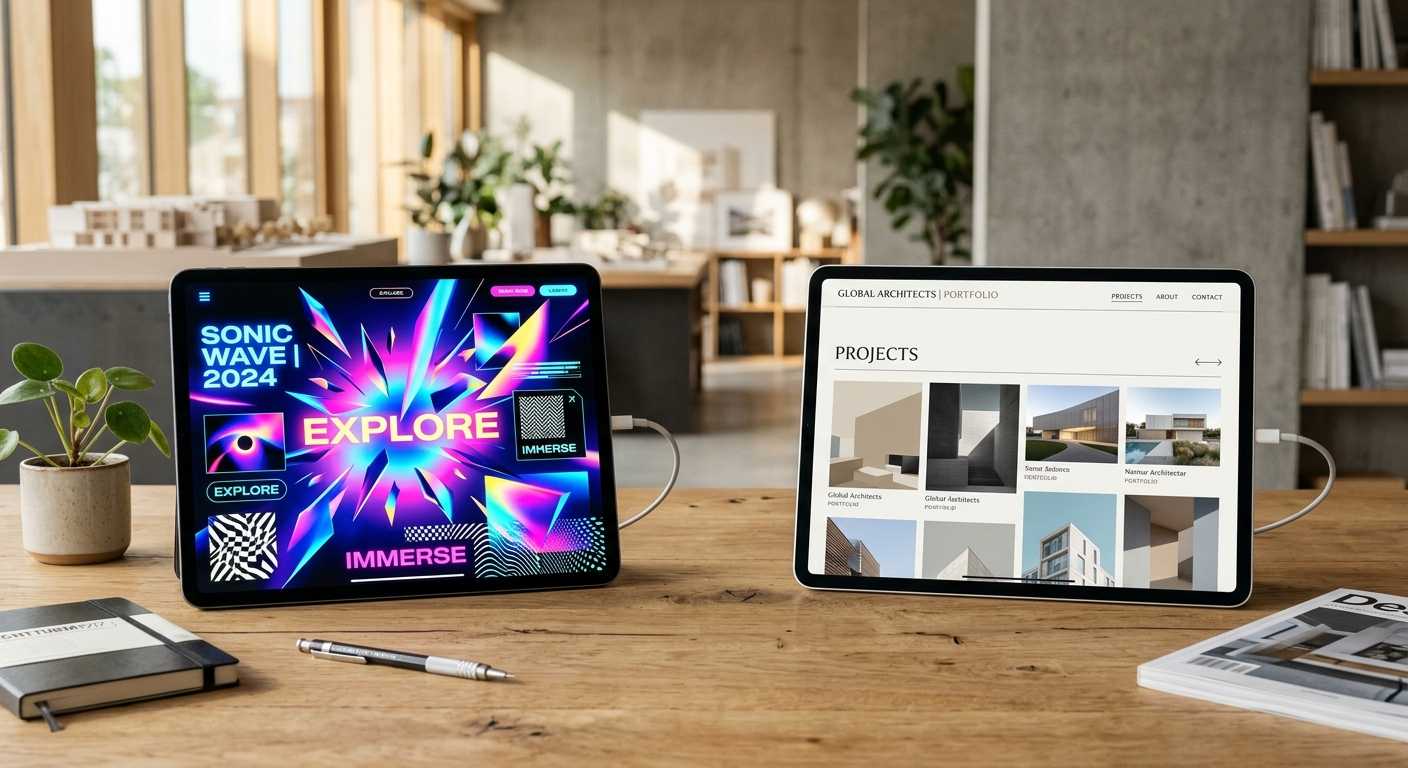
A strong AI image or mockup can feel more exciting than a restrained professional layout, especially when the professional version is intentionally quiet.
But visual impact and design quality are not the same thing.
A design can look impressive and still have problems with:
- Usability
- Accessibility
- Conversion
- Consistency
- Scalability
These problems usually do not appear in the first screenshot.
They appear when real users try to read the content, compare options, complete a form, navigate on mobile, or understand what the product actually does.
That is where many AI-generated concepts start to show their limits.
The Difference Between Looking Good and Working Well
This is one of the most important lessons I have learned in interface design.
A beautiful design is not automatically an effective design.
An effective design helps users accomplish something.
It helps them:
- Understand information
- Navigate a website
- Make decisions
- Trust a brand
- Complete actions
A landing page does not succeed because the hero section looks dramatic.
It succeeds when the message is clear, the visual hierarchy supports the offer, the call to action is easy to find, and users understand what to do next.
A dashboard does not become useful because it has beautiful gradients.
It becomes useful when data is organized clearly, states are predictable, interactions behave consistently, and users can complete tasks without unnecessary friction.
Many AI-generated concepts focus heavily on appearance.
Professional design has to balance appearance with function.
That difference matters more as a project grows.
Why Templates and AI Often Win Initial Presentations
There is another reason clients sometimes choose AI-generated concepts.
Novelty.
People naturally respond to things that feel new, bold, and visually different.
An AI-generated design may look more exciting because it uses dramatic visual elements that stand out immediately.
Meanwhile, a professionally designed solution may feel simpler and more restrained.
Ironically, that restraint is often intentional.
Experienced designers understand that websites, apps, and brand systems need to function after the first impression fades.
A trendy layout may look good in one mockup but become difficult to maintain across twenty pages.
A decorative type treatment may look memorable in a hero section but become unreadable in product cards, mobile menus, or checkout flows.
A complex visual style may impress a stakeholder but slow down production when the team needs to create new pages, campaigns, and components.
Good design often relies on consistency rather than spectacle.
That is not always easy to sell in a presentation.
The Trust Problem

One mistake designers sometimes make is assuming clients evaluate design quality directly.
Most clients evaluate confidence.
If a concept feels modern, premium, and professional, they may assume it is the better option.
Even when the underlying design decisions are weaker.
This is not because clients are unintelligent.
It is because they do not have the same training.
Most people cannot easily evaluate a design system, just as most people cannot evaluate structural engineering or database architecture.
They rely on what they can feel immediately.
Does it look impressive?
Does it feel current?
Does it resemble other brands they admire?
Does it make them feel proud of their business?
These are emotional signals, but they are powerful.
Designers ignore them at their own risk.
Why Designers Need to Explain Their Decisions

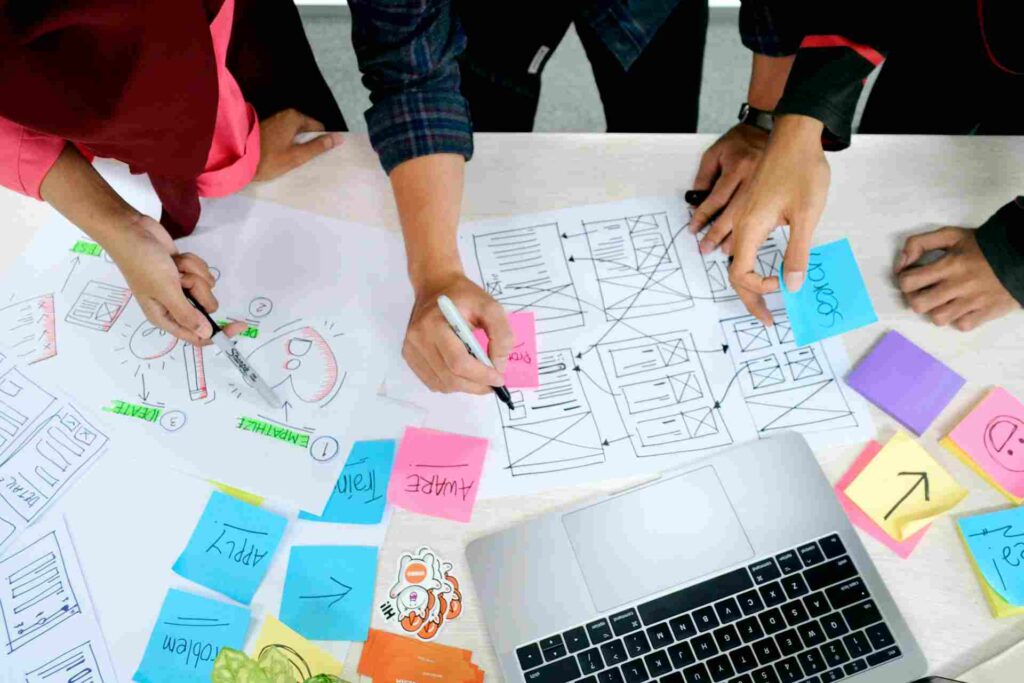
Many design presentations fail because the designer shows the work but does not explain the thinking behind it.
Instead of saying:
“Here is the homepage.”
It is often more useful to explain:
- Why the layout was chosen
- How it improves usability
- How it supports conversions
- How it builds trust
- How it reflects the brand
- How it scales across future pages or features
Clients need a bridge between what they see and why it matters.
For example, instead of simply showing a clean pricing section, I might explain that the spacing separates plan comparisons, the button hierarchy guides decision-making, and the simplified feature list reduces scanning fatigue.
That kind of explanation helps the client see the design as a business decision, not just a visual preference.
Good presentation is not about defending every pixel.
It is about making the invisible design decisions visible.
The Typography Example
Typography is a good example.
A client may compare two websites and prefer the one with a flashy display font.
A designer may prefer the version using a more readable type system.
Who is right?
In many cases, both are responding to something real.
The client is reacting emotionally.
The designer is thinking about usability.
A dramatic typeface may create personality and memorability.
But if it reduces readability, weakens hierarchy, or creates accessibility issues, it can damage the user experience.
The best solution often sits between both perspectives.
Good typography should support the brand while still helping users read, scan, and understand content.
That balance is not always obvious in a static presentation.
It needs to be explained.
Why AI Is Changing Client Expectations
AI is not only creating designs.
It is changing expectations.
Clients can now generate dozens of visual concepts in minutes.
As a result, many expect professional designers to move faster, explore more directions, and produce polished visuals earlier in the process.
That changes the designer's role.
The challenge is no longer simply creating attractive visuals.
It is demonstrating value beyond what AI can generate automatically.
That value often comes from:
- Strategy
- Research
- User experience
- Branding
- Problem solving
- Long-term thinking
These are areas where professional designers still matter.
AI can suggest a direction.
But it does not understand the full business context, user behavior, content constraints, brand history, accessibility requirements, technical limitations, or conversion goals unless someone guides it carefully.
Even then, it does not truly judge the design the way an experienced human designer can.
What AI Can't Easily Replace
AI can generate layouts.
AI can generate logos.
AI can generate visual concepts.
What AI struggles to replace is judgment.
Knowing:
- Which idea is strongest
- Which design supports business goals
- Which layout improves conversions
- Which typography improves readability
- Which visual direction strengthens a brand
- Which interface pattern reduces friction
- Which design system decisions will scale later
Those decisions still require human understanding.
In product design, the hardest part is often not making something look polished.
It is deciding what should be emphasized, what should be removed, what needs to stay consistent, and where users may get confused.
AI can produce options.
A designer has to make choices.
That is a different skill.
The Real Lesson
The lesson is not that clients have bad taste.
And it is not that AI designs are always bad.
Some AI-generated work can be visually useful, especially during early exploration.
The real lesson is that clients and designers often optimize for different things.
Designers focus on quality.
Clients focus on outcomes.
Designers notice structure, hierarchy, accessibility, consistency, and usability.
Clients notice confidence, emotion, perceived value, and business relevance.
The most successful designers learn how to connect those two worlds.
Instead of simply creating better designs, they explain how better design leads to better results.
That shift changes the conversation.
It moves the client away from “which one looks better?” and toward “which one works better for the user and the business?”
Sometimes, what clients perceive as ‘better' might not align with traditional notions of beauty or custom work, which perfectly ties into the discussion of why Why Beautiful Websites Don’t Always Win.
Final Thoughts
It can be frustrating to watch a client choose an AI-generated concept over carefully crafted custom work.
But the situation reveals something important.
Clients rarely buy design quality alone.
They buy confidence.
They buy outcomes.
They buy solutions to business problems.
The designers who thrive in the age of AI will not necessarily be the ones creating the most visually impressive work.
They will be the ones who can explain why their work solves real problems.
Because in the end, strong design is not just about making something look better.
It is about making something work better.
FAQ
Why do clients sometimes prefer AI-generated designs?
Clients often prefer AI-generated designs because they create strong first impressions. Bold visuals, trendy layouts, and dramatic effects can feel modern and professional at first glance, even when the design has usability or scalability issues.
Are AI designs replacing professional designers?
AI can generate visual concepts quickly, but it does not fully replace professional designers. Designers still provide strategy, usability knowledge, branding judgment, accessibility awareness, and problem-solving skills that are difficult to automate.
Why do designers and clients disagree about design quality?
Designers often evaluate typography, hierarchy, spacing, consistency, accessibility, and user experience. Clients are usually more focused on emotional reaction, business outcomes, trust, and whether the design feels right for their company.
Can AI create good website designs?
AI can create attractive website concepts, but human expertise is often needed to turn those concepts into usable, consistent, accessible, and effective interfaces.
What value do professional designers provide beyond AI?
Professional designers bring research, strategic thinking, user experience knowledge, brand understanding, interface judgment, and the ability to make decisions based on real business and user needs.
How can designers better communicate their value?
Designers can communicate their value by explaining how each design decision supports business goals, improves user experience, reduces friction, builds trust, or makes the design easier to scale over time.
Follow Us