

14 Best AI Mockup Generators for Ecommerce Products in 2026
The ecommerce space got crowded fast. A few years ago, you could upload a decent product photo on a white background and still get clicks. That doesn’t really work anymore. Customers scroll too quickly now, especially on Etsy, Shopify, and mobile marketplaces where every product is fighting for attention at the same time.
Some links in this article may be affiliate links. If you purchase through them, we may earn a small commission at no extra cost to you. Thanks for supporting our work.
That’s a big reason AI mockup generators exploded recently.
Instead of paying for expensive product photography, studio lighting, models, and endless Photoshop edits, sellers can now create polished ecommerce visuals in minutes. Some of the newer AI tools honestly look surprisingly realistic too. A few years ago, mockups often had that awkward “sticker pasted onto an image” look. The better platforms today handle shadows, fabric texture, reflections, and perspective much more naturally.

I’ve tested quite a few of these tools while working on ecommerce visuals, Pinterest graphics, POD listings, and product concept previews. Some are genuinely useful. Others look impressive on the homepage but become frustrating after 20 minutes of actual use.
This guide covers the AI mockup generators that are actually practical for ecommerce sellers in 2026 — especially for:
- Shopify stores
- Etsy sellers
- Print-on-demand businesses
- Digital product creators
- Packaging brands
- Small ecommerce teams
Some are better for beginners. Some work better for branding-heavy stores. And a few are incredibly useful if you need content fast for ads, Pinterest, or product launches.
14 Best AI Mockup Generators For Ecommerce Products
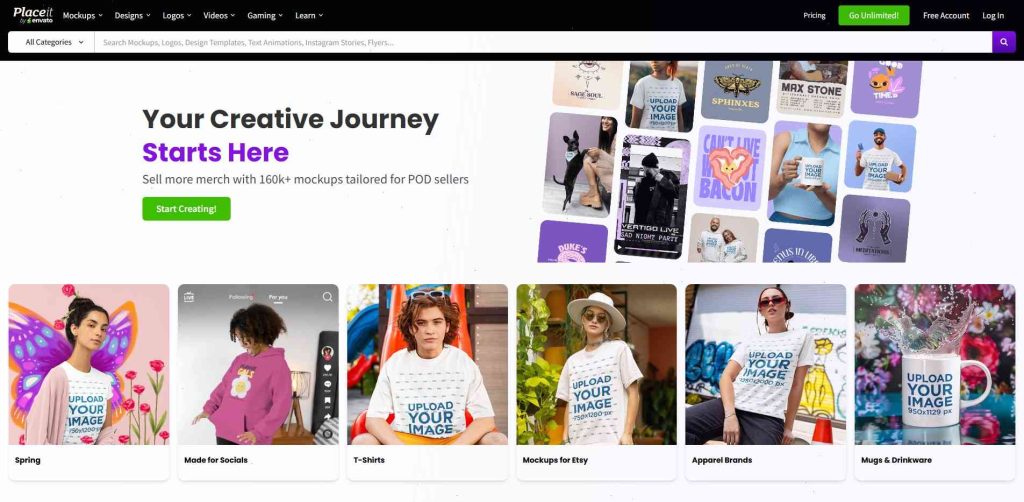
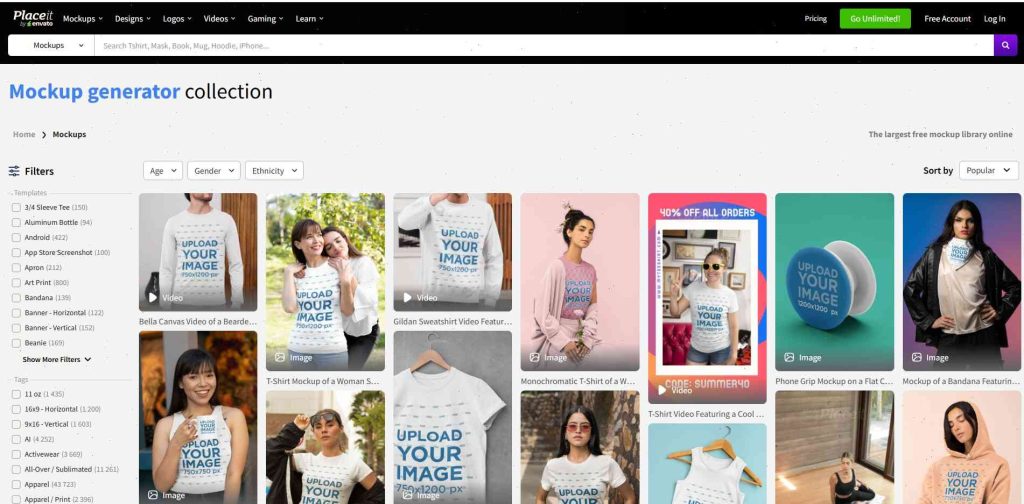
1. Placeit
Placeit
Placeit is still one of the easiest platforms for ecommerce sellers.
Honestly, it’s probably the tool I see used most often across Etsy stores and print-on-demand shops. Mostly because the workflow is extremely simple.
Upload design → choose template → export.
That’s basically it.
The template library is massive too:
- shirts
- hoodies
- mugs
- books
- phone cases
- packaging
- tote bags
- social media scenes
The lifestyle mockups are what make Placeit useful. A lot of templates feel naturally ecommerce-focused instead of looking like generic stock photography.
Their video mockups are underrated too. Short animated mockups work surprisingly well for Pinterest Idea Pins and TikTok product ads.
Best For
- POD sellers
- Etsy shops
- beginners
- fast content creation
Downsides
Some templates start looking repetitive after a while because so many sellers use them.
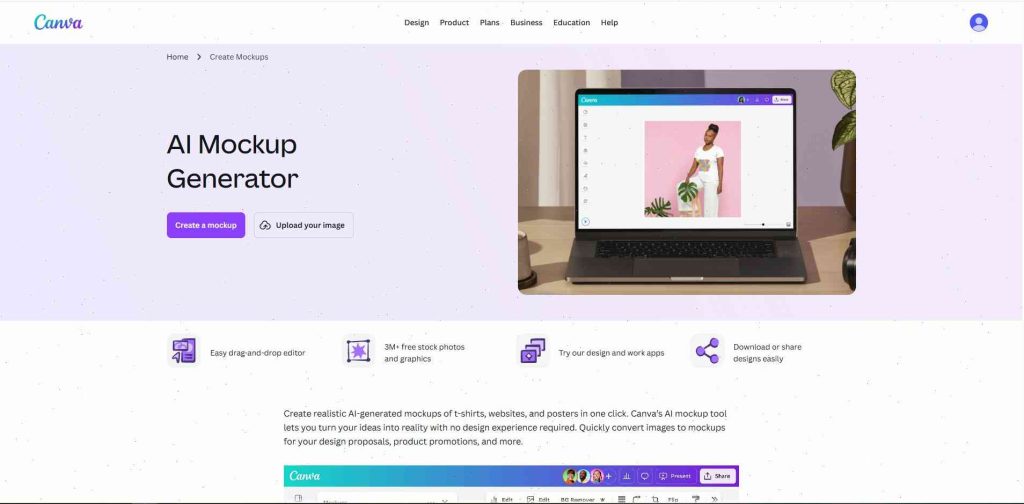
2. Canva AI Mockups
Canva
Canva turned into a much bigger ecommerce design tool than people expected.
At first it was mostly basic social media graphics. Now the AI tools inside Canva are honestly pretty useful for small ecommerce brands.
The biggest advantage is convenience.
You can:
- create mockups
- edit product photos
- build Pinterest pins
- make ads
- resize visuals
- generate backgrounds
…all in one workspace.
For beginners, Canva feels way less intimidating than Photoshop. That matters more than people admit.
I’ve also noticed Canva works especially well for digital product previews:
- ebooks
- planners
- templates
- courses
- printable products
Best For
- beginners
- digital products
- Pinterest creators
- small Shopify stores
Downsides
Advanced mockup realism still isn’t as strong as specialized platforms.
Click to go to Placeit
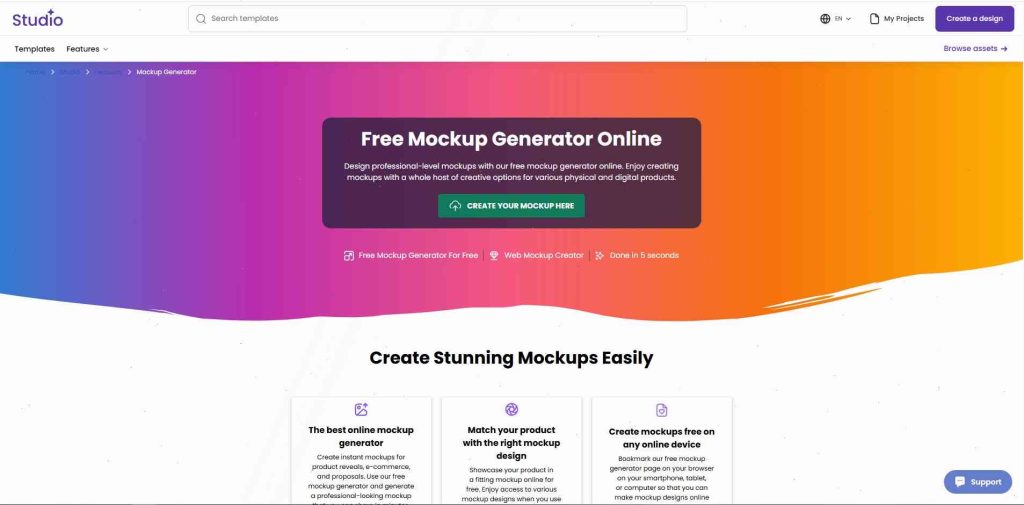
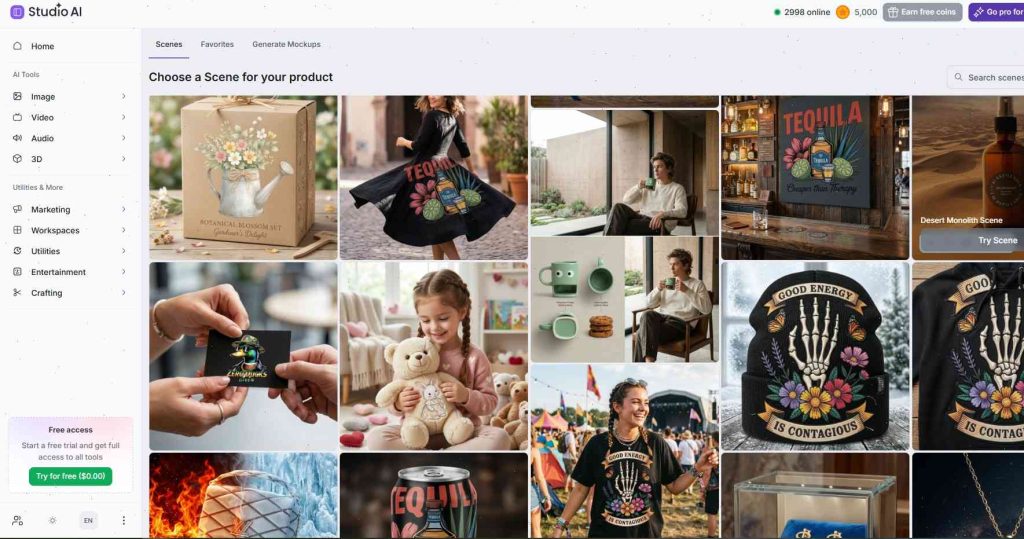
3. Creative Fabrica Mockup Generator
Creative Fabrica
Creative Fabrica quietly became one of the more useful mockup tools for print-on-demand sellers.
A lot of people know them for fonts and graphics first, but their mockup generator has improved quite a bit recently.
What I like most is the simplicity.
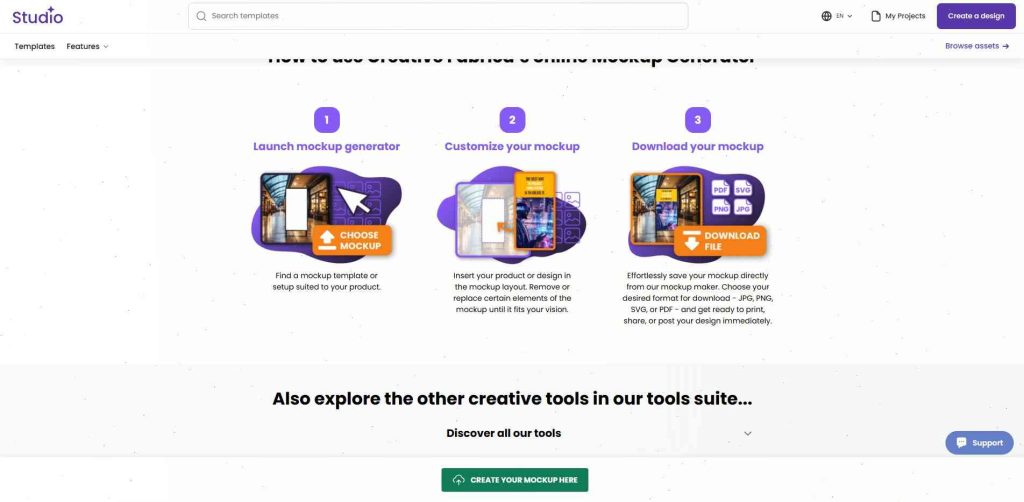
The workflow feels intentionally lightweight:
- Open the mockup tool
- Upload design
- Customize scene
- Export
No complicated editor. No bloated interface.
That makes it surprisingly practical if you’re uploading lots of POD listings quickly.
The platform also supports multiple export formats:
- PNG
- JPG
- SVG
Which helps if you’re managing content across multiple marketplaces.
Another advantage is ecosystem integration.
Since Creative Fabrica already includes:
- fonts
- graphics
- AI tools
- SVG resources
- POD assets
…it becomes convenient keeping everything inside one workflow.
Best For
- print-on-demand sellers
- Etsy creators
- apparel brands
- digital product shops
4. Mediamodifier
Mediamodifier
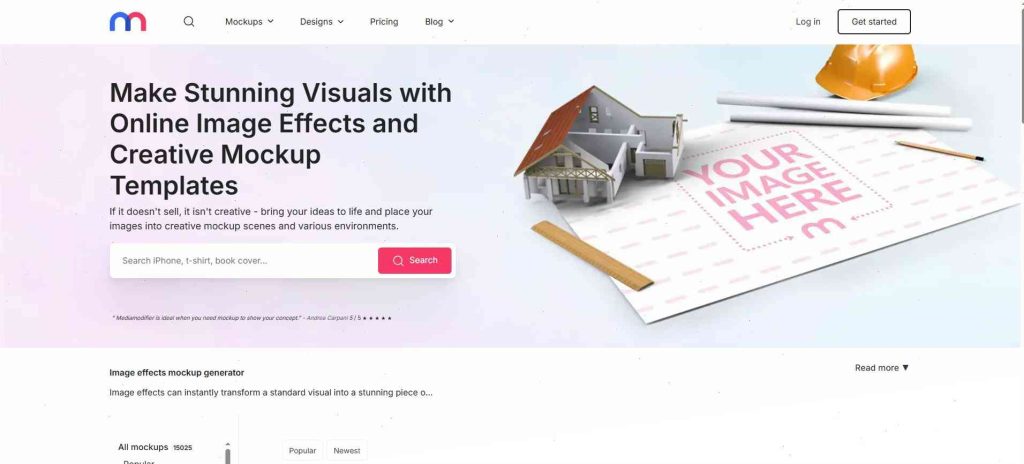
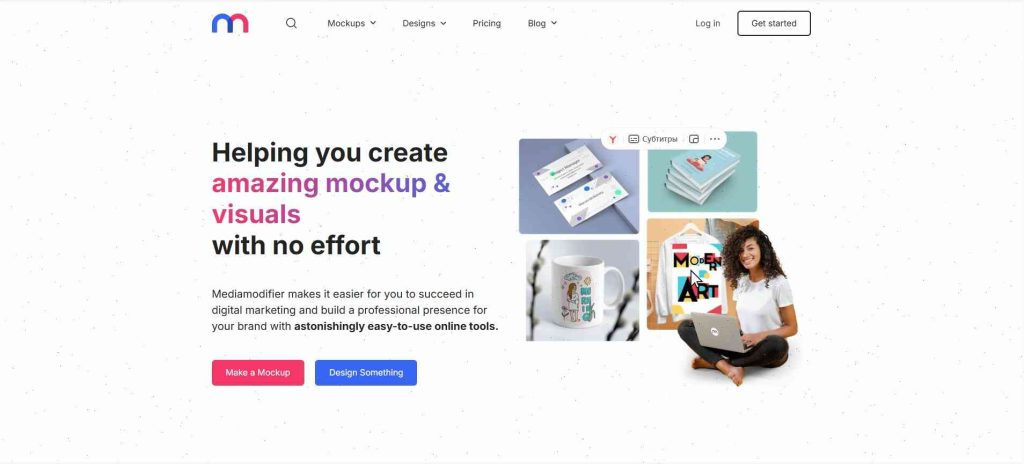
Mediamodifier mixes mockups with animation tools, which makes it useful for advertising creatives.
Animated mockups tend to perform better on social platforms now, especially short-form video feeds.
The platform supports:
- social graphics
- presentations
- motion mockups
- product scenes
Not the most advanced AI engine, but solid for marketing-heavy workflows.
5. Mockey
Mockey
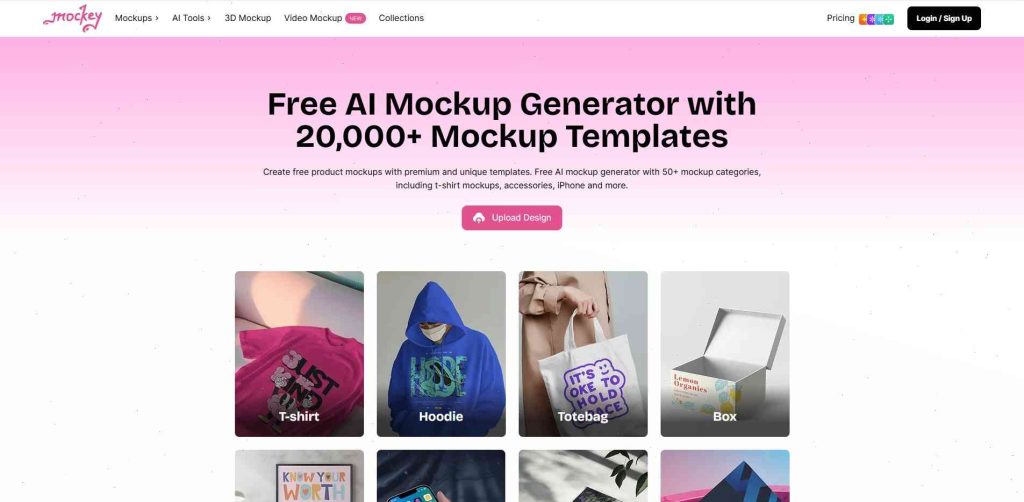
Mockey became popular mainly because of the free features.
For beginners testing ecommerce ideas, it’s honestly a decent starting point.
The interface is simple and the AI placement works reasonably well for:
- shirts
- hoodies
- accessories
- mugs
- packaging
You can definitely outgrow it eventually, but for newer sellers it’s practical.
6. Renderforest
Renderforest
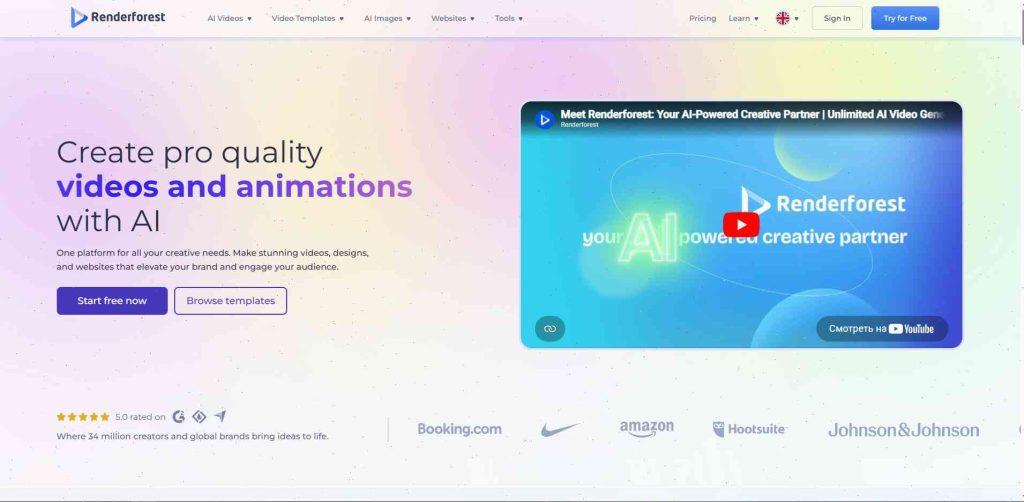
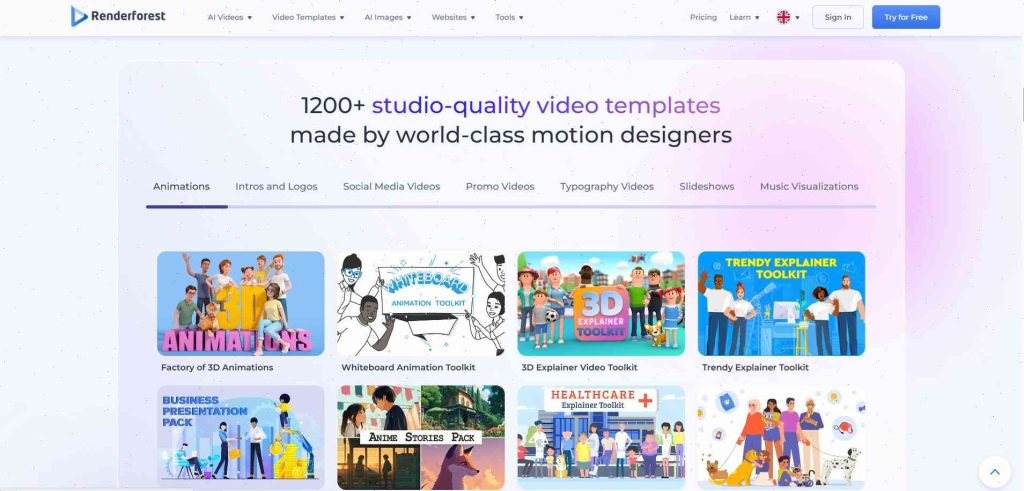
Most people know Renderforest for video creation first, but the mockup side is surprisingly decent now.
What makes it useful for ecommerce is the combination of:
- product visuals
- logo animations
- promo videos
- branded presentations
A lot of smaller stores struggle with consistency across platforms. One tool for both mockups and video content saves time.
I tested it recently for animated packaging previews and it worked better than expected. Especially for:
- product launch videos
- Instagram ads
- ecommerce promos
- storefront banners
Best For
- ecommerce marketing
- animated product previews
- omnichannel branding
Downsides
The interface can feel a little crowded at first.
7. Kittl
Kittl
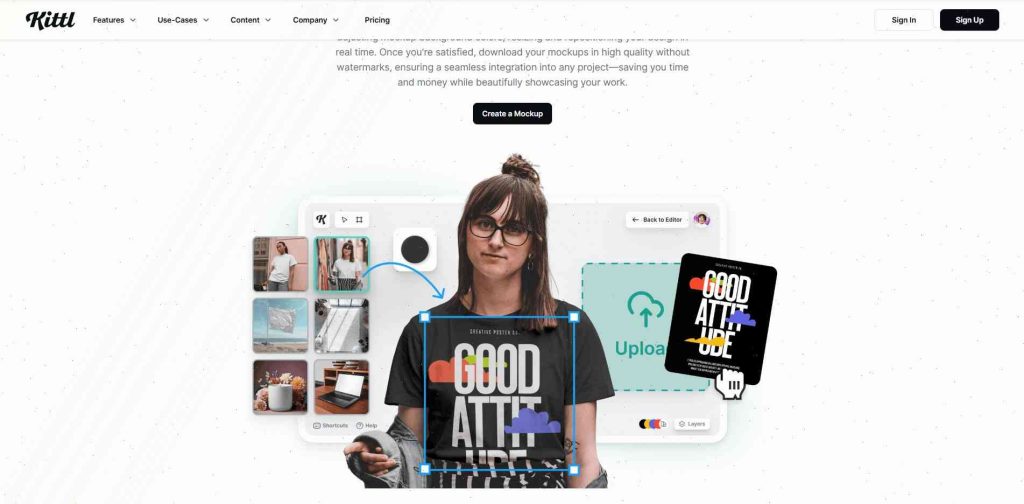
Kittl has one of the cleanest interfaces out of all these tools.
The platform feels very branding-focused. You notice it immediately when working with typography-heavy visuals or premium packaging concepts.
Their AI texture generation and styling tools are genuinely good for:
- candle labels
- cosmetic branding
- fashion products
- luxury packaging
I’ve seen a lot of Pinterest-heavy ecommerce brands start using Kittl lately because the visuals naturally fit modern aesthetic trends.
The mockup customization feels more creative compared to simpler drag-and-drop platforms.
Best For
- branding-focused ecommerce stores
- luxury visuals
- typography-heavy products
Downsides
Slightly more design-oriented learning curve than Canva or Placeit.
8. Pixelcut
Pixelcut
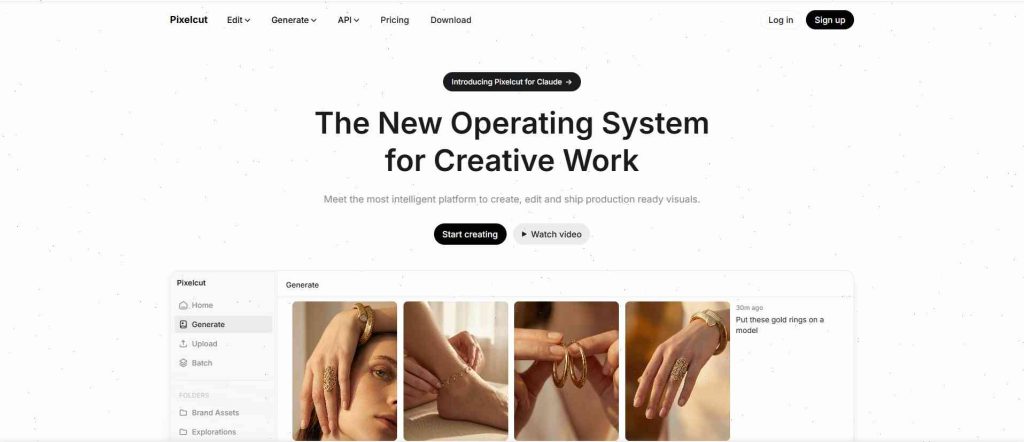
Pixelcut feels built specifically for mobile ecommerce sellers.
And honestly, that matters now more than ever.
A lot of store owners manage products directly from phones:
- editing listings
- updating Shopify
- uploading Etsy products
- creating Pinterest content
Pixelcut handles:
- background removal
- AI scene generation
- shadow creation
- image cleanup
- upscale enhancement
…all very quickly.
One thing I noticed while testing it is how fast the exports are compared to some browser-based editors.
The AI product photography tools are especially useful if you don’t have professional product images yet.
Best For
- mobile workflows
- Shopify sellers
- fast ecommerce editing
- AI product photography
Downsides
Less flexible for complex branding presentations.
9. Fotor AI Mockup Generator
Fotor
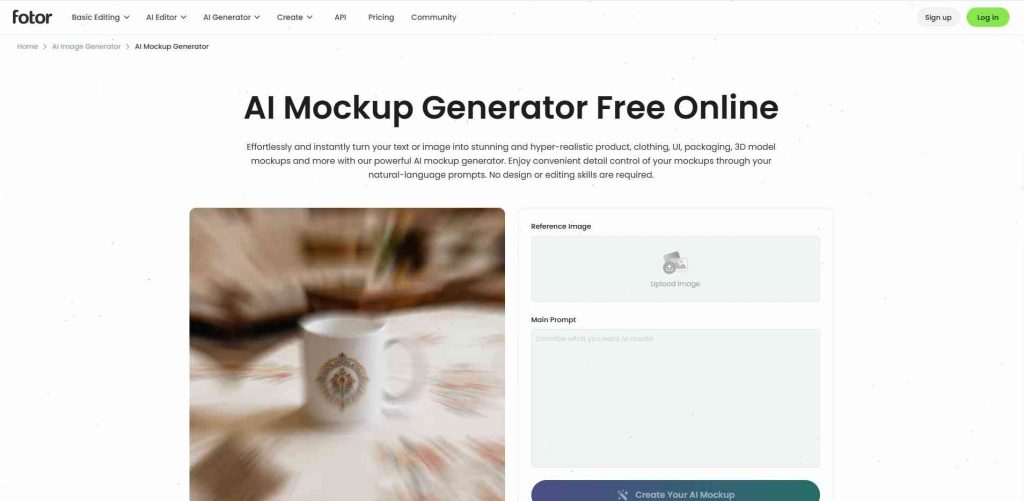
Fotor sits somewhere between AI photo editor and mockup generator.
The retouching tools are actually the strongest part.
If your product photos need cleanup before becoming mockups, Fotor helps with:
- sharpening
- lighting balance
- background cleanup
- texture enhancement
This works especially well for smaller ecommerce brands using self-shot product photos instead of studio photography.
I tested it with skincare packaging visuals and the enhancement tools helped the products look noticeably cleaner without feeling over-edited.
Best For
- product photo enhancement
- small ecommerce brands
- quick retouching workflows
Downsides
Mockup library isn’t as deep as dedicated mockup platforms.
10. Artboard Studio
Artboard Studio
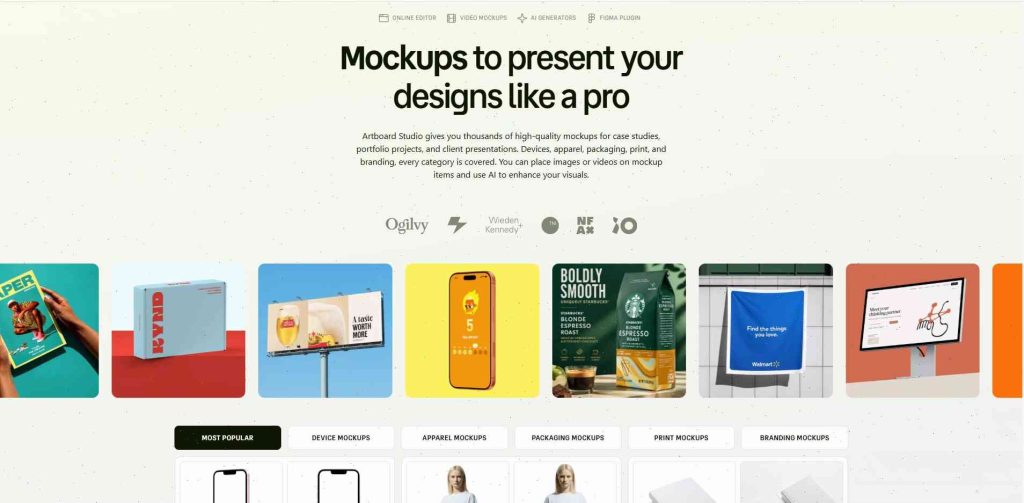
Artboard Studio feels closer to professional creative software.
Not quite Photoshop-level complexity, but definitely more advanced than beginner tools.
The layered editing system gives much more control over:
- lighting
- object placement
- branding layouts
- animations
- presentation scenes
This is the kind of tool larger ecommerce brands usually grow into after basic generators start feeling limiting.
Their collaborative workflow tools are useful too if multiple people manage content production.
Best For
- advanced creators
- agencies
- large ecommerce campaigns
- layered branding visuals
Downsides
Takes more time to learn properly.
11. Printful Mockup Generator
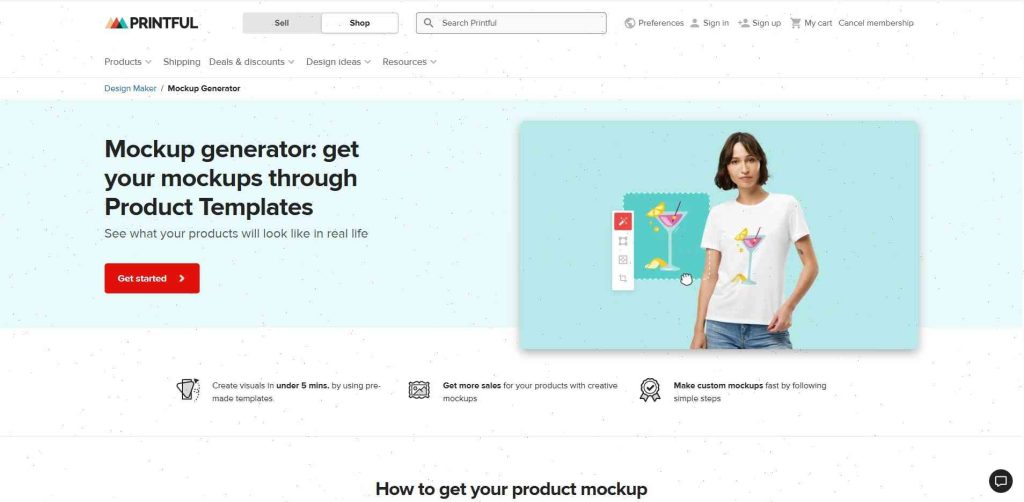
Printful
Printful’s mockup generator is extremely practical if you already use their POD ecosystem.
The biggest advantage is convenience.
You can:
- upload designs
- preview products
- publish listings
- sync with Shopify or Etsy
…without constantly moving files between platforms.
The apparel mockups are pretty solid too. Especially for:
- hoodies
- oversized shirts
- embroidery previews
- lifestyle apparel shots
I still think dedicated mockup platforms offer more creativity overall, but for fast POD workflows Printful works really well.
Best For
- print-on-demand stores
- Shopify POD workflows
- Etsy apparel sellers
Downsides
Less creative flexibility outside POD products.
12. Printify Mockup Generator
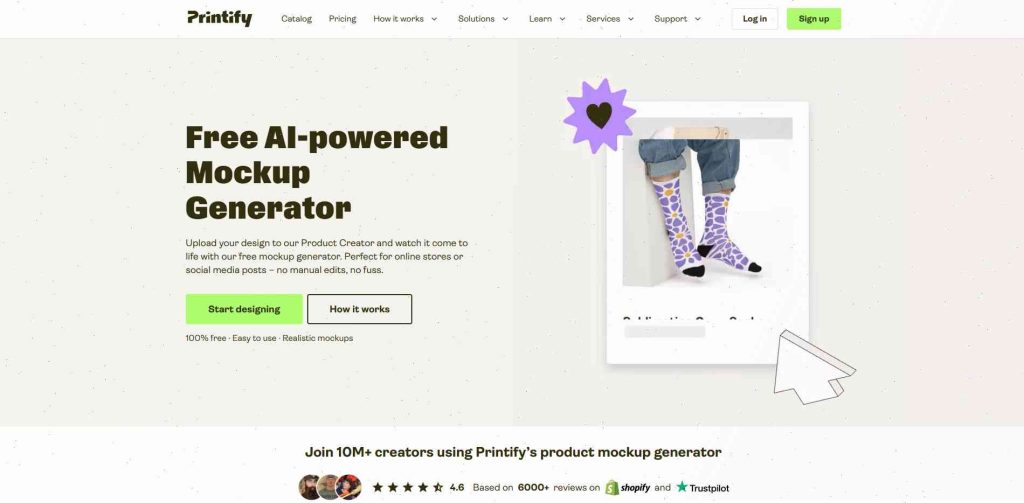
Printify
Printify is similar to Printful but slightly more marketplace-focused in how people use it.
A lot of Etsy sellers prefer it because:
- product setup feels fast
- mockup previews generate quickly
- supplier integrations are broad
The realism depends heavily on the supplier templates though. Some product images look excellent. Others feel more basic.
Still, for launching products quickly, it’s hard to complain too much.
Best For
- Etsy POD stores
- beginner print-on-demand sellers
- fast product publishing
Downsides
Visual consistency varies between suppliers.
13. MockupBro
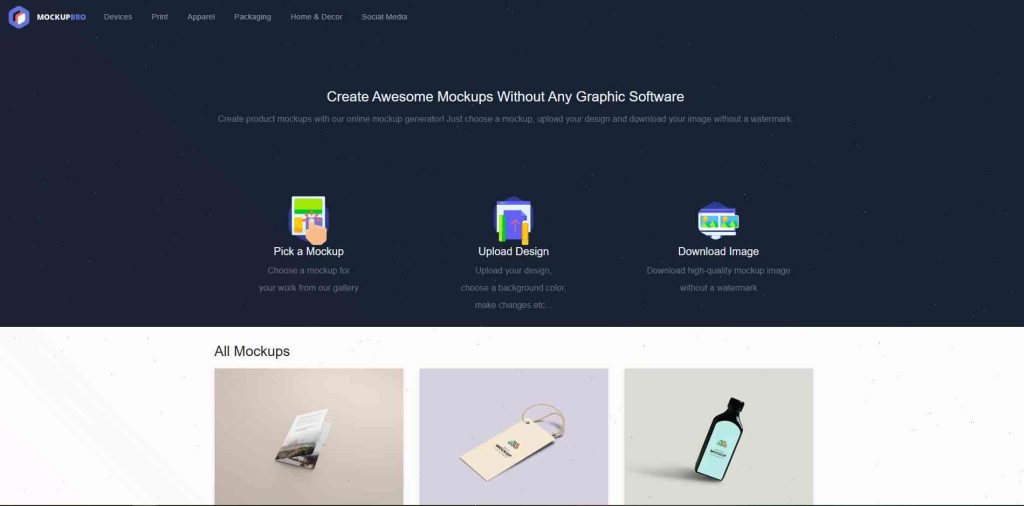
MockupBro
MockupBro is simple. Very simple.
But honestly, sometimes that’s useful.
Not every seller needs advanced AI rendering or cinematic lifestyle scenes. If you just need:
- quick previews
- basic ecommerce visuals
- lightweight mockups
…it does the job.
The free access makes it attractive for newer stores testing product ideas without subscriptions piling up everywhere.
Best For
- startups
- free mockups
- quick previews
Downsides
Limited realism and fewer advanced AI features.
14. Visme
Visme
Visme works best for ecommerce brands doing a lot of content marketing alongside product sales.
The platform mixes:
- infographics
- presentations
- mockups
- branded visuals
- marketing assets
This becomes useful if your store relies heavily on:
- Pinterest traffic
- blog content
- educational marketing
- lead magnets
I wouldn’t use Visme as my primary mockup tool personally, but it fits certain branding workflows really well.
Best For
- content marketing
- educational ecommerce brands
- branded visual ecosystems
Downsides
Mockup specialization isn’t as strong as dedicated platforms.
Just as AI helps create stunning mockups for your products, there are also incredible AI solutions, like the Best Creative Fabrica AI Tools for Print on Demand, that can streamline your entire design workflow.
Comparison Table Of The Best AI Mockup Tools
| Tool | Best For | Free Plan | AI Features | Ecommerce Friendly |
|---|---|---|---|---|
| Placeit | POD sellers | No | Moderate | Excellent |
| Canva | Beginners | Yes | Strong | Excellent |
| Creative Fabrica | POD & digital products | Yes | Moderate | Excellent |
| Smartmockups | Premium realism | Limited | Strong | Excellent |
| Mediamodifier | Animated mockups | Limited | Moderate | Good |
| Mockey | Free mockups | Yes | Moderate | Good |
| Renderforest | Video + mockups | Limited | Strong | Good |
| Kittl | Creative branding | Yes | Strong | Excellent |
| Pixelcut | Mobile ecommerce | Yes | Advanced | Excellent |
| Fotor | AI editing | Yes | Advanced | Good |
| Artboard Studio | Advanced creators | Limited | Strong | Excellent |
| Printful | POD integration | Yes | Basic | Excellent |
| Printify | POD workflows | Yes | Basic | Excellent |
| MockupBro | Budget startups | Yes | Basic | Moderate |
| Visme | Content marketing | Yes | Moderate | Good |
The original comparison structure in the uploaded article was useful, so I kept the same idea while making the descriptions feel more experience-based and natural.
How To Choose The Right AI Mockup Generator For Your Store
The “best” tool depends a lot on what you actually sell.
People sometimes compare these platforms like there’s one perfect option for everyone, but ecommerce workflows vary massively.
A POD apparel store has completely different needs compared to:
- a skincare brand
- a digital planner shop
- a SaaS company
- a handmade Etsy business
Here’s what I’d realistically prioritize.
If You Sell Print-On-Demand Products
Focus on:
- fast workflow
- bulk mockups
- apparel realism
- ecommerce integrations
The strongest options here are usually:
- Placeit
- Creative Fabrica
- Printful
- Printify
Especially if you upload products constantly.
If You Care About Branding & Aesthetics
Kittl and Smartmockups stand out more here.
The visuals feel cleaner and more premium, especially for:
- cosmetics
- candles
- fashion
- luxury packaging
You can tell some tools are optimized more for “high-volume ecommerce” while others lean toward visual identity and branding.
If You Mostly Work On Mobile
Pixelcut is probably the easiest choice.
A lot of ecommerce creators manage stores from phones now more than people realize. Especially:
- Etsy sellers
- TikTok Shop creators
- Pinterest marketers
Pixelcut fits that workflow naturally.
If You’re A Beginner
Canva is still the easiest starting point.
The learning curve stays low, and you can handle:
- mockups
- Pinterest pins
- ads
- banners
- social graphics
…without juggling multiple tools immediately.
Final Thoughts
AI mockup generators stopped being optional for ecommerce a while ago.
Customers judge products incredibly fast now. Usually within a few seconds of landing on a listing or scrolling past a thumbnail.
Good visuals immediately change perceived value.
And honestly, smaller brands finally have access to presentation quality that used to require:
- photographers
- studio setups
- expensive editing software
- design teams
That’s the real shift here.
For most ecommerce sellers, the goal isn’t creating perfect cinematic product photography every time. It’s creating clean, believable visuals quickly enough to keep up with modern ecommerce speed.
If I had to narrow it down:
- Placeit is still one of the easiest all-around choices
- Canva works best for beginners
- Creative Fabrica is great for POD workflows
- Pixelcut is excellent for mobile ecommerce
- Kittl feels strongest for premium branding aesthetics
The good news is most of these tools now offer free plans or trials, so you can test workflows before committing.
That matters because the “best” platform usually ends up being the one you’ll actually keep using consistently.
FAQs
What is an AI mockup generator?
An AI mockup generator is a tool that automatically places product designs into realistic scenes or templates using artificial intelligence and automation.
Are AI mockup generators good for Shopify stores?
Yes. AI mockup generators help Shopify sellers create professional product visuals quickly, improving store appearance and conversion rates.
Which AI mockup generator is best for print-on-demand?
Popular choices include Placeit, Creative Fabrica, Printful, and Printify because they support apparel and POD workflows efficiently.
Can beginners use AI mockup generators?
Absolutely. Most modern tools are designed with drag-and-drop interfaces that require no Photoshop experience.
Do AI-generated mockups increase sales?
Professional visuals improve customer trust and product perception, which often leads to higher click-through rates and conversions.
Follow Us