

Planning with Love: 16 Clever Options for Your Wedding Budget Template
Choosing a reliable wedding budget template is one of the simplest ways to make wedding planning feel less chaotic. Venue payments, floral deposits, catering estimates, stationery costs, and dozens of smaller purchases can quickly become difficult to follow when they are scattered across emails, notebooks, and phone reminders.
I tend to look at budget templates in much the same way I evaluate other creative resources. A polished preview is appealing, but the real value lies in the structure: clear categories, readable typography, sensible spacing, editable sections, and a layout that remains useful after the initial excitement wears off.
Some wedding planners contain hundreds of pages but repeat the same information in slightly different formats. Others are visually simple yet make it much easier to understand where the money is going. The strongest options usually balance appearance with practical organization.
Read More: While crafting the perfect wedding budget template is a great start, staying on top of all the details for your big day can be simplified further with the help of powerful tools like the 14 Best Digital Planners for 2026 to Stay Organized.
Below are 16 wedding budget templates, printable planners, spreadsheets, and digital planning systems designed for different ways of working.
Quick Picks
- Best collaborative spreadsheet: Free Wedding Budget Google Sheet Tracker
- Best focused expense tracker: Free Wedding Expense Tracker
- Best calculation-focused option: Event Budget Template
- Best for Excel users: All-in-One Wedding Planner Excel
- Best flexible digital workspace: Notion Template Party & Event Planner
How I Picked These
I compared these wedding-planning resources by budget visibility, expense categories, calculation support, collaboration, editing flexibility, print usability, writing space, file organization, and how easily couples can keep deposits, balances, vendor information, and changing estimates in one dependable system.
1. How to Manage Your Finances With a Wedding Budget Template

An all-in-one wedding planner can be useful when you want guest information, vendor details, schedules, and expenses stored in the same place.
Visually, this type of spreadsheet usually feels more structured than decorative. Charts, category panels, and summary dashboards create a clear overview without requiring you to move constantly between separate files.
The built-in wedding budget template is the most practical part. It can be used to record vendor deposits, remaining balances, estimated costs, and miscellaneous spending. Access through Excel or Google Sheets also makes the planner easier to update from a laptop or phone.
One limitation of large planning systems is that they can feel overwhelming at first. I would begin with the budget, vendor, and payment sections, then add the remaining pages only when they become relevant.
2. Step-by-Step Guide for Your Free Wedding Budget Google Sheet Tracker
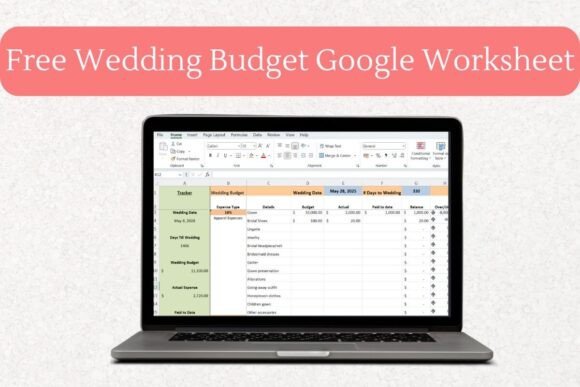
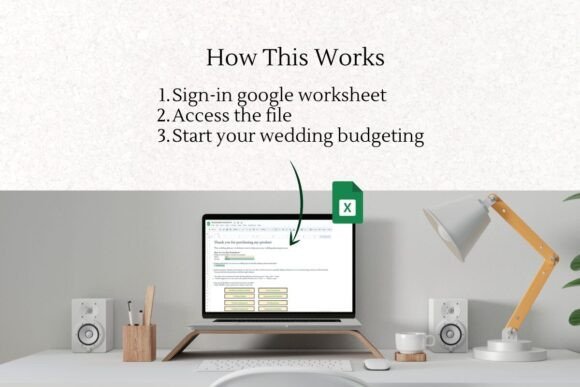
A Google Sheets wedding tracker suits couples who already use Google Drive for documents, calendars, and shared planning.
The design is usually simple, but that is not necessarily a weakness. Spreadsheet layouts are most useful when the hierarchy is easy to understand and the most important figures remain visible without excessive scrolling.
This wedding budget template can help monitor expected costs, actual spending, paid deposits, and outstanding balances. Sharing access with a partner also means both people can update the same version instead of creating conflicting copies.
Because the tracker is cloud-based, it is less suitable for anyone who prefers working offline or storing everything in a printable binder. Still, for real-time collaboration, the format is difficult to beat.
3. Tips for Maximizing Your Free Wedding Expense Tracker
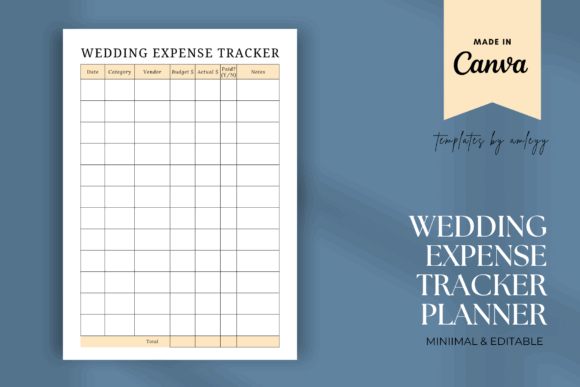
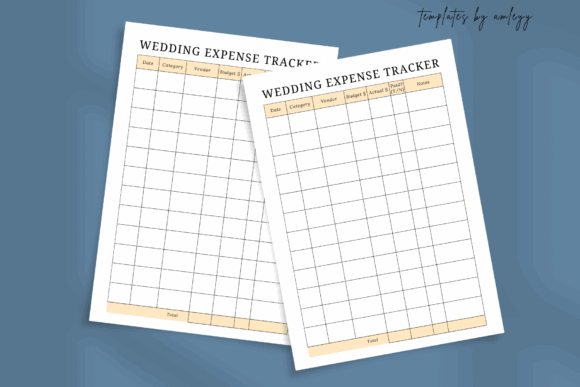
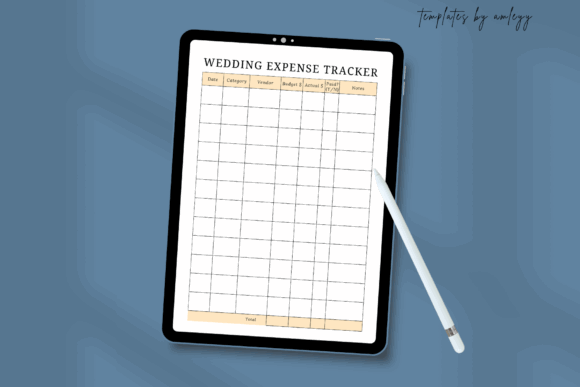
A focused expense tracker is often more approachable than a complete wedding planner. It gives you one clear place to record what was purchased, how much was paid, and what still needs attention.
This editable version can be customized in Canva, which adds a more creative layer to the experience. Colors, headings, and typography can be adjusted to suit the visual style of your wedding.
One thing I often notice when browsing printable templates is that attractive decorative elements can sometimes compete with the information. For an expense sheet, generous writing space and clear columns matter more than elaborate florals or ornamental borders.
The ability to print the tracker or keep it on a tablet makes it adaptable. Just check the final page size and text contrast before printing, particularly if the original design uses very pale colors.
4. Organizing Every Detail With Wedding Planner Canva Templates | Sage
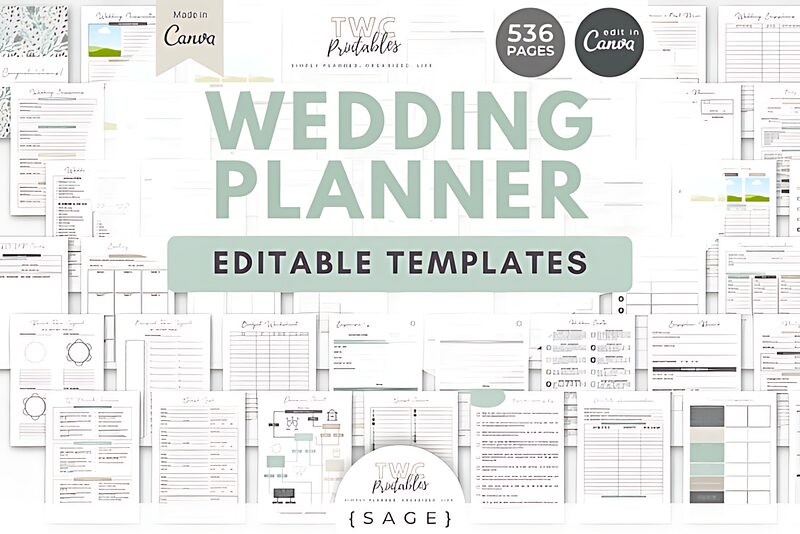
The muted sage palette gives this planner a calm, cohesive appearance. Soft greens are popular in wedding resources because they coordinate easily with botanical illustrations, neutral stationery, and natural decorative themes.
The collection includes pages for schedules, bridesmaid responsibilities, honeymoon notes, guest information, and other planning details. Because the templates are editable in Canva, the fonts and colors can be adjusted without rebuilding the layouts from scratch.
Its hidden strength is the included wedding budget template. Keeping the financial pages inside the same visual system makes the planner feel more consistent, especially when printed as a binder.
The size of the bundle may be a limitation for couples who only need a few essential sheets. Large collections often look impressive in previews, but their usefulness depends on how well the pages are organized and whether repetitive layouts have been avoided.
5. Why You Should Start With This Event Budget Template
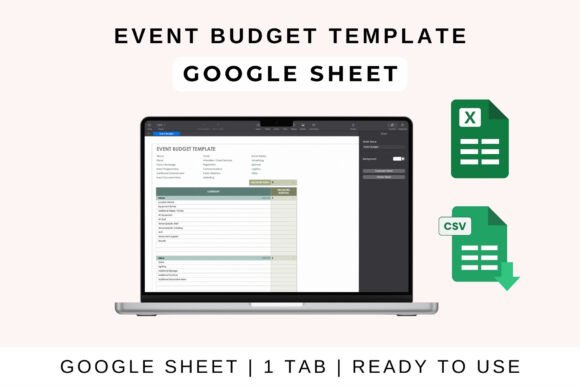
A general event budget template can often be adapted for a wedding with only a few category changes.
This format focuses on calculations rather than decorative planning pages. Catering, flowers, venue expenses, entertainment, rentals, and stationery can be assigned estimated and actual costs, with totals calculated automatically.
I like templates that show variance clearly. Seeing the difference between the planned amount and the final cost is much more useful than simply recording a list of payments.
The visual style may feel more businesslike than romantic, but that can be an advantage when accuracy is the priority. A straightforward spreadsheet is often easier to maintain than a highly decorated planner with limited calculation tools.
6. The Best Layouts for a Successful Wedding Planner Binder PDF
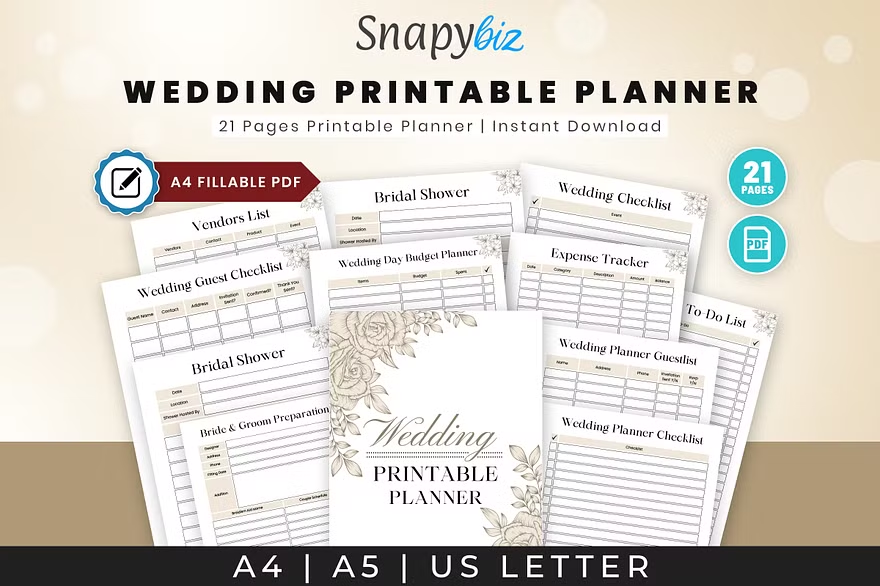
A printable wedding planner offers a different experience from a spreadsheet. There is something satisfying about seeing the timeline, vendor notes, and payment records together in a physical binder.
The best printable collections use consistent margins, readable type sizes, and enough blank space for handwriting. Decorative artwork should support the page rather than dominate it.
This planner includes sheets for rehearsals, vendor contacts, schedules, and financial planning. The wedding budget template provides a tangible way to track spending without opening another app.
Before printing an entire PDF bundle, I recommend reviewing every page and selecting only the sections you will genuinely use. Printing hundreds of pages can create more clutter than clarity, particularly when several worksheets cover nearly identical information.
7. Modern Ways to Customize Your All-in-One Wedding Planner Excel
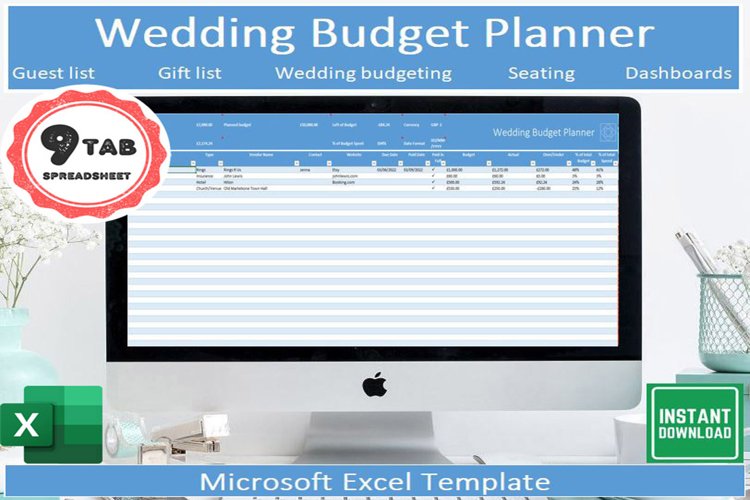
An Excel wedding planner is useful for anyone who wants detailed calculations, filtering, and visual dashboards in one file.
This version combines guest lists, seating plans, timelines, checklists, and financial records. The central wedding budget template turns the raw numbers into graphs and summaries, making it easier to see which categories are consuming the largest share of the budget.
Visual dashboards are useful, but only when they remain readable. Too many charts, colors, or decorative icons can make a spreadsheet feel busier than necessary. The strongest layouts use a restrained palette and consistent category labels.
Support for different currencies is another practical detail, especially for destination weddings or couples working with vendors in more than one country.
8. Benefits of Using Editable Wedding Planner Canva Templates
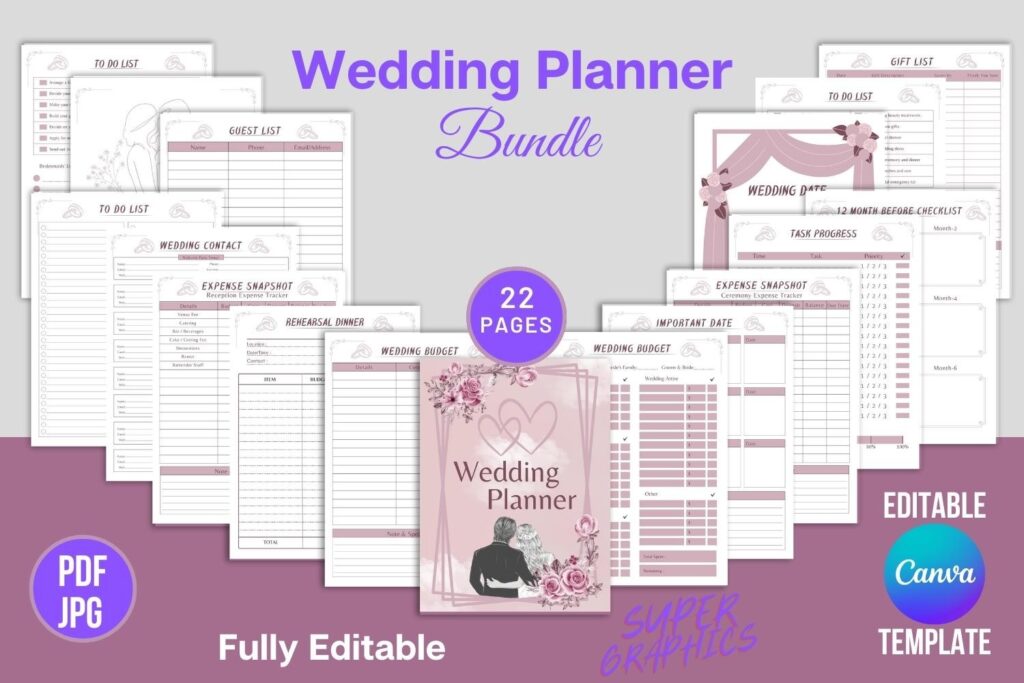
Editable Canva templates provide more visual freedom than a fixed PDF. Fonts, colors, photographs, mood boards, and decorative elements can all be adapted to suit the character of the celebration.
This collection covers planning from the early stages through post-wedding thank-you notes. The pages can be printed in high resolution or stored digitally on a tablet.
The included wedding budget template is useful for expense snapshots, deposits, and progress tracking. I would keep the financial pages slightly simpler than the inspiration and mood-board sections. Numbers are easier to review when the background remains quiet and the typography has strong contrast.
Canva templates also depend on careful exporting. Always check that the selected PDF settings preserve print quality and that no elements sit too close to the trim edge.
9. Setting Up Your Physical Binder With a Wedding Planner Printable KDP Template
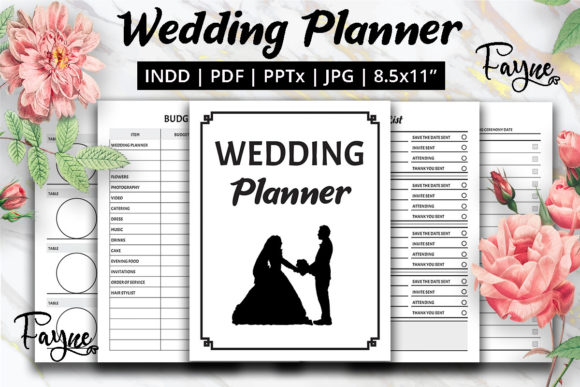
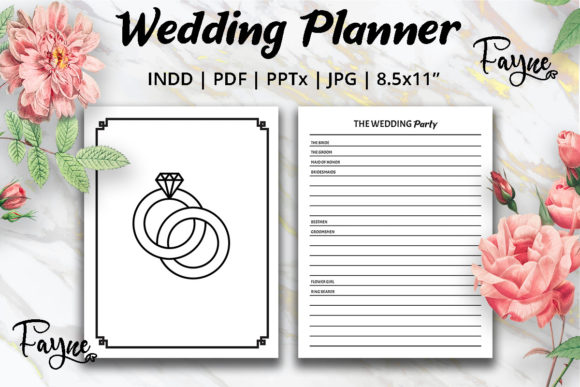
A KDP-style wedding planner is designed around a structured book format, making it suitable for a bound planner or custom binder.
The pages typically include vendor notes, checklists, schedules, and a wedding budget template for recording venue, floral, catering, and décor costs.
From a design perspective, printable interiors need to remain functional in black and white as well as color. Fine lines, pale text, and delicate decorative graphics can disappear on a home printer.
This format suits anyone who prefers handwriting and wants a physical record of the planning process. It is less convenient for automatic calculations, so totals may need to be updated manually.
10. Managing Coordination Inside This Notion Template Party & Event Planner
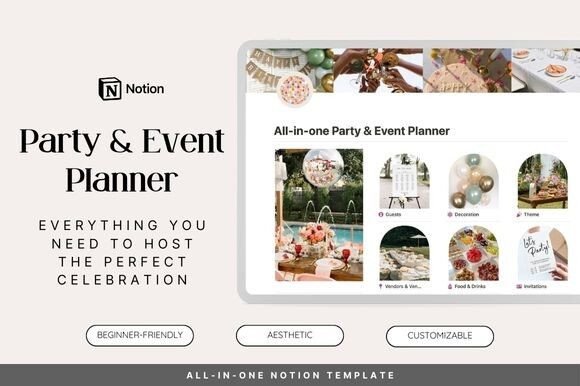
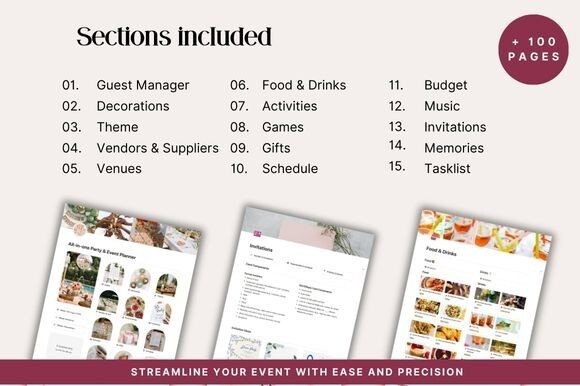
A Notion event planner is one of the more flexible digital options. Guest RSVPs, venue notes, floral references, playlists, menus, and vendor contacts can all be connected inside one workspace.
The visual appearance is usually more minimal than a Canva planner, but the structure can be highly adaptable. Databases, filters, linked pages, and progress views make it easier to manage changing information.
The built-in wedding budget template can be used to monitor expenses and payment status in real time. It is particularly helpful when financial records need to sit beside vendor information or task deadlines.
The main limitation is the setup process. Notion templates can feel less intuitive to people who are unfamiliar with databases. A clean dashboard and a limited number of properties will usually be more useful than an elaborate system with dozens of views.
11. Organizing Your Dream Day With the Ultimate Wedding Planner Canva Template
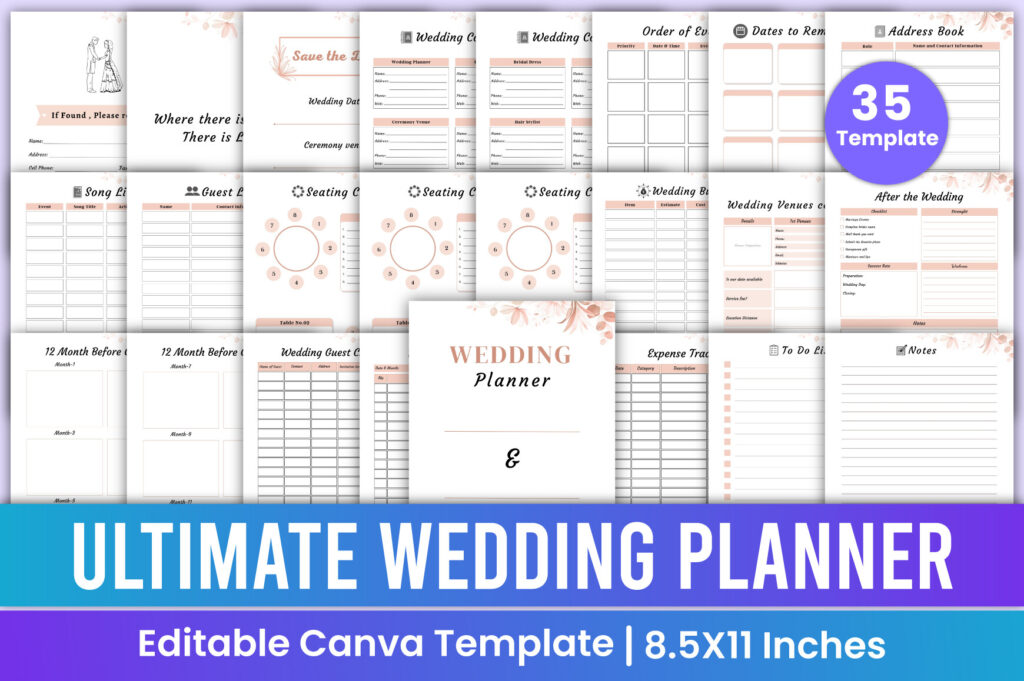
This Canva wedding planner is built for personalization. Fonts, colors, page order, and decorative elements can be adjusted to reflect the wedding’s visual direction.
The strongest Canva planners maintain a recognizable visual language across the entire collection. Headings, borders, icons, and color accents should feel related, even when the pages serve very different purposes.
The included wedding budget template can be used for vendor deposits, monthly tasks, and payment reminders. Printing selected pages creates a practical binder, while the editable digital version remains useful for changes.
A potential limitation is that heavily customized fonts may become difficult to read when printed at a small size. Decorative scripts are best reserved for headings, with cleaner typefaces used for figures and notes.
12. Start Early With Your 2026 Wedding Planner Journal
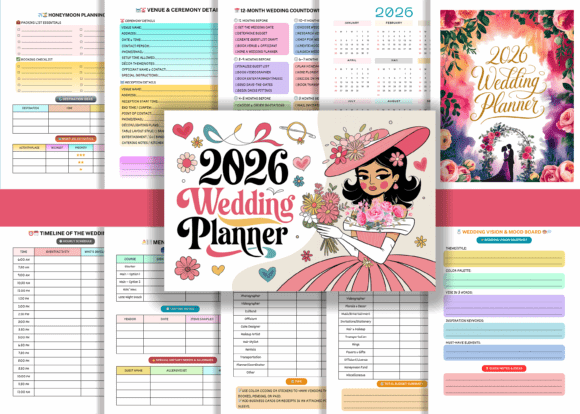
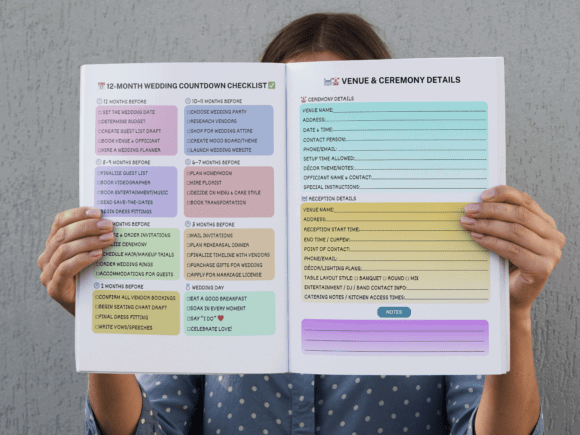
A dated wedding journal can provide a clear sense of progression for couples planning well in advance.
This 120-page planner combines space for florists, cake ideas, vendor contacts, timelines, and personal notes. Because it is designed as a journal, it feels more reflective than a standard spreadsheet.
The integrated wedding budget template helps record deposits for the venue, dress, stationery, and other major expenses. Keeping these figures beside personal notes can make the planning process feel more connected.
The dated format is useful for a specific planning season, although it becomes less flexible if the wedding date changes. An undated edition may offer more long-term value for couples with uncertain timelines.
13. Modern Features of This Digital Wedding Planner for iPad Canva
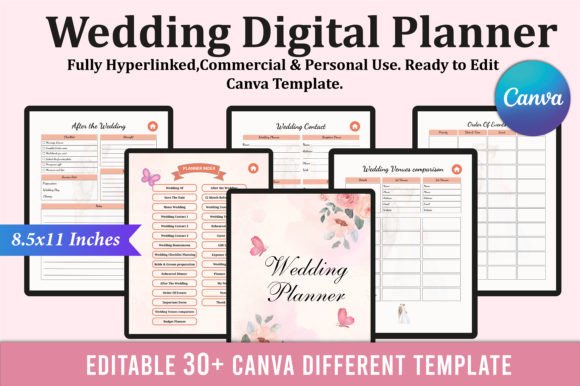
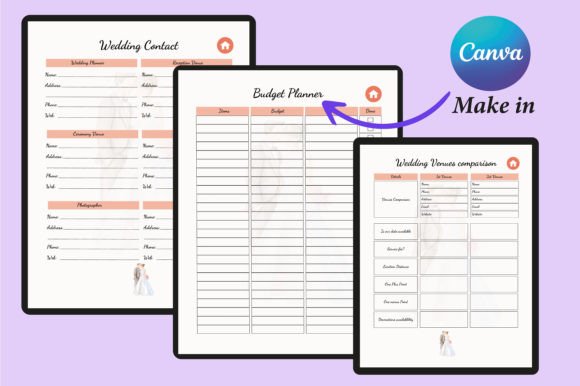
An iPad wedding planner combines the portability of a digital file with the visual familiarity of a printed binder.
This Canva-based version allows the palette and typography to be adjusted before the planner is exported for tablet use. It can then be opened during venue visits, vendor meetings, or planning sessions without carrying a physical folder.
The wedding budget template keeps deposits and expenses accessible while you are away from your computer. This is especially useful when a vendor provides an updated quote during a meeting.
When evaluating digital planners, I pay attention to navigation as much as appearance. Hyperlinks, tabs, and page labels should be easy to tap. A beautiful planner quickly becomes frustrating when moving between sections requires constant scrolling.
14. Professional Advantages of the Wedding Planner Printable Wedding Binder
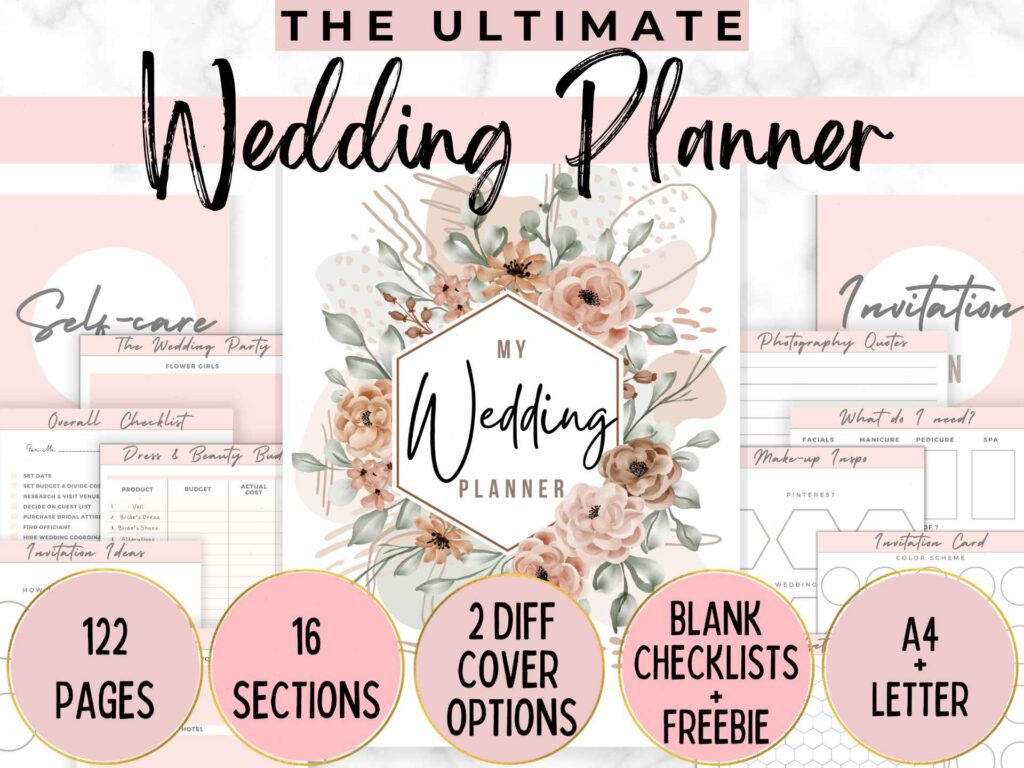
This large printable set contains more than one hundred customizable pages for mood boards, accessories, catering ideas, vendor contacts, timelines, and financial planning.
The collection appears comprehensive, though size alone does not guarantee value. Some large printable bundles contain repetitive pages or minor variations that do not add much practical benefit.
The detailed wedding budget template separates expenses into categories such as stationery, beauty, ceremony, reception, and décor. That level of detail can reveal costs that are easy to overlook in a simpler spreadsheet.
A physical binder also allows fabric swatches, stationery samples, and printed quotations to sit beside the worksheets. For visually led planning, that tactile combination can be genuinely useful.
15. Why Every Bride Needs a Wedding Planner Workbook + Checklist
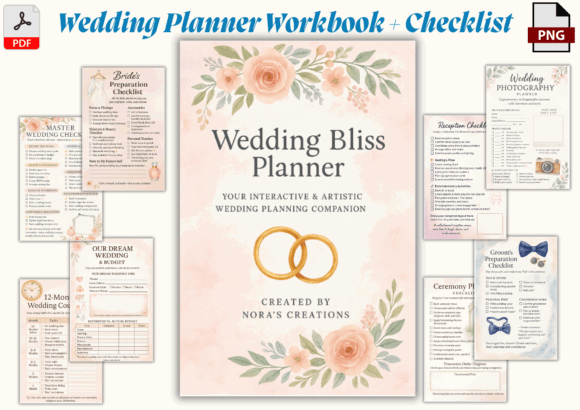
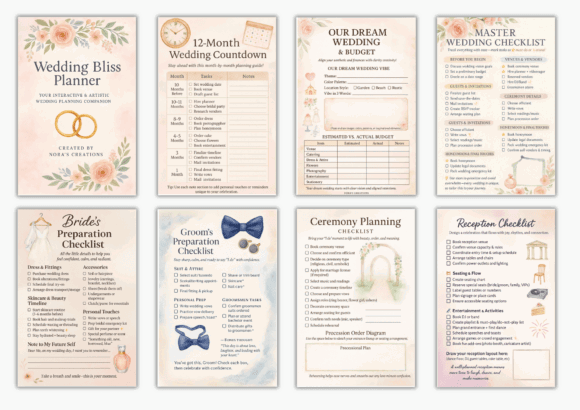
This compact watercolor workbook combines decorative artwork with month-by-month planning.
The 6 × 9-inch format is portable, making it easier to carry to appointments than a full-size binder. Illustrated checklists add personality without taking up too much writing space.
The wedding budget template helps place venue, décor, floral, and stationery costs beside the broader wedding vision. I find this relationship between visual inspiration and practical numbers especially helpful. It prevents the planning process from becoming either purely decorative or entirely financial.
Because the workbook is compact, the writing areas may be smaller than those in a full-page printable planner. Couples with detailed notes may prefer using it alongside a spreadsheet.
16. Personalizing the Sections in Your Ultimate Wedding Planner Canva
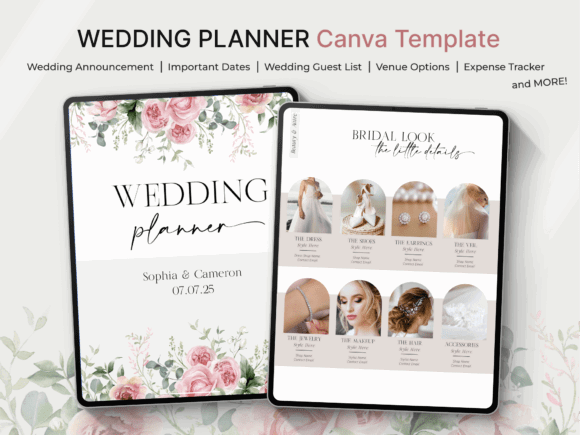
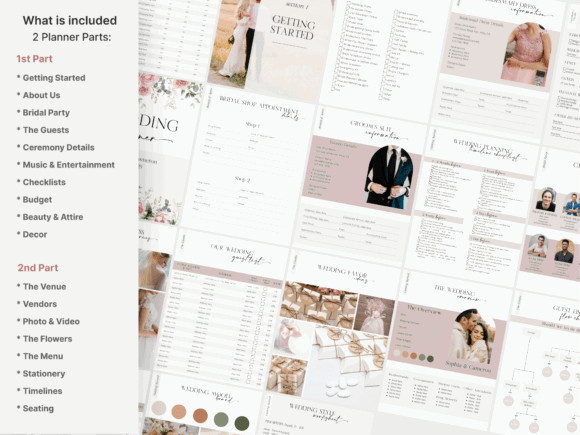
This Canva collection contains more than two hundred pages, covering guest tracking, menus, seating plans, vendor information, schedules, and budgeting.
The breadth of the collection creates flexibility, but it also makes careful organization essential. Clear file names, page categories, and consistent layouts matter far more in a large bundle than they do in a small printable set.
The editable wedding budget template can be adjusted to match the planner’s palette and the categories relevant to your celebration. Removing unused sections often makes the final planner easier to navigate.
One thing I have learned from exploring large template collections is that customization should simplify the resource, not merely decorate it. The most useful final version is usually smaller, more focused, and visually consistent.
For additional checklists, printable planners, editable templates, fonts, and decorative graphics, you can explore the planning resources on Creative Fabrica. Before choosing a resource, it is worth checking the included file formats, page sizes, editing options, licensing terms, and the number of genuinely different layouts in the collection.
Which Wedding Budget Template Should You Choose?
The right wedding budget template should make your finances easier to understand without turning planning into another complicated project.
A spreadsheet is usually the strongest option for formulas, automatic totals, and shared updates. Canva templates offer greater visual control. Printable binders create a more tactile planning experience, while Notion and iPad planners keep changing information accessible in one digital space.
I would compare these resources based on more than their preview images. Look closely at the category structure, writing space, print quality, editing options, file organization, and the number of genuinely distinct pages included.
A smaller planner with a clear visual system can be more useful than an enormous bundle filled with repetition. The best choice is the one that fits naturally into your routine and makes the financial side of the wedding feel visible, calm, and manageable.
Some links in this article may be affiliate links. If you purchase through them, we may earn a small commission at no extra cost to you. Thanks for supporting our work.
Frequently Asked Questions
What should a wedding budget template include?
A useful wedding budget template should include estimated costs, actual spending, deposits paid, remaining balances, payment deadlines, and vendor details. Clear categories for the venue, catering, attire, flowers, stationery, photography, décor, and entertainment make the budget much easier to review.
Is Excel or Google Sheets better for a wedding budget?
Excel is helpful for advanced formulas, dashboards, and offline access. Google Sheets is usually more convenient for couples who want to update the same budget from different devices. The better option depends on how you prefer to collaborate and organize information.
Are printable wedding budget planners practical?
Printable planners can be very practical for people who enjoy handwriting notes and keeping quotations, fabric swatches, or stationery samples in one binder. Their main limitation is that totals must usually be calculated manually, so many couples combine printable pages with a digital spreadsheet.
Can I edit a wedding budget template in Canva?
Many Canva wedding planners are fully editable. You can usually change the colors, fonts, headings, and expense categories before printing or exporting the pages. I recommend keeping budget sections visually simple so that figures remain easy to read.
How do I choose the best wedding budget template?
Look beyond the preview images and check the category structure, editing options, file organization, print quality, and calculation features. A smaller, well-organized template is often more useful than a huge bundle containing repetitive pages.

Follow Us