

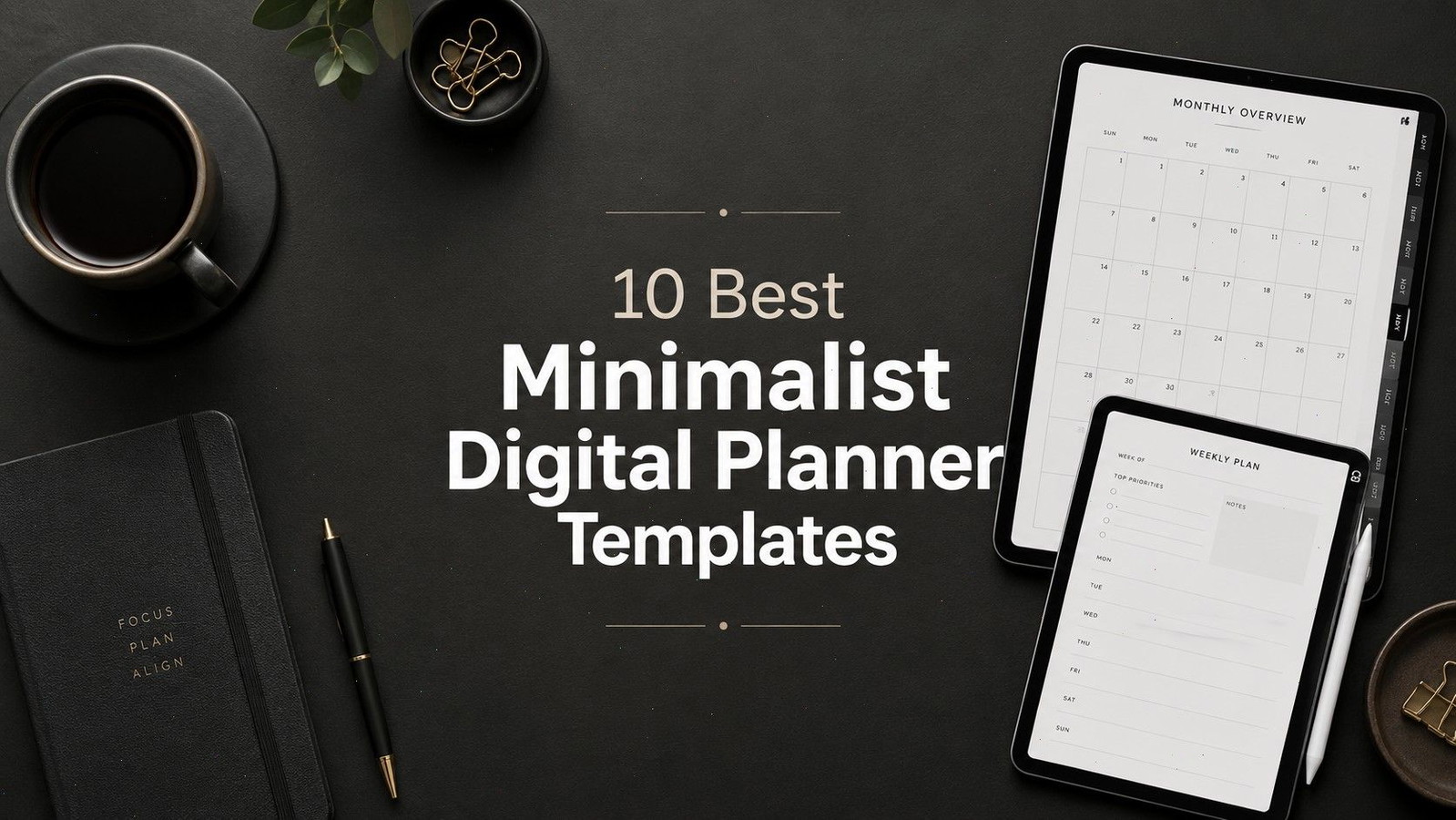
10 Best Minimalist Digital Planner Templates for GoodNotes and iPad
The best minimalist digital planner templates give you enough structure to stay organized without filling every screen with decorative graphics, motivational quotes, or trackers you will never use.
That balance matters more than it first appears. A planner can look beautifully minimal on the cover while hiding hundreds of complicated pages behind it. A genuinely useful minimalist planner keeps the hierarchy clear, makes navigation predictable, and leaves enough open space for handwriting.
We reviewed current planner options available through Creative Fabrica and selected ten templates suited to different planning styles. Some are intentionally compact. Others include broader life-planning sections while maintaining a restrained visual style.
Read More: While these minimalist options offer a clean approach, you might also be interested in our broader selection of the 12 Best Digital Planner Templates for GoodNotes and iPad to find your perfect fit.
Quick Picks
- Best overall: Minimalist Digital Planner
- Best detailed daily option: Digital Minimalist Daily Planner
- Best neutral landscape option: Neutral Undated Yearly Digital Planner
- Best simple reusable option: Undated Digital Planner for iPad and GoodNotes
- Best all-in-one option: All-in-One Digital Planner for GoodNotes
How I Picked These
I compared these minimalist planners by visual clarity, navigation, writing space, page density, orientation, dated and undated flexibility, customization, app compatibility, and how well each layout reduces friction without stripping away the planning sections people actually use.
1. Minimalist Digital Planner

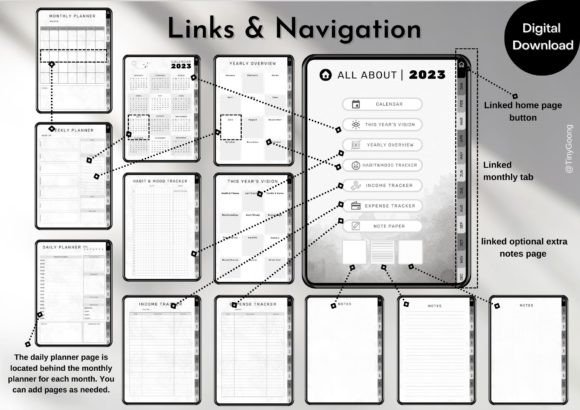
This undated planner from TinyGoong Studio is one of the more balanced options in the collection. It covers everyday scheduling while adding habit, mood, income, and expense tracking without turning the planner into an oversized productivity system.
The planner uses clickable tabs and buttons to move between sections. It also supports common PDF annotation apps on both iPad and Android tablets, including GoodNotes, Notability, Noteshelf, and Xodo.
The layout is best suited to someone who wants a clean planner but still needs personal and financial tracking in one place. People who only write a short weekly task list may find some of the sections unnecessary.
Best for: Personal planning, habits, basic money tracking
Key features: Hyperlinks, clickable tabs, daily and weekly logs
2. Digital Minimalist Daily Planner
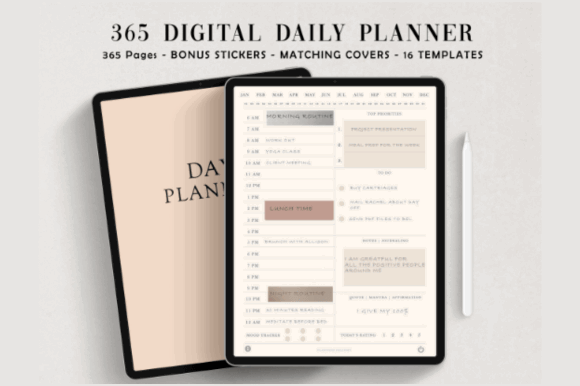
Daily planners often become visually heavy because they try to fit schedules, priorities, meals, water intake, gratitude, notes, and habits onto one page. This template takes a cleaner route while still offering a complete year of daily planning.
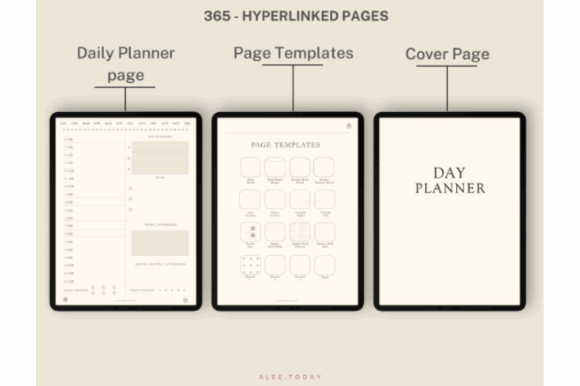
It contains 365 daily pages within a 384-page hyperlinked file. The package also includes 16 additional page templates, matching covers, and digital stickers.
This is a sensible choice for users who write detailed daily plans and want a separate page for each date. The large page count may feel excessive if you primarily organize your week from a single overview.
Best for: Detailed daily schedules, routines, focused planning
Key features: 365 daily pages, hyperlinks, bonus covers and stickers
3. Neutral Undated Yearly Digital Planner
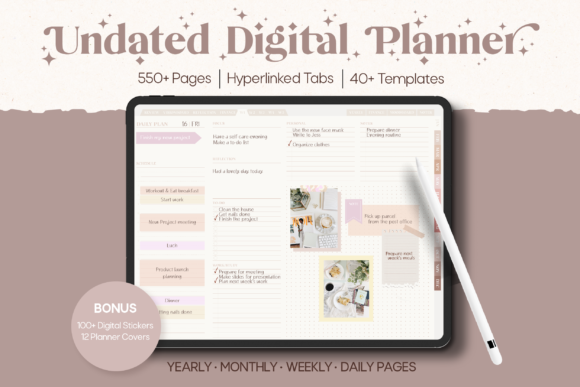
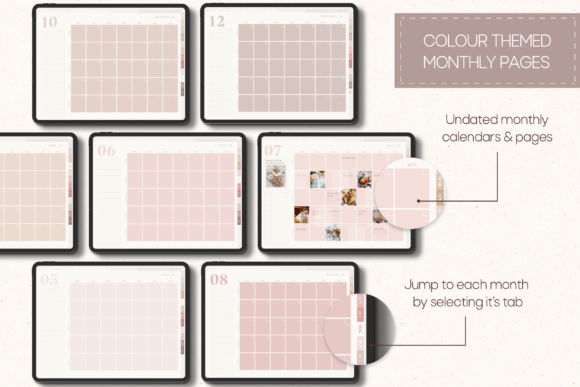
Neutral colors can make a planner feel calmer, but color alone does not make a layout functional. This yearly planner combines a restrained appearance with sections designed to keep different areas of life organized in one file.
The horizontal PDF format gives monthly and weekly planning more breathing room than narrow portrait layouts. It can be used with a digital pen or keyboard, and users can add images or digital stickers to the pages.
The landscape orientation feels natural on an iPad placed on a desk. It may be less comfortable for users who prefer holding their tablet vertically while planning.
Best for: Year-round planning, landscape tablets, neutral aesthetics
Key features: Undated structure, horizontal pages, multiple planning categories
4. GoodNotes Minimalist Undated Daily Planner
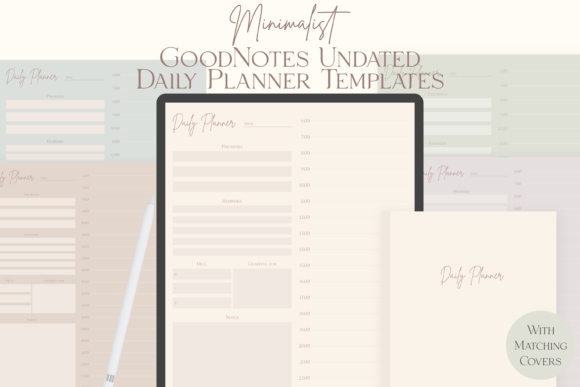
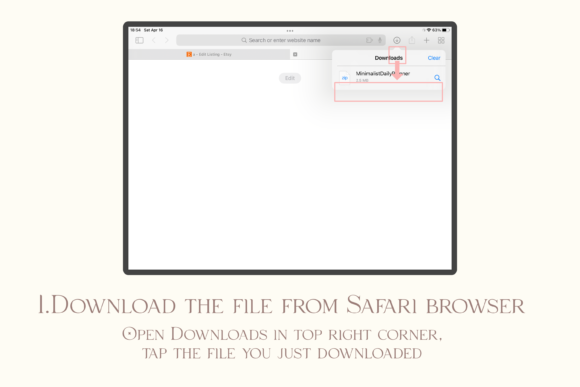
This planner focuses on a narrower daily-planning experience. The neutral color treatment and portrait orientation make it particularly useful for people who prefer handwriting on an upright tablet.
Its tags identify it as an undated GoodNotes planner with minimalist daily pages, neutral colors, and vertical layouts. The simplicity is the main appeal here. You are not paying for a sprawling collection of lifestyle dashboards when all you need is a reliable daily page.
A vertical planner also tends to feel more natural for long task lists. The tradeoff is reduced horizontal room for time-blocking or side-by-side categories.
Best for: Daily task lists, portrait tablets, GoodNotes users
Key features: Neutral colors, vertical layout, reusable daily pages
5. Minimal Digital Planner Template
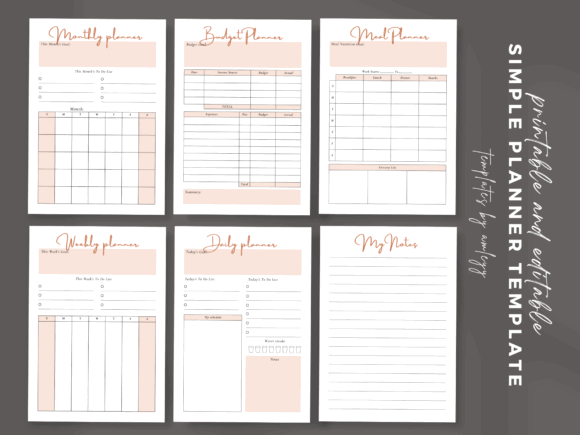
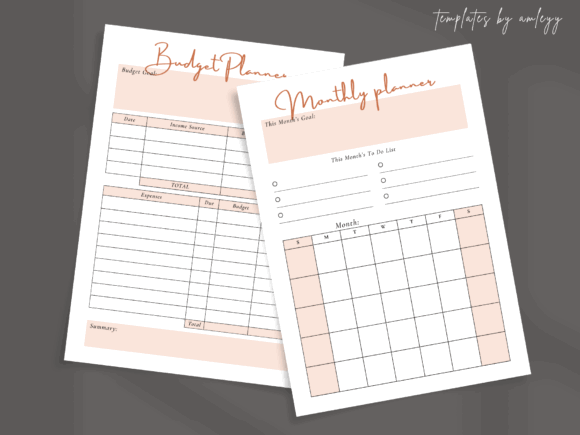
This option is better suited to users who want to adapt a planner rather than accept a fixed system. It includes daily, weekly, monthly, notes, and budget-oriented page concepts within a modern, clean design.
The listing identifies the planner as editable and customizable, with Canva-related template functionality and compatibility tags for GoodNotes and Notability. It is also positioned as an undated, reusable planner.
The ability to edit the design is useful for creators who want to change headings, rearrange pages, or build a branded planner. Customization does require more setup than downloading a finished hyperlinked file and immediately writing in it.
Best for: Custom layouts, entrepreneurs, planner creators
Key features: Editable pages, clean design, multiple planning sections
6. Undated Reusable Digital Planner
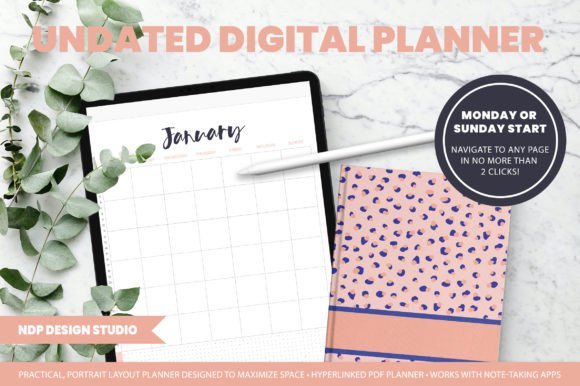
An undated planner is often the most economical option for inconsistent planners. You can stop using it for several weeks and return without leaving a visible gap of unused dated pages.
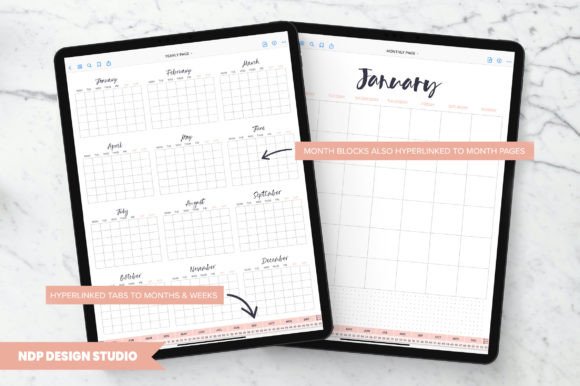
This reusable template is presented as a vertical, portrait-style hyperlinked planner for GoodNotes and similar digital-planning workflows. Its design tags emphasize a minimal layout, organization, journaling, and bullet-journal use.
The portrait structure should suit people who mix appointments with handwritten notes. It is less appropriate for users who want an expansive monthly dashboard displayed across a horizontal tablet.
Best for: Flexible planning, bullet journaling, irregular schedules
Key features: Undated pages, portrait orientation, hyperlinked navigation
7. Undated Weekly Digital Planner
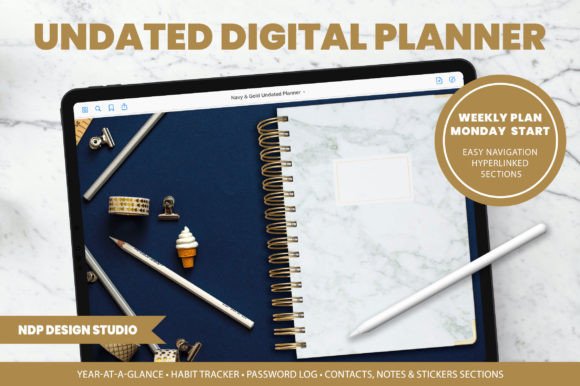
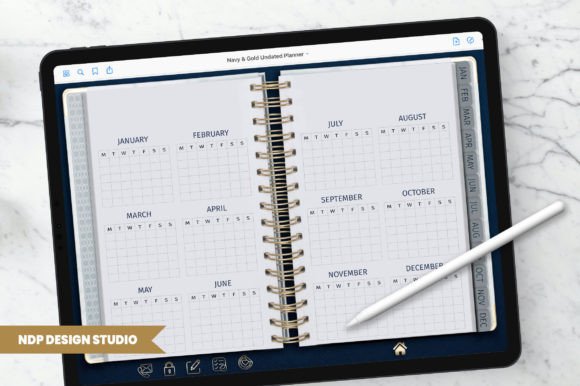
Not everyone needs a separate page for every day. In practice, a weekly view is often faster for balancing appointments, deadlines, household tasks, and a short list of priorities.
This template from NDP Design Studio uses a portrait, vertical format and includes hyperlinked navigation. It is designed as an undated GoodNotes planner with a minimal, bullet-journal-inspired structure.
It is the better choice for people who plan lightly but consistently. Users with tightly scheduled workdays may still need supplementary daily pages for time blocking.
Best for: Weekly priorities, students, lightweight planning
Key features: Weekly pages, portrait design, reusable undated layout
8. Undated Digital Planner for GoodNotes
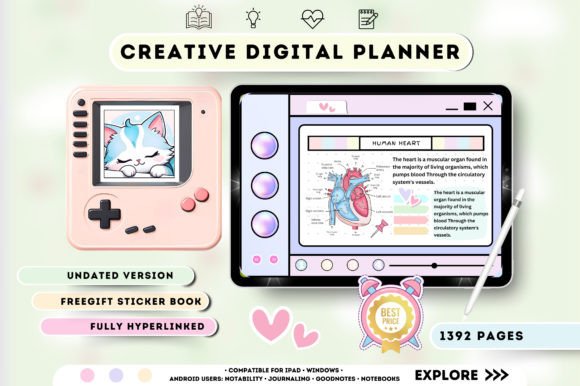
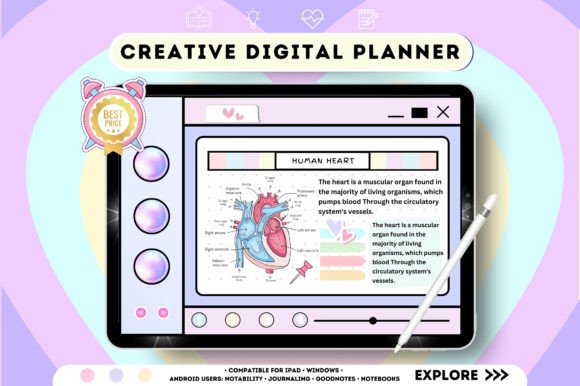
This planner combines daily, weekly, and monthly sections within a hyperlinked undated structure. That gives it enough range for people who want more than a basic weekly notebook without committing to a dated annual planner.
The navigation links connect its main planning views, and the reusable structure means the planner can be started at any point in the year.
The clean page system should appeal to beginners because it follows a familiar calendar hierarchy. It is also a practical middle ground for users who are unsure whether they prefer daily or weekly planning.
Best for: Beginners, flexible schedules, mixed planning styles
Key features: Daily, weekly, monthly pages, hyperlinked navigation
9. Undated Digital Planner for iPad and GoodNotes
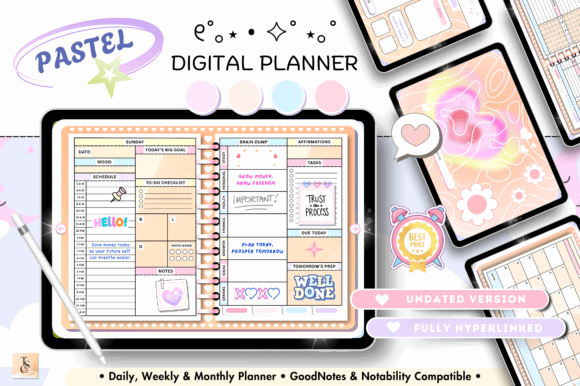
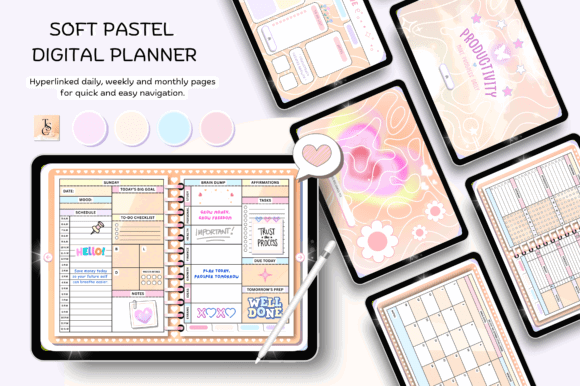
This horizontal planner uses a relatively compact 68-page structure. It includes linked daily, weekly, and monthly sections, along with an instructions and guides file.
The smaller page count is appealing when you want a functional planner without searching through hundreds of specialized templates. Its 11-by-8.3-inch horizontal dimensions are also well suited to landscape tablet use.
It may feel limited to users who want extensive finance, wellness, project, or meal-planning dashboards. For straightforward scheduling, that restraint is an advantage.
Best for: Simple scheduling, landscape iPads, new users
Key features: 68 pages, horizontal layout, linked calendar views
10. All-in-One Digital Planner for GoodNotes
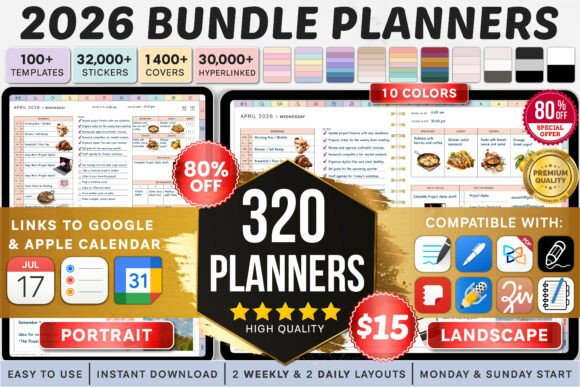
An all-in-one planner may sound like the opposite of minimalism, but this option earns a place because it offers a restrained visual direction alongside a broad collection of sections.
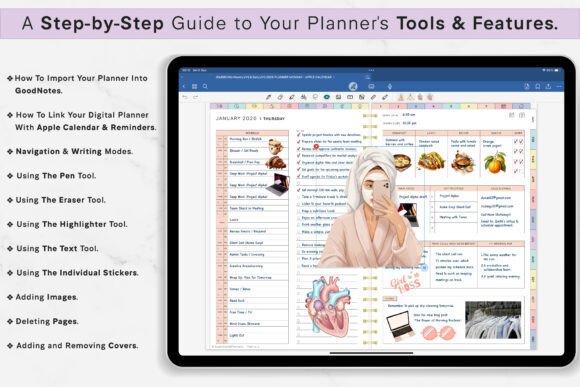
The planner includes daily, weekly, monthly, and yearly planning, clickable tabs, goal-setting tools, budgeting pages, productivity sections, and support for several tablet and annotation workflows. The product currently carries a 4.5 rating based on 18 reviews on Creative Fabrica.
This is the strongest option for users who want one central planning file. It is also the easiest planner on this list to overcomplicate. Start with the calendar and task pages, then add extra sections only when they solve a real problem.
Best for: Life planning, professionals, multiple planning needs
Key features: Clickable tabs, broad page library, multiple orientations
Read More: If you appreciate the versatility of digital planners, you might also find inspiration in these 15 Undated Digital Planner: Brilliant Templates You’ll Love, perfect for flexible planning that starts whenever you do.
How to Choose a Minimalist Digital Planner
A planner should reduce the number of decisions you make, not give you another system to maintain. Before downloading one, think about how you already manage your time.
Pick the Right Planning Depth
Choose a daily planner when your schedule contains several appointments, deadlines, or time blocks. Daily pages provide more writing space, but they require regular attention.
Weekly planners are better for broad priorities and lighter schedules. Monthly pages help with travel, launches, bills, and appointments but are rarely detailed enough for everyday task management.
A combined planner gives you more flexibility, although it usually includes a larger file and more navigation.
Check Navigation Before Decoration
Hyperlinks matter more than matching stickers.
A digital planner can have attractive typography and still become frustrating if returning to the current month requires several taps. Look for clearly labeled monthly tabs, home buttons, and direct links between yearly, monthly, weekly, and daily views.
Decorative assets can always be added later. Weak navigation is much harder to fix.
Choose Dated or Undated Pages
Dated planners provide immediate structure. You open the file and begin using the correct page without duplicating or renaming anything.
Undated planners are more forgiving. They can be reused and do not punish you visually when you stop planning for a while. The small inconvenience is that dates may need to be written or copied manually.
For most casual users, an undated template offers better long-term value.
Confirm App Compatibility
Most digital planners are interactive PDF files rather than standalone apps. You will normally need a PDF annotation application such as GoodNotes, Notability, Noteshelf, or Xodo.
Check that the planner works with your preferred device and application. GoodNotes is frequently associated with iPad planning, while apps such as Xodo and Noteshelf can support broader device workflows.
Also pay attention to orientation. A landscape planner can feel awkward when you usually hold your tablet vertically, even when every other feature looks right.
Which Minimalist Digital Planner Should You Choose?
Choose the Minimalist Digital Planner for the most balanced all-purpose setup, the Digital Minimalist Daily Planner when you need a dedicated page for every day, and the Undated Digital Planner for iPad and GoodNotes when a smaller reusable system matters more than extra trackers. The All-in-One Digital Planner for GoodNotes is the better fit when you want minimalist styling but still need a broad life-planning system.
A minimalist planner is worth using when visual clutter makes it harder for you to focus. Clean typography, predictable navigation, and open writing areas usually age better than heavily themed pages.
The main mistake is choosing the planner with the most templates. More pages do not automatically produce better organization. They often create more places to lose information.
For most people, the strongest starting point is an undated planner with monthly, weekly, and daily pages. Use those core sections for several weeks before adding trackers, journals, stickers, or project dashboards.
Creative Fabrica offers a large library of digital planner files through individual downloads and its broader subscription. For creators who also use fonts, graphics, templates, and digital stickers, the subscription model can be more convenient than purchasing each planning asset separately.
Some links in this article may be affiliate links. If you purchase through them, we may earn a small commission at no extra cost to you. Thanks for supporting our work.
FAQ
1. What is the best minimalist digital planner for GoodNotes?
A strong GoodNotes planner should have clear hyperlinks, legible pages, and enough writing space for your planning style. The Minimalist Digital Planner by TinyGoong Studio is one of the most balanced options because it combines calendar pages, daily and weekly logs, trackers, and straightforward navigation.
2. Can I reuse an undated digital planner every year?
Yes. Undated planners do not assign pages to a specific calendar year, so you can duplicate the original file and reuse it. Some users also duplicate individual daily or weekly pages inside their annotation app.
3. Do digital planner hyperlinks work in GoodNotes?
They generally work when GoodNotes is in navigation or read-only mode. In editing mode, tapping a hyperlink may select or mark the page instead of opening the linked section.
4. Can minimalist digital planners be used on Android tablets?
Many PDF planners can be used on Android through compatible annotation apps such as Xodo or Noteshelf. Compatibility varies, so the product description and included instructions should be checked before downloading.

Follow Us