

ℹ️ Affiliate Disclosure: This article may contain affiliate links. We may earn a commission at no extra cost to you. Thanks for your support! ❤️
How the Best AI Presentation Makers Save Time
Building a presentation usually takes longer than expected. The writing is only one part of it. You still need to organize the story, choose a visual direction, find suitable images, create charts, and make sure the slides don’t feel like twelve unrelated templates stitched together.
AI presentation makers can take a lot of that early work off your plate. Some generate a complete deck from a short prompt. Others can turn a document, web page, or research file into slides, while a few are better suited to editing an existing PowerPoint or Google Slides presentation.
The results still need a human pass. AI-generated decks often contain oversized paragraphs, repetitive layouts, oddly literal stock images, or claims that deserve fact-checking. Used as a starting point, though, these tools can cut hours from the process.
Here are 12 AI services for creating presentations, including both international. Features, free allowances, and pricing are based on the information available in the original source and may change over time.
See Also: While AI presentation makers can create faster, better slides, don't forget that the right visual elements, like striking typography, are key to making them truly unforgettable. Discover some fantastic options in our guide to PowerPoint Fonts: 15 Stunning Fonts For Better Slides.
Plus AI

Plus AI is a native add-on for PowerPoint and Google Slides. That matters more than it might seem.
Instead of moving your presentation into a separate browser-based editor, you can generate and revise slides inside software you may already use every day. Plus AI can create a new presentation from a prompt or uploaded file, as well as rework an existing deck.
The service includes hundreds of editable templates and can visualize information using charts and diagrams. You can also add built-in or custom icons, generate images, translate presentation text, and create reusable instructions for the AI to follow.
That last feature is particularly useful when you’re producing several decks for the same brand. You can define preferences for tone, layout, or formatting instead of repeating the same directions every time.
Plus AI makes the most sense for people who need AI assistance without abandoning PowerPoint or Google Slides. It’s less of a standalone design experiment and more of a practical layer added to a familiar workflow.
A seven-day free trial is available. Paid plans were listed as starting at $10 per month.
Manus Slides
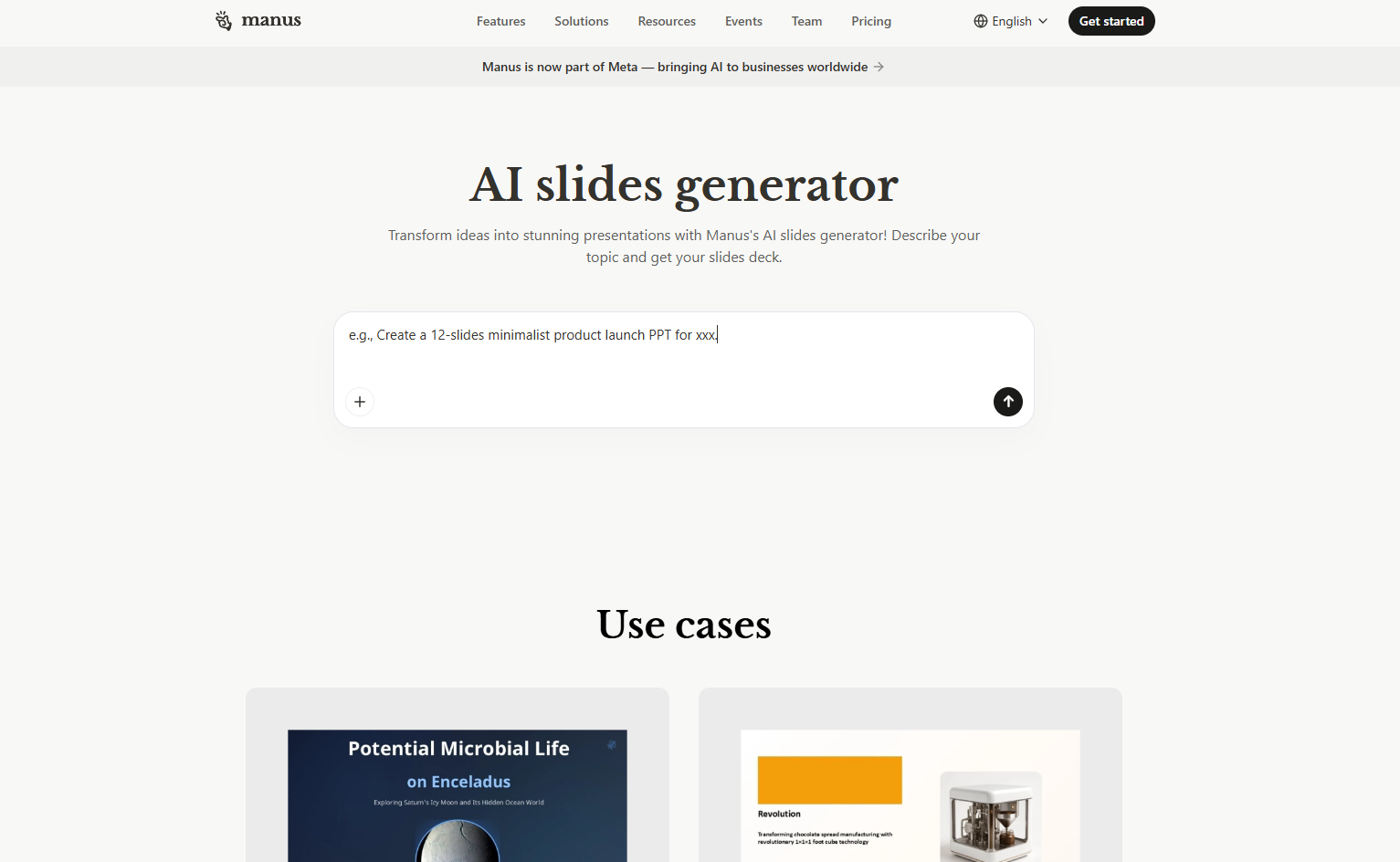
Manus Slides is a presentation-generation feature built into the Manus platform. You provide a topic, select a visual style, and choose the number of slides, from 4 to 24.
The AI agent then researches the subject online and creates a structured presentation with written content, illustrations, charts, and tables. Once the first draft is ready, you can edit individual slides, export the deck as a PPTX or PDF, or share it through a link.
The research component is the main attraction here. For topics that require a basic market overview, comparison, or explanatory structure, Manus can do more than simply dress up text you’ve already written.
As with any AI research tool, the sources and numbers still need checking. A deck can look polished enough to feel authoritative even when a statistic is missing context.
New users were offered 1,000 credits, which the service estimated would cover roughly three eight-slide presentations.
Sokratik
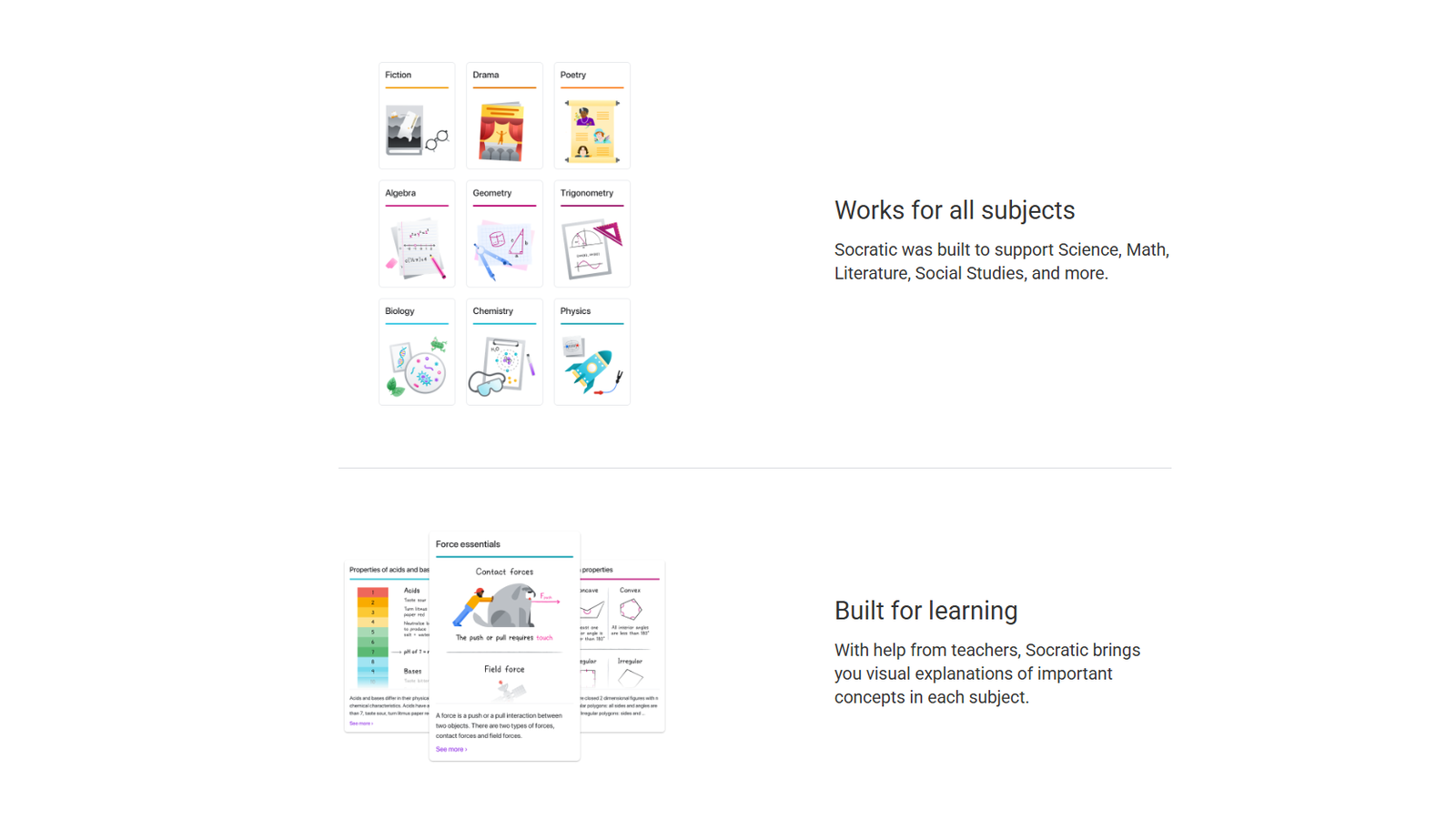
Sokratik is a Russian AI presentation maker designed to generate decks containing between 10 and 30 slides.
It can create presentations from prompts in multiple languages and add images, charts, and diagrams. The service also includes a small template library and lets users share a presentation by link or export it as a PDF or PowerPoint file.
Its editor is fairly direct, which may appeal to users who don’t want to spend much time learning a new interface. The trade-off is that the template selection is smaller than what you’ll find in larger international design platforms.
The free version adds a watermark to generated slides. According to the original listing, users could remove it and receive unlimited generations through either a one-time payment of 149 rubles or a monthly subscription of 469 rubles.
That unusually low entry price makes Sokratik easy to test for short educational, internal, or client-facing presentations, especially when Russian-language output is a priority.
Gamma
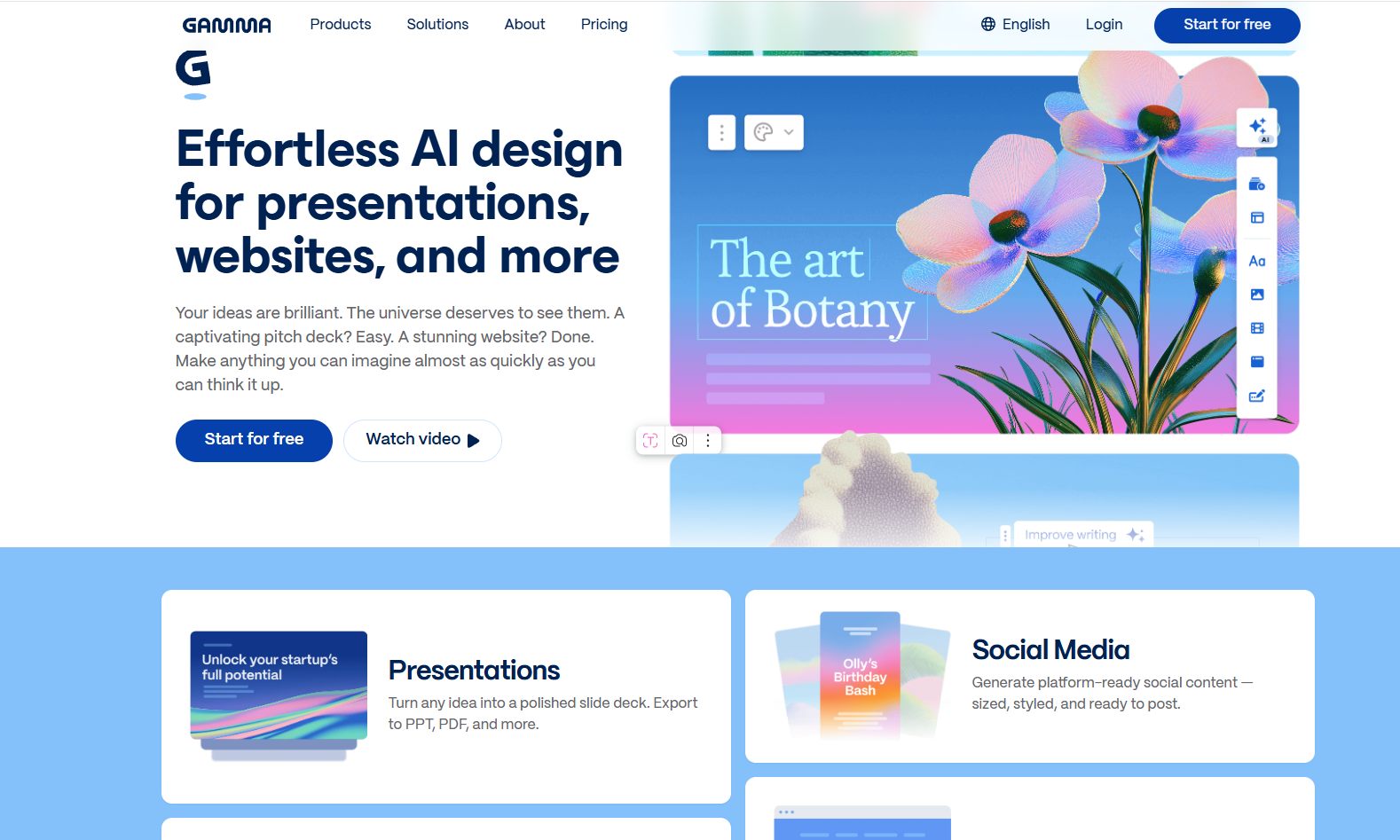
Gamma is one of the more flexible browser-based tools in this category. It creates presentations around a chosen topic, building the structure, writing the copy, and selecting visuals.
Before final generation, you can review and edit the text, choose the appearance of the slides, and set the deck length anywhere from 1 to 50 slides. You can also specify where the imagery should come from: AI generation, Unsplash, your own uploads, or images found online.
The editing environment offers more room than many one-click presentation generators. You can animate a static image, choose icons from a library, embed YouTube videos, and add diagrams. Gamma also supports collaboration and provides presentation-view analytics.
In practice, Gamma is useful when the deck will be viewed through a link rather than simply downloaded and emailed. Its output can feel closer to a lightweight web page or interactive document than a traditional PowerPoint file.
One thing to watch is content density. Gamma can fit a surprising amount of information into a card-based layout, but that doesn’t always mean the audience should be asked to read all of it during a live presentation.
New accounts were listed as receiving 400 credits, enough for around ten eight-slide presentations. Annual paid plans started at approximately $8 per month.
AI Slides by Genspark
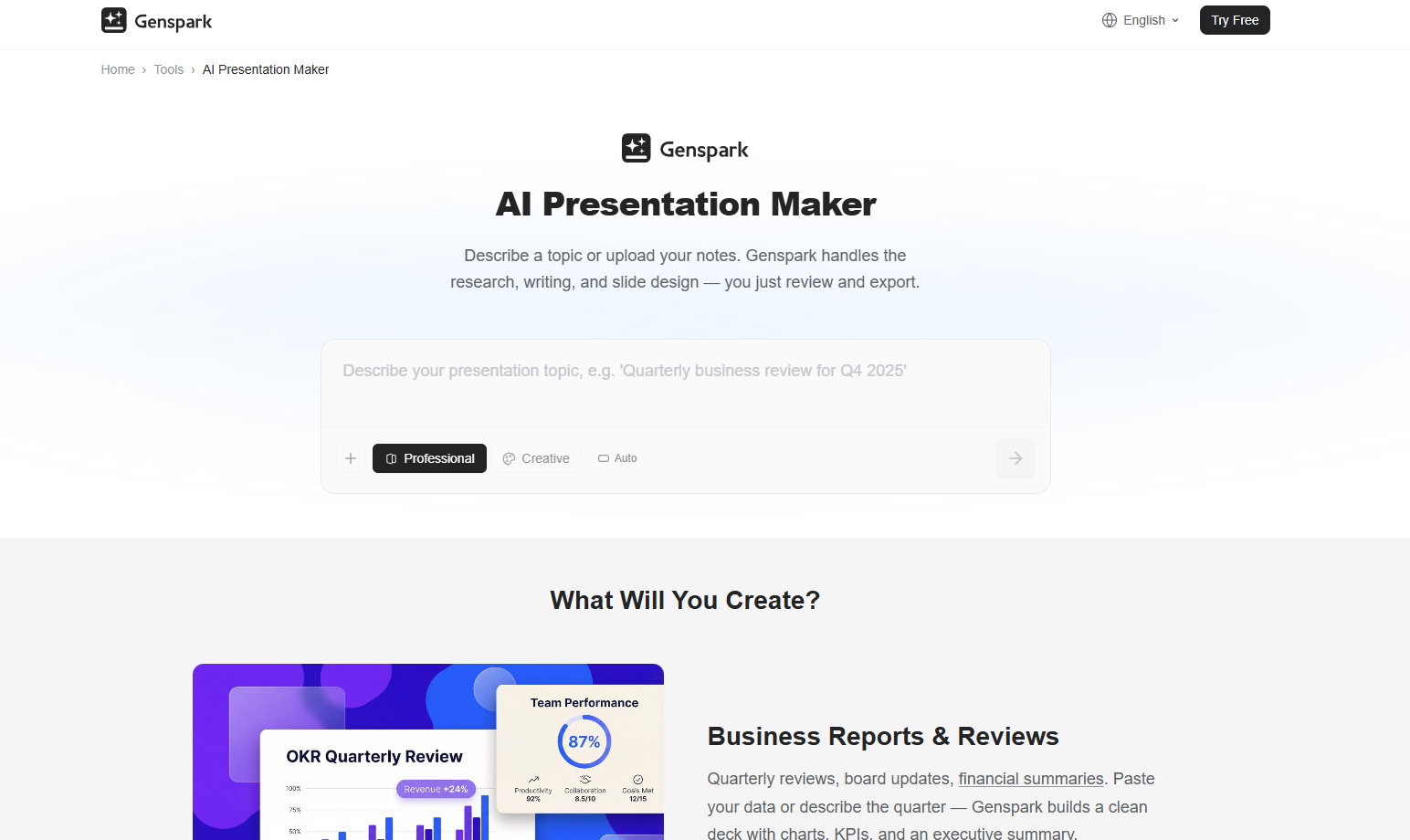
AI Slides is a presentation-generation mode inside Genspark. It accepts a prompt, researches the topic, writes the content, and decides how the presentation should be structured.
The generated document can be edited and exported as either a PPTX or PDF. The service also includes a fact-checking option that asks the AI to review the written content for factual errors.
That feature is useful, but it shouldn’t be treated as a guarantee. An AI system checking another AI-generated statement can still miss outdated figures, weak sources, or misleading comparisons. For important presentations, it’s better to open the referenced sources and verify the claims yourself.
The original listing noted that users received 200 credits per day, enough for one presentation of roughly 12 slides.
This daily allowance makes AI Slides appealing for occasional use. You can generate a complete draft without committing to a subscription, provided you don’t need several decks in one sitting.
Fokus
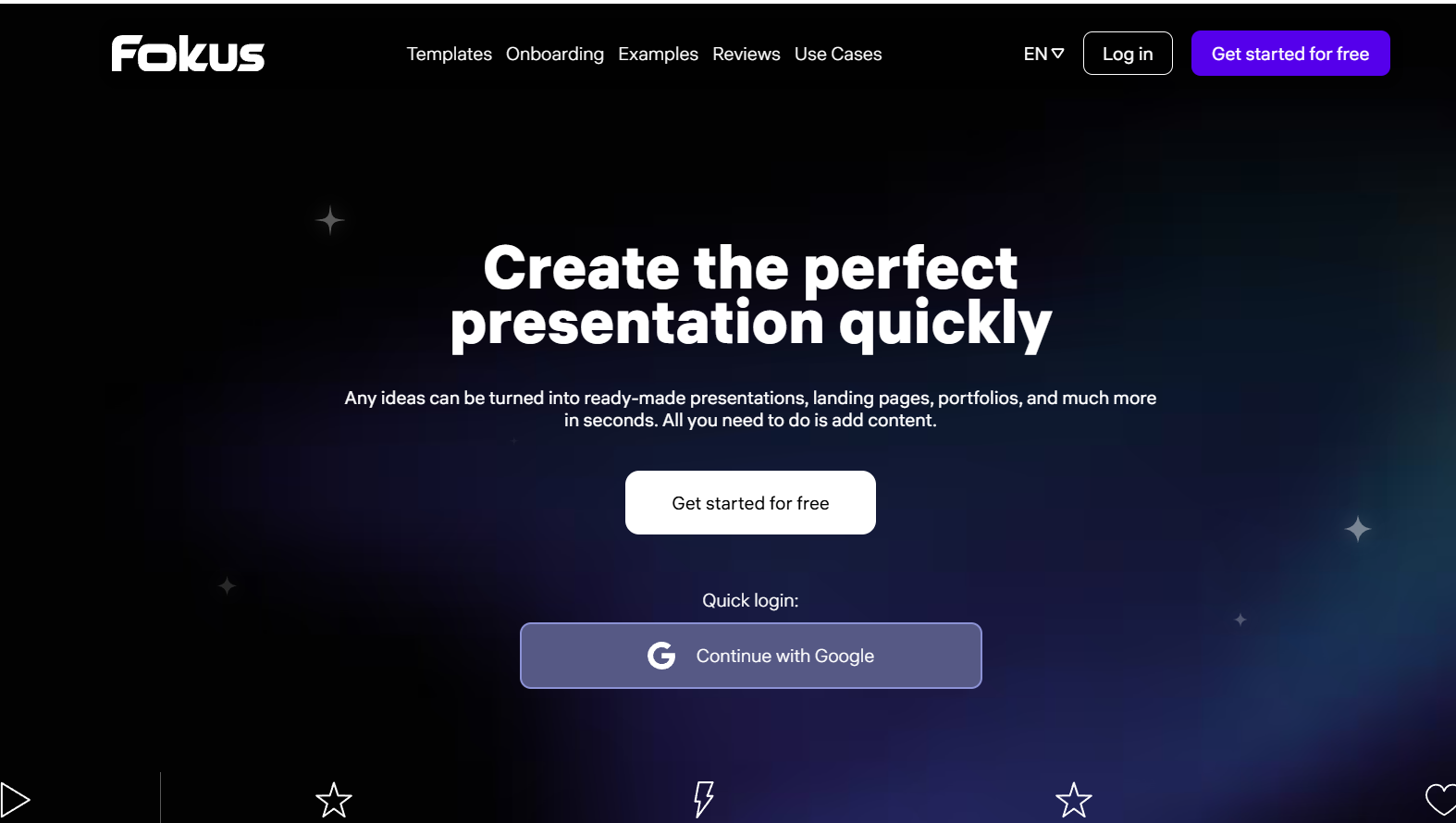
Fokus is an AI presentation generator from Art. Lebedev Studio. Users can choose from around 50 templates or begin with a blank document.
Once you enter a topic, the service creates a presentation structure, writes the text, selects a design direction, and adds images. Afterward, you can adjust the composition and colors, experiment with typography, generate new images, and use the built-in sticker collection.
The visual editing options are more noticeable here than in tools that mostly concentrate on text generation. Typography, spacing, and composition still need attention, but the editor gives you enough control to move the result away from the generic “AI deck” look.
Presentations can be exported as PDFs, shared by link, or turned into scrolling websites. When scroll animation is enabled, the slides join together as one continuous page. You can also add a contact form to a slide, which makes the format useful for simple landing pages, portfolios, or lead-generation presentations.
Fokus has a free plan. Paid plans, which include extras such as the studio’s premium fonts, were listed as starting at 390 rubles per month with annual billing.
Context
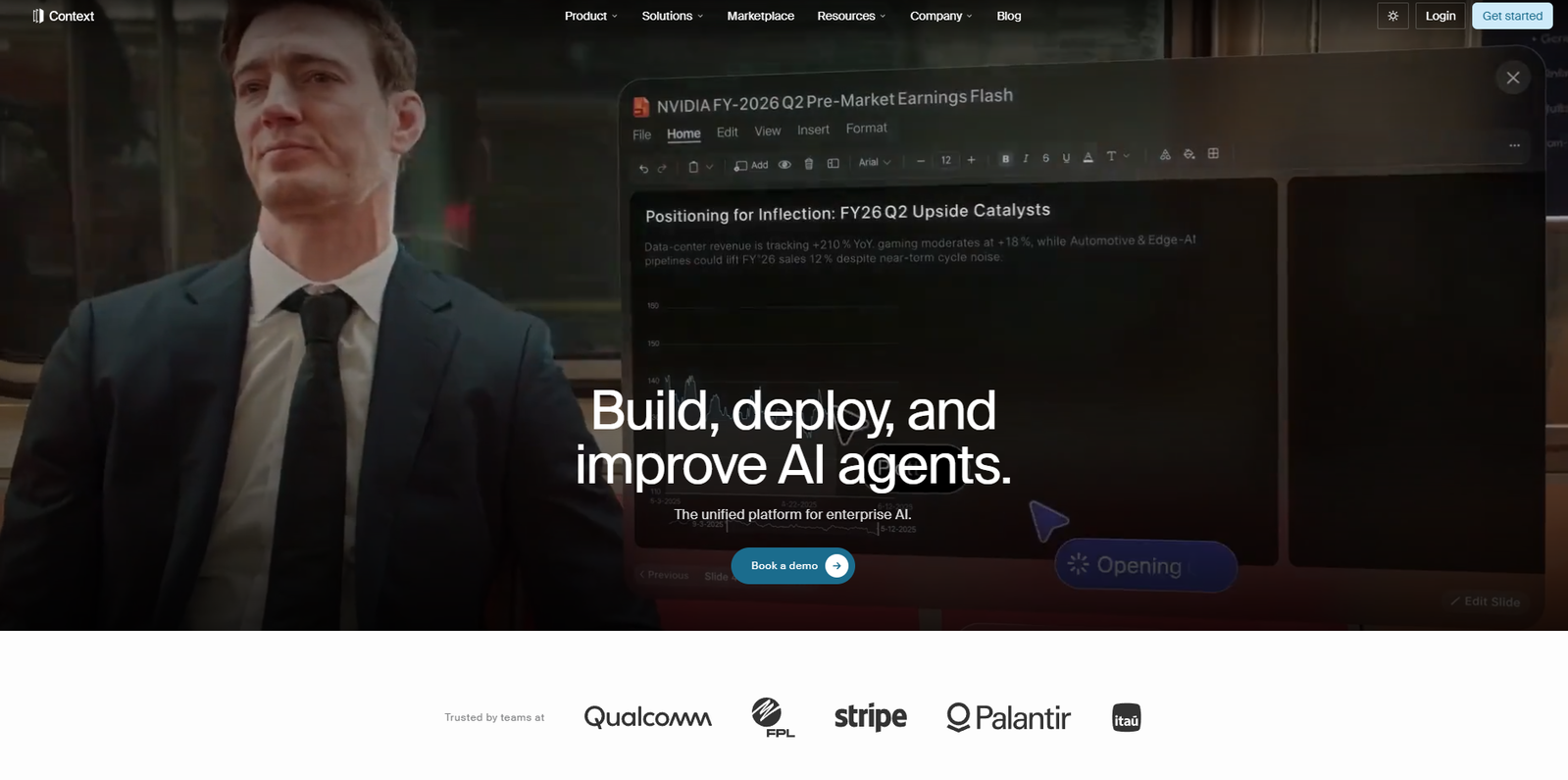
Context takes a research-first approach. It studies the requested topic in a deep-research mode, writes the content, and generates an editable presentation.
The service displays links to the sources it used and can perform additional fact-checking on request. This makes it a more sensible option for research-heavy decks, where the origin of a claim matters as much as its appearance.
Presentations can be exported as PPTX files, saved as templates, and shared through a link.
The source visibility is a genuine advantage. A presentation generator that shows where its information came from is easier to review than one that presents every claim without attribution.
Still, source presence and source quality aren’t the same thing. A list of links may include secondary articles, outdated reports, or pages that only loosely support the slide text. The final editorial judgment remains yours.
The free plan included 200 credits, enough for around three generations, although only one document could be exported each month. Paid annual plans started at $17 per month.
Chronicle
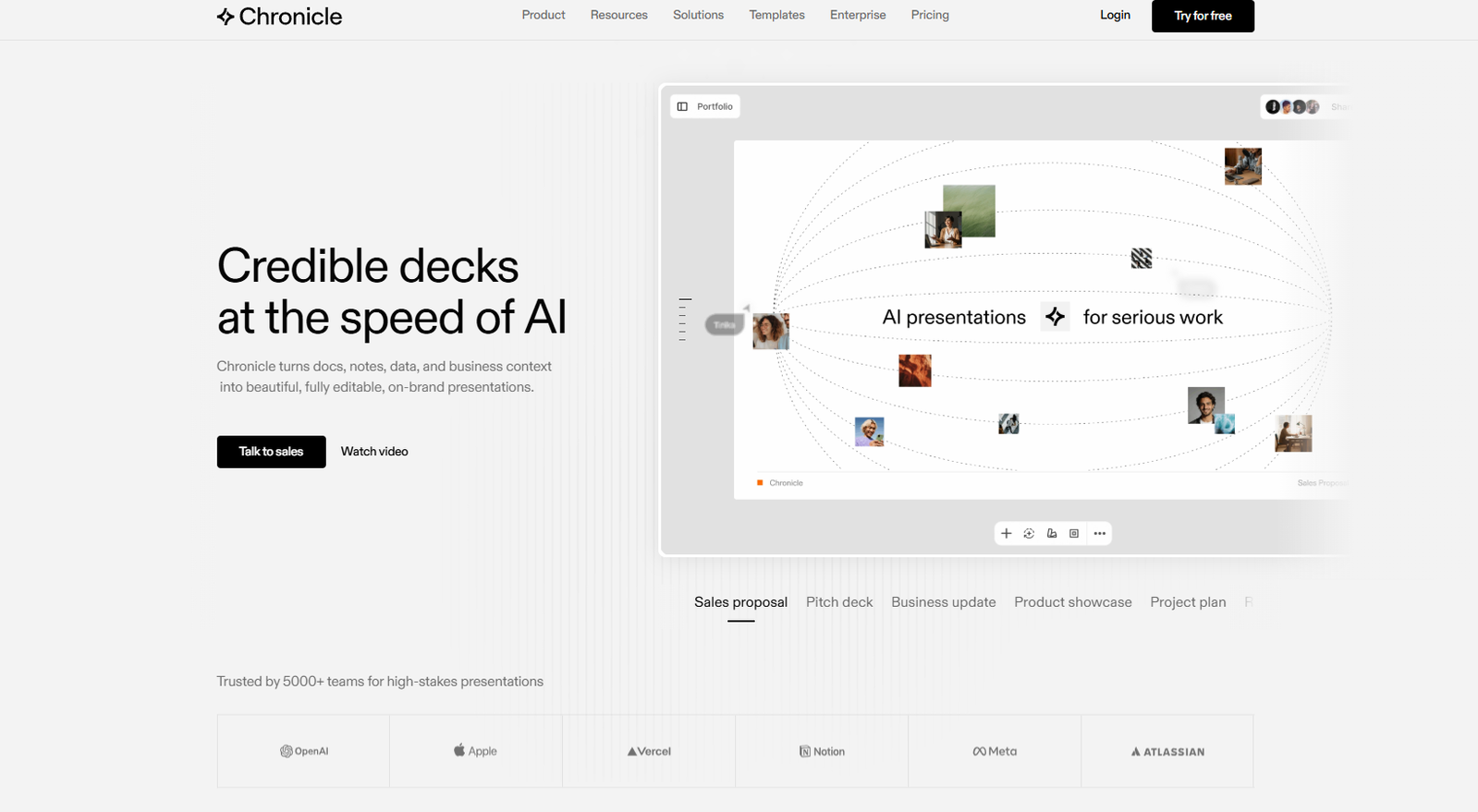
Chronicle can create presentations from a prompt, uploaded document, or website link. At the time of the original review, it did not support Russian.
Its slides remain editable after generation. You can change backgrounds and images, then add icons, mockups, charts, and infographic elements.
Visually, Chronicle tends to lean into clean, modern, dark-interface presentation styles. That can look striking for product, technology, and design topics, although it may feel less natural for formal reports or traditional corporate decks.
The final presentation can be exported as a PDF. Paid plans, starting at $15 per month, add link sharing and collaborative editing.
New users received 50 tokens, which the platform estimated would cover approximately five presentations.
Chronicle is best suited to people who care about presentation rhythm and visual storytelling rather than simply converting an outline into standard title-and-bullet slides.
Snapdeck
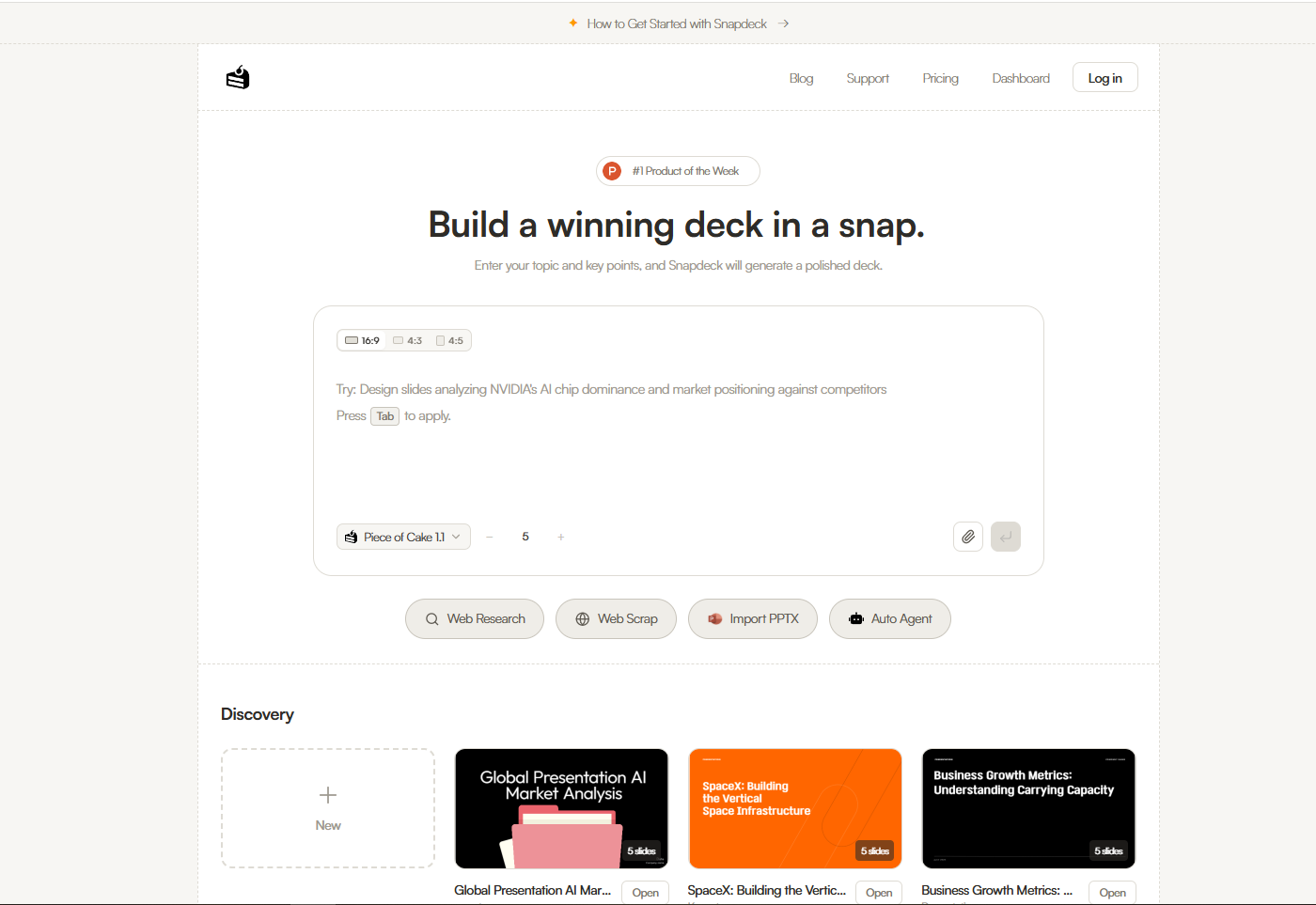
Snapdeck is an AI plugin for Figma. It generates presentation content from a request, writes the text, and adds charts or graphs.
Unlike tools that produce an entire deck at once, Snapdeck generates one slide at a time. Five slides per day were available free of charge, while paid plans started at $5 per month.
Generating slides individually is slower, but it can also produce a more deliberate result. Whole-deck generators sometimes repeat the same layout too often or shift styles halfway through. Working one slide at a time makes it easier to maintain hierarchy, spacing, and visual consistency.
The Figma environment is another major difference. Designers can continue refining every element with familiar layout and typography controls rather than accepting the limitations of a simplified presentation editor.
Snapdeck is less convenient for someone who wants a finished presentation in two minutes. For designers already working in Figma, however, it fits naturally into an existing workflow.
Prezi
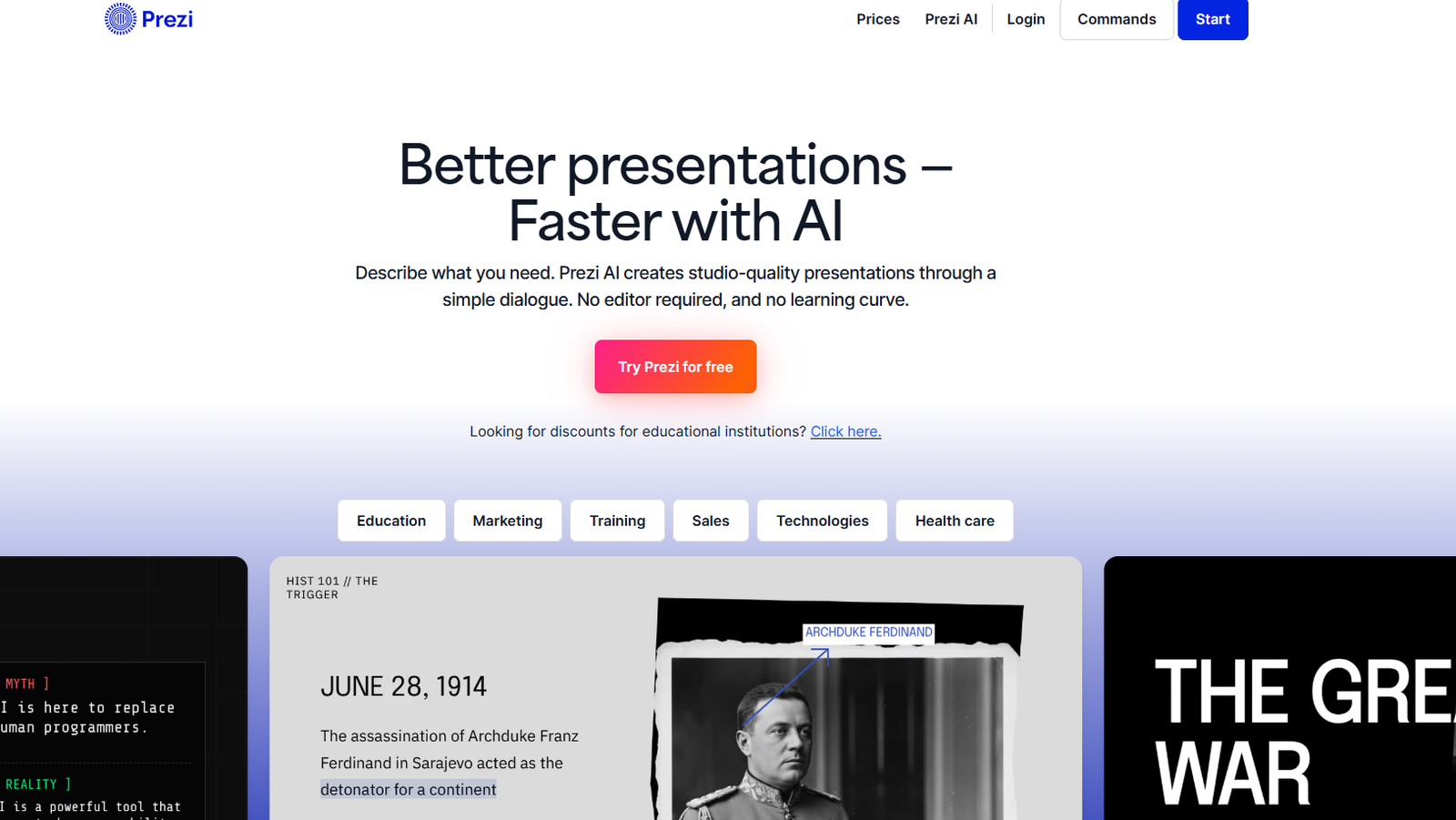
Prezi creates interactive presentations from either a prompt or a file.
Instead of arranging slides in a simple linear sequence, Prezi places the content on a larger canvas. The presentation moves between different areas of that canvas, creating its familiar zooming and panning effect.
This format can make a presentation feel more dynamic, especially when the topic contains connected ideas rather than a strict step-by-step narrative. It can also become distracting when every transition zooms dramatically. A little restraint usually improves the result.
Prezi can be integrated with Zoom and Google Meet, allowing interactive visual elements to appear during online meetings. Users can upload their own images, audio, GIFs, and video, while the built-in library includes templates, graphics, icons, and stickers.
Presentation analytics show which slides or sections attracted the most audience attention. Prezi also offers Windows and macOS applications that can operate offline.
New users were offered 500 credits, which was enough for about six presentations. Without adding a payment card, users could share a document by link but not export it as a PDF. Paid plans began at $5 per month.
Prezi remains fairly distinctive. It isn’t the right visual language for every subject, but when spatial storytelling genuinely supports the topic, it can feel more memorable than another conventional slide deck.
NotebookLM
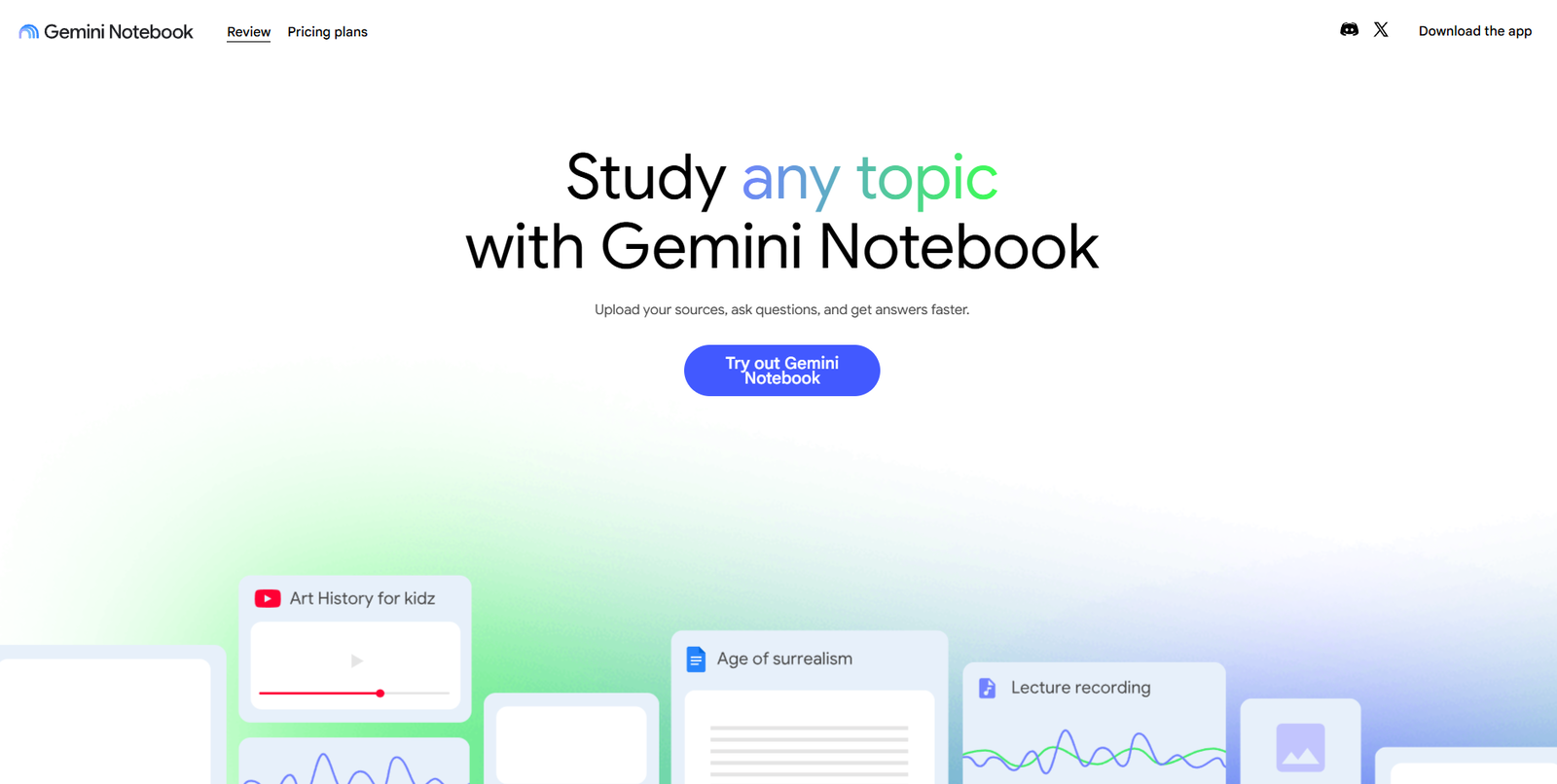
NotebookLM is a free AI tool for working with uploaded files and web sources. It isn’t a traditional presentation editor, but it can generate a narrated video presentation from the material you provide.
You can begin with a single source, although adding several reliable documents usually gives the system more useful context. NotebookLM then turns the source material into an explanatory audiovisual overview.
The service supports 80 languages, including Russian.
To save a particular slide as an image, the original article suggests pausing the video at the right moment, right-clicking the frame, and selecting the option to save the video frame.
NotebookLM is better suited to summaries, explainers, study materials, and content overviews than to conventional business presentations. You don’t get the same level of slide-by-slide layout control, but the source-grounded workflow is helpful when accuracy and context matter more than branding.
It’s also a practical option for turning long reports, notes, or research collections into something easier to watch and understand.
Kimi AI
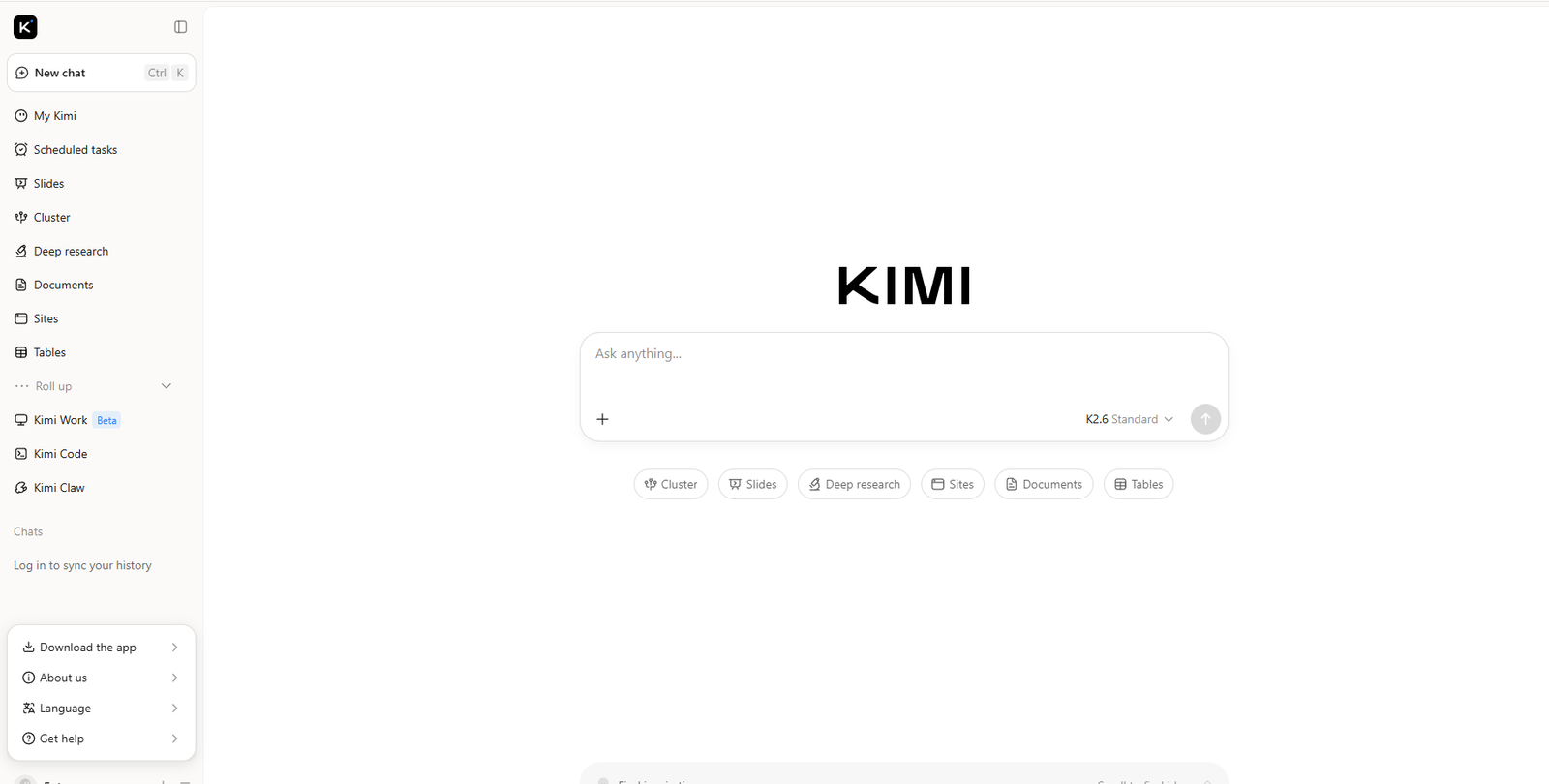
Kimi AI can generate a presentation after you enter a topic and select a design template.
The system searches for relevant information, prepares an outline, writes the presentation text, and creates editable slides. The service was listed as free to use.
Kimi is useful when you need a fast first draft and don’t already have a structured source document. It can handle the early blank-page stage: deciding which points deserve separate slides, arranging them in a logical order, and filling in the basic content.
As with other research-driven generators, it’s worth reviewing every statistic, quote, and factual statement. The design also benefits from a final cleanup. AI presentation tools tend to overfill layouts because they treat every generated sentence as equally important.
A better final deck usually comes from trimming the text, strengthening the headline hierarchy, and leaving more empty space than the first draft provides.
Read More: To truly elevate those faster and better slides created with AI, don't overlook the critical role of typography; explore 12 Professional Fonts For Business Documents And Presentations to ensure your message always looks polished.
How to Choose an AI Presentation Maker
The best tool depends less on which platform has the longest feature list and more on where you want AI to enter your workflow.
For PowerPoint and Google Slides users, Plus AI is one of the most convenient options because it stays inside familiar software. Designers working in Figma may find Snapdeck more natural, even though it generates slides individually.
For research-heavy presentations, Context, Manus Slides, and AI Slides by Genspark offer stronger research and fact-checking features. They can save time gathering material, but their sources still need manual review.
Gamma is a strong fit for web-based, shareable presentations with collaborative editing and analytics. Prezi is more appropriate when nonlinear movement supports the story rather than simply decorating it.
Russian-speaking users may prefer Sokratik or Fokus, particularly when local-language generation and lower pricing matter. NotebookLM sits in a different category, but it’s useful for turning source material into narrated visual explainers.
Before choosing a service, check four practical details:
- Can the deck be exported in the format you need?
- Is the generated text easy to edit?
- Does the free plan add watermarks or export limits?
- Can you control fonts, spacing, imagery, and brand colors?
The last point is easy to overlook. A service may generate attractive preview slides, yet become frustrating when you try to align the deck with an actual brand system.
Final Thoughts
AI presentation makers are at their best during the first 60 to 80 percent of the process. They can create an outline, draft the copy, find visual directions, and produce a complete set of slides much faster than starting from a blank canvas.
The final 20 percent still matters.
That’s where you shorten paragraphs, verify claims, improve contrast, fix awkward spacing, replace generic images, and decide what the audience actually needs to see. A presentation becomes convincing through editing, not generation alone.
Used with that expectation, these tools are genuinely useful. They won’t remove the need for judgment, but they can give you a much better place to begin.
Frequently Asked Questions
What is the best AI tool for creating presentations?
The best AI presentation maker depends on how you prefer to work. Plus AI is a practical option for PowerPoint and Google Slides users, while Gamma is better suited to polished, web-based presentations. Designers who already use Figma may prefer Snapdeck, and research-focused users may get more value from Manus Slides, Context, or Genspark AI Slides.
Can AI create a complete presentation from a prompt?
Yes. Many AI presentation generators can turn a short prompt into a full slide deck with an outline, written content, images, charts, and basic design. The result is usually best treated as a first draft. You’ll still need to check facts, shorten dense text, replace weak visuals, and refine the slide hierarchy.
Are there any free AI presentation makers?
Several tools offer free plans, daily credits, or limited trial access. Gamma, Genspark AI Slides, Fokus, NotebookLM, Kimi AI, Sokratik, and other platforms can be tested without paying upfront. Free plans may include watermarks, export limits, restricted templates, or a small number of monthly generations.
Can AI presentation tools export to PowerPoint?
Many AI presentation makers support PPTX export, including Plus AI, Manus Slides, Context, Genspark AI Slides, and Sokratik. Others may only export to PDF or allow presentations to be shared through a web link. Check the export options before building a full deck, especially when the file must remain editable in PowerPoint.
Are AI-generated presentations accurate?
Not always. AI tools can produce outdated statistics, unsupported claims, incorrect summaries, or visuals that don’t match the subject. Research-based tools may provide sources or built-in fact-checking, but important information should still be verified manually. AI can speed up the presentation process, but it shouldn’t replace editorial judgment.
Follow Us