
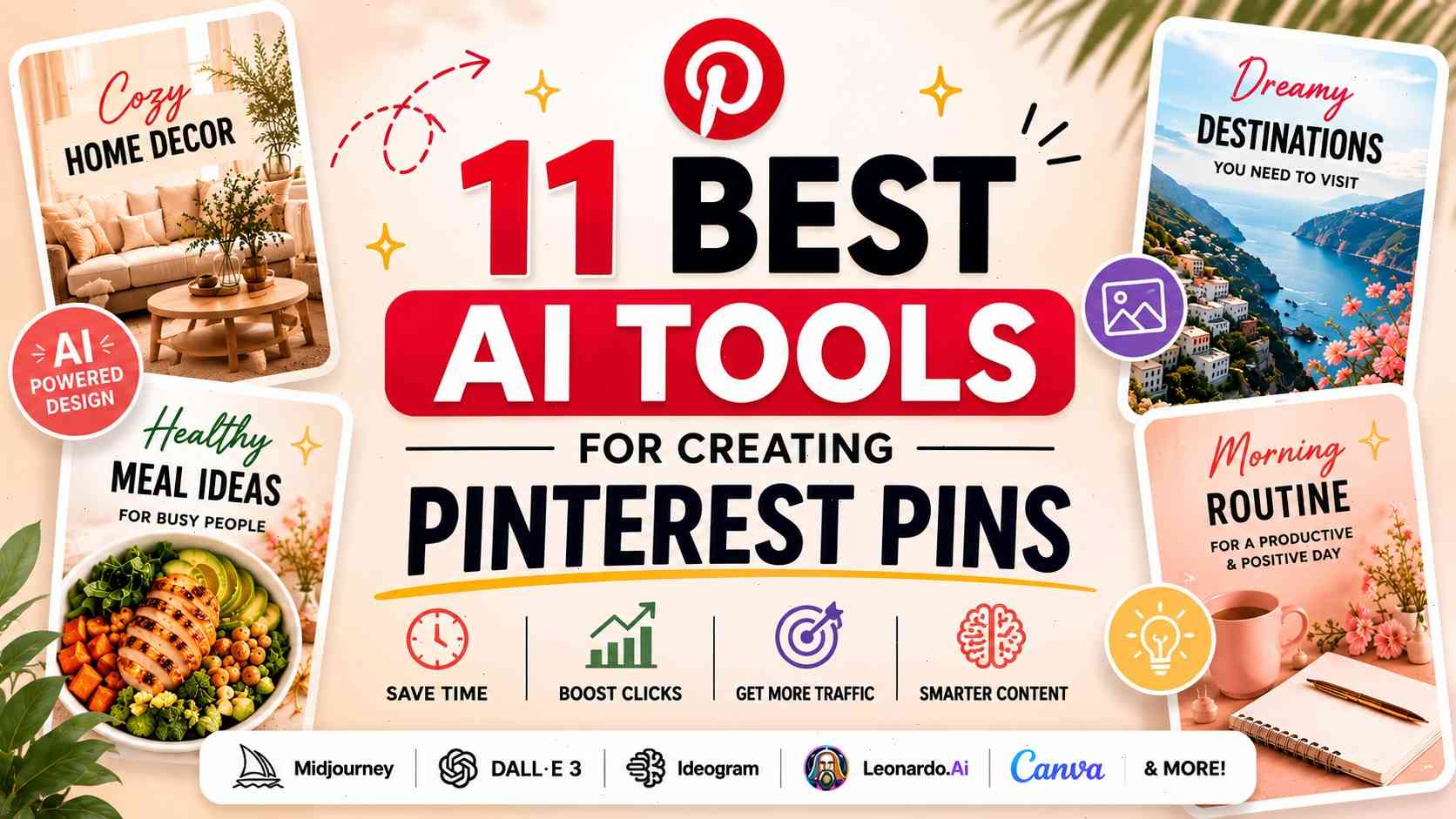
11 Best AI Tools for Creating Pinterest Pins in 2026
Creating beautiful Pinterest pins without hiring a designer is completely normal in 2026. AI tools now generate scroll-stopping visuals in seconds, and many Pinterest creators are building entire accounts using nothing but artificial intelligence. What used to require Photoshop skills, expensive software, and hours of editing can now be done with a simple text prompt.
Some links in this article may be affiliate links. If you purchase through them, we may earn a small commission at no extra cost to you. Thanks for supporting our work.
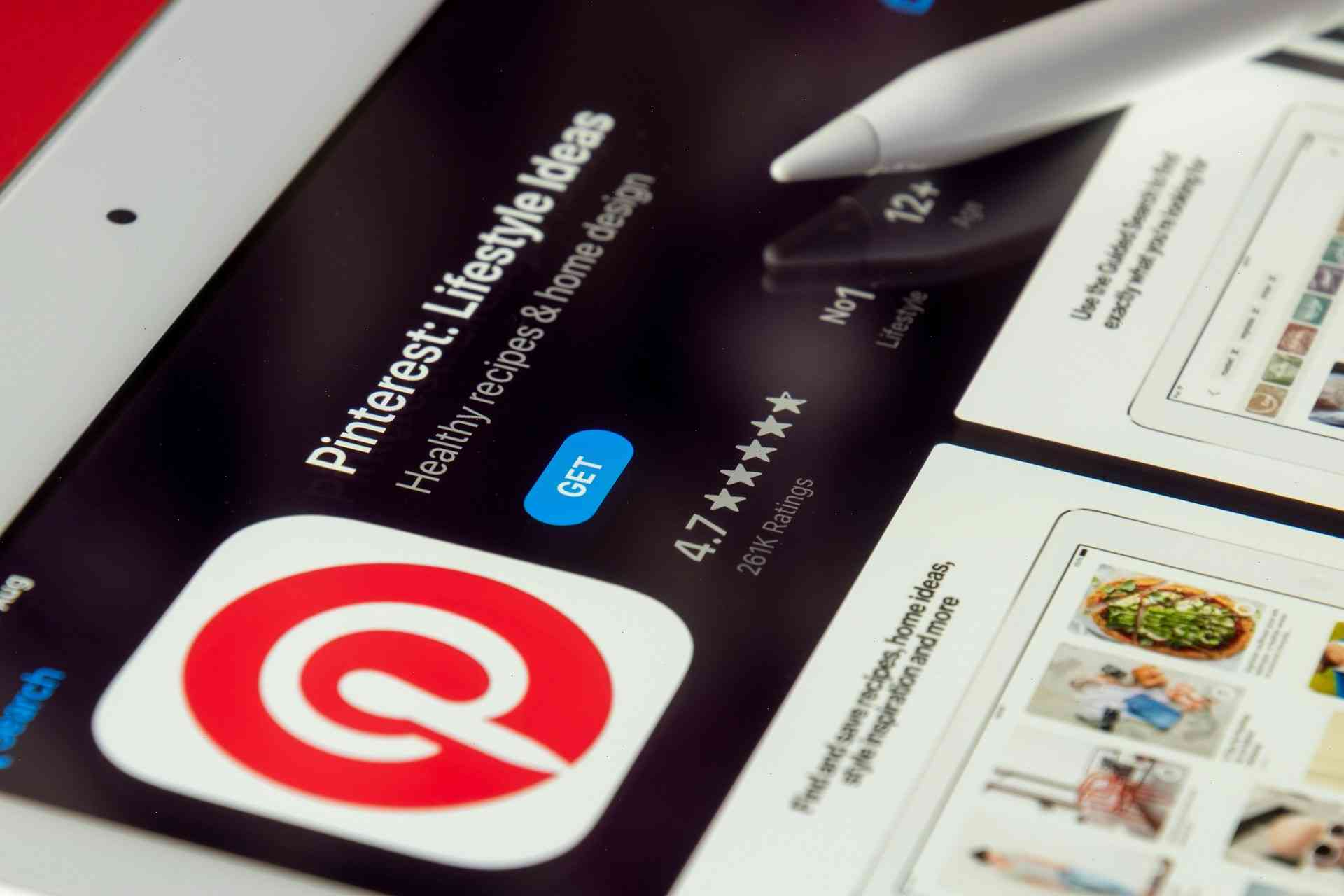
Pinterest has evolved into one of the most powerful visual search engines online. People no longer use it only for inspiration. They use it to shop, discover products, save ideas, learn skills, and plan purchases. Because of that, visual quality matters more than ever. Generic stock photos are fading away, while unique AI-generated visuals dominate engagement.

The biggest advantage of AI is speed. Pinterest rewards consistency, and creators who publish multiple fresh pins daily often outperform accounts posting once a week. AI makes that level of production realistic, even for solo creators. Some bloggers now generate dozens of Pinterest-ready visuals every single day without touching traditional design software.
Another reason AI exploded on Pinterest is customization. Modern AI tools understand aesthetics extremely well. Whether you want cozy interiors, luxury skincare branding, minimalist food photography, or feminine lifestyle content, there’s now a specialized AI tool capable of producing exactly that style.
Below are the 11 best AI tools for Pinterest creators in April 2026 — including free options, advanced tools, beginner-friendly platforms, and hidden gems many creators still overlook.
Why Pinterest Became a Massive Traffic Source in 2026
Pinterest traffic behaves differently from social media traffic. A TikTok video might disappear after two days, but a strong Pinterest pin can continue generating clicks for months or even years. That’s why bloggers, affiliate marketers, Etsy sellers, and digital creators are investing heavily into Pinterest again.
The platform’s algorithm has become much smarter over the last few years. Pinterest now evaluates:
- image quality;
- composition;
- readability;
- visual clarity;
- engagement signals;
- aesthetic appeal.
AI-generated content fits perfectly into this system because modern AI tools produce highly polished visuals optimized for attention.
Pinterest users also behave differently from users on other platforms. They come with intent. They are actively searching for ideas, products, tutorials, or inspiration. That means high-quality visuals directly influence clicks and conversions.
How Pinterest Pin Design Changed
Pinterest visuals in 2026 look far more editorial and premium compared to previous years. Successful pins often include:
- cinematic lighting;
- minimal compositions;
- warm neutral palettes;
- soft shadows;
- readable typography;
- lifestyle aesthetics.
The “cheap stock photo” era is fading. Audiences now expect visuals that feel curated and emotional.
Why AI Content Dominates Pinterest
AI tools allow creators to test styles at incredible speed. One concept can instantly become:
- Scandinavian;
- boho;
- luxury;
- cozy;
- modern;
- vintage;
- editorial.
That flexibility gives creators a huge advantage. AI also generates unique visuals rather than recycled templates, which helps content stand out in Pinterest feeds.
Top 11 AI Tools for Designing Pinterest Pins in 2026
Midjourney — The King of Pinterest Aesthetics
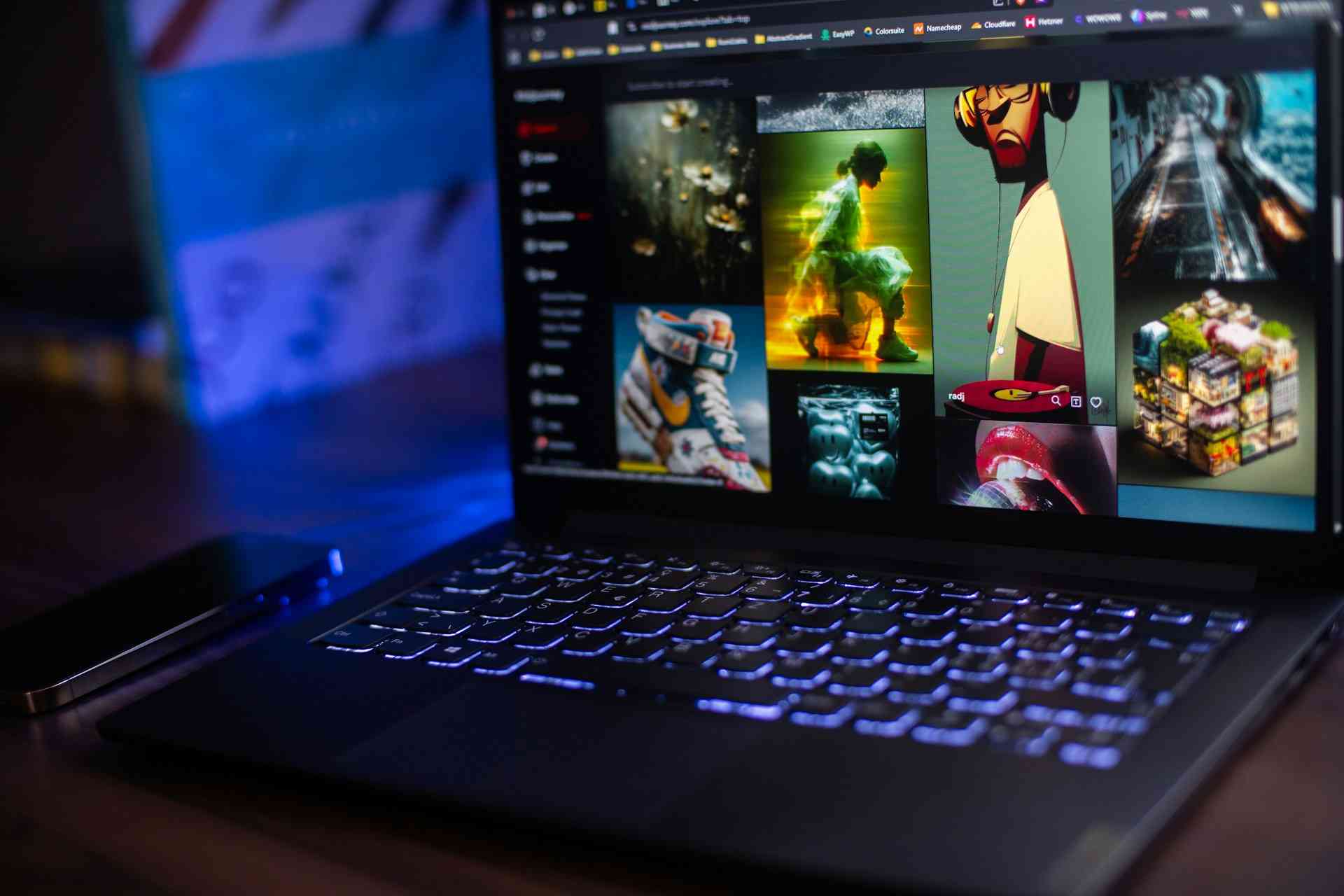
Midjourney continues to dominate Pinterest aesthetics in 2026. Its visuals feel cinematic, luxurious, and emotionally rich. Images generated by Midjourney often look like they belong in premium lifestyle magazines.
This AI tool is especially strong for:
- fashion;
- interior design;
- skincare;
- travel;
- luxury lifestyle;
- food photography.
The lighting quality alone gives Midjourney a massive advantage. It creates depth, atmosphere, and emotional warmth in ways many competitors still struggle to replicate.
Pinterest users tend to save visuals that feel aspirational, and Midjourney specializes in exactly that.
Best Niches for Midjourney
Midjourney performs incredibly well in:
- feminine aesthetics;
- Scandinavian interiors;
- wedding inspiration;
- cozy cafes;
- luxury branding;
- moodboards.
If your goal is to create a premium-looking Pinterest account, Midjourney remains one of the strongest tools available.
DALL·E 3 via ChatGPT — The Easiest AI for Beginners
DALL·E 3 became one of the most beginner-friendly AI image generators because of its natural language understanding. Unlike many AI tools that require technical prompt engineering, DALL·E 3 responds well to simple conversational instructions.
That lowers the barrier for new creators significantly.
You can type:
“Create a Pinterest pin for a cozy apartment blog with beige tones and soft morning light”
And receive a polished result without complicated formatting.

Why It Understands Natural Prompts So Well
DALL·E 3 handles:
- composition;
- atmosphere;
- typography;
- color palettes;
- visual storytelling.
It’s especially useful for:
- bloggers;
- Etsy sellers;
- affiliate marketers;
- digital product creators;
- Pinterest beginners.
The simplicity makes it one of the fastest ways to start producing AI-powered Pinterest content.
Ideogram — The Best AI for Text on Images
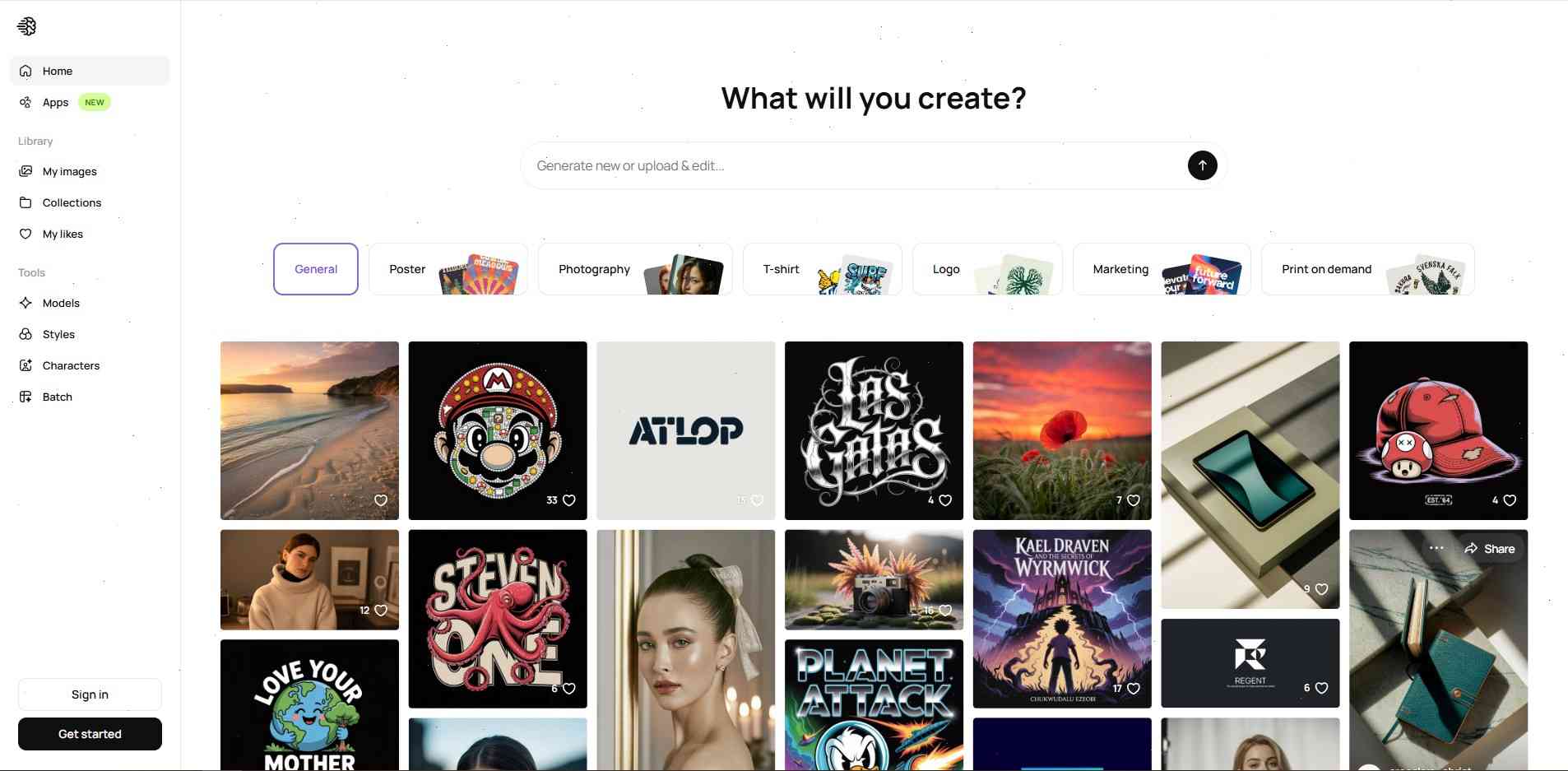
For years, AI image generators struggled with typography. Text often appeared distorted, unreadable, or completely broken. Ideogram changed that.
In 2026, it remains one of the strongest tools for creating Pinterest pins that rely heavily on readable text.
This is critical for:
- quote pins;
- recipes;
- checklists;
- tutorials;
- educational graphics.
Where Ideogram Beats Competitors
Ideogram excels at:
- clean typography;
- title integration;
- infographic visuals;
- branded text layouts.
Many creators now use a hybrid workflow:
- Generate the image in Midjourney;
- Add typography in Ideogram;
- Finalize the layout in Canva.
That process produces highly professional Pinterest pins in minutes.
FLUX 2 Pro — Ultra-Realistic Pinterest Visuals
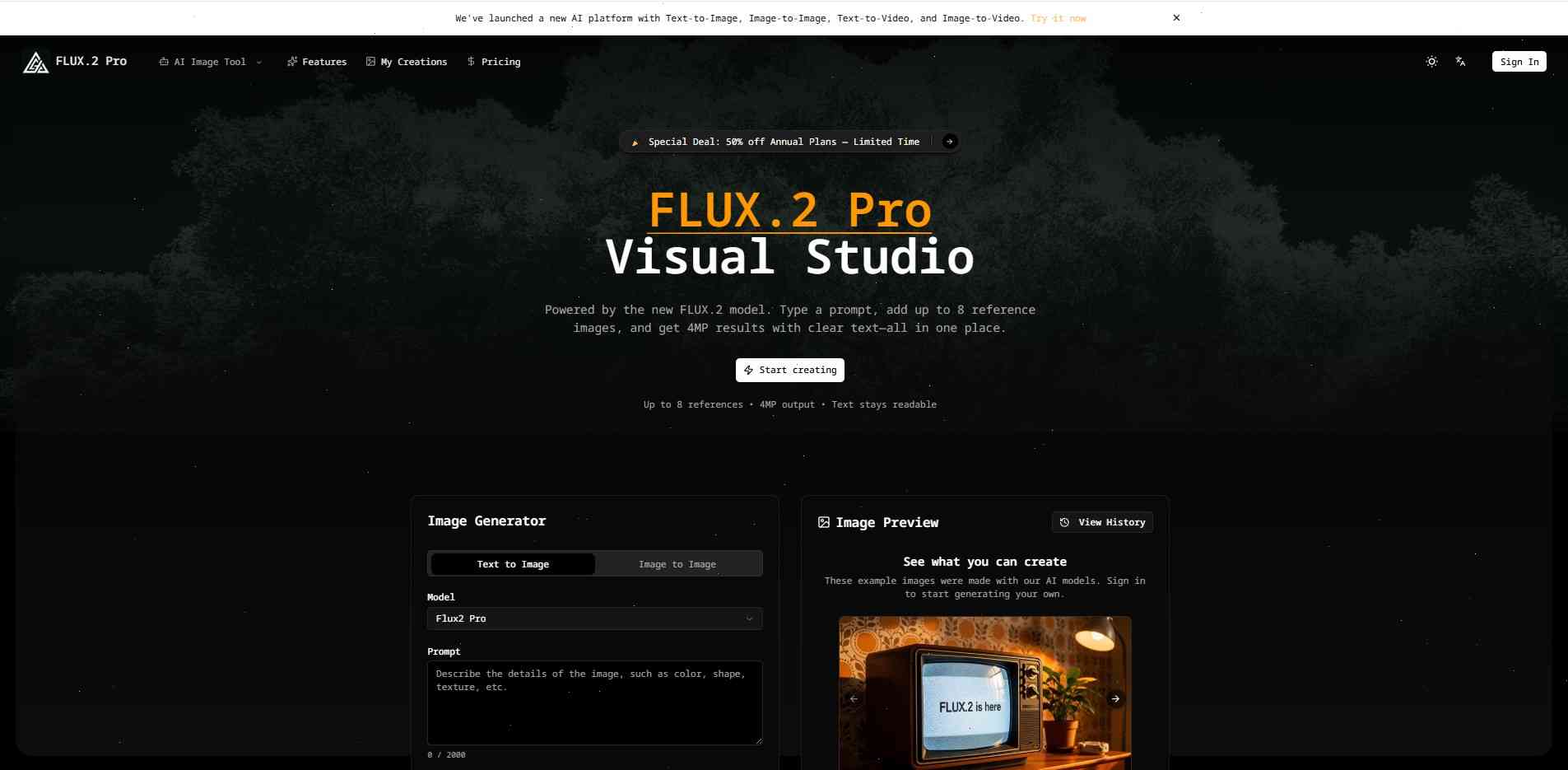
FLUX 2 Pro quickly became one of the most talked-about AI image generators among Pinterest creators in 2026. While Midjourney leans toward artistic and cinematic aesthetics, FLUX focuses heavily on realism. Skin textures, lighting, reflections, fabric, food, and interior details all look incredibly natural.
That realism matters because Pinterest users increasingly respond to visuals that feel authentic and premium. The platform has evolved into a discovery engine where people evaluate products, ideas, and brands based largely on visual trust.
FLUX performs especially well in niches such as:
- beauty;
- skincare;
- luxury lifestyle;
- wellness;
- food content;
- interior design.
Its lighting engine is particularly impressive. Warm sunlight through curtains, soft evening shadows, candlelit scenes, and natural reflections all appear highly believable. That level of realism creates visuals that feel closer to editorial photography than AI art.
Many creators now use FLUX to generate product-focused Pinterest content. Instead of booking expensive photoshoots, they create realistic AI product scenes that look studio-produced.
Why Realism Improves CTR
Pinterest users are highly visual shoppers. The more realistic and emotionally appealing a pin appears, the more likely users are to click or save it.
Realism works especially well for:
- affiliate marketing;
- Amazon products;
- Etsy listings;
- beauty campaigns;
- food blogs.
One interesting advantage of FLUX is its ability to avoid the “plastic AI look.” Some generators create images that appear overly perfect or artificial. FLUX tends to preserve natural imperfections, making visuals feel more trustworthy and relatable.
Adobe Firefly — Safe AI for Commercial Use
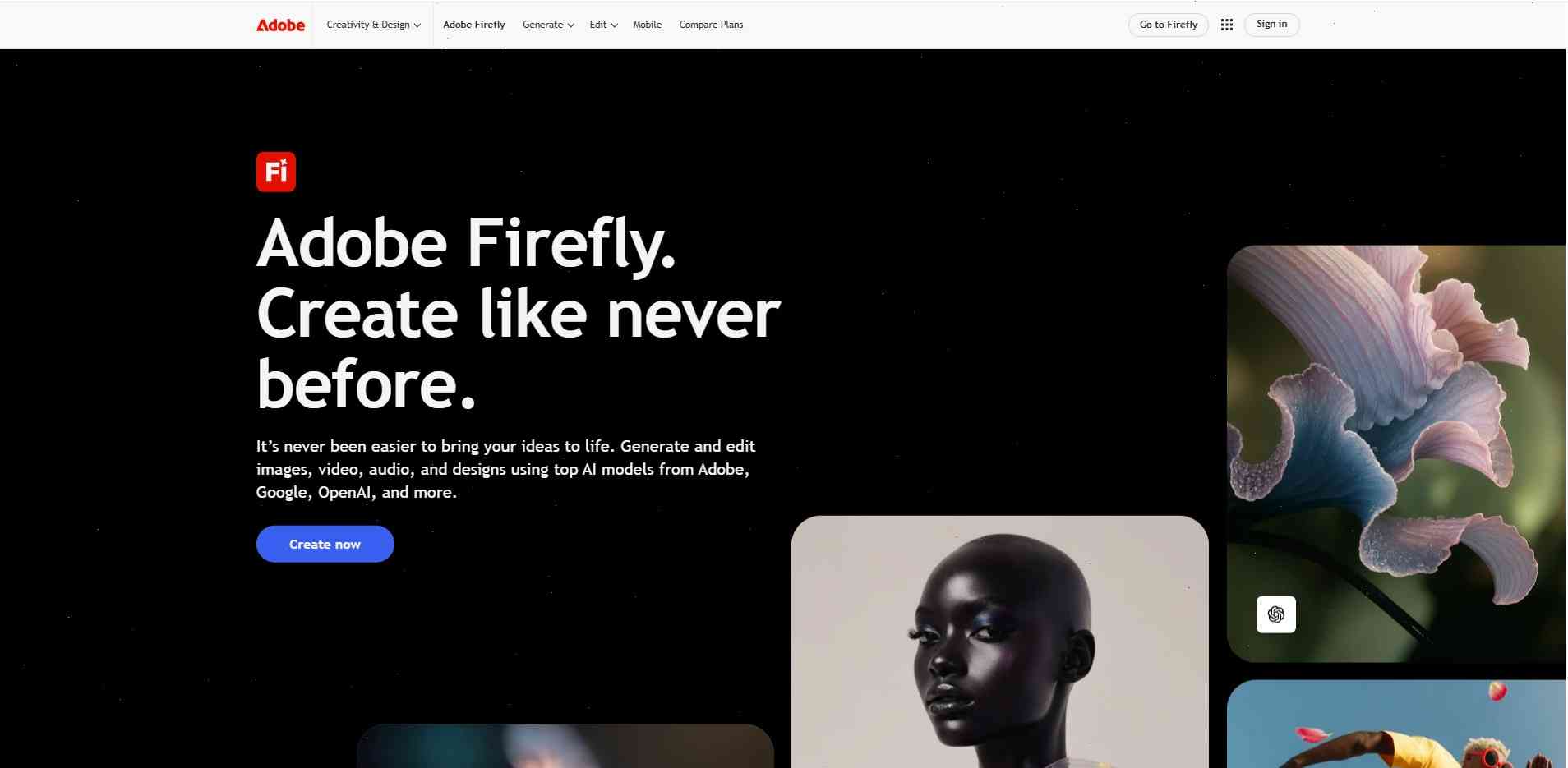
Adobe Firefly carved out a unique position in the AI space by focusing heavily on commercial safety. While many AI tools sparked debates about copyright and licensing, Adobe built Firefly specifically for creators and businesses that need reliable commercial usage rights.
That makes Firefly especially attractive for:
- agencies;
- brands;
- e-commerce stores;
- client work;
- advertising campaigns.
Another major advantage is integration with the Adobe ecosystem. Users can generate AI visuals directly inside Photoshop or Adobe Express, making workflows much faster for professional creators.
Firefly also tends to produce cleaner and more stable outputs. Some AI tools occasionally create strange distortions or visual inconsistencies, while Firefly focuses on predictable and polished results.
Why Brands Prefer Firefly
Businesses prioritize reliability. They want to know:
- whether visuals are commercially safe;
- whether workflows are scalable;
- whether the tool integrates smoothly with existing software.
Adobe addressed all of those concerns.
Many Pinterest marketers now use Firefly alongside Canva to quickly generate and finalize branded pin designs.
Canva AI (Magic Media) — Everything in One Place
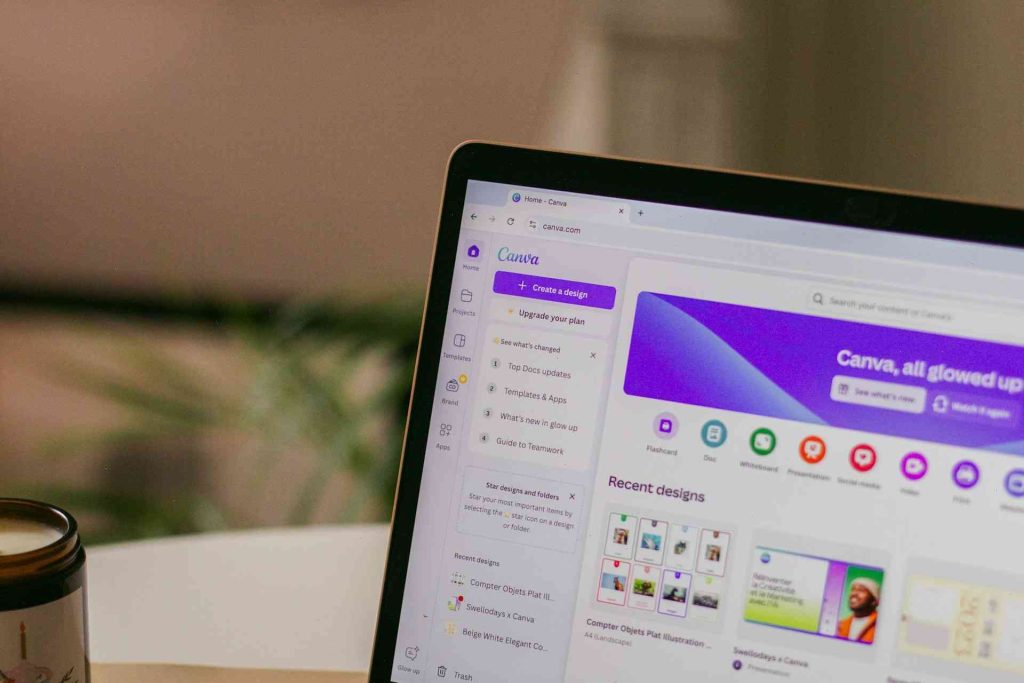
Canva transformed from a simple design platform into a complete AI-powered content ecosystem. Magic Media allows creators to generate visuals directly inside Canva without switching between multiple tools.
For Pinterest creators, that convenience is incredibly valuable.
The entire workflow can happen in one place:
- Generate the image;
- Add text;
- Resize the pin;
- Apply brand colors;
- Export the final design.
This simplicity made Canva AI one of the most popular tools among beginners and small business owners.
Creating Pinterest Pins Without a Designer
Canva AI is ideal for:
- bloggers;
- coaches;
- recipe creators;
- affiliate marketers;
- digital product sellers.
The platform offers ready-made Pinterest templates, making it easy to build polished designs quickly.
Useful Canva AI features include:
- background removal;
- Magic Edit;
- automatic resizing;
- AI-generated visuals;
- typography suggestions.
For many creators, Canva functions as an all-in-one Pinterest production studio.
Leonardo AI — Powerful and Budget-Friendly
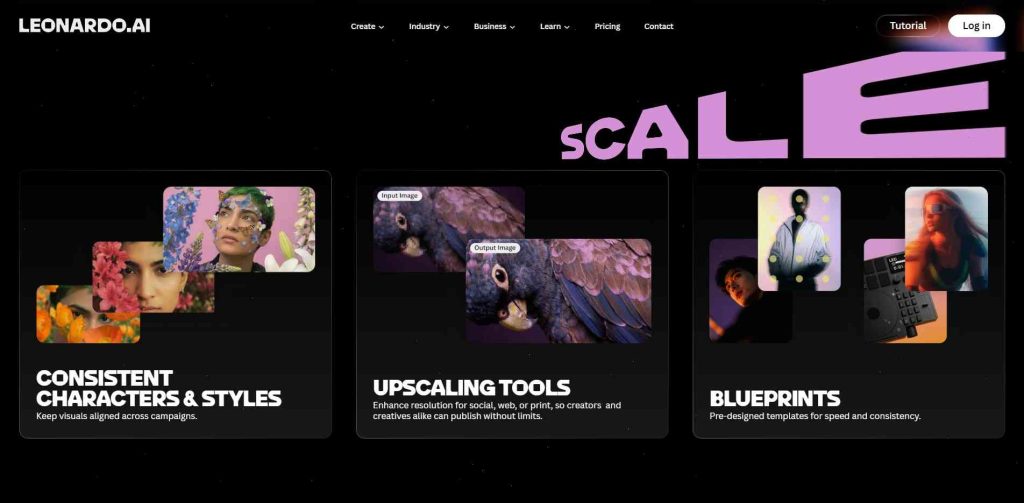
Leonardo AI became significantly more popular throughout 2026 because it delivers strong image quality while still offering generous free access.
Many creators now use Leonardo as an affordable alternative to Midjourney.
It performs especially well in:
- home decor;
- boho aesthetics;
- DIY content;
- feminine lifestyle;
- digital art.
One of Leonardo’s biggest strengths is its collection of built-in visual styles and models. Beginners don’t need advanced prompt engineering skills to produce attractive results.
Best Pinterest Styles in Leonardo AI
Leonardo excels at:
- soft neutral aesthetics;
- cozy interiors;
- Scandinavian decor;
- pastel visuals;
- vintage-inspired scenes.
Pinterest creators frequently use Leonardo to generate:
- moodboards;
- wallpapers;
- printable art;
- decor inspiration;
- fashion collages.
Its free token system makes it highly appealing for creators producing content at scale.
Nano Banana via Gemini — The Hidden Gem of 2026
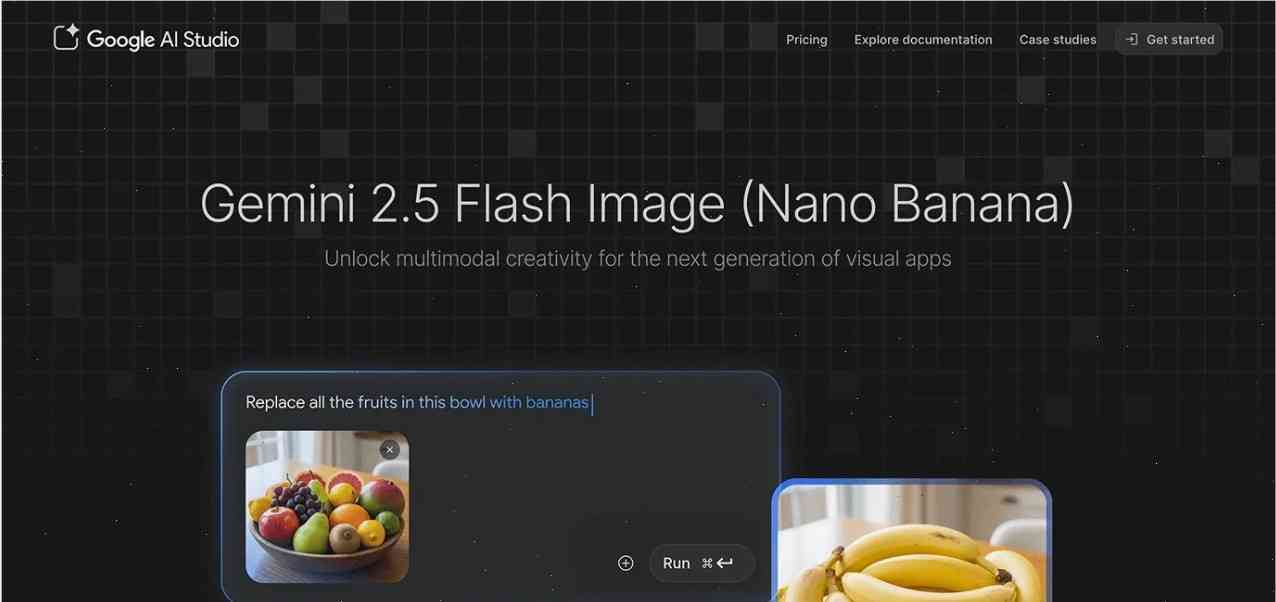
Nano Banana may sound like an unusual name, but it quietly became one of the strongest AI image tools inside the Gemini ecosystem.
Its biggest strength is handling highly detailed prompts. While some AI models lose consistency when prompts become long or complex, Nano Banana maintains structure surprisingly well.
This makes it excellent for:
- cinematic scenes;
- recipes;
- fashion collages;
- educational visuals;
- storytelling-style pins.
Nano Banana feels more like a visual interpreter than a basic image generator.
Why It Handles Complex Prompts Better
Many AI models struggle when prompts include:
- multiple objects;
- layered lighting;
- complex environments;
- mixed styles.
Nano Banana handles those scenarios more effectively than most free alternatives.
The free daily image allowance also makes it attractive for creators experimenting with different Pinterest concepts.
Bing Image Creator — Free DALL·E 3 Access
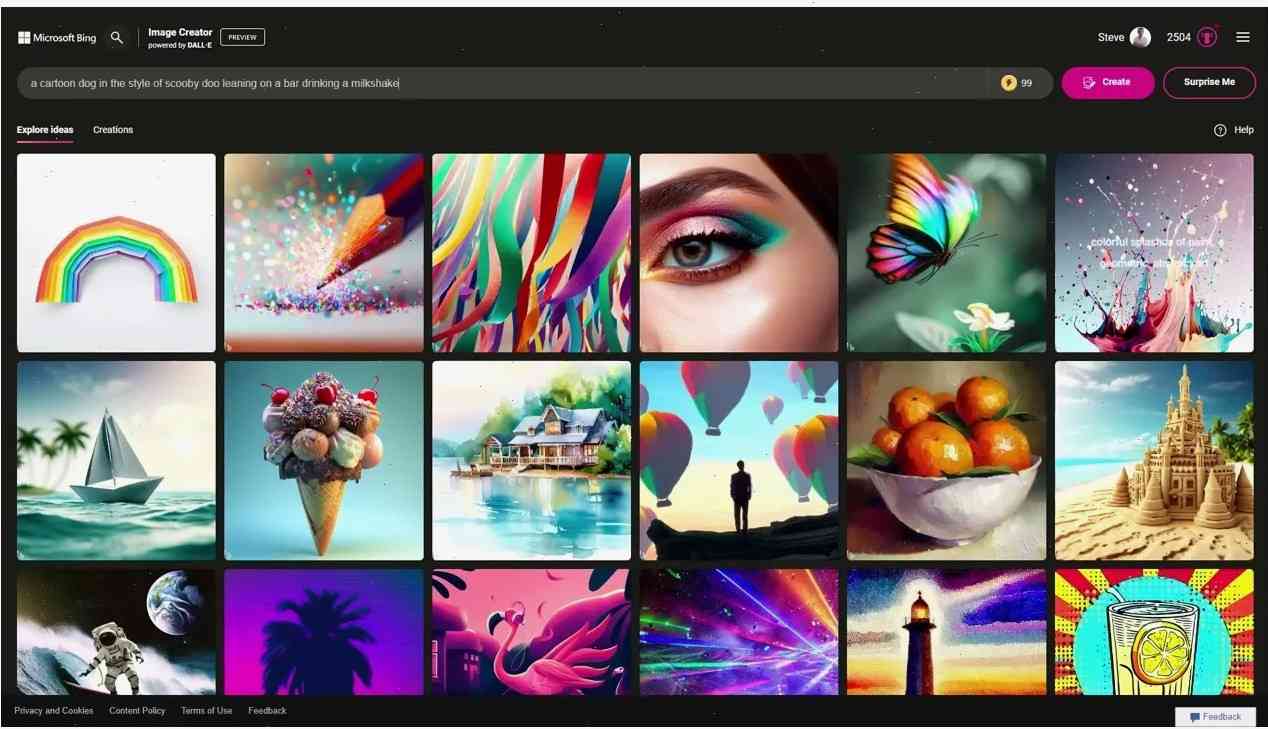
Bing Image Creator remains one of the best free AI image generators for Pinterest creators. Even in 2026, it continues to surprise users with strong visual quality powered by DALL·E technology.
Its biggest advantage is simplicity.
You don’t need:
- advanced settings;
- complicated workflows;
- premium subscriptions;
- technical knowledge.
That accessibility makes Bing Image Creator ideal for beginners testing Pinterest content ideas quickly.
Why It Still Matters in 2026
Despite increasing competition, Bing Image Creator remains relevant because it combines:
- free access;
- fast generation;
- reliable quality;
- beginner-friendly usability.
For creators entering the AI content world for the first time, it’s still one of the easiest starting points available.
Stable Diffusion — Maximum Creative Control
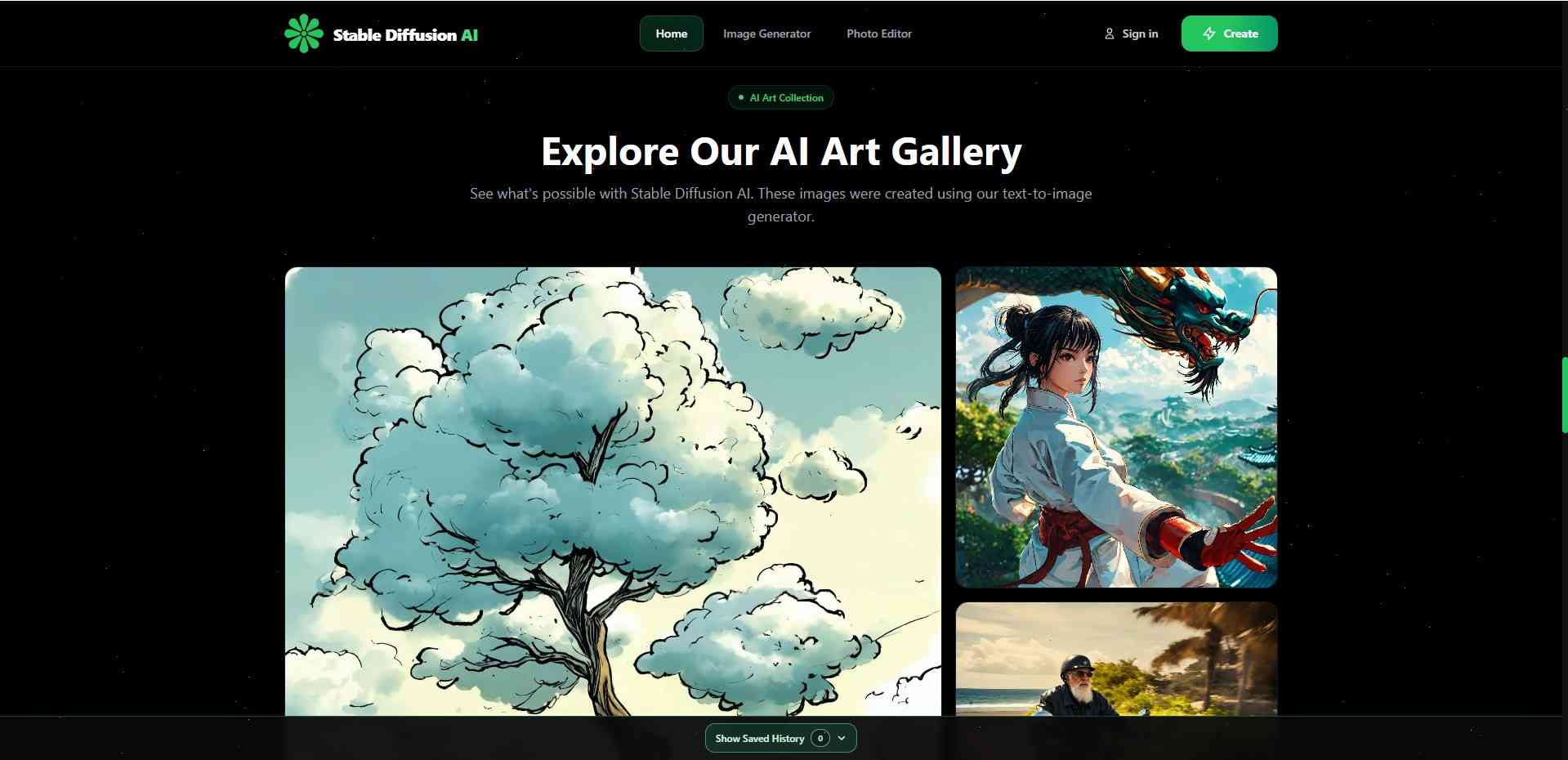
Stable Diffusion is less of a single AI tool and more of an entire creative ecosystem. It offers unmatched flexibility for users who want full control over image generation.
Unlike simpler AI platforms, Stable Diffusion allows creators to:
- install custom models;
- train LoRAs;
- build unique styles;
- edit images with inpainting;
- create consistent characters.
For Pinterest creators building strong visual brands, that level of customization is incredibly powerful.
Who Should Use Stable Diffusion
Stable Diffusion is ideal for:
- advanced creators;
- AI artists;
- Pinterest agencies;
- professional marketers;
- large-scale content producers.
There’s a learning curve, especially with interfaces like:
- AUTOMATIC1111;
- ComfyUI;
- Forge.
But once mastered, Stable Diffusion becomes one of the most powerful Pinterest content systems available.
Creative Fabrica Studio AI — The Underrated Pinterest Tool
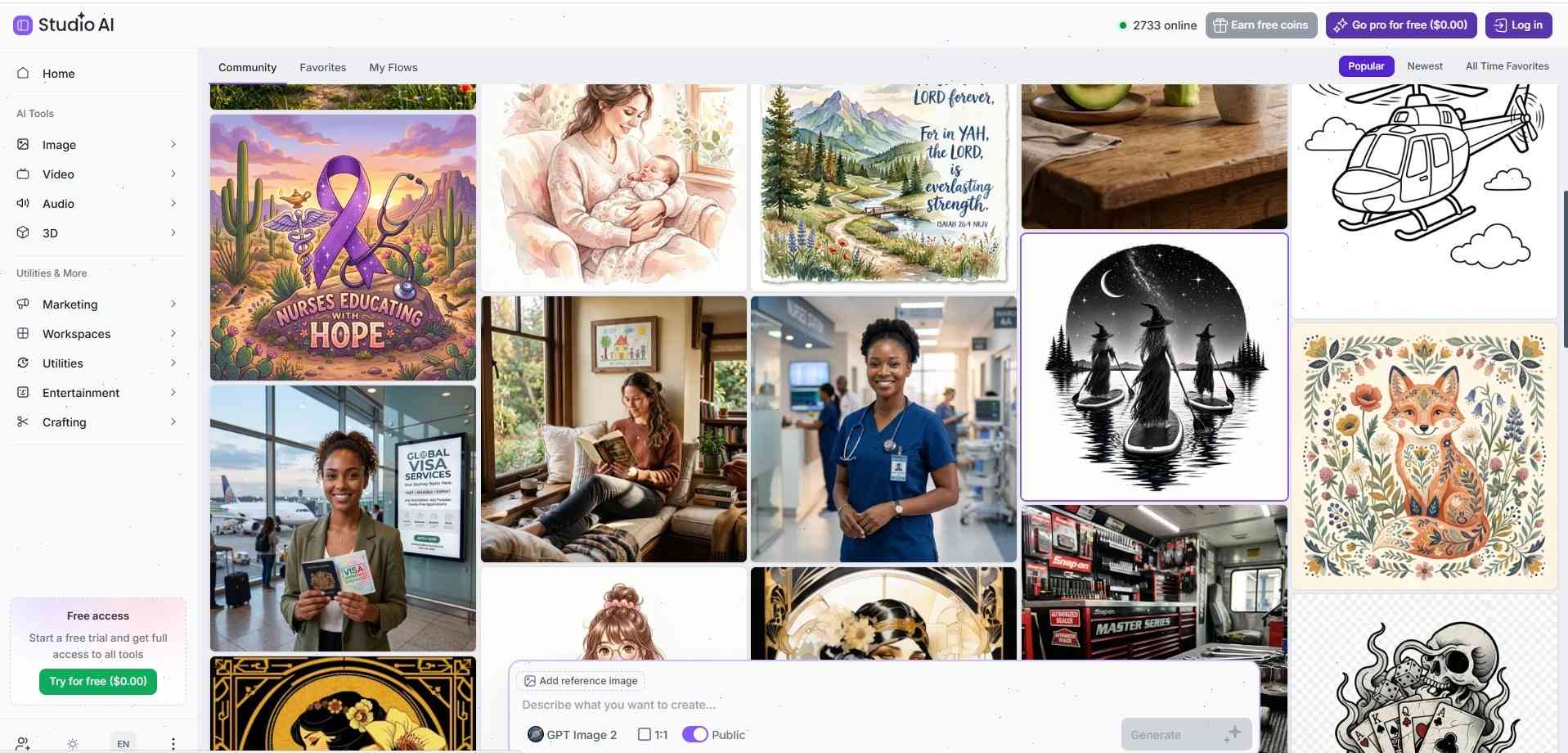
Creative Fabrica Studio AI gained major traction in 2026 among creators focused on printables, digital downloads, and Pinterest-based online businesses.
Unlike many AI tools built primarily for image generation, Creative Fabrica focuses directly on creators and digital product sellers.
It’s especially useful for:
- wall art;
- quote designs;
- planners;
- stickers;
- journaling content;
- printable products.
Why Creators Are Switching to It
Creative Fabrica combines:
- AI generation;
- design assets;
- typography tools;
- templates;
- commercial licensing.
This allows creators to build Pinterest-ready visuals without relying on multiple separate platforms.
It’s particularly valuable for Etsy sellers and printable businesses scaling Pinterest traffic.
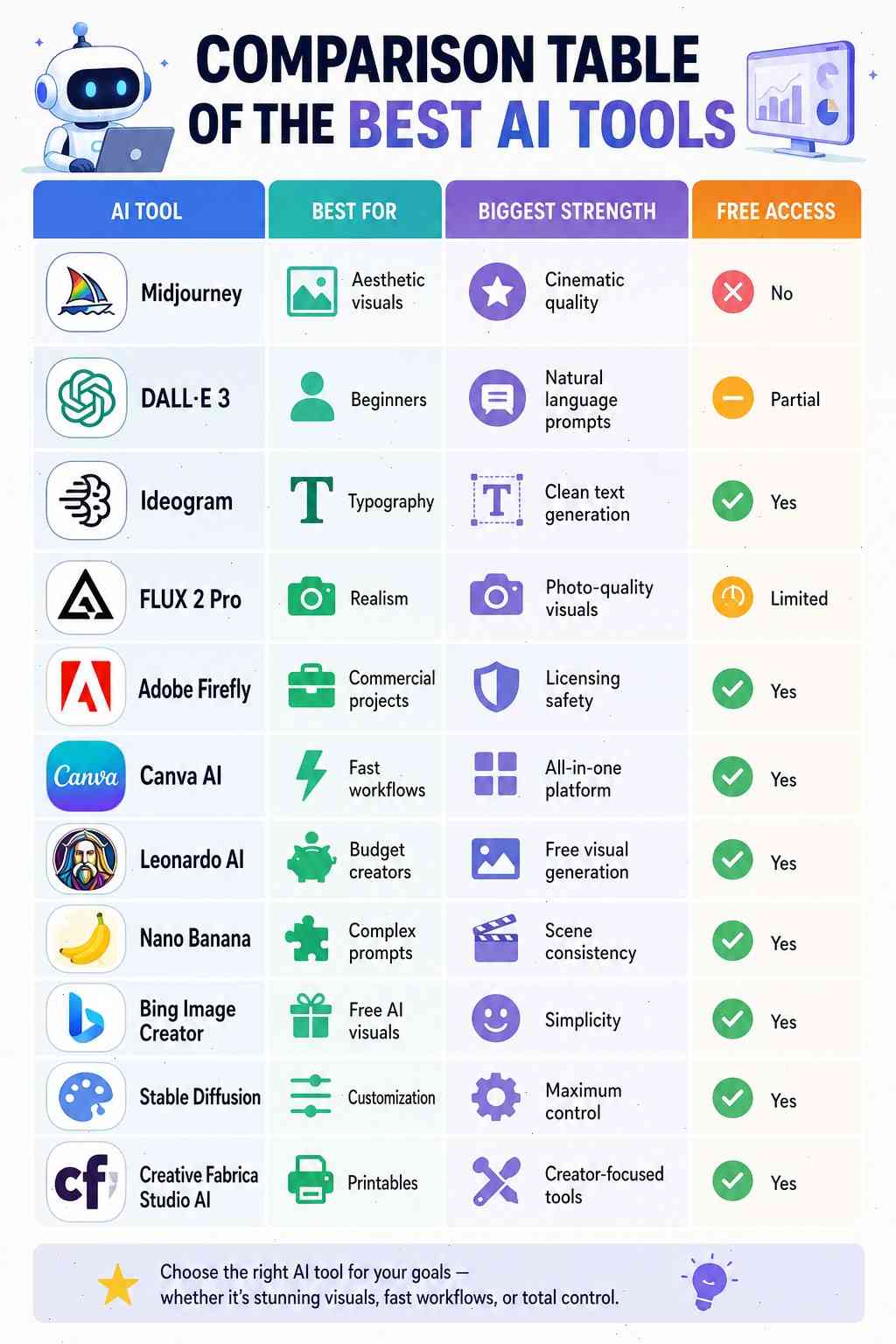
Comparison Table of the Best AI Tools
How to Write Viral Pinterest AI Prompts
The quality of AI-generated Pinterest visuals depends heavily on prompts. Short prompts usually produce weak or generic results.
For example:
“Beautiful living room”
This lacks specificity.
Strong prompts include:
- style;
- lighting;
- composition;
- atmosphere;
- mood;
- color palette.
The Formula for High-Performing Prompts
A strong Pinterest prompt often follows this structure:
[subject] + [style] + [lighting] + [colors] + [composition] + [mood]
Example:
“Cozy Scandinavian bedroom, warm morning sunlight, beige neutral palette, Pinterest aesthetic, editorial photography, soft shadows”

Words that perform especially well on Pinterest include:
- cozy;
- cinematic;
- warm light;
- luxury;
- dreamy;
- minimalist;
- editorial;
- soft aesthetic.
Mistakes That Kill Pinterest Reach
Even beautiful AI images can fail on Pinterest if they ignore platform behavior.
One of the biggest mistakes is visual clutter. Pinterest users scroll quickly, so pins need immediate clarity.
Other common mistakes include:
- unreadable text;
- dark visuals;
- over-saturated colors;
- generic stock-photo aesthetics;
- poor composition.
Pinterest strongly favors:
- vertical images;
- emotional visuals;
- clean layouts;
- readable typography.
The best-performing pins usually feel intentional and visually calming.
The demand for unique, AI-generated visuals that dominate engagement extends beyond Pinterest, with powerful tools like those in Best Creative Fabrica AI Tools for Print on Demand also transforming design for commercial projects like print on demand.
Conclusion
Creating high-quality Pinterest pins no longer requires advanced design skills. AI tools have completely changed the content creation process, making premium visuals accessible to almost anyone.
Each platform has its own strengths:
- Midjourney dominates aesthetics;
- DALL·E 3 simplifies creation;
- Ideogram masters typography;
- FLUX delivers realism;
- Canva streamlines workflows;
- Stable Diffusion offers total flexibility.
Pinterest continues to grow as one of the most valuable long-term traffic platforms online, and AI is becoming the engine driving that growth.
The creators who learn to combine strong prompts, consistent branding, and AI-powered design will dominate Pinterest in 2026 and beyond.
FAQs
What is the best AI tool for Pinterest in 2026?
Midjourney remains the top choice for aesthetics, while DALL·E 3 is ideal for beginners and Ideogram is best for text-based pins.
Can I create Pinterest pins for free using AI?
Yes. Bing Image Creator, Leonardo AI, Canva AI, and Nano Banana all offer free options for creating Pinterest visuals.
Which AI tools are best for Etsy and printables?
Creative Fabrica Studio AI, Canva AI, and Ideogram work especially well for digital products and printable content.
Does Pinterest reduce reach for AI-generated images?
Currently, Pinterest focuses more on quality and engagement than whether an image was created using AI.
What Pinterest pin size works best in 2026?
The recommended Pinterest format remains vertical 1000×1500 px with a 2:3 aspect ratio.
Follow Us