

ℹ️ Affiliate Disclosure: This article may contain affiliate links. We may earn a commission at no extra cost to you. Thanks for your support! ❤️
How the Best AI Logo Generators Help You Build a Usable Brand
The best AI logo generators can turn a short business description into a usable visual concept in minutes. However, generating an attractive symbol is only the first step.
A professional logo also needs readable typography, balanced spacing, practical file formats, and versions that remain recognizable on websites, product packaging, social profiles, and printed materials.
My top pick is Creative Fabrica AI Logo Maker because it combines prompt-based logo generation with editing tools inside the wider Creative Fabrica Studio workspace. The other tools on this list serve different needs, from complete brand kits and social media templates to custom vector concepts and print-ready marketing materials.
1. Creative Fabrica AI Logo Maker
Best for Creating and Editing a Logo in One Workspace

Creative Fabrica AI Logo Maker is my first pick for creators who want to generate a logo and continue refining it without moving immediately into separate software.
You begin by describing the business, niche, tagline, colors, or visual direction. The AI creates logo concepts from the prompt, which can then be adjusted using Creative Fabrica Studio’s design tools. Creative Fabrica specifically presents the tool as a browser-based generator that requires no previous design experience.
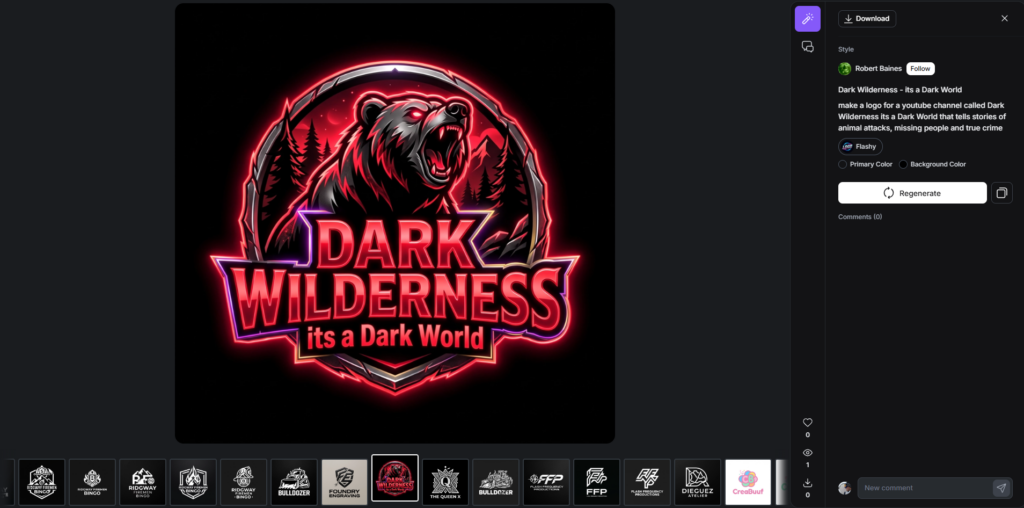
What makes this option particularly useful is its connection to a larger creative platform. Creative Fabrica Studio also supports broader design workflows for crafters, educators, print-on-demand sellers, and businesses.
That matters when a logo needs to move beyond a single downloaded image. A small business may also need product labels, shop graphics, promotional designs, social posts, or printable materials that follow the same visual direction.
Best for:
- Small-business logo concepts
- Etsy and print-on-demand branding
- Craft businesses and creator shops
- Users who want generation and editing together
Key features:
- Prompt-based logo generation
- Browser-based workflow
- Editable colors, shapes, and icons
- Integration with Creative Fabrica Studio
Pros:
- Easy starting point for non-designers
- Keeps creation and customization in one platform
- Fits naturally into a broader content workflow
- Useful for producing multiple visual directions quickly
Cons:
- AI output still needs a careful typography and spacing review
- A generated concept may require significant customization before trademark use
My take: I would start here when the logo is part of a larger creative business rather than an isolated design task.
2. Looka
Best for a Complete Starter Brand Kit
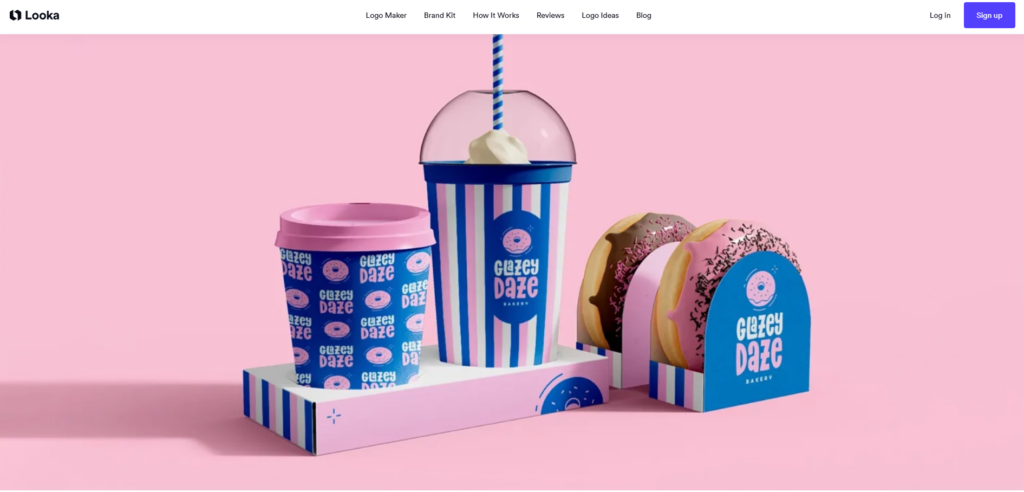
Looka is designed around a guided logo-building process. Users provide information such as the company name, industry, slogan, preferred icons, and visual style. The platform then produces a collection of editable logo directions.
Generating and exploring designs is free, but Looka states that users pay when they decide to download and use a selected logo.
The main reason to choose Looka is not just the initial logo. It is the coordinated brand material that can follow it. This makes the platform relevant to startups that need a consistent starting package rather than one standalone mark.
Best for:
- New startups
- Coaches and consultants
- Service businesses
- Users who need coordinated branding
Key features:
- Guided preference selection
- Editable logo concepts
- Brand identity materials
- Multiple logo variations
Pros:
- Beginner-friendly process
- Produces many concepts quickly
- Strong focus on brand consistency
- Useful for businesses without an existing style guide
Cons:
- Downloading the final files is not completely free
- Generated layouts can feel similar unless they are customized carefully
My take: Looka is one of the more practical options when you need a full startup identity and want the platform to make many early design decisions for you.
3. Canva AI Logo Generator
Best for Social Media and Marketing Content
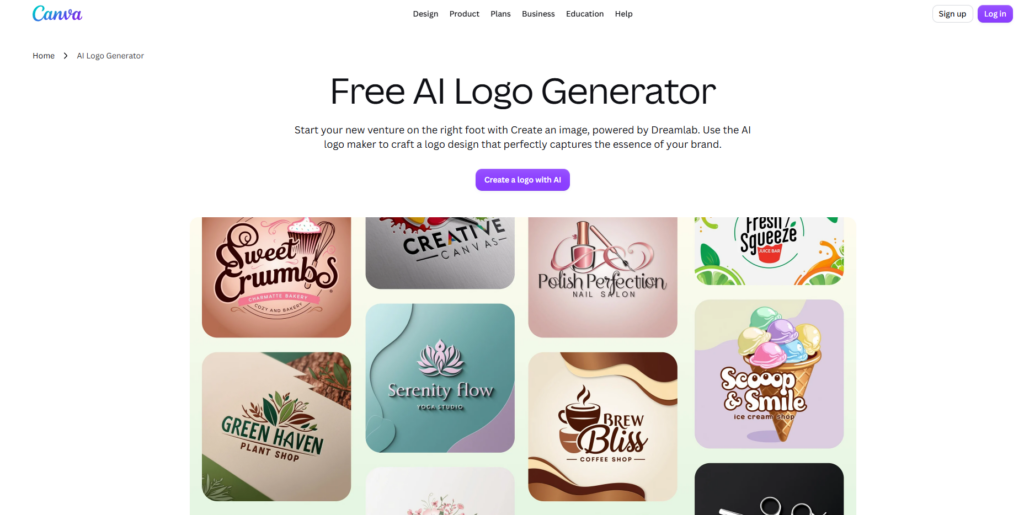
Canva AI Logo Generator creates logo ideas through Canva’s AI design environment and Dream Lab.
Its biggest advantage is the surrounding Canva ecosystem. Once you establish a logo direction, you can place it into social posts, presentations, business cards, advertisements, videos, and other visual materials.
Canva makes the most sense when the person creating the logo will also manage regular marketing content. The editing interface is approachable, and existing Canva users can continue working within a familiar environment.
Best for:
- Social media brands
- Content creators
- Bloggers and online businesses
- Teams already using Canva
Key features:
- AI-assisted logo generation
- Drag-and-drop editing
- Templates for supporting marketing materials
- Shared team workspace
Pros:
- Easy for beginners
- Strong selection of content formats
- Convenient for maintaining visual consistency
- Useful for frequent social media production
Cons:
- Template-heavy designs may look familiar
- Users need to check licensing and exclusivity for individual elements
- Advanced vector editing is more limited than in dedicated vector software
My take: Canva is the practical option when the logo is only one part of an ongoing content calendar.
4. Kittl AI Logo Generator
Best for Typography and Decorative Logo Styles
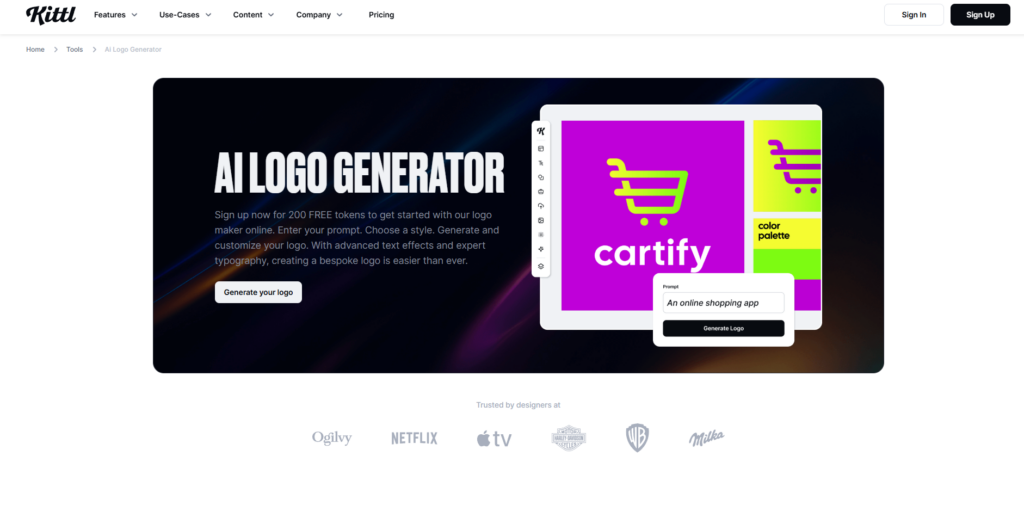
Kittl AI Logo Generator combines AI generation with Kittl’s typography, font, text-effect, and layout tools.
The platform allows generated concepts to be customized through its editor, including changes to colors, fonts, icons, and composition. Kittl also highlights the ability to reuse a logo across projects such as business cards, social media graphics, and merchandise.
I would consider Kittl for brands that need more personality than a standard geometric startup logo. It is particularly suited to vintage marks, badges, labels, apparel graphics, decorative wordmarks, and typography-led identities.
Best for:
- Apparel brands
- Coffee shops and food businesses
- Vintage-inspired identities
- Merchandise and packaging designs
Key features:
- AI logo generation
- Strong typography controls
- Text effects and decorative elements
- Mockup and merchandise workflows
Pros:
- Better typography styling than many basic logo generators
- Useful for badges and illustrated compositions
- Supports more expressive visual directions
- Suitable for product-based brands
Cons:
- Decorative tools can encourage overly complicated designs
- Detailed logos may not remain readable at small sizes
My take: I would grab Kittl when lettering and visual personality matter more than producing a restrained corporate mark.
5. Recraft
Best for Custom Vector Logo Concepts
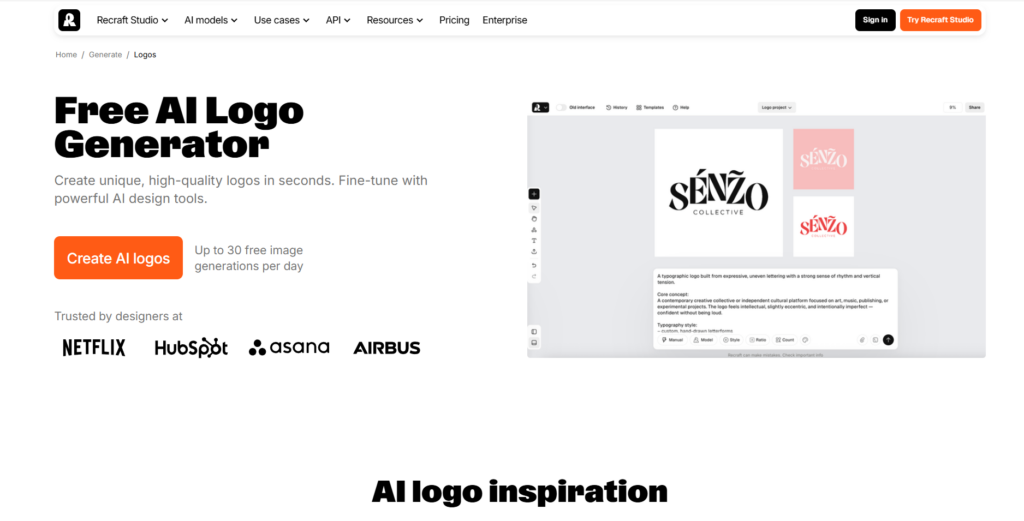
Recraft approaches logo generation more like an AI design and illustration system than a conventional template-based logo wizard.
Users can create original logo concepts from written prompts and work with vector-focused creative tools. Recraft also supports related icon generation and presents vector precision as one of its core strengths for logos and brand marks.
This gives experienced users more creative freedom. Rather than selecting an industry and clicking through template recommendations, you can describe a more specific visual concept.
Best for:
- Designers developing logo concepts
- Custom icons and symbols
- Experimental brand directions
- Users comfortable writing detailed prompts
Key features:
- Prompt-driven logo creation
- Vector-oriented generation
- Custom icon creation
- Style and composition controls
Pros:
- More visual freedom than traditional logo wizards
- Useful for distinctive symbols
- Better fit for concept exploration
- Can support scalable vector-style work
Cons:
- Requires stronger prompting and design judgment
- Typography may need to be rebuilt or refined separately
- Less guided for complete beginners
My take: Recraft is a strong idea-development tool, but I would still review every curve, letterform, and alignment before treating the result as a final identity.
6. LogoAI
Best for Automated Brand Assets
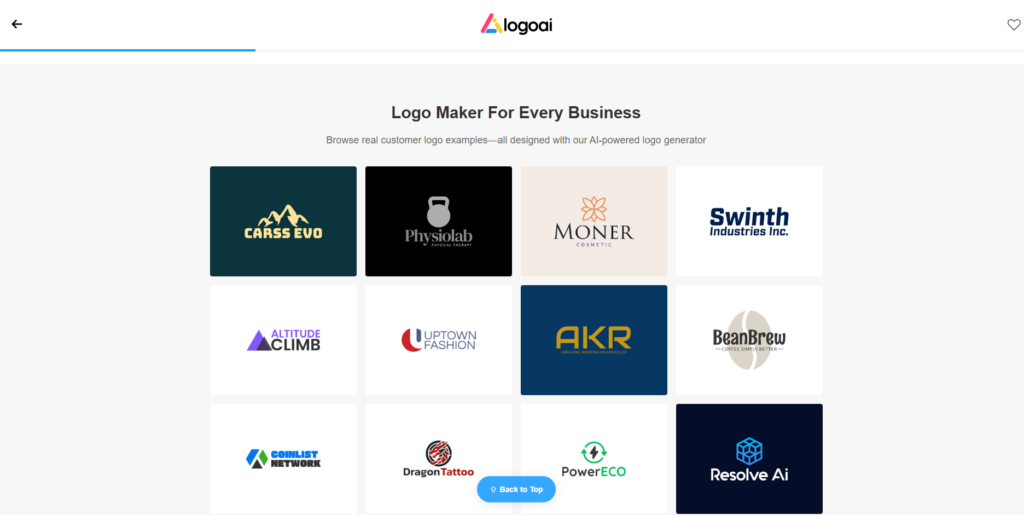
LogoAI generates logo possibilities from a business name and design preferences. It also connects the finished direction to stationery, mockups, business cards, animation, and email signature tools.
The workflow is built for users who want the software to handle much of the early identity-building process. Instead of creating every supporting asset manually, users can move directly from the logo into common branded materials.
LogoAI has also introduced an AI icon generator that can send a generated icon into the main editor for vector conversion and the addition of logo text.
Best for:
- Solo business owners
- Online service providers
- Fast brand launches
- Businesses needing several coordinated assets
Key features:
- Automated logo suggestions
- AI icon generation
- Business card tools
- Logo animation and mockups
Pros:
- Broad range of supporting brand assets
- Straightforward guided workflow
- Useful for quickly visualizing a full identity
- Provides more than a single logo file
Cons:
- Automated layouts still need visual review
- The interface may offer more features than a user needing only a basic logo requires
My take: LogoAI is useful when speed and a coordinated set of brand materials matter more than building every element manually.
7. Brandmark
Best for Fast Minimalist Brand Concepts
Brandmark creates logo concepts, business cards, social graphics, brand guides, mockups, presentations, and other identity assets.
The platform combines generative AI with its own fonts and templates. It also advertises source logo files and the ability to customize and export a selected identity.
Brandmark tends to fit modern brands that prefer clean shapes, simple icons, geometric typography, and restrained color palettes.
Best for:
- SaaS companies
- Digital products
- Consultants
- Modern minimalist brands
Key features:
- AI-generated logo directions
- Brand guide creation
- Social and presentation assets
- Business card and mockup designs
Pros:
- Produces polished visual directions quickly
- Strong fit for modern digital brands
- Includes supporting identity assets
- Helpful for comparing different color and icon systems
Cons:
- Minimal concepts can feel generic without customization
- Less appropriate for highly illustrative or handcrafted identities
My take: Brandmark is a good brainstorming platform for clean startup branding, but the best results come from changing more than the company name.
8. Tailor Brands
Best for Guided Small-Business Branding
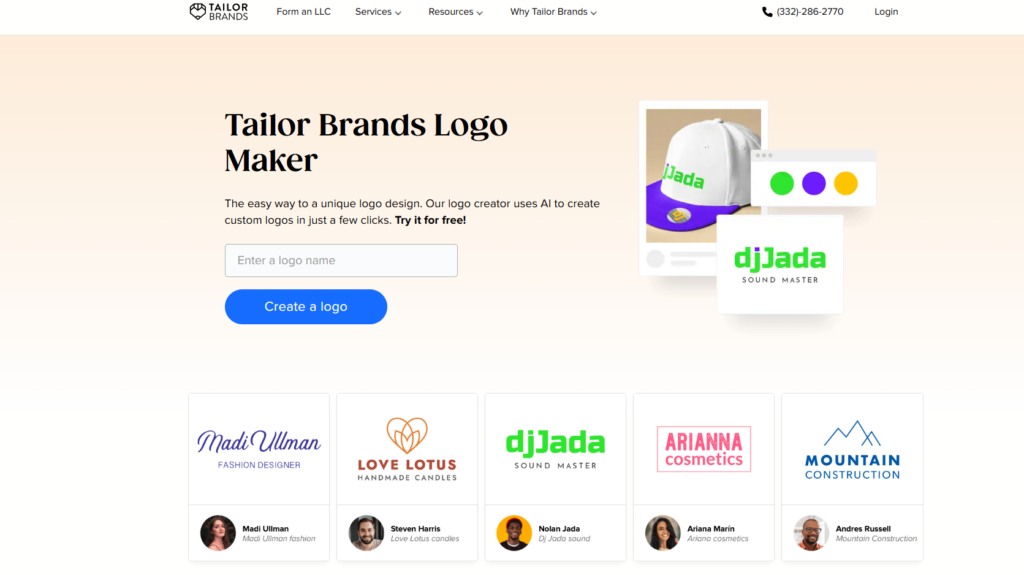
Tailor Brands Logo Maker uses a guided process to create custom logo directions from a user’s business and visual preferences.
The company describes its tool as an AI-powered logo creator that produces custom designs in a few clicks.
Tailor Brands is best viewed as part of a broader small-business setup platform. That can be convenient for users who want branding guidance and additional business services in one place.
Best for:
- First-time business owners
- Local service companies
- Freelancers
- Users who prefer structured guidance
Key features:
- AI-assisted logo creation
- Guided style selection
- Customizable logo results
- Wider business-branding ecosystem
Pros:
- Clear onboarding process
- Reduces the number of early design decisions
- Suitable for non-designers
- Focused on practical business use
Cons:
- The broader platform may be unnecessary for users seeking only a logo
- Guided selections can lead to conventional results
My take: Tailor Brands makes sense for someone who wants a guided route from a business idea to a presentable identity without learning professional design software.
Start Your Logo with Tailor Brands
9. Fiverr Logo Maker
Best for AI-Assisted Designs Created by Human Designers
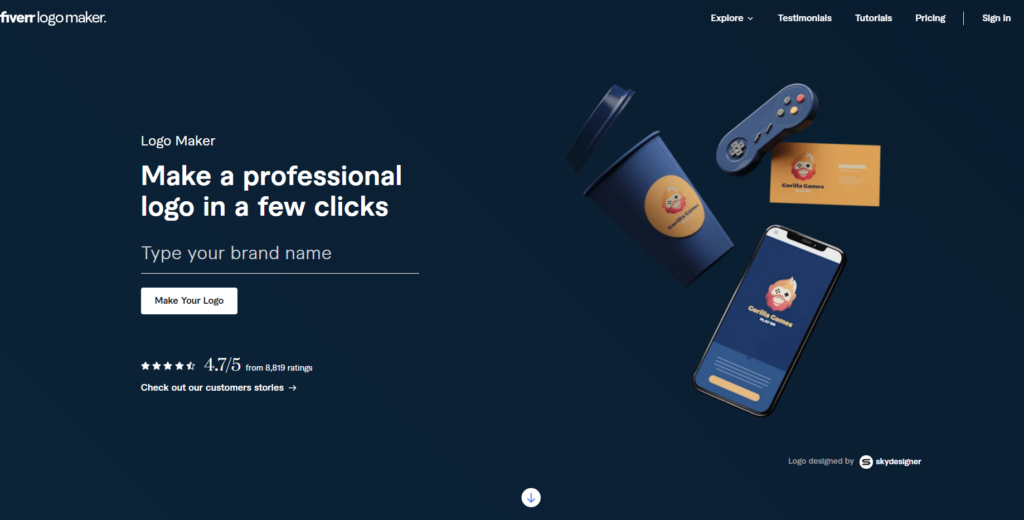
Fiverr Logo Maker differs from fully generative platforms. Its suggested logos are based on work created by Fiverr designers, while AI helps match and adapt those designs to the customer’s needs.
This hybrid model may appeal to business owners who prefer starting from designer-created artwork rather than relying entirely on an image-generation model.
Users provide information about the brand and receive matching logo options that can be customized. Fiverr also keeps its marketplace of freelance designers available for businesses that later need completely custom work.
Best for:
- Businesses wanting a designer-based starting point
- Users considering later custom design work
- Fast logo selection
- Buyers familiar with Fiverr
Key features:
- Human-created base designs
- AI matching and adjustment
- Customization tools
- Access to freelance designers
Pros:
- Combines human artwork with automation
- Offers a direct path to hiring a designer
- Faster than commissioning a logo from the beginning
- Provides many immediate variations
Cons:
- Not every design is generated exclusively for one business
- Buyers should examine usage rights and package details carefully
My take: Fiverr Logo Maker is an interesting middle ground between a traditional marketplace and an automated logo generator.
10. VistaPrint AI Logomaker
Best for Moving from Logo Design to Printed Materials
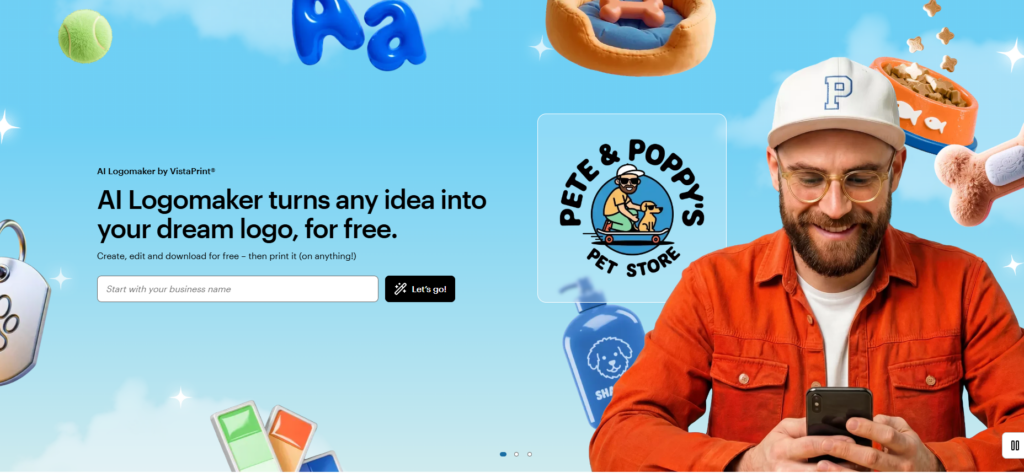
VistaPrint AI Logomaker is designed for small businesses that want to move quickly from a generated logo to practical marketing materials.
VistaPrint says the tool creates personalized logo options from text prompts and supports digital and print-ready scalable files. The service also connects users with professional designers when a generated concept needs additional refinement.
The close connection to printing makes it convenient for businesses ordering cards, signs, packaging pieces, promotional products, or other physical materials.
Best for:
- Local businesses
- Market vendors
- Restaurants and service companies
- Users ordering printed materials
Key features:
- Generative prompt-based workflow
- Print-ready output options
- Font, color, and layout customization
- Access to professional design support
Pros:
- Clear route from logo concept to printed product
- Suitable for practical offline branding
- Offers scalable file formats
- Professional support is available
Cons:
- Users may become tied to a print-centered ecosystem
- AI-generated output still raises copyright and trademark questions
My take: VistaPrint is less about experimental logo design and more about getting a usable business identity onto real-world materials.
Quick Comparison of the Best AI Logo Generators
| Rank | AI Logo Generator | Best For | Main Strength |
|---|---|---|---|
| 1 | Creative Fabrica AI Logo Maker | Creators and small businesses | Generation and editing in one workspace |
| 2 | Looka | Startup brand kits | Coordinated branding materials |
| 3 | Canva | Marketing content | Large multipurpose design ecosystem |
| 4 | Kittl | Typography-led logos | Text effects and decorative styling |
| 5 | Recraft | Vector concepts | Prompt-based vector design |
| 6 | LogoAI | Automated brand assets | Logos, stationery, and brand materials |
| 7 | Brandmark | Minimalist identities | Fast, polished visual directions |
| 8 | Tailor Brands | Guided business setup | Structured branding workflow |
| 9 | Fiverr Logo Maker | Designer-based starting points | AI matched with human-created designs |
| 10 | VistaPrint AI Logomaker | Printed business materials | Direct path from design to printing |
How to Choose an AI Logo Generator
The best platform depends on what you plan to do after creating the first logo.
Choose Creative Fabrica AI Logo Maker when you want an approachable generator connected to a broader creative workspace.
Choose Looka, LogoAI, Brandmark, or Tailor Brands when you want the platform to help organize a wider identity system.
Choose Canva when you regularly make social posts, presentations, and marketing graphics.
Choose Kittl when typography, labels, badges, merchandise, or decorative styles are central to the brand.
Choose Recraft when you want more control over the visual concept and are comfortable refining an AI-generated vector direction.
Choose Fiverr Logo Maker when you prefer AI-assisted matching based on artwork created by human designers.
Choose VistaPrint when the next step is ordering business cards, signs, packaging, or promotional materials.
Important Copyright and Trademark Considerations
An AI logo generator can produce a useful visual starting point, but it does not automatically guarantee exclusive ownership or trademark eligibility.
VistaPrint explicitly warns that AI-generated content may not satisfy the legal requirements for copyright protection in many jurisdictions. It recommends professional design help when a business needs additional refinement or stronger exclusivity.
Before adopting any generated logo as a permanent business identity:
- Read the platform’s current commercial-use and licensing terms.
- Run trademark and image-similarity searches.
- Avoid using recognizable characters, brand symbols, or celebrity likenesses.
- Confirm that stock icons and template elements allow the intended use.
- Consider having a designer redraw and refine the final concept.
- Speak with a qualified trademark professional when registration is commercially important.
The safest approach is to treat AI as an idea generator and production assistant rather than proof that a design is legally unique.
Final Verdict
My top recommendation is Creative Fabrica AI Logo Maker because it provides a straightforward prompt-based generator and connects the result to a broader editing environment. It is especially relevant to creators, product sellers, craft businesses, and small brands that need more than a single logo image.
Looka is the stronger fit for a guided startup brand kit, while Canva is convenient for ongoing marketing content. Kittl stands out for expressive typography, and Recraft gives design-minded users more freedom when developing custom vector concepts.
No AI logo generator should replace a final quality check. Whichever platform you choose, refine the typography, simplify the composition, test the design at multiple sizes, and verify the commercial and trademark implications before making it the permanent face of your brand.
FAQ
What is the best AI logo generator for beginners?
u003ca href=u0022https://www.creativefabrica.com/studio/features/ai-logo-maker/ref/13166536/u0022u003eCreative Fabrica AI Logo Makeru003c/au003e, Canva, and Looka provide approachable workflows for beginners. Creative Fabrica is my first choice for users who want prompt-based generation and editing inside one creative workspace.
Can I create a professional logo with AI?
Yes, AI can produce a strong starting concept. A professional result usually requires additional work on typography, spacing, scalability, file formats, and originality.
Are free AI logo generators really free?
Many platforms allow users to generate or preview logo ideas for free. Some charge for high-resolution downloads, vector files, brand kits, commercial packages, or advanced editing features. Check the current terms before choosing a design.
Can I trademark a logo made with AI?
Possibly, but trademark eligibility depends on originality, existing marks, jurisdiction, and the amount of human authorship involved. AI generation alone does not guarantee exclusivity or registration. Obtain professional legal advice for a commercially important trademark.
Save to Your Inspiration Board
Follow Us