

ℹ️ Affiliate Disclosure: This article may contain affiliate links. We may earn a commission at no extra cost to you. Thanks for your support! ❤️
How the Best AI Tools for Packaging Design Actually Compare
The best AI tools for packaging design can now generate visual concepts, label artwork, branded mockups, product photography, and—in a smaller number of cases—packaging structures and dielines.
My first pick is Creative Fabrica Product Manager for brands that need to turn product references into consistent promotional visuals without organizing a separate product photoshoot for every concept. For structural packaging, Pacdora remains my strongest all-around option because it connects editable dielines with real-time 3D previews.
The important distinction is that not every attractive AI packaging image is ready for production. Tools such as Creative Fabrica Product Manager, ChatGPT Images, and Midjourney are strongest during visual development and marketing. Packaging-specific platforms such as Pacdora, Packify, DYP.ai, and Cubit are better suited to dielines, physical structures, and manufacturing workflows.
1. Creative Fabrica Product Manager — Best for AI Product Visuals and Packaging Campaigns

Best for: Ecommerce brands, packaging presentations, product campaigns, listing images, ad creatives, and rapid visual testing
Creative Fabrica Product Manager is my first pick for creating and managing AI-generated product visuals from reference materials.
The workflow begins by uploading product reference content, including photos, video, or audio. Users can then create an AI product that can be reused when generating new campaign media. Creative Fabrica describes the tool as a way to create and manage AI-generated product images for marketing campaigns.
For packaging projects, the practical advantage is consistency. Instead of generating a completely different bottle, pouch, jar, or box during every prompt, the saved product can act as the visual reference for multiple promotional scenes.
A coffee brand, for example, could upload images of its finished bag and generate several campaign directions around the same product:
- A clean ecommerce hero image
- A kitchen lifestyle scene
- A dark premium advertising concept
- A seasonal campaign visual
- A social media launch image
- A product image adapted to different audiences
This makes Product Manager particularly useful after the main packaging form or design direction has already been established. It helps turn the packaged product into reusable marketing material.
Key features
- Creation of reusable AI products
- Uploading photo, video, and audio reference materials
- AI-generated product images
- Product preset management
- Campaign-oriented visual generation
- Community and saved-product sections
- Integration with the wider Creative Fabrica Studio platform
Pros
- Helps preserve the identity of a specific product across campaign images
- Useful for ecommerce, Pinterest, advertisements, and social media
- Reduces dependence on repeated physical photoshoots during concept development
- Product references can be managed inside one workspace
- Relevant for both packaging presentations and post-launch marketing
Cons
- It does not create engineering-grade dielines
- It is not a replacement for Illustrator or structural packaging software
- Small printed text may not remain accurate in generated scenes
- The physical product or packaging references need to be clear and consistent
- Generated marketing visuals still require brand and factual review
My take
I would use Creative Fabrica Product Manager once I have a recognizable package, label, or product concept and need to show it in several campaign settings.
It is not the tool I would send directly to a printer. Instead, it sits between packaging development and product marketing: the design is established first, then Product Manager helps turn that packaged product into visual content.
2. Pacdora — Best Overall Packaging Workflow
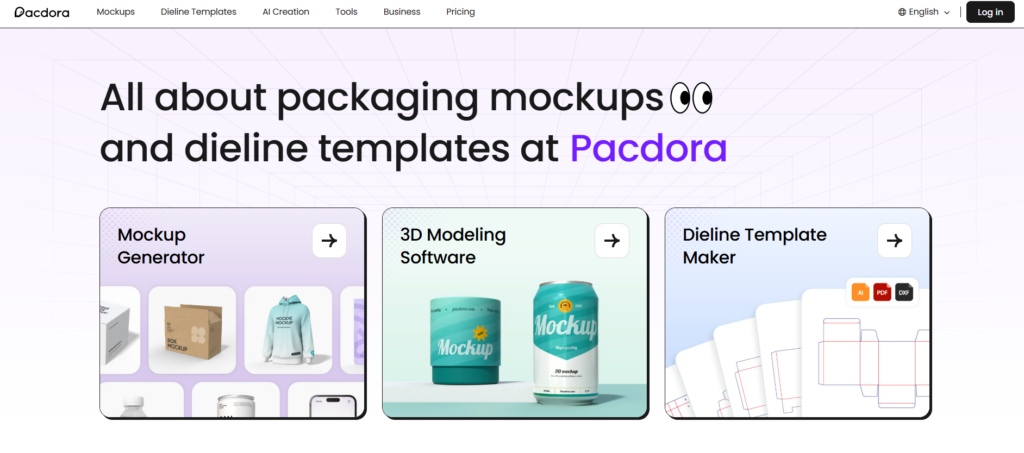
Best for: Packaging designers, agencies, startup brands, mockup creation and dieline-based presentations
Pacdora is my best overall choice because it covers more of the packaging workflow than a generic AI image generator. Its platform combines a large library of packaging mockups, dieline templates, editable artwork areas, and browser-based 3D previews.
Pacdora also offers an AI packaging design tool that lets you select a packaging format and generate a visual direction from a text description. Its structural-design section supports formats such as mailers, folding cartons, rigid boxes, trays, sleeves, and FEFCO-style packaging. Users can place artwork on the dieline, inspect the assembled package, and download the resulting assets.
What makes it useful is the connection between flat artwork and the finished object. Instead of judging a front label in isolation, you can inspect side panels, lid placement, seams, and how the design wraps around corners.
Key features:
- Editable packaging dielines
- Real-time 3D packaging previews
- AI-generated design concepts and backgrounds
- Boxes, bottles, cans, pouches, bags, and other formats
- Mockup rendering for presentations and ecommerce
Pros:
- Covers both structural and visual presentation tasks
- More packaging-focused than Canva or Midjourney
- Helpful for presenting several options to a client
- Browser-based workflow reduces setup time
Cons:
- AI artwork may still need typography and spacing corrections
- Some formats and export features may sit behind paid plans
- Printer specifications must still be confirmed independently
My take: I would start with Pacdora when I need to move from a dieline to an attractive 3D presentation without switching between several applications.
3. Packify — Best Conversational AI Packaging Designer
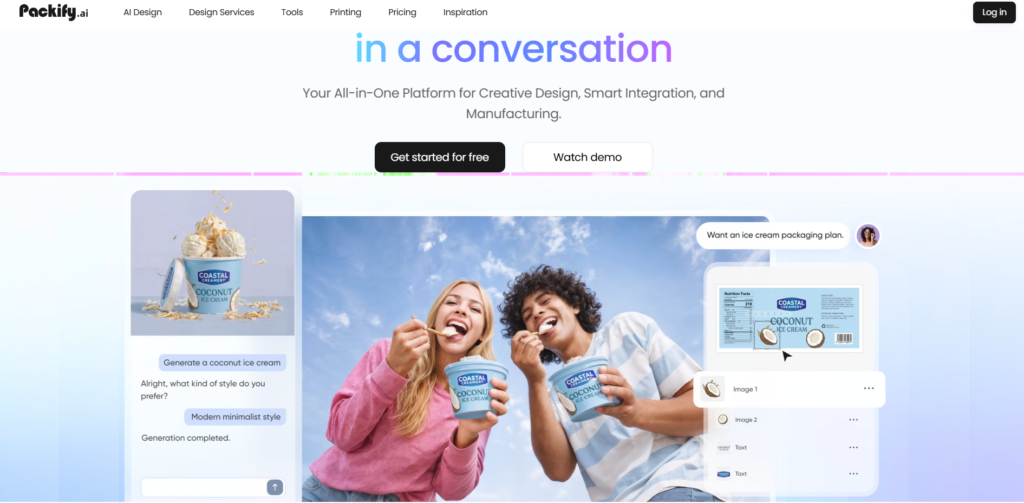
Best for: Founders, ecommerce sellers and teams that want to develop packaging through chat
Packify positions itself as an AI-native packaging design platform. Rather than asking users to build every element manually, it uses a conversational interface to turn written instructions into 3D packaging directions.
According to Packify, users can generate packaging concepts, integrate logos, revise existing packaging, create dielines, produce product photography, and connect with packaging manufacturers. The company identifies Packify as an AI-native brand developed by Pacdora, which explains the strong connection to mockups and packaging structures.
The redesign workflow is particularly interesting. You can upload a photo of existing packaging and request changes while attempting to preserve recognizable brand cues. Packify states that the redesigned artwork can then be shown on a 3D pack and translated into a dieline.
Key features:
- Conversational packaging design
- Text-to-3D concept generation
- Packaging redesign from an uploaded image
- Logo and brand asset integration
- Dieline and manufacturing workflow
- AI product photography
Pros:
- Accessible to users without traditional packaging software experience
- Good for rapid back-and-forth concept development
- Connects ideation, mockups, and manufacturing services
- Useful for redesigning an existing product line
Cons:
- Users should independently validate dieline dimensions
- AI-generated text and legal information need manual review
- Designers may want more direct control over small layout decisions
My take: Packify is one of the closest options to an AI packaging design assistant rather than a basic template editor.
4. DYP.ai — Best for Design-to-Print Automation
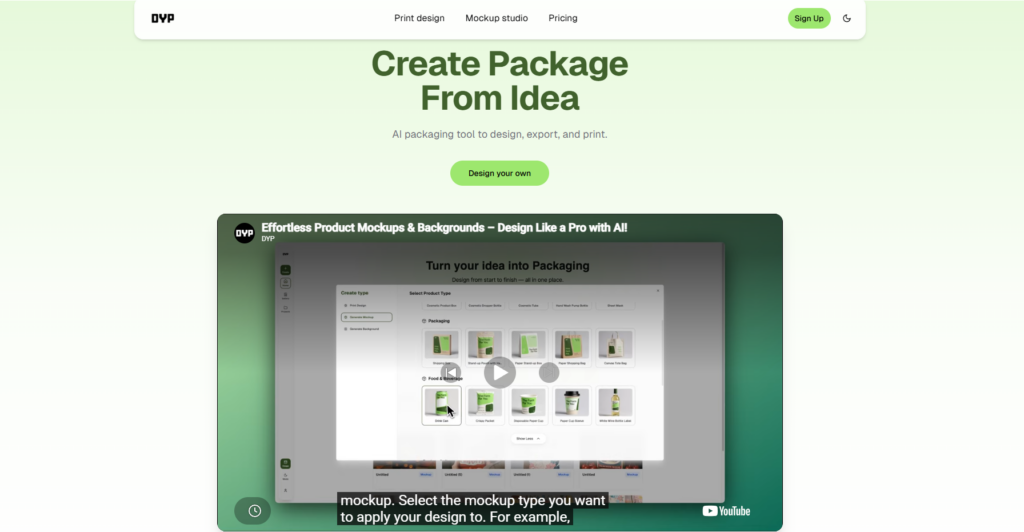
Best for: Small businesses that want packaging design, mockups, exports and printing in one workflow
DYP.ai is built specifically around package creation. Its website describes a workflow that generates the design, handles the layout and dieline, produces a print-ready file, and shows the result in a real-time 3D preview. It also lets users upload existing artwork to create a packaging mockup and generate product-shot-style images without organizing a traditional photo shoot.
That combination makes DYP.ai more commercially relevant than an AI art generator. It is not just creating an attractive box in a fictional scene; it is attempting to connect the artwork to a defined packaging object.
Key features:
- AI-generated package artwork
- Dieline and layout workflow
- Real-time 3D preview
- Existing-artwork mockup creation
- AI product photography
- Printing pathway
Pros:
- Packaging is the core use case
- Covers both design and promotional imagery
- Straightforward workflow for business owners
- Potentially reduces the number of separate vendors needed
Cons:
- Less established than Adobe or Canva
- Exact production capabilities may vary by packaging format
- Print-ready claims should be checked against the chosen printer’s requirements
My take: I would consider DYP.ai for a small brand that wants a guided route from rough idea to something it can discuss with a packaging supplier.
5. Cubit Design Studio — Best for AI-Generated Box Concepts and Dielines
Best for: Mailer boxes, folding cartons, rigid boxes and brands planning to order custom packaging
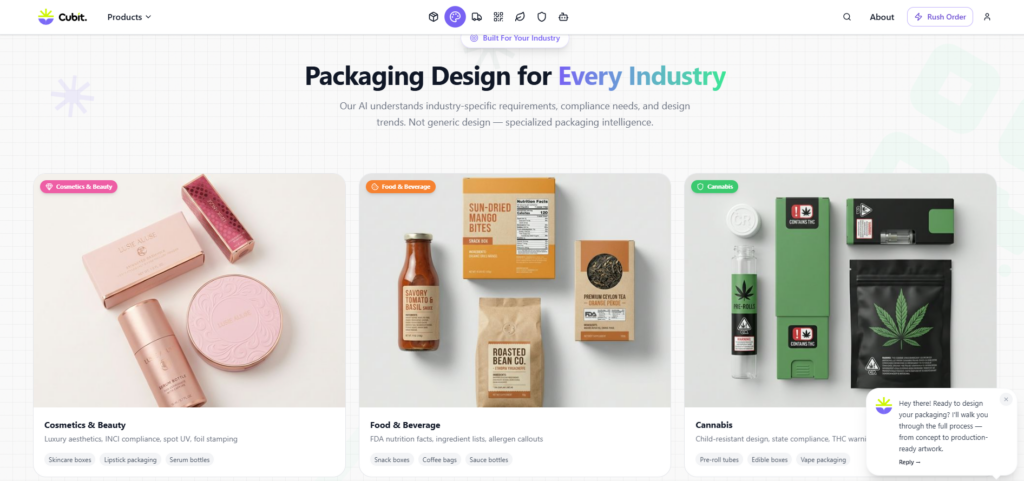
Cubit Design Studio generates packaging concepts from a written description and displays both a flat structural layout and an assembled 3D preview.
Cubit says its system can generate panel layouts, fold lines, cut lines, glue tabs, bleed areas, and dimension annotations for several packaging formats. The currently listed formats include mailer boxes, rigid boxes, folding cartons, cylinder tubes, sleeve boxes, and pillow boxes.
The main advantage is continuity. Once the concept is approved, users can move into Cubit’s designer-assistance and manufacturing ecosystem. This can be practical for brands that do not already have a printer.
However, several strong claims about Cubit being the only platform producing “real” AI dielines come from Cubit’s own marketing pages. I would treat those as vendor claims rather than an independent industry conclusion.
Key features:
- Prompt-to-packaging concept creation
- Flat layout and 3D preview
- Box-focused structural templates
- Annotation and revision workflow
- Human designer handoff
- Integrated packaging production
Pros:
- Strong focus on physical box production
- Useful route from idea to manufacturing quote
- Supports several common box formats
- Free starting option is advertised
Cons:
- Primarily connected to Cubit’s manufacturing service
- Vendor-generated dielines still require prepress validation
- Not as flexible for unusual packaging structures
My take: Cubit is most compelling when you want to design the box and potentially order it through the same company.
6. Adobe Firefly and Illustrator — Best for Professional Artwork Control
Best for: Professional designers, agencies and projects requiring editable vector files
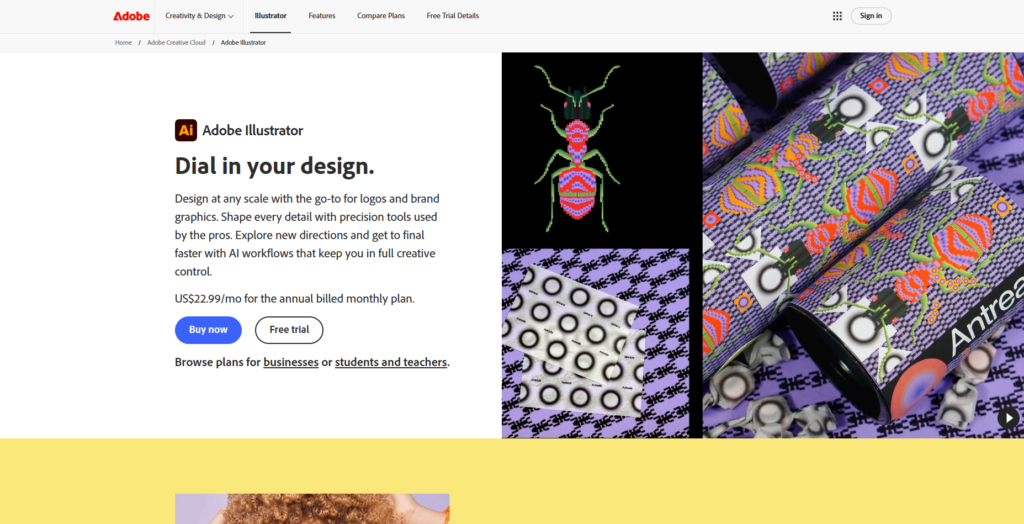
Adobe Firefly and Adobe Illustrator are not automatic packaging engineering tools. Together, however, they provide one of the strongest workflows for developing and refining packaging graphics.
Firefly can generate images, graphic directions, patterns, backgrounds, and mockup concepts. Illustrator provides control over vector artwork, typography, spot colors, paths, layers, dimensions, and supplied printer dielines. Adobe also promotes Firefly Boards for developing mood boards, brand directions, and visual mockups collaboratively.
This combination is better suited to a designer who receives a verified dieline from a manufacturer and needs to build reliable artwork on top of it. AI can accelerate illustration and visual exploration, but the designer remains responsible for the actual layout.
Key features:
- Generative images and design assets
- Editable vector graphics
- Advanced typography controls
- Pattern and illustration generation
- Precise artwork placement on imported dielines
- Integration with the wider Adobe ecosystem
Pros:
- High level of manual control
- Better suited to professional prepress workflows
- Strong for reusable vector brand assets
- Easier to correct AI output than in flattened generators
Cons:
- Requires design and production knowledge
- Does not automatically engineer packaging structures
- More time-consuming than prompt-only platforms
- Subscription costs can add up
My take: For serious client work, I would rather refine a manufacturer-approved dieline in Illustrator than trust a visually convincing AI image as a production file.
7. Canva — Best for Beginners and Small Brands
Best for: Simple labels, packaging presentations, social media visuals and fast mockups
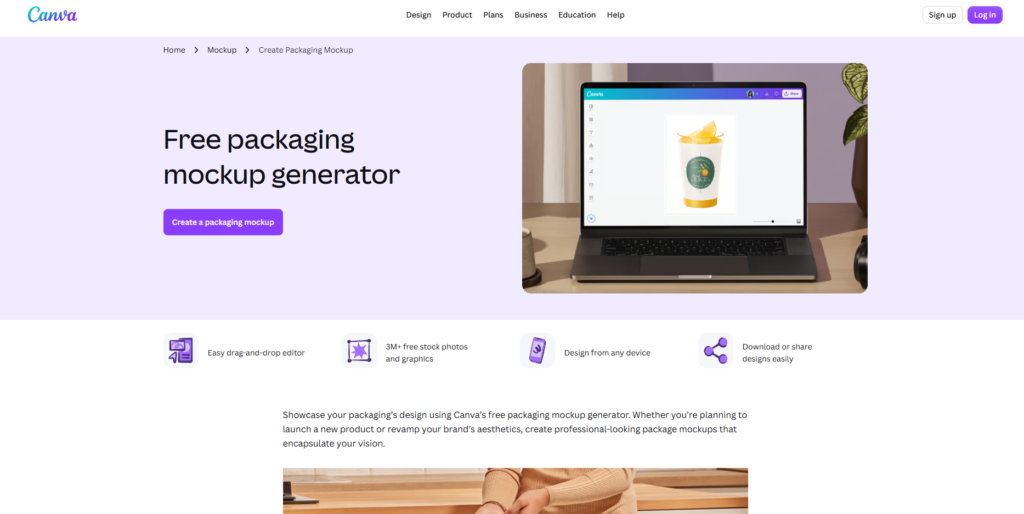
Canva’s packaging mockup generator is the easiest entry point on this list. Users can upload artwork and place it on boxes, bottles, pouches, paper bags, cups, and other packaging-style mockups.
Canva also provides AI-assisted editing features within its editor. Depending on the plan and selected template, users can modify visual elements, expand backgrounds, create supporting graphics, and prepare promotional layouts around the package.
I like Canva for validating a basic brand direction or creating a presentation for internal approval. I would not use it as my only production tool for a complex folding carton.
Key features:
- Drag-and-drop design editor
- Packaging and box mockup templates
- AI-assisted editing
- Brand kits and reusable templates
- Team collaboration
- Marketing and social media exports
Pros:
- Very low learning curve
- Useful free tier
- Good for quick stakeholder presentations
- Easy to reuse packaging visuals in ads and social posts
Cons:
- No dedicated structural packaging engineering
- Limited prepress control
- Templates can look generic without careful customization
- Mockup output should not be confused with a printer dieline
My take: Canva is the practical choice for a small seller creating labels, visual mockups, and launch graphics rather than engineering a custom box.
8. Kittl — Best for Typography-Driven Packaging
Best for: Labels, coffee packaging, candles, cosmetics, retro branding and decorative typography
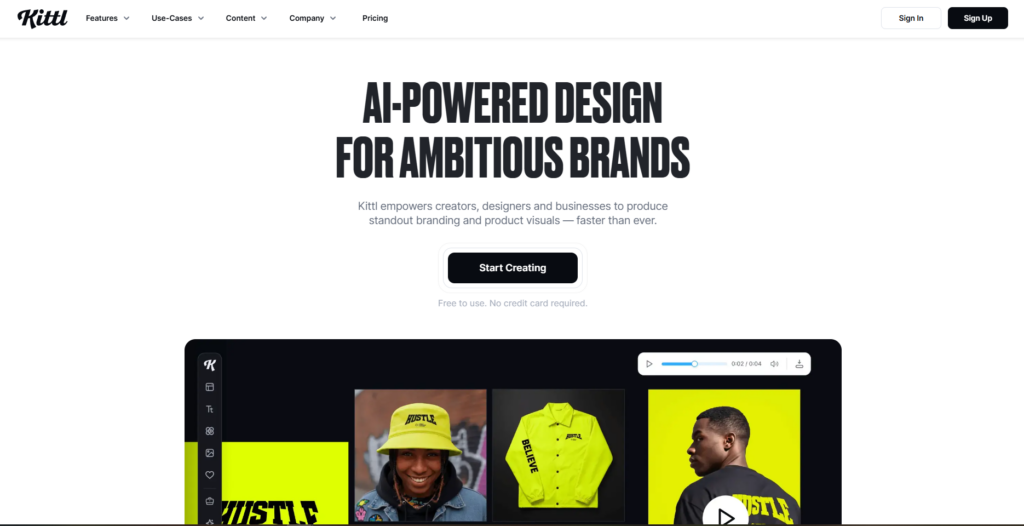
Kittl stands out for type-heavy packaging. It combines AI image generation, editable vector tools, detailed text effects, templates, and product mockups.
Its mockup library includes packaging-related formats such as bottles, cans, tags, and labels. Kittl also offers AI vector generation that can create editable assets for branding, product visuals, and packaging layouts.
This matters because packaging often depends less on a complex illustration than on the relationship between the product name, flavor or variant, supporting copy, and brand mark. Kittl makes those visual relationships easier to explore than many prompt-only generators.
Key features:
- Advanced typography effects
- AI vector generation
- Label and branding templates
- Bottle, can and tag mockups
- Background removal and image tools
- Editable product graphics
Pros:
- Strong typography and lettering controls
- Helpful for vintage and decorative brand styles
- AI assets remain more editable than flat images
- Easy to create a coordinated product family
Cons:
- Not designed for structural packaging engineering
- Dielines usually need to come from another source
- Some AI and export features require paid tokens or plans
My take: I would pick Kittl for a label-first product such as coffee, hot sauce, candles, craft beverages, or cosmetics.
9. Fotor — Best for Fast AI Packaging Mockups
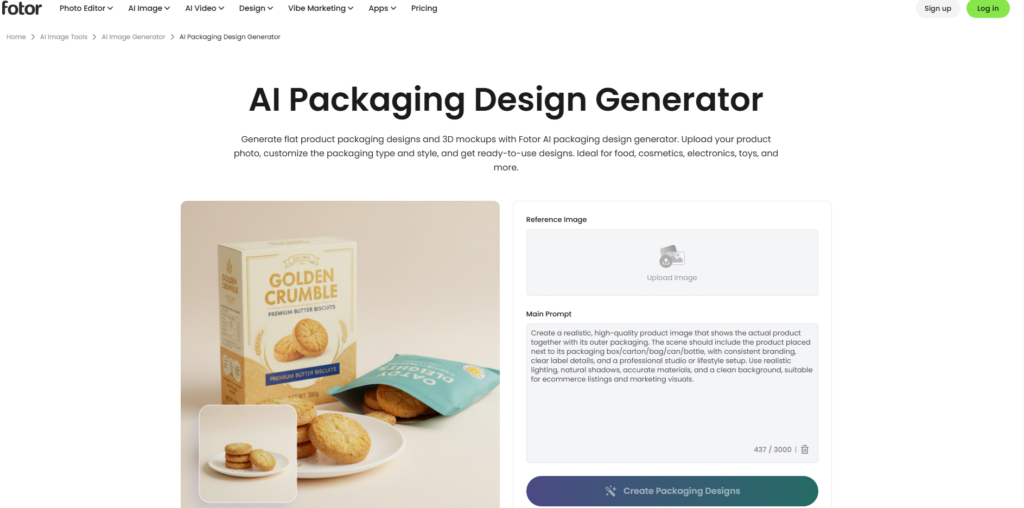
Best for: Ecommerce listings, early concepts, product shots and quick packaging presentations
Fotor’s AI packaging design generator can create flat packaging concepts and 3D-style mockups. Users can upload a logo, add labels and text, and generate product-photo-style visuals.
Fotor also offers a dedicated AI label generator and broader mockup tools for bottles, jars, boxes, and cans.
The platform is better suited to visual communication than production. It can help a founder decide between a clean botanical direction and a bold geometric direction, but it does not replace a measured dieline and prepress review.
Key features:
- AI packaging concept generation
- Product and logo upload
- 3D-style packaging mockups
- AI label generator
- Ecommerce product scenes
- General photo-editing tools
Pros:
- Fast and beginner-friendly
- Useful for ecommerce imagery
- Packaging-specific generator is easier than a generic prompt box
- Supports several common product formats
Cons:
- Limited structural accuracy
- Fine typography may require rebuilding
- Primarily creates visual mockups rather than manufacturing files
My take: Fotor is a good tool for presenting ideas quickly, especially when the final packaging will later be rebuilt by a designer.
10. ChatGPT Images — Best for Guided Concept Development
Best for: Brand strategy, prompt refinement, packaging concepts and iterative visual feedback
ChatGPT Images is useful because the design process happens in a conversation. You can describe the product, audience, price position, materials, competitors, required text, and desired shelf impression before requesting a visual.
You can then upload an existing label or concept and ask for targeted changes. OpenAI states that ChatGPT Images supports image generation, image editing, text inside images, transparent backgrounds, and multiple aspect ratios.
The strongest use case is guided art direction. For example, I can ask it to keep the brand name unchanged, simplify the botanical illustration, increase the contrast between product variants, and show the design on a matte stand-up pouch.
The weakness is structural reliability. It may render a realistic package, but the image is not automatically an accurate unfolded template.
Key features:
- Conversational image generation
- Editing of uploaded images
- Text and graphic placement
- Transparent background support
- Iterative prompt refinement
- Brand and audience analysis in the same workflow
Pros:
- Excellent for clarifying and revising a creative brief
- Easy to request specific visual changes
- Can combine strategy, copy and imagery
- Good for creating several concept directions
Cons:
- Does not generate dependable production dielines
- Small legal text may be inaccurate
- Packaging geometry can change between revisions
- Final artwork usually needs rebuilding
My take: I would use ChatGPT Images to reach a clear visual direction before moving the selected concept into a packaging-specific or vector tool.
11. Midjourney — Best for Premium Visual Exploration
Best for: Luxury packaging, mood boards, distinctive art direction and high-impact presentations
Midjourney remains useful when visual impact matters more than immediate editability. It can generate polished packaging scenes, unusual materials, dramatic lighting, and strong stylistic directions.
Its web tools support image prompts, variations, remixing, regional edits, zooming, and panning. Midjourney’s documentation notes that image prompts can influence composition, content, style, and color, while its editor can regenerate selected areas.
I would use it to explore questions such as:
- Should a skincare brand feel clinical or botanical?
- Could a spirits box combine brutalist typography with embossed metallic details?
- How might a coffee bag look in a restrained Japanese-inspired visual system?
I would not expect the resulting image to provide exact typography, legal copy, barcodes, or a usable dieline.
Key features:
- High-quality concept imagery
- Image and style references
- Prompt remixing and variations
- Regional image editing
- Strong material and lighting visualization
- Useful mood-board output
Pros:
- Visually distinctive results
- Strong for luxury and editorial aesthetics
- Fast exploration of many design directions
- Helpful during early client presentations
Cons:
- No native packaging production workflow
- Typography can be inconsistent
- Generated designs are difficult to edit precisely
- Requires another tool for final artwork
My take: Midjourney belongs at the beginning of the design process, not at the printer handoff.
Quick Comparison of the Best AI Packaging Tools
| Tool | Best for | Packaging-specific | Dieline support | 3D mockups | Main limitation |
|---|---|---|---|---|---|
| Creative Fabrica Product Manager | AI product visuals and campaign assets | Partly | No | Visual concepts | Not a structural packaging editor |
| Pacdora | Complete packaging workflow | Yes | Yes | Yes | Advanced exports may require a paid plan |
| Packify | Conversational packaging creation | Yes | Yes | Yes | Final production files still need inspection |
| DYP.ai | Design, preview, and print workflow | Yes | Yes | Yes | Smaller ecosystem than established suites |
| Cubit Design Studio | AI box concepts and dielines | Yes | Vendor states yes | Yes | Connected closely to Cubit manufacturing |
| Adobe Firefly and Illustrator | Professional artwork control | Partly | Manual or imported | With mockups | Higher learning curve |
| Canva | Beginners and small brands | Partly | No dedicated workflow | Yes | Not intended for packaging engineering |
| Kittl | Typography-driven packaging | Partly | Limited | Yes | Better for graphics than structures |
| Fotor | Fast packaging mockups | Partly | No | Yes | Limited production-file control |
| ChatGPT Images | Guided concept development | No | No | Conceptual | Generated geometry may be inaccurate |
| Midjourney | Premium visual exploration | No | No | Conceptual | Weak fit for editable print layouts |
What AI Packaging Tools Still Cannot Replace
AI speeds up the visible part of packaging design, but packaging must also function as a manufactured object.
A generated concept cannot determine every production requirement automatically. The printer or packaging manufacturer may specify a particular board grade, film construction, ink limit, trapping setup, varnish layer, white-ink layer, barcode quiet zone, minimum type size, or finishing tolerance.
AI also cannot be trusted to invent regulated copy. Nutrition panels, ingredient statements, allergen warnings, cosmetic declarations, safety information, recycling claims, certifications, and product measurements should come from verified business and regulatory sources.
Even when a platform advertises print-ready output, I would still ask the manufacturer to approve the structure and prepress file.
FAQ
What is the best AI tool for packaging design?
u003ca href=u0022https://studio.creativefabrica.com/product-manager/ref/13166536/u0022u003eu003cstrongu003eCreative Fabrica Product Manager u003c/strongu003eu003c/au003eis my first pick for generating consistent product and campaign visuals. For structural packaging, editable dielines, and 3D previews, Pacdora is the stronger all-around platform.
Can Creative Fabrica Product Manager create packaging dielines?
No verified dedicated dieline workflow is presented on the official Product Manager page. I would use it to generate product and campaign imagery, then use Pacdora, Packify, DYP.ai, Cubit, or Illustrator for structural packaging work.
Can I use an AI-generated packaging image for printing?
Not by itself. A rendered package is usually a concept or marketing visual. The final design must be rebuilt or placed on a correctly measured dieline and approved by the printer or manufacturer.
Which combination is best for an ecommerce brand?
I would use Pacdora or Illustrator to prepare the packaging, then u003ca href=u0022https://studio.creativefabrica.com/product-manager/ref/13166536/u0022u003eu003cstrongu003eCreative Fabrica Product Manageru003c/strongu003eu003c/au003e to generate promotional scenes and listing images based on the finished product.
Save to Your Inspiration Board
Follow Us