

ℹ️ Affiliate Disclosure: This article may contain affiliate links. We may earn a commission at no extra cost to you. Thanks for your support! ❤️
Typography has always felt a little more personal to me than most design elements. A color palette can set the mood, and a layout can guide attention, but type carries the voice. It changes how a brand sounds before anyone reads a full sentence.
For a long time, creating a custom typeface was the kind of project most creators admired from a distance. It usually meant learning font design software, drawing glyphs carefully, adjusting spacing, testing kerning, exporting files, fixing awkward characters, and repeating that process many times.
AI font generators have started to make that first step less intimidating.
I do not think they replace skilled type designers. A polished professional typeface still requires taste, patience, testing, and a strong understanding of spacing, rhythm, readability, and licensing. But from a creative workflow perspective, these tools are genuinely useful for exploration. They help designers, creators, marketers, and entrepreneurs move from “I have an idea for a font” to “I can actually see a rough version of it” much faster.
Quick Picks
- Best for quick AI typography exploration: Creative Fabrica Font Generator
- Best for turning handwriting into a font: Calligraphr
- Best for prompt-based experimentation: Vondy
- Best for font pairing: Fontjoy
- Best for video-first typography: CapCut
How I Picked These
I compared these tools by the typography job they actually solve: font generation, handwriting conversion, visual experimentation, pairing, or content-production workflow. I also prioritized ease of use, output usefulness, integration with real design tasks, and how much manual review is still needed for spacing, readability, character consistency, and licensing.
List of 10 AI Font Generators
AI fonts are becoming part of the broader creative AI conversation because they sit at the intersection of typography, branding, image generation, and productivity.
For designers and creators, the real question is not “Can AI make a font?” It is “Can this tool help me move faster without losing creative control?”
Here are 10 AI font generators worth knowing, with a practical look at how each one fits into a creative workflow.
1. Creative Fabrica Font Generator

Creative Fabrica’s font generator is useful for creators who want a fast way to explore custom typography without starting from traditional font software.
You can work from text input or use visual inspiration to generate different font directions. From a workflow perspective, this is helpful when you are creating graphics, printable products, digital assets, or brand concepts and need quick typography variations.
The biggest advantage is accessibility. Creative Fabrica already attracts designers, crafters, and digital product creators, so the font generator fits naturally into that ecosystem. If you are already browsing fonts, templates, SVGs, or design resources, experimenting with AI-generated typography feels like an extension of that process.
I would use it for:
- brainstorming display fonts
- testing logo typography directions
- creating rough concepts for digital products
- exploring decorative or stylized lettering
- generating inspiration before refining manually
One limitation worth mentioning is that generated typography still needs review. Look closely at spacing, letter balance, repeated shapes, awkward curves, and readability. A font can look good in a preview word but feel uneven when used in a full headline.
For creators who need speed and variety, though, this type of AI font generator can save a lot of early exploration time.
2. Calligraphr
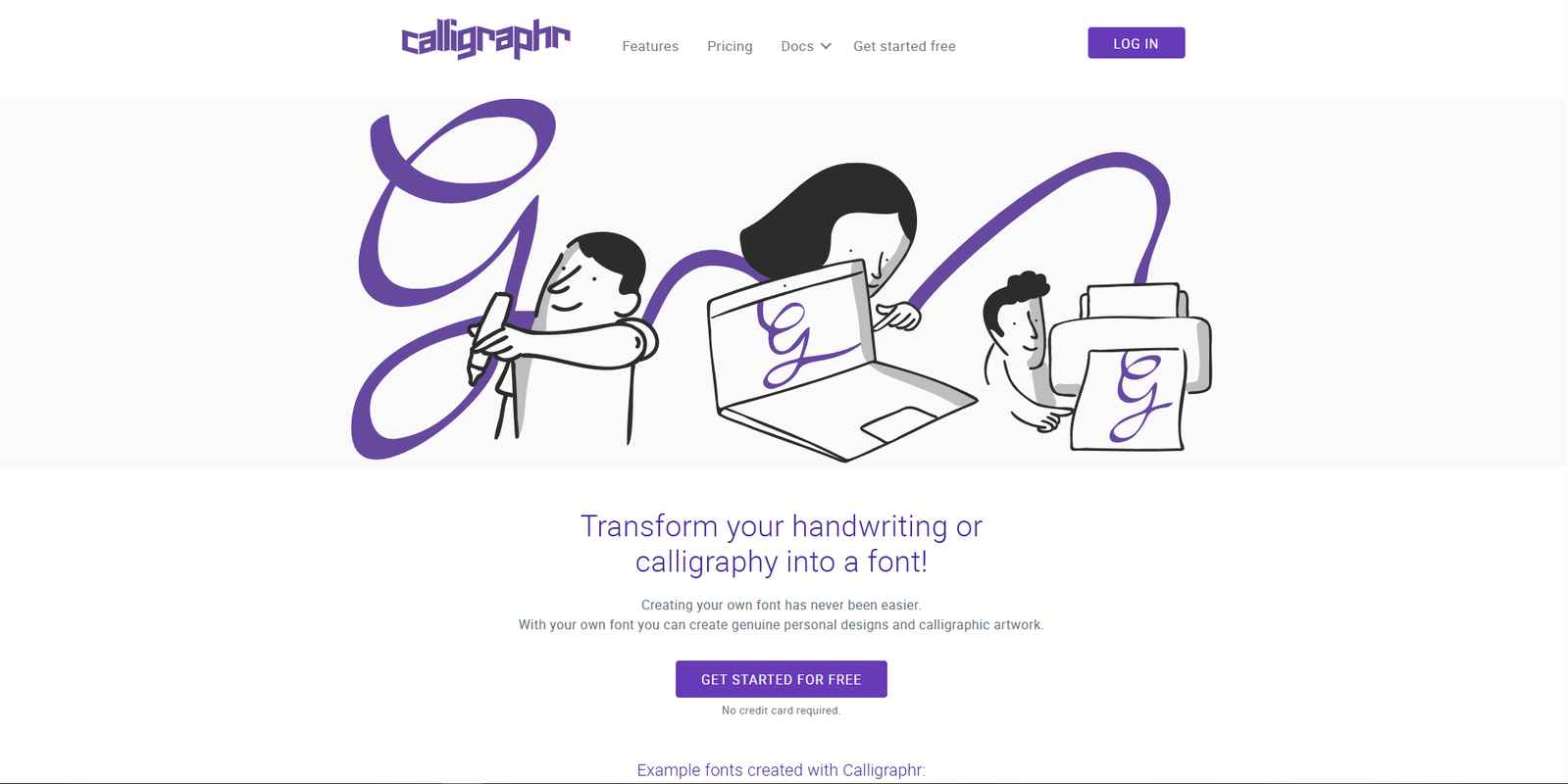
Calligraphr is one of the more practical tools for turning handwriting into a digital font.
The process is simple: you download a template, write your letters, scan or photograph the template, upload it, and generate a font. It feels less like abstract generative AI and more like a guided handwriting digitization workflow.
I like this kind of tool because it keeps the creator’s hand involved. The AI is not inventing everything from nothing. It is helping translate a personal writing style into a digital format.
That makes Calligraphr useful for:
- personal branding
- digital planners
- printable worksheets
- handmade product labels
- creator signatures
- casual social media graphics
- classroom materials
- wedding stationery accents
The main thing to watch is consistency. If your original writing sample has uneven baseline, letter size, or pressure, the font will reflect that. Sometimes that is charming. Sometimes it becomes distracting.
When using handwriting AI font tools, I usually recommend writing the template slowly and naturally. Do not over-perfect it. If you try too hard to make every letter beautiful, you can lose the real personality that made the handwriting worth digitizing in the first place.
3. Vondy
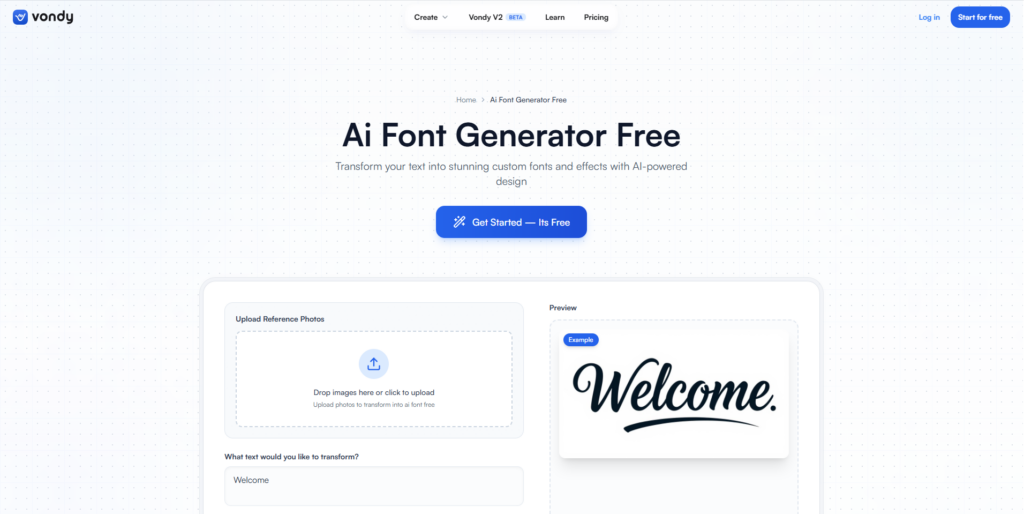
Vondy approaches AI font generation from a broader prompt-based and style-based direction. It can be useful for exploring font ideas from descriptions or visual cues.
This kind of tool is interesting when you are not starting with a finished sketch. Maybe you only know the mood: futuristic, playful, elegant, bold, minimal, soft, vintage, editorial, or experimental. A text-to-font workflow can help you turn that mood into a visible direction.
In practice, the biggest advantage is speed. You can test ideas quickly and see which ones deserve more attention.
I would use Vondy mostly for:
- experimental typography
- early brand mood exploration
- social media title styles
- visual direction research
- AI-assisted design brainstorming
The limitation is predictability. Prompt-based design tools sometimes interpret words differently than we expect. “Luxury” might become thin and high-contrast. “Playful” might become too childish. “Modern” might become generic.
That is why I see tools like this as collaborators in the rough-draft stage. They can generate directions, but the creator still has to choose what actually fits the project.
4. Picsart AI Font Generator
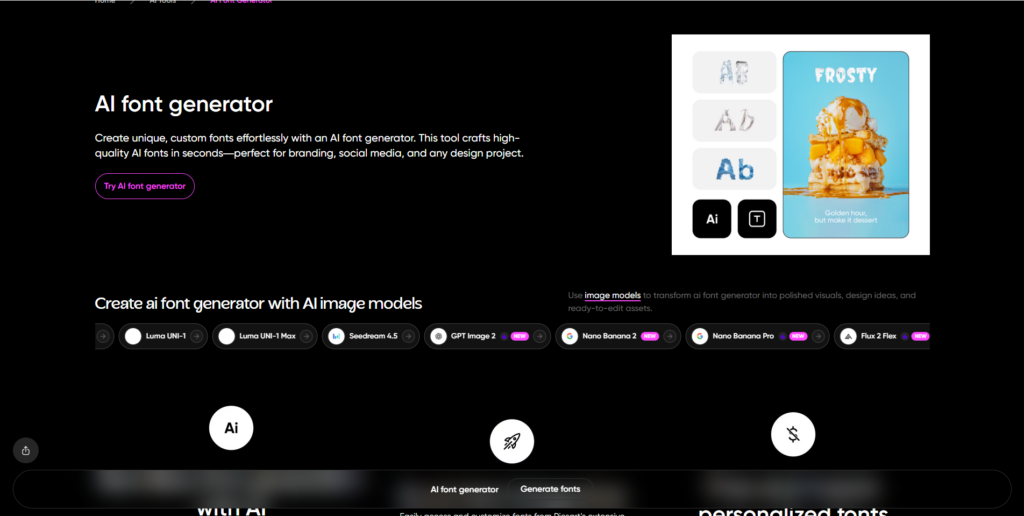
Picsart’s AI Font Generator is especially interesting because it sits inside a larger visual editing environment.
That matters more than it sounds.
Many creators focus on outputs while overlooking workflow integration. A font generator is more useful when you can immediately test the result in an actual design context. Picsart makes sense for creators who are producing social media graphics, thumbnails, posters, short-form content, and quick branded visuals.
The workflow advantage is that you do not have to jump between too many tools. You can generate or apply typography, then place it directly into a visual design.
I would consider Picsart useful for:
- social media graphics
- quick campaign visuals
- creator branding tests
- poster-style typography
- moodboard experiments
- content creation workflows
The limitation is that visual editors are not always built for deep type refinement. If you care about advanced kerning, OpenType features, multilingual support, or professional font production, you may still need dedicated font tools afterward.
But for fast content creation, integrated AI typography tools can be genuinely helpful.
5. Refont.ai
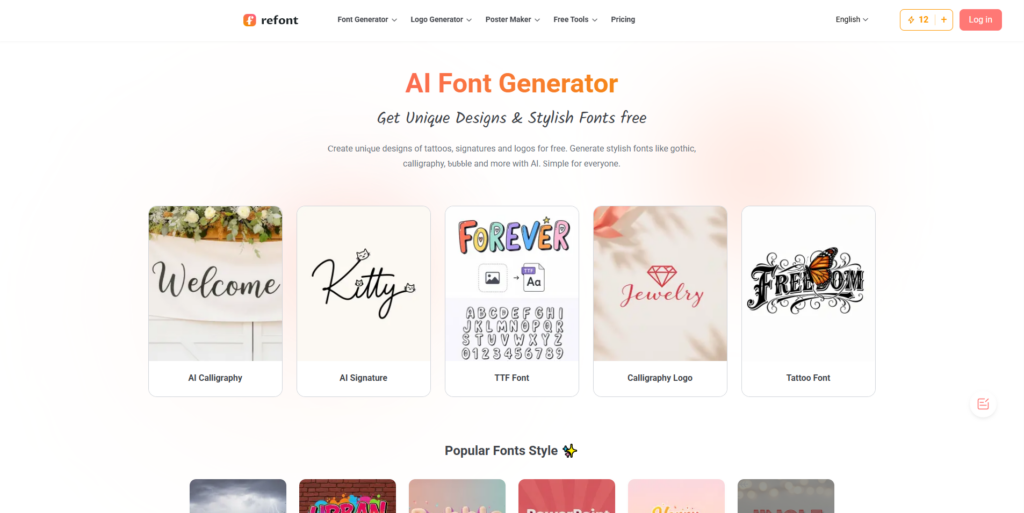
Refont.ai focuses on converting sketches, handwriting, and lettering samples into digital font styles.
This type of tool is helpful when you want to preserve the feeling of an original hand-drawn idea. I find that valuable because many AI tools tend to smooth away personality. In typography, small imperfections often create the charm.
Refont.ai fits well into workflows where you begin with analog creativity:
- handwritten logo sketches
- lettering experiments
- calligraphy samples
- personal signatures
- hand-drawn display letters
- rough type concepts for branding
The useful part is that it can help fill in the missing characters and create a more complete system from a partial idea.
Still, I would check the generated alphabet carefully. Letters like S, G, R, K, W, ampersands, punctuation, and numbers often reveal whether a generated font has real consistency. It is easy for AI to make a nice-looking “a” or “e.” It is harder to create a full typeface that behaves well across many words.
Refont.ai is best treated as a bridge between sketching and refinement.
6. Simplified
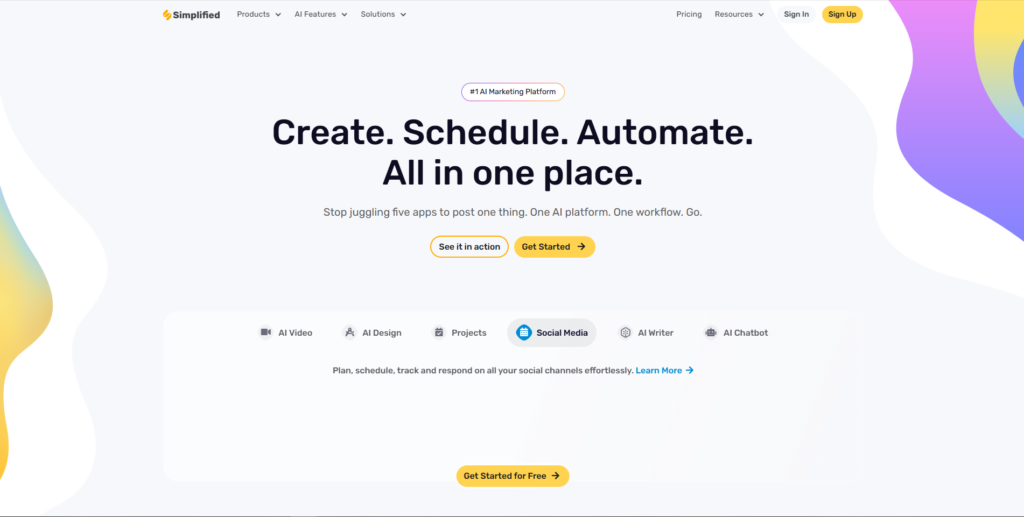
Simplified is an all-in-one AI design platform, so its AI font generator is part of a wider productivity and content creation workflow.
That can be helpful for creators who do not want to manage a large design stack. If you are making social posts, marketing visuals, blog graphics, or quick brand assets, having typography generation inside the same workspace can reduce friction.
From a workflow perspective, Simplified is less about deep font craftsmanship and more about speed, convenience, and practical content production.
I would use it for:
- fast social media content
- marketing graphics
- simple brand experiments
- creator templates
- campaign visuals
- typography direction tests
One thing I often notice with all-in-one AI tools is that the most valuable features are often the least advertised. The headline feature might be “AI font generator,” but the real benefit may be that you can quickly move from prompt to design to export without interrupting your workflow.
The limitation is depth. All-in-one tools are convenient, but they may not give the same level of typographic control as specialized software. For many creators, that tradeoff is acceptable. For professional identity systems, it may not be enough.
7. CapCut
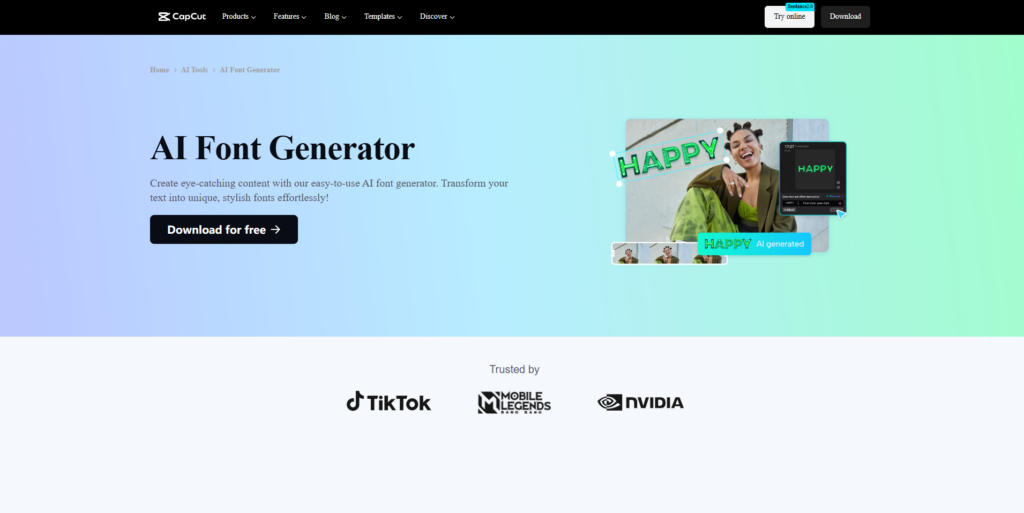
CapCut is best known as a video editing tool, but its AI typography features are relevant for creators working with motion graphics, captions, short-form videos, and social content.
Typography behaves differently in video. A font that looks good on a static poster may become hard to read when it moves, scales, flashes, or appears over busy footage.
That is why CapCut’s context matters. It is not just about generating a font style. It is about using typography inside a video workflow.
CapCut can be useful for:
- TikTok and Reels content
- YouTube Shorts
- animated captions
- creator intros
- title cards
- video branding
- motion graphics experiments
The biggest advantage is speed. You can test text styles directly where they will be used.
The limitation is production quality. If you are building a full brand typeface, CapCut is not where I would finish the job. But for video-first creators who need expressive text quickly, it can be very practical.
AI typography in video is less about creating a perfect font file and more about improving visual communication under time pressure.
8. Fontjoy
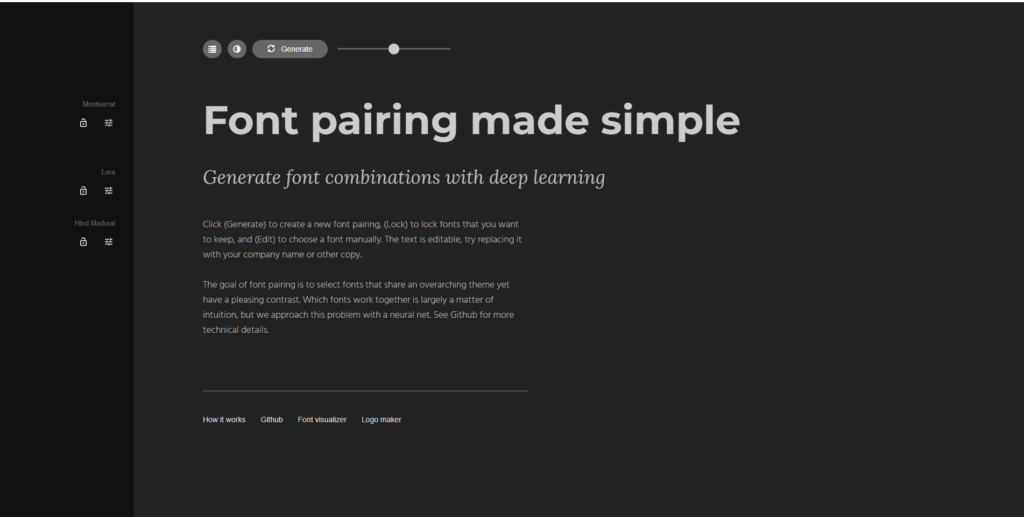
Fontjoy is slightly different from some of the other tools on this list because it is known more for AI-assisted font pairing than full custom font creation.
That still makes it valuable.
Font pairing is one of those design tasks that looks simple until you actually do it. A heading font and body font need enough contrast to feel intentional, but not so much contrast that the design feels disconnected.
Fontjoy helps by generating combinations that balance similarity and difference. For web design, branding, editorial layouts, and presentation design, this can save time.
I would use Fontjoy for:
- website typography systems
- brand moodboards
- blog design
- landing page concepts
- editorial layouts
- font pairing inspiration
- testing contrast between heading and body text
From a creative workflow perspective, this is one of those AI productivity tools that helps with decision fatigue. It does not replace taste, but it gives you combinations to react to.
That reaction is useful. Sometimes the fastest way to find the right direction is to see five wrong ones and understand why they do not work.
9. Fontspace
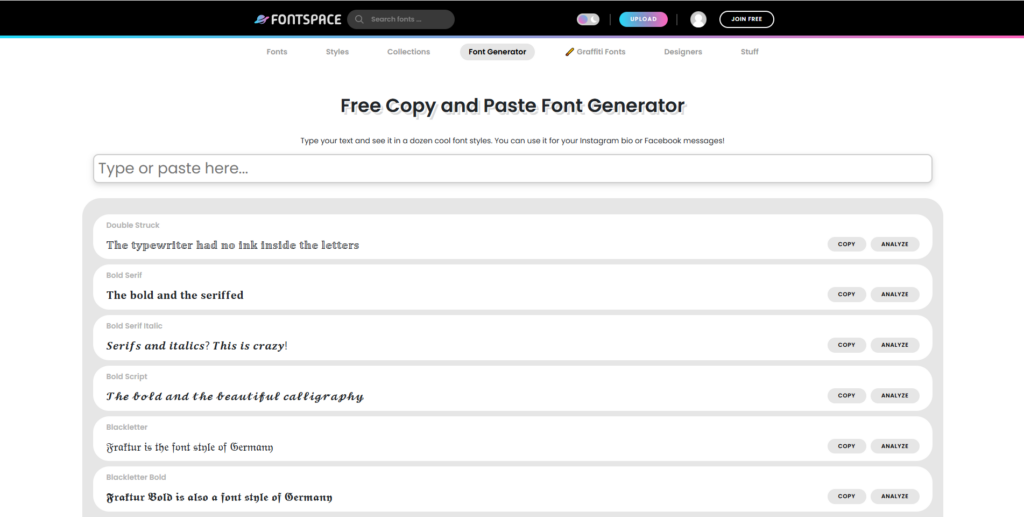
Fontspace is widely known as a large font library, and its font-related tools make it useful for creators who want both discovery and experimentation.
When a platform combines font browsing with AI-powered generation or styling tools, the workflow becomes more fluid. You can look at existing fonts, study styles, compare directions, and experiment with generated typography from the same general environment.
Fontspace can be useful for:
- finding visual references
- testing decorative font ideas
- exploring font categories
- casual AI font generation
- social graphics
- printables
- branding inspiration
One thing I would be careful about is licensing. Whenever you use fonts from large libraries or AI-generated tools, always check the usage rights. Personal use, commercial use, web embedding, logo use, and product use can all have different rules.
This is especially important for Etsy sellers, digital product creators, and brand designers. A font might be easy to download, but that does not automatically mean it is safe for every commercial project.
10. Pixazo AI Font Generator
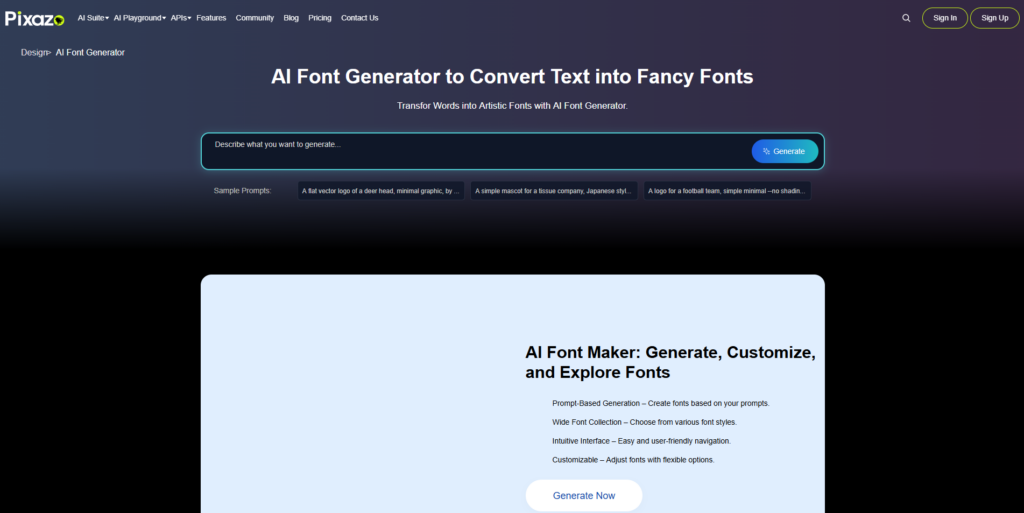
Pixazo focuses on turning visual inspiration into stylized font output. It is especially relevant for creators who want decorative, aesthetic, or expressive typography.
This can be useful for projects where personality matters more than quiet neutrality. Think posters, social media designs, aesthetic branding concepts, music artwork, creator graphics, or experimental visual identities.
Pixazo fits well into visual generation workflows because it starts from a creative reference and builds a typographic direction around it.
I would use it for:
- aesthetic fonts
- experimental display typography
- social media title styles
- creative branding concepts
- visual identity moodboards
- lettering-inspired graphics
The limitation is the same one I see across many visual AI tools: style can overpower usability. A font may look visually striking but become difficult to read, especially at smaller sizes.
For display use, that may be fine. For body text, navigation, packaging details, or accessibility-sensitive designs, readability should come first.
Read More: As you explore different AI font generators to create custom typefaces, you might find yourself wondering just how professional these AI-generated fonts can truly be, a question we delve into when asking AI Font Generator: Can AI Really Create Professional Fonts?
Types of AI Font Generators
AI font generators are not all doing the same job. Some are closer to handwriting converters. Some are prompt-based visual generators. Others are more useful for font pairing or quick typographic experiments than for building a finished font family.
That distinction matters.
One thing I often notice when experimenting with AI tools is that people judge them only by the first output. That can be misleading. A tool may create something impressive in a demo but feel awkward once you try to use the result inside Canva, Figma, Photoshop, a website mockup, or a real brand system.
So before choosing an AI font generator, it helps to understand what kind of workflow it supports.
AI Font Generator From Image
An AI font generator from image lets you start with a visual reference. That might be a scanned sketch, a photo of handwritten letters, a logo concept, a vintage poster, or a rough lettering sample.
The tool analyzes shapes, curves, stroke weight, contrast, and visual rhythm, then tries to build a fuller alphabet from that input.
This type of tool is useful when you already have a visual direction. For example, maybe you sketched a few letters for a packaging concept and want to see how the rest of the alphabet might look. Or maybe you found an old hand-painted sign and want to explore a similar feeling without manually drawing every glyph from scratch.
The limitation is consistency. AI can imitate a style, but it may struggle with difficult letters, punctuation, numbers, accents, and spacing. I would treat image-based font generation as a fast concepting step, not as the final quality-control stage.
Text-to-Font AI Generator
A text-to-font AI generator starts with a written prompt or style parameters. You might describe the font as “soft geometric sans serif with rounded terminals,” “bold retro display font with 1970s curves,” or “elegant serif for luxury packaging.”
This is where prompt quality matters a lot.
The quality of the prompt often influences the result more than the tool itself. A vague prompt like “make a modern font” usually produces something generic. A more specific prompt with mood, use case, stroke weight, contrast, and reference style gives the AI more direction.
Text-to-font tools are especially helpful for brainstorming. They let you test multiple typography directions quickly before committing to a more refined design path.
Still, I would not rely on them blindly for branding. A generated font might look interesting in one word and fall apart in longer headlines, small sizes, or multilingual use.
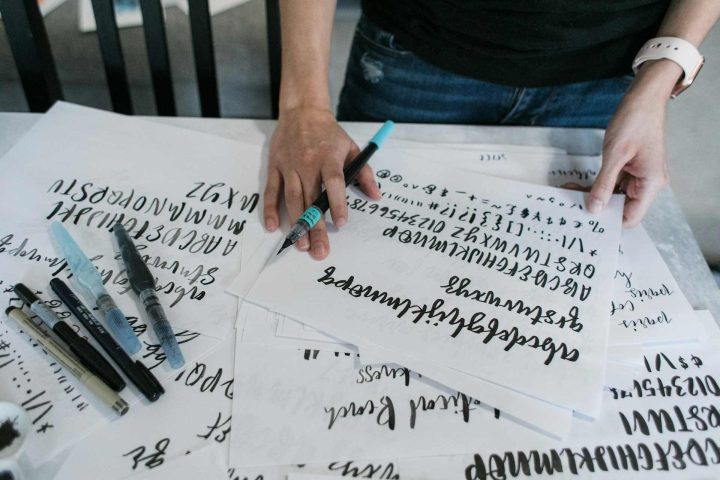
Handwriting AI Font Generator
Handwriting AI font generators convert your handwriting into a usable digital font.
Usually, the workflow involves writing letters on a template, scanning or photographing the result, and uploading it. The tool then turns those characters into a font file.
I like this category because it connects analog creativity with digital usability. It is especially useful for personal brands, creator products, digital planners, social graphics, classroom materials, handmade packaging, and casual content creation.
But there is a small trap here. Real handwriting has inconsistency. That is part of its charm. A font file, however, repeats the same glyph again and again. If the tool does not include alternate characters or natural variation, the handwriting can start to look less human when used heavily.
For small accents, signatures, notes, and personal touches, handwriting AI font generators can work beautifully. For long paragraphs, I would be more careful.
Style-Transfer AI Font Generator
Style-transfer AI font generators apply the visual style of one typeface or lettering sample to another structure.
This is useful for experimentation. You can explore what happens when a bold sans serif gets decorative serif-like details, or when a clean modern typeface takes on handwritten texture.
From a workflow perspective, style transfer is best for creative exploration rather than production. It can help you discover unexpected directions, but the generated results still need judgment. Some combinations look interesting for three letters and messy across a full alphabet.
This is one of those AI workflows where iteration is the real value. You generate, compare, reject, refine, and keep moving.
Free AI Font Generator
Free AI font generators are useful for testing ideas without committing to a paid platform.
I see them as sketchbooks rather than full production studios. They are good for experimenting with custom fonts, trying handwriting conversion, testing AI-generated lettering, and understanding what kind of output is possible.
The tradeoff is usually control. Free tools may limit export options, customization, commercial use, character sets, or advanced spacing adjustments.
That does not make them useless. It just means they are better for early exploration, student projects, mockups, and creative play than for serious brand identity work.
Which AI Font Generator Should You Choose?
AI font generators are making custom typography easier to explore, but I would not describe them as a shortcut to perfect type design.
They are better understood as creative workflow tools.
They help you brainstorm faster, digitize handwriting, test visual directions, explore lettering styles, and move from a rough idea to a usable concept with less friction. For creators, that is valuable. AI tends to accelerate experimentation, which is one reason designers and digital professionals keep adopting it.
But human review still matters.
Spacing matters. Kerning matters. Readability matters. Licensing matters. Consistency across a full alphabet matters. A font that looks beautiful in one preview word may not work across a full brand system.
The best way to use an AI font generator is to treat it as part of the process, not the whole process. Generate ideas, compare them, test them in real layouts, refine what works, and let go of what only looked impressive at first glance.
That is where these tools become genuinely useful.
FAQ
What is the best AI font generator for creating a custom typeface?
The best AI font generator depends on your workflow. For handwriting-based fonts, I would start with Calligraphr or Refont.ai. For quick creative exploration, Creative Fabrica, Vondy, Simplified, and Pixazo are useful. For font pairing and typography direction, Fontjoy is especially practical. The original article also highlights these tools as part of a broader list of 10 AI font generators for creating custom typefaces.
Can AI create a full font from handwriting?
Yes, AI can turn handwriting into a digital font by analyzing letter shapes, stroke movement, spacing, and visual rhythm. Tools like Calligraphr and Refont.ai are useful for this. I still recommend checking every character manually, because handwritten fonts can look personal but may need spacing and consistency adjustments before real use.
Are AI-generated fonts good enough for branding?
AI-generated fonts can be useful for branding concepts, moodboards, logo exploration, and early visual identity work. For final branding, I would review readability, kerning, licensing, punctuation, numbers, and consistency across different sizes. AI can speed up exploration, but human judgment is still important.
Can I use an AI font generator from an image?
Yes, an AI font generator from image can analyze a sketch, handwritten sample, logo idea, or reference lettering and turn it into a more complete type style. This workflow is useful when you already have a visual direction. The main limitation is that AI may not generate every glyph perfectly, so testing the full alphabet matters.
Are free AI font generators worth using?
Free AI font generators are worth using for experimentation, brainstorming, student projects, mockups, and early creative exploration. They are not always ideal for polished commercial work because they may limit export quality, customization, licensing, or advanced spacing controls. I see them as a useful sketchbook, not always a final production tool.

Follow Us