

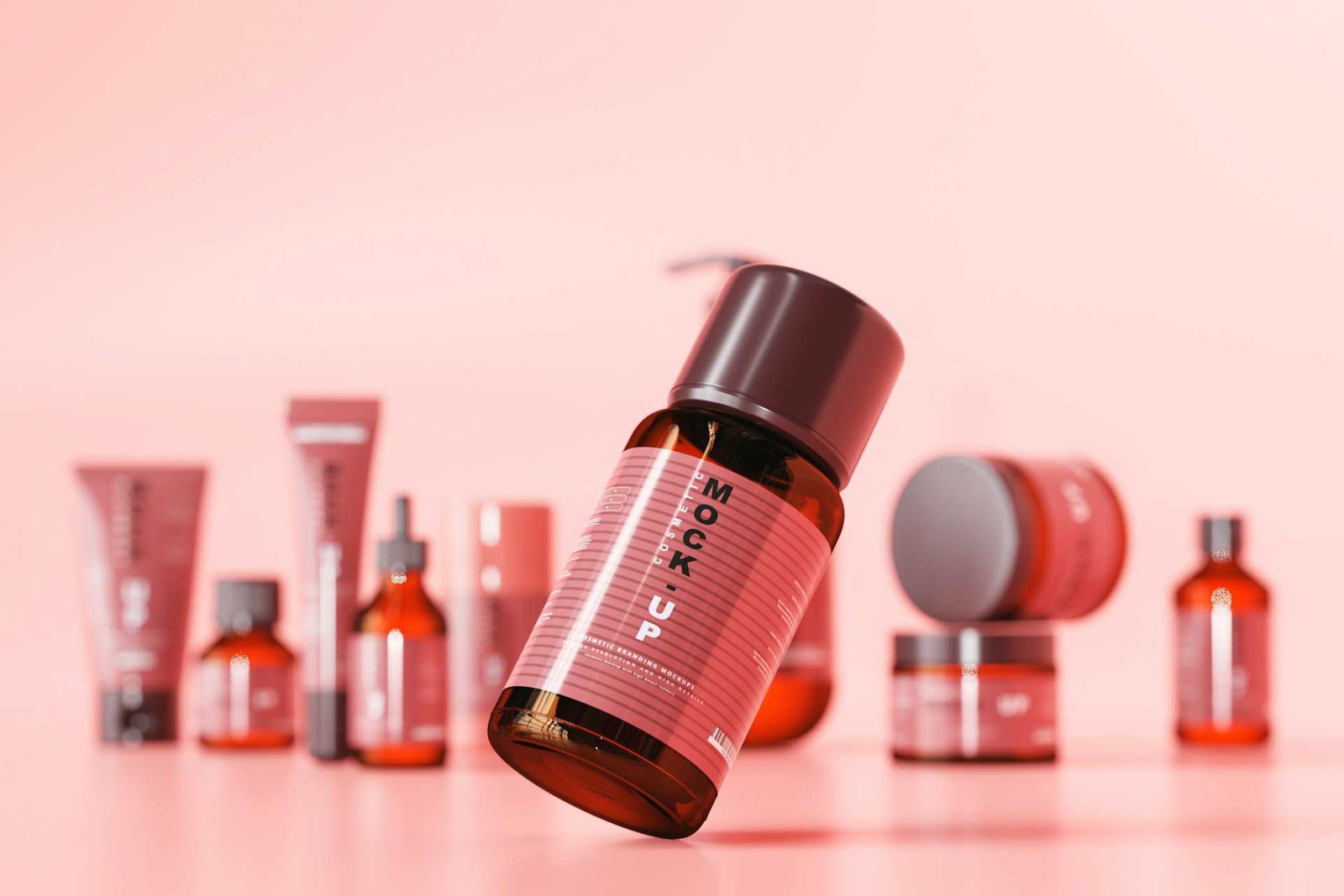
How To Create Professional Product Images With AI
Creating professional product images used to mean renting a studio, buying lighting equipment, learning Photoshop, and spending half the day trying to fix shadows that still looked weird afterward. I remember helping a friend set up Etsy listings a couple of years ago, and honestly, the photography part took longer than creating the products themselves.
Some links in this article may be affiliate links. If you purchase through them, we may earn a small commission at no extra cost to you. Thanks for supporting our work.
Now it’s completely different.
AI product photography tools have quietly changed how small ecommerce brands create visuals. What used to require expensive gear can now be done from a laptop with a decent product photo and the right workflow. The results aren’t perfect every single time, but they’ve gotten surprisingly good — especially for Shopify stores, Etsy listings, Pinterest creatives, print-on-demand products, and social media ads.
One platform that stands out right now is Creative Fabrica Studio because it combines AI image tools, templates, design assets, and commercial licensing in one place. That’s a big deal for small creators who don’t want to bounce between five different tools just to make one product image.
According to the uploaded Creative Fabrica Studio guide, the platform gives users access to “millions of assets” while focusing on helping creators “go beyond ordinary.”

And honestly, after testing a lot of AI design tools lately, that all-in-one setup makes a difference. Especially when you’re creating content consistently.
Whether you sell on Shopify, Etsy, Amazon, WooCommerce, or social platforms, learning how to create AI-generated product images can save an enormous amount of time while making your store look much more polished.
Why AI Product Photography Is Changing Ecommerce
Ecommerce is visual before anything else.
People usually notice the product image before they read the title, price, or description. If the visuals look cheap or inconsistent, trust drops almost instantly. You can actually see this happen on marketplaces like Etsy and Amazon where certain listings just feel more premium at first glance.
That’s where AI tools are becoming useful.
Not because they magically replace photographers entirely, but because they remove a lot of the barriers that used to stop smaller businesses from creating strong visuals consistently.
Traditional Product Photography Gets Expensive Fast
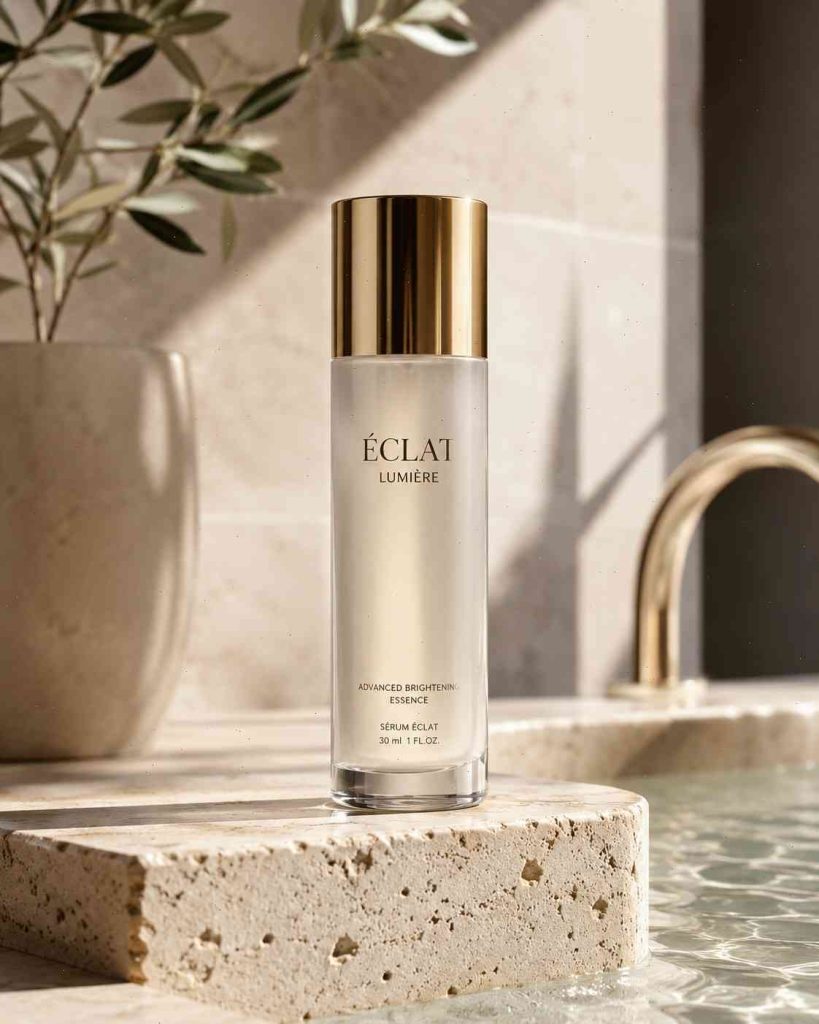
A proper product photography setup adds up quickly:
- Camera equipment
- Lighting
- Backdrops
- Props
- Editing software
- Studio space
- Retouching time
Even simple shoots become expensive once you’re managing multiple products.
A lot of newer ecommerce stores end up using random phone photos with inconsistent lighting because professional photography simply isn’t realistic at the beginning. The problem is that customers notice that inconsistency immediately, even subconsciously.
AI changes this because you can take one decent product image and turn it into multiple polished scenes within minutes.
One candle photo can suddenly become:
- a luxury spa-style image
- a cozy autumn setup
- a minimalist Scandinavian scene
- a holiday-themed promotion
- a Pinterest lifestyle graphic
without reshooting the product every time.
That flexibility is probably the biggest advantage AI offers small brands right now.
How Product Images With AI Are Changing Ecommerce
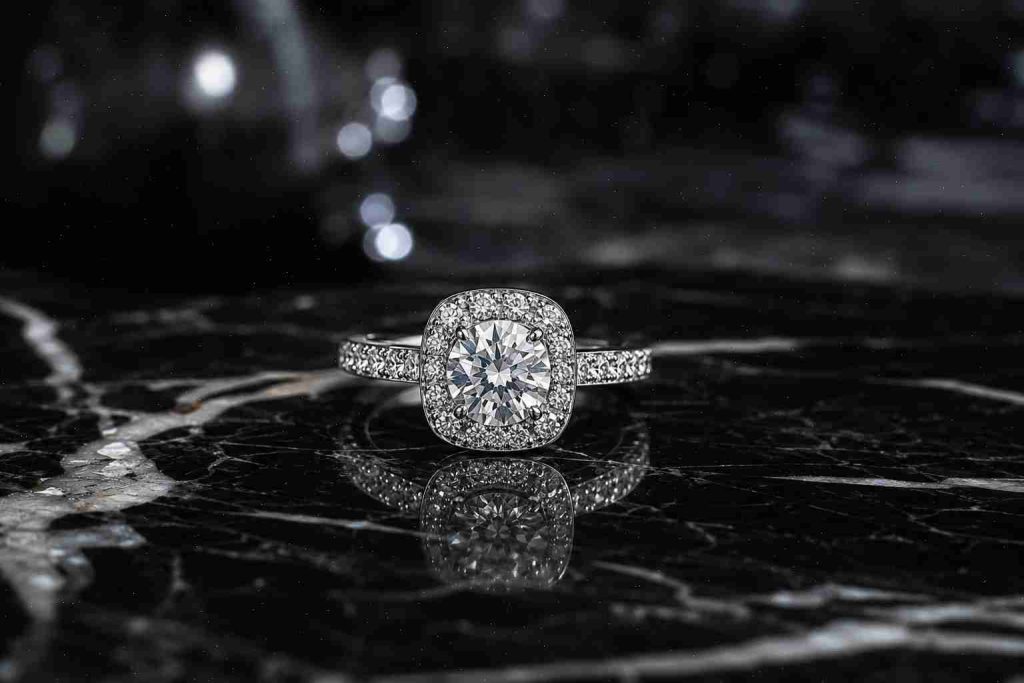
Modern ecommerce needs more visuals than ever.
A single product often needs:
- listing images
- social media creatives
- Pinterest pins
- ad variations
- email graphics
- banners
- lifestyle photography
- thumbnails
Doing all of that manually takes a ridiculous amount of time.
AI tools streamline a lot of the repetitive work:
- background removal
- lighting adjustments
- scene generation
- composition variations
- mockup creation
- image enhancement
That matters more than people think.
A lot of creators don’t just need “an AI image generator.” They need an entire visual system for ecommerce content.
Best AI Tools for Product Image Creation
There are a lot of AI image tools right now, but not all of them work well for ecommerce photography.
Some are better for artistic visuals while others are better for commercial product workflows.
Why Creative Fabrica Studio Works Well for Ecommerce
Creative Fabrica Studio stands out because it combines:
- AI generation
- templates
- mockups
- typography
- design assets
- editing tools
- commercial licensing
into one ecosystem.
That’s especially useful for:
- Etsy sellers
- POD businesses
- Shopify stores
- affiliate marketers
- Pinterest creators
The platform specifically focuses on helping creators build commercial-ready content faster.
And honestly, the commercial licensing part matters more than most people realize.
A lot of AI tools still create confusion around usage rights. Creative Fabrica is much clearer about allowing commercial workflows for creators and businesses.
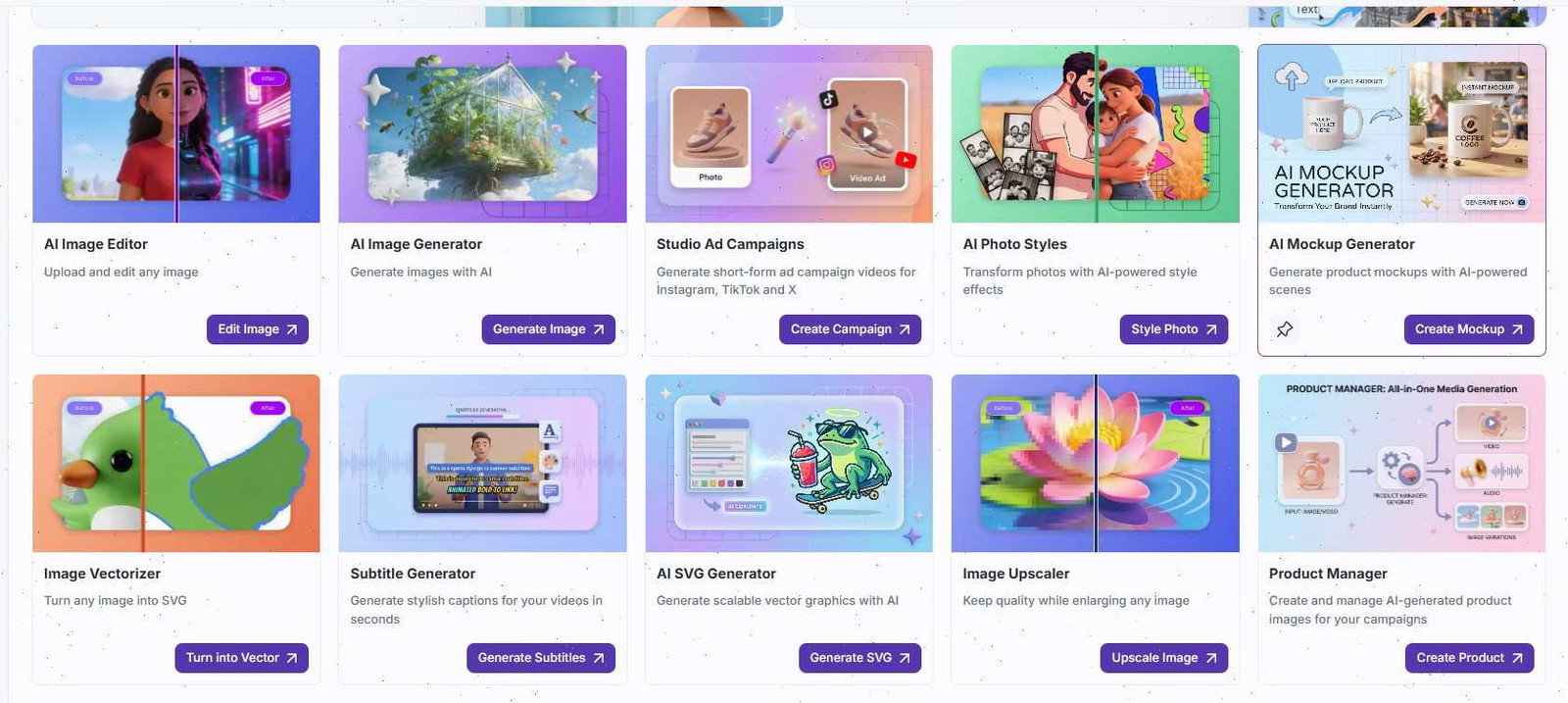
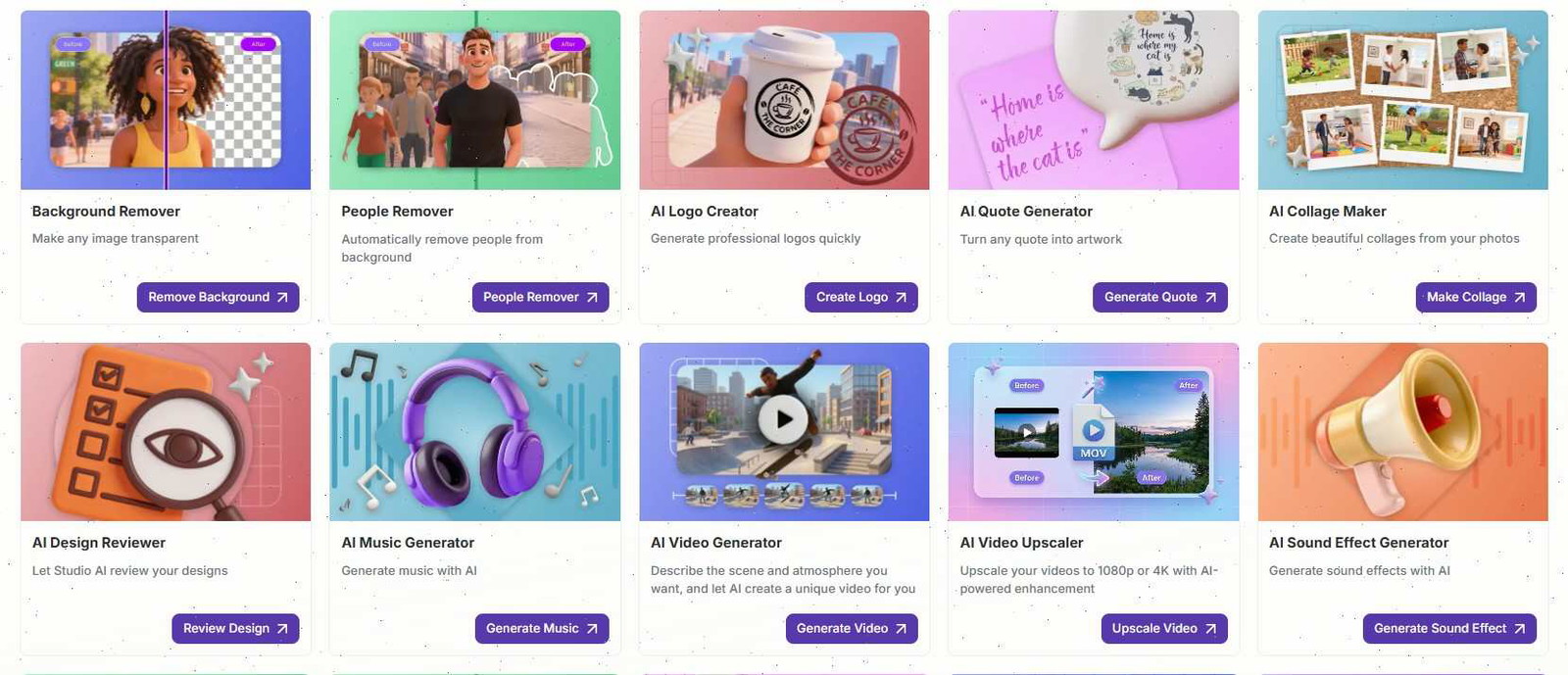
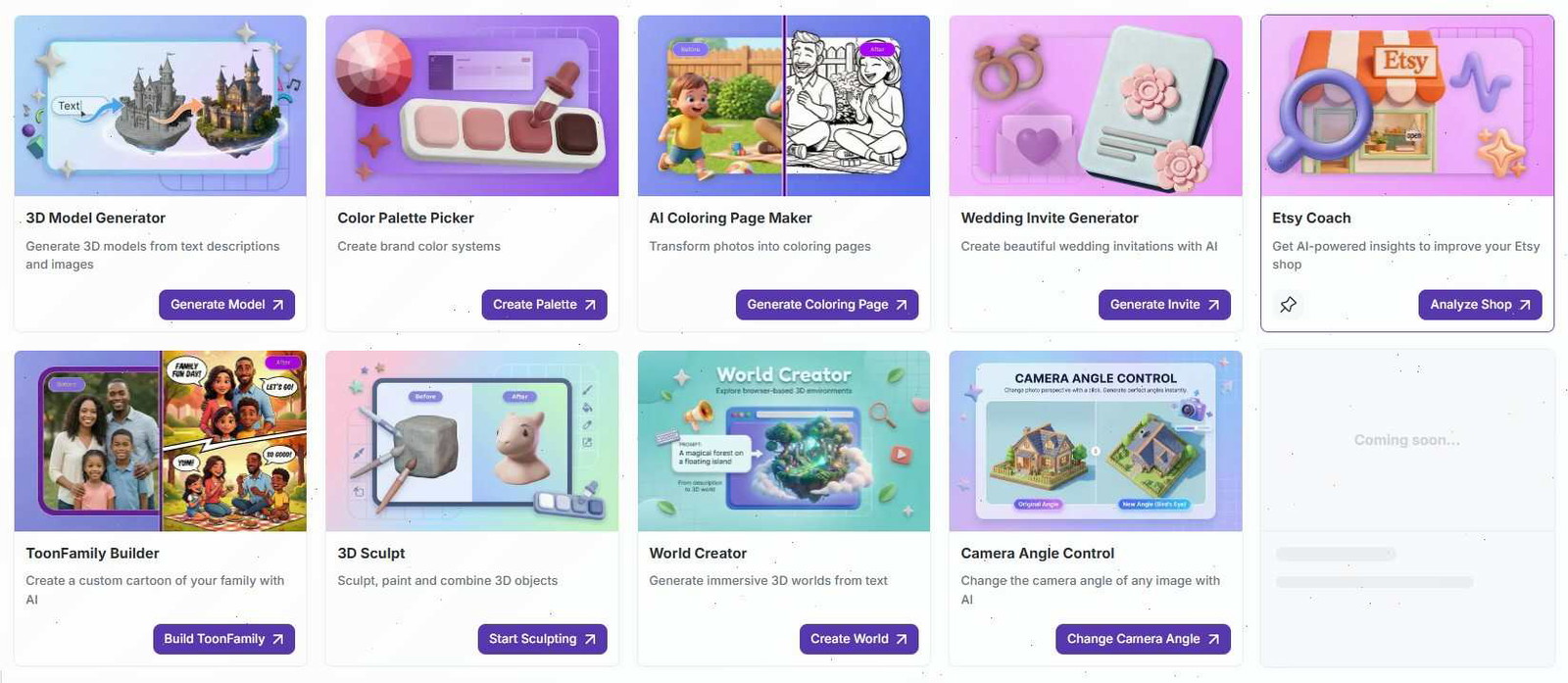
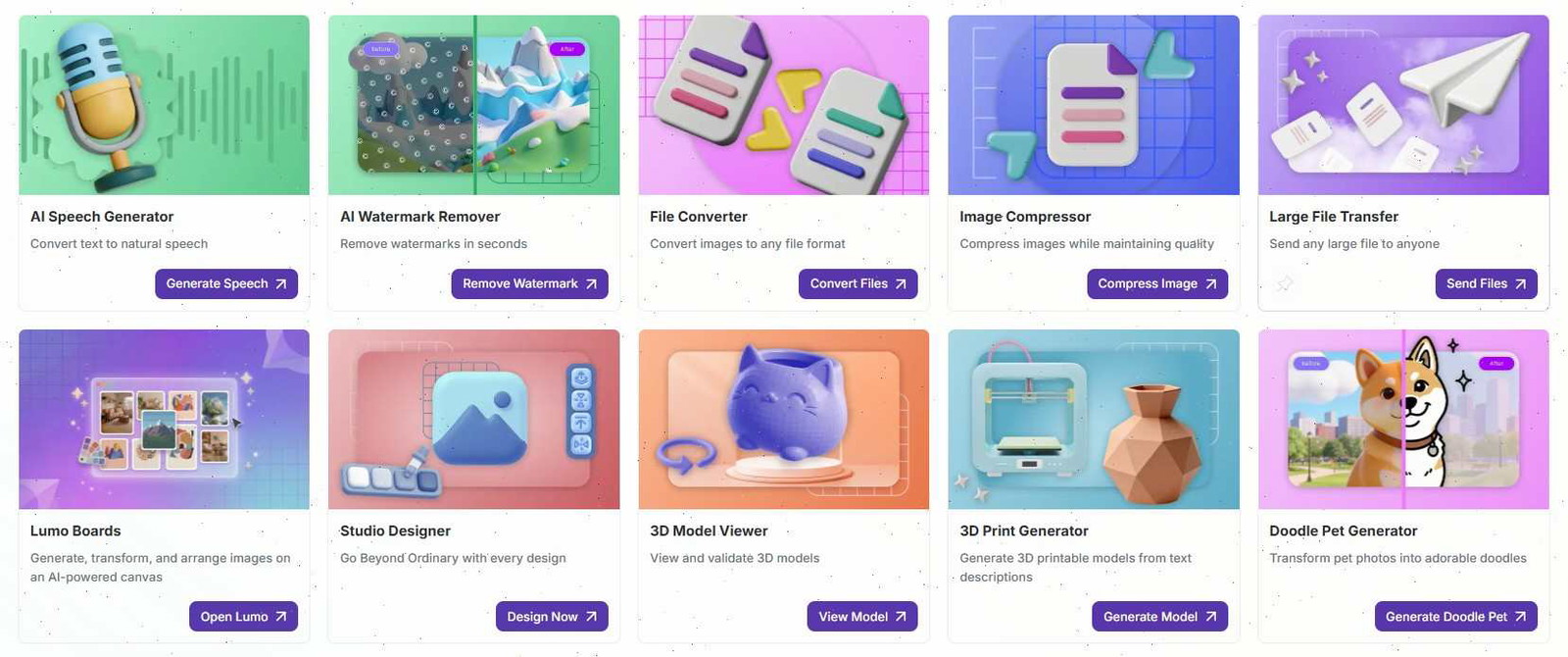
Spark AI Features
Spark AI inside Creative Fabrica Studio helps creators:
- generate scenes
- create marketing visuals
- experiment with branding styles
- build social media graphics
- create faster ad creatives
The speed difference becomes noticeable once you’re creating content regularly.
Especially for seasonal campaigns.
One week it’s Valentine’s Day graphics, then spring aesthetics, then summer promos. AI tools make it much easier to keep up without redesigning everything manually.
Other Useful AI Product Photography Tools
Several other tools are commonly used alongside Creative Fabrica workflows:
| Tool | Best For |
|---|---|
| Midjourney | Artistic scene generation |
| Canva | Fast social media visuals |
| Adobe | Commercial-safe AI editing |
| Photoroom | Background removal |
| Runway | AI video and advanced visuals |
A lot of creators mix multiple tools together depending on the project.
That’s pretty normal now.
Step-by-Step Guide to Creating Product Images With AI
Once you understand the workflow, AI product photography actually becomes pretty straightforward.
The biggest mistake beginners make is expecting AI to do everything automatically.
The better your source photo and creative direction are, the better the results usually look.
Step 1 — Start With a Clean Product Photo
AI still needs a decent base image.
You don’t necessarily need a DSLR camera anymore either.
Modern smartphones are often enough if:
- lighting is soft
- the image is sharp
- the background is simple
- the product is clearly visible
Window lighting honestly works surprisingly well for many products.
I’ve seen creators get solid results using:
- white poster boards
- kitchen counters near windows
- neutral fabric backdrops
- simple foam boards
You mainly want:
- minimal harsh shadows
- clean visibility
- decent resolution
- natural lighting
Consistency matters too.
If your store uses the same lighting style and composition across products, everything instantly feels more professional.
Step 2 — Remove the Background
Background removal is usually the first AI editing step.
Modern AI tools handle this much faster than older Photoshop workflows used to.
A transparent background gives you flexibility to:
- create mockups
- build lifestyle scenes
- make social ads
- design Amazon listings
- generate seasonal campaigns
One thing worth checking carefully is the product edges.
AI sometimes struggles around:
- glass
- reflective packaging
- jewelry
- transparent materials
- hair/fabric textures
Zooming in and cleaning small imperfections makes a surprisingly big difference in realism.
Step 3 — Generate AI Backgrounds
This is where product photography gets fun.
Instead of plain white backgrounds everywhere, AI lets you create cinematic environments and lifestyle scenes quickly.
And lifestyle imagery usually converts better because customers imagine themselves using the product.
For example:
Instead of:
“beauty product on table”
A better AI prompt would be:
“Luxury skincare bottle on marble bathroom counter with soft morning sunlight, neutral beige aesthetic, realistic reflections, premium spa atmosphere.”
Specific prompts almost always produce better results.
Step 4 — Fix Lighting and Shadows
This is the part many beginners skip.
But lighting realism is what separates believable AI images from obvious AI content.
A few styles that work well:
- soft studio lighting
- warm natural lighting
- bright ecommerce lighting
- moody premium shadows
- clean minimalist daylight
Different niches lean toward different aesthetics.
For example:
- wellness brands usually use bright soft lighting
- fashion brands often use cinematic shadows
- handmade products look better with warmer natural tones
One small thing I’ve noticed: perfectly flawless AI images often feel less trustworthy.
Tiny imperfections actually help realism.
Step 5 — Enhance and Upscale the Image
Final optimization matters.
Even strong AI visuals usually need:
- sharpening
- color correction
- contrast balancing
- texture refinement
- resolution enhancement
Low-quality exports immediately make stores look less professional.
Different platforms also need different image styles:
| Platform | Recommended Style |
|---|---|
| Amazon | White clean backgrounds |
| Etsy | Lifestyle-focused visuals |
| Vertical inspirational graphics | |
| Shopify | Consistent branded imagery |
| Bold eye-catching aesthetics |
Professional ecommerce visuals are usually strategic — not just “pretty.”
Templates Save a Ton of Time
Templates are honestly underrated.
Most creators waste hours rebuilding layouts repeatedly.
Templates make it easier to maintain:
- consistent branding
- cleaner layouts
- recognizable visuals
- faster campaign production
For example, one skincare template system can be reused for:
- launch graphics
- promotions
- email banners
- Pinterest pins
- Instagram carousels
without redesigning every element from scratch.
And consistent branding improves trust more than most people realize.
Tips to Make AI Product Photos Look Real
This part matters a lot.
People are getting better at spotting fake-looking AI visuals.
The goal isn’t making images look “AI impressive.”
The goal is making them feel believable.
Avoid Overprocessed Effects
One of the easiest ways to ruin AI product images is over-editing them.
Too much:
- glow
- blur
- surreal lighting
- glossy reflections
- dramatic color grading
usually makes visuals feel fake.
Real product photography contains imperfections:
- soft texture variation
- natural lighting shifts
- realistic shadows
- subtle reflections
Ironically, those imperfections build trust.
Keep Branding Consistent
Professional brands feel visually connected.
That means keeping consistency across:
- fonts
- lighting
- colors
- backgrounds
- compositions
- editing styles
AI actually makes this easier because reusable prompts and templates help maintain visual cohesion.
And customers absolutely notice consistency over time.
Common AI Product Photography Mistakes
Some mistakes show up constantly with AI-generated ecommerce visuals.
Unrealistic Shadows
Still one of the biggest giveaways.
Always check whether lighting direction makes sense.
Overcomplicated Scenes
Too many props and textures distract from the actual product.
The product should still be the main focus.
Low Resolution Exports
Compressed or blurry images kill trust immediately.
Especially on ecommerce sites.
Inconsistent Branding
If every product image feels like it belongs to a different store, the brand starts feeling unreliable.
Forgetting That AI Is Just a Tool
AI helps speed up production.
But good visuals still rely on:
- composition
- branding
- psychology
- audience understanding
- marketing strategy
The best AI product images still have intentional creative direction behind them.
The Future of AI Product Photography
AI product photography is still evolving incredibly fast.
We’re already starting to see:
- AI-generated product videos
- automated ad creatives
- personalized visuals
- animated ecommerce content
- 3D product scenes
And honestly, a lot of this will probably become standard within a few years.
Once you've mastered creating professional product images with AI, you might also find it helpful to explore the 11 Best AI Tools for Creating Pinterest Pins in 2026 to enhance your social media presence.
Conclusion
AI has changed product photography much faster than most people expected.
Small ecommerce brands can now create visuals that used to require expensive studios, photographers, and complicated editing workflows.
And while AI still isn’t perfect, the gap between traditional product photography and AI-generated commercial visuals keeps getting smaller.
For creators running Shopify stores, Etsy shops, affiliate websites, POD businesses, or Pinterest-driven brands, that creates a massive opportunity.
Especially if you learn how to combine:
- clean product photography
- realistic AI scenes
- strong branding
- consistent design systems
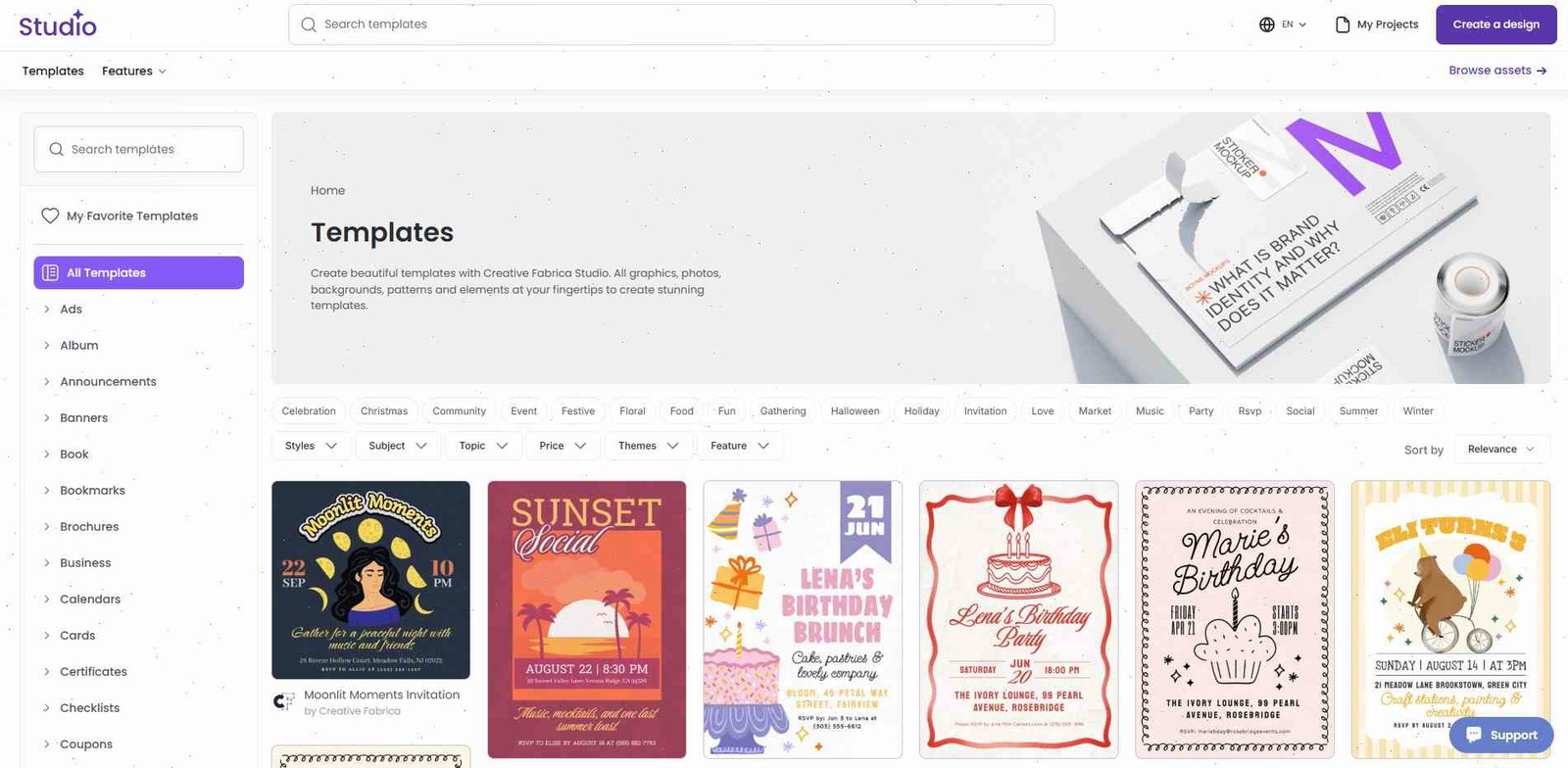
Platforms like Creative Fabrica Studio make this process much easier because they combine templates, assets, AI tools, and commercial licensing into one workflow designed for creators.
And honestly, speed matters now.
The brands producing high-quality visuals consistently are usually the ones getting attention fastest.
FAQs
Can AI replace professional product photography?
For many ecommerce businesses, yes — especially for social media, marketplaces, Pinterest content, and product listings. Large luxury campaigns may still use traditional studios, but AI is already handling a huge percentage of commercial ecommerce visuals.
Is Creative Fabrica Studio beginner-friendly?
Yes. It’s designed for creators of different skill levels, and the template system makes the learning curve much easier compared to advanced editing software.
Can AI-generated product images be used commercially?
It depends on the platform and licensing structure. Creative Fabrica specifically offers commercial licensing options for creators, businesses, and POD sellers.
What’s the biggest mistake when using AI product photography?
Usually realism issues.u003cbru003eOverprocessed lighting, fake shadows, distorted products, and inconsistent branding are the fastest ways to make AI-generated visuals feel untrustworthy.
Follow Us