

ℹ️ Affiliate Disclosure: This article may contain affiliate links. We may earn a commission at no extra cost to you. Thanks for your support! ❤️
Creative Fabrica AI Tools for Print on Demand Design Projects
Print on demand sellers rarely have time to wait for a freelance designer or master complex software. Creative Fabrica AI tools for print on demand design projects solve that exact bottleneck by putting powerful generation and editing features inside a single subscription-based platform built for commercial use.
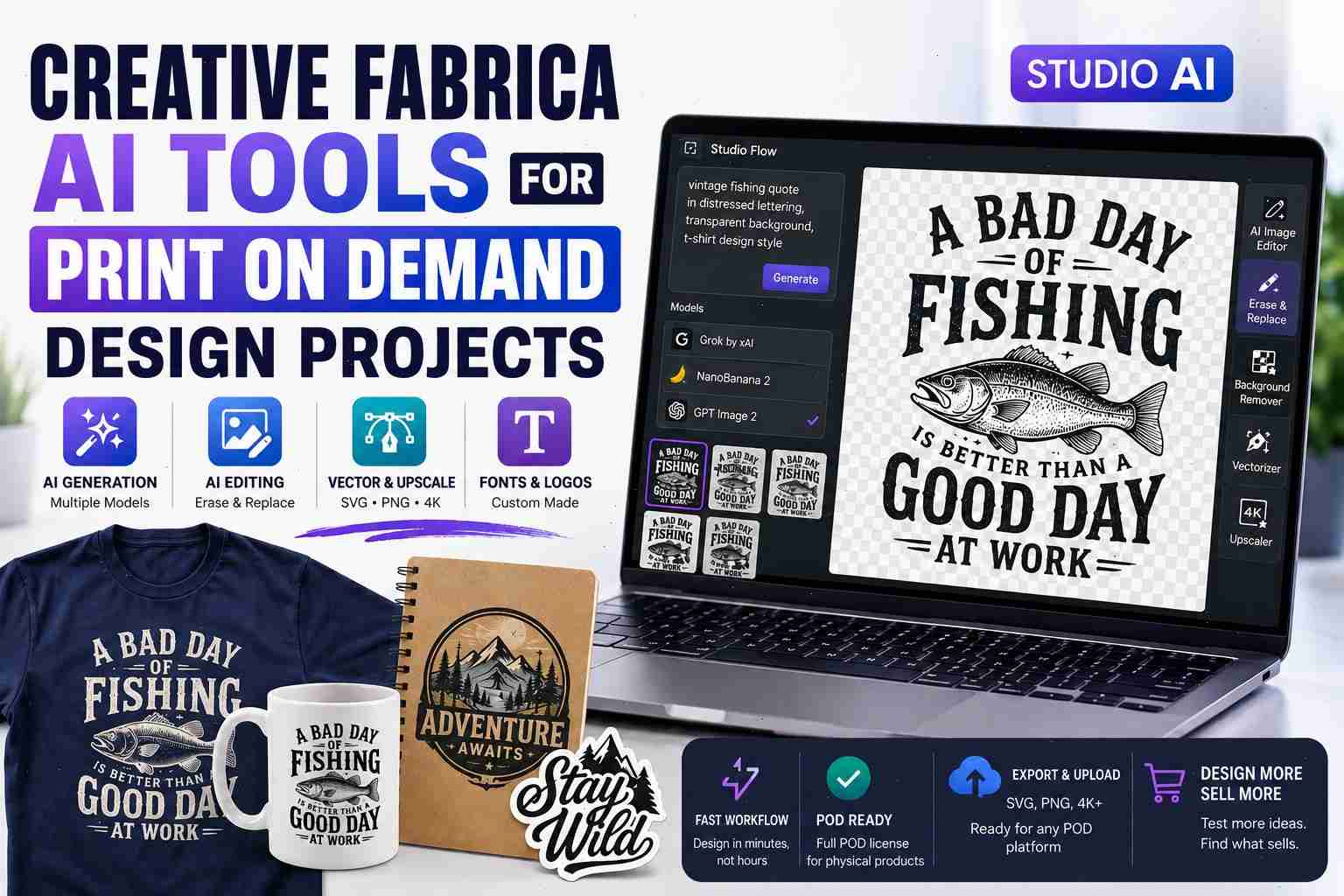
The shift happened gradually. What started as CF Spark evolved into Creative Fabrica Studio AI, now featuring models like Grok by xAI, NanoBanana 2, and GPT Image 2. These aren’t just flashy demos—they handle the repetitive, time-eating parts of POD design so creators can focus on testing products that actually sell.
Why POD Designers Are Turning to Creative Fabrica Studio AI
Most POD workflows still begin with the same pain points: blank canvas paralysis, inconsistent mockups, and files that don’t scale properly for shirts, mugs, or posters. Studio AI addresses them directly because the tools were developed inside a marketplace that already serves hundreds of thousands of POD users.
Instead of juggling Midjourney for concepts, Canva for editing, and Illustrator for vectors, everything lives in one place. More importantly, the outputs come with licensing paths that align with print-on-demand platforms rather than requiring extra legal review.
Core AI Tools That Actually Move the Needle for POD Workflows
Studio Flow – Text-to-Image Generation with Multiple Models

The heart of the system is Studio Flow. Users enter a prompt and choose from current models including Grok by xAI for creative interpretation, NanoBanana 2 for high-fidelity results, and GPT Image 2 when text rendering matters. For POD, text-heavy designs (funny quotes, niche slogans, motivational phrases) benefit most from the model that handles lettering without the usual garbled mess.
Generation is fast enough that testing five variations of the same concept takes under a minute. The interface also supports style references and aspect ratios tailored to common POD products—perfect square for stickers, tall rectangles for tumblers.
AI Image Editor and Erase-and-Replace
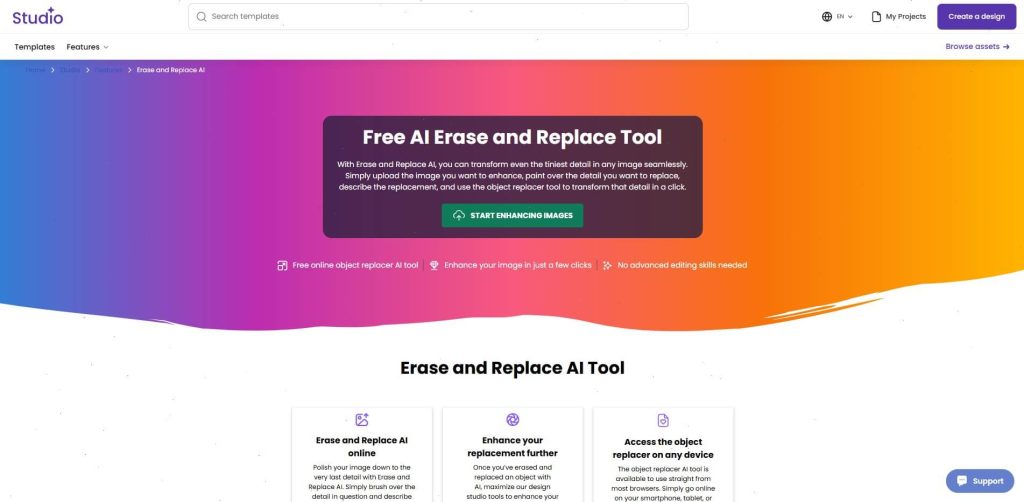
Raw AI output almost never ships as-is. The built-in editor lets you refine without leaving the platform. Need to swap a background, adjust colors for a specific brand palette, or remove an element that clashes with your niche? The brush-based Erase-and-Replace tool handles it in seconds. This step alone cuts hours out of typical design iteration.
Vectorizer, Background Remover, and Upscaler
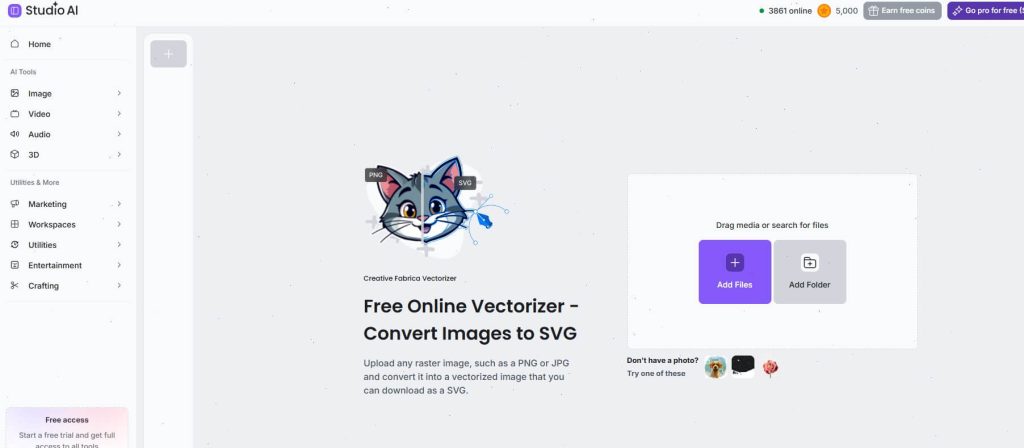
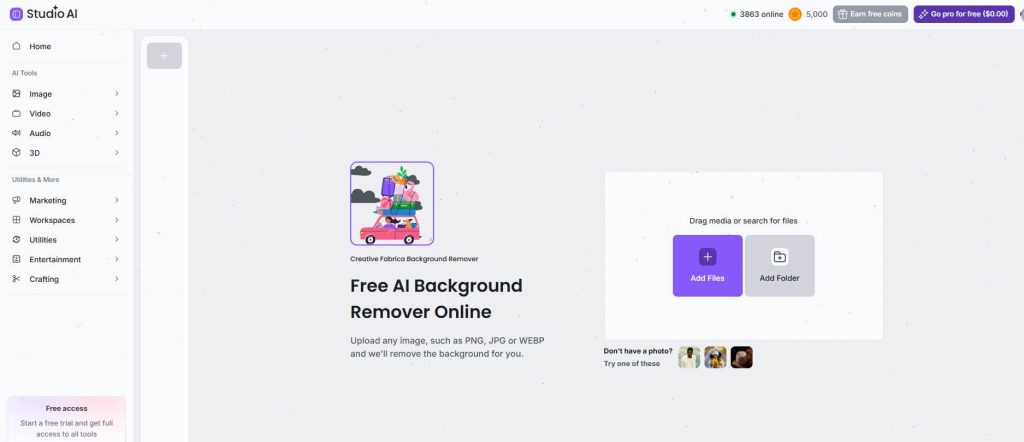
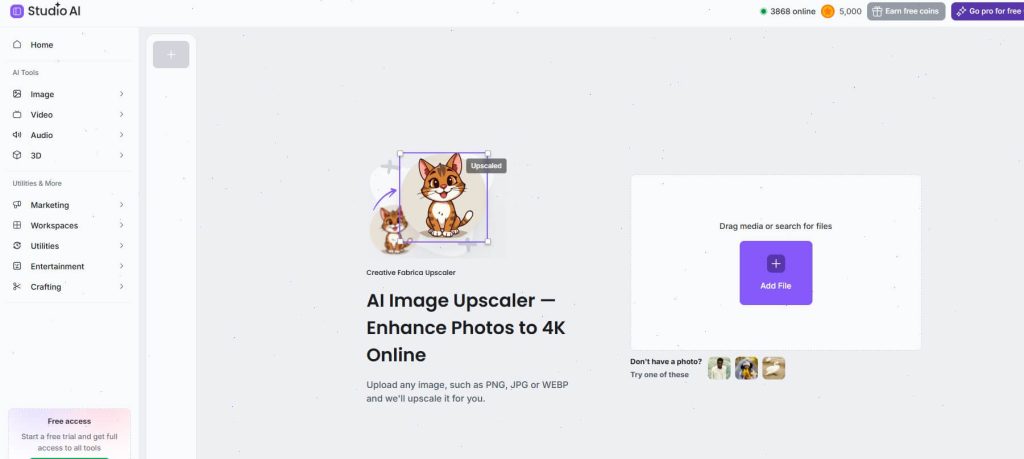
These three tools turn hobby-level outputs into production-ready files. The Vectorizer converts raster AI images to clean SVG format—essential for sharp prints at any size. Background Remover creates transparent PNGs for layered designs. The Upscaler restores or improves resolution when you need larger files for wall art or oversized apparel.
AI Font Generator and Logo Creator
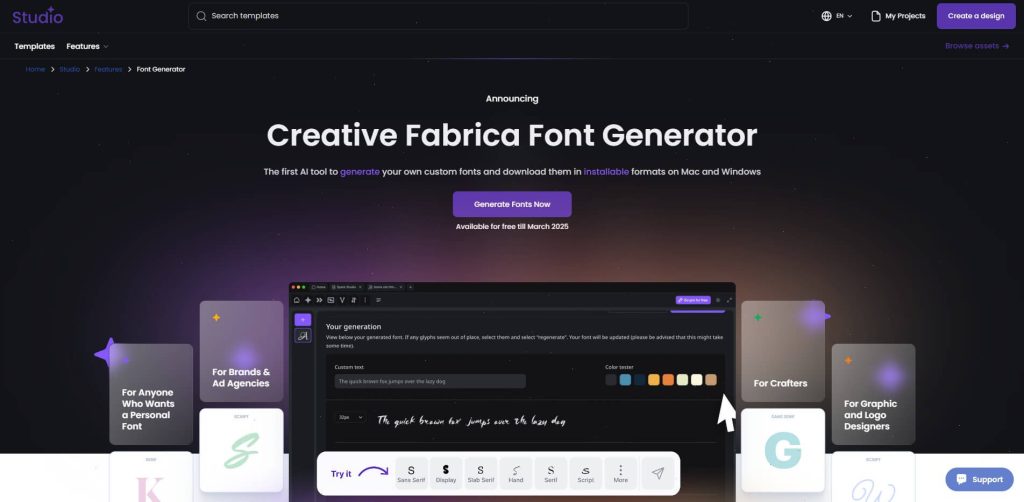
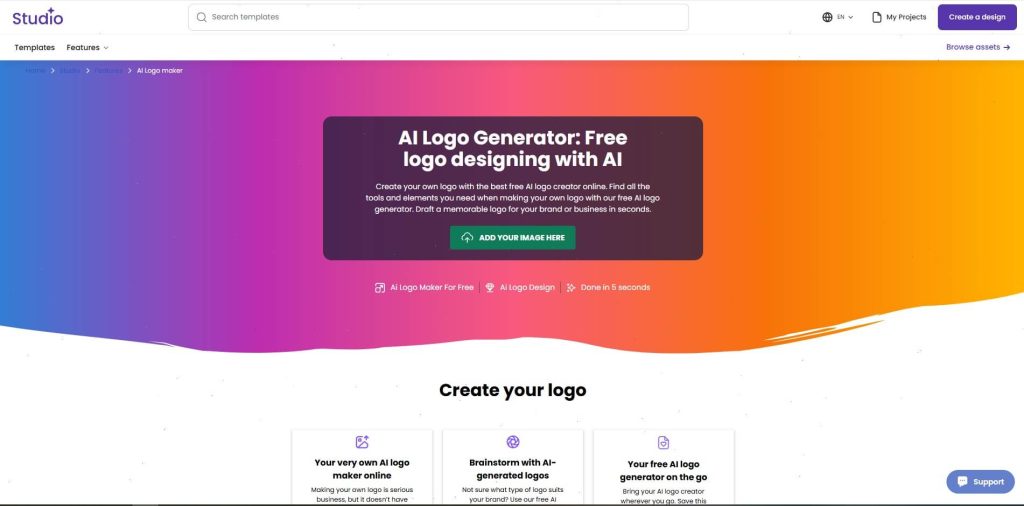
Not every POD project needs illustrations. Many best-sellers rely on strong typography or simple logos. The AI Font Generator creates custom typefaces from a description, while the Logo Creator produces clean, minimalist marks that work across product lines. Both export in formats compatible with POD upload requirements.
How to Build Print on Demand Designs Step by Step
A typical workflow looks like this:
- Start in Studio Flow with a specific prompt tied to your niche and product (example: “vintage fishing quote in distressed lettering, transparent background, t-shirt design style”).
- Generate 4–6 variations, then open the strongest one in the AI Image Editor.
- Use Erase-and-Replace for final tweaks and the Background Remover if needed.
- Run the Vectorizer for scalable output.
- Download under your subscription license and upload directly to Printful, Printify, or your chosen provider.
The entire process usually takes under ten minutes once you’re familiar with prompt phrasing. That speed lets small teams or solo sellers test dozens of designs per week instead of a handful.
Licensing Realities – What POD Sellers Need to Know
Creative Fabrica separates standard assets from Full POD licensed files. AI-generated content falls under the subscription license rules. As of recent updates, many downloads include Full POD rights for physical products without requiring heavy modification—meaning you can upload the design as-is to most print providers.
Always double-check the individual file license inside your account. Single-sale Full POD purchases give lifetime rights even after cancellation. Subscription downloads require active membership for continued sales of unmodified files. These distinctions matter when scaling a store that might run for years.
As you explore using AI tools for print-on-demand design projects, remember that choosing the right typography is essential for creating strong visual identities, especially when considering the 8 Best Serif Fonts for Logo Design: Modern, Luxury & Display Picks.
Practical Limitations and When the Tools Fall Short
No AI suite is perfect. Prompt interpretation can still produce inconsistent results across model versions, especially with complex multi-element scenes. Text rendering has improved dramatically but still benefits from the dedicated GPT Image 2 option rather than defaulting to others.
File consistency across a product line can feel hit-or-miss without careful prompt engineering. And while vectorization works well on simpler illustrations, highly detailed or photorealistic generations sometimes need manual cleanup in vector software for flawless edges.
Cost is another consideration. The platform operates on a credit or subscription model—free tiers exist for light testing, but serious POD work requires the Pro plan to unlock unlimited or high-volume generation.
Who These Tools Help Most (and Who Should Skip Them)
Creative Fabrica AI tools for print on demand design projects suit creators who already understand their niche, have basic prompt skills, and want to move faster than manual design allows. Etsy sellers testing 20+ designs weekly, Shopify store owners building seasonal collections, and side-hustle entrepreneurs with limited budgets all benefit.
Skip them if you need ultra-premium photorealistic art that competes with stock agencies or if your brand demands 100% hand-crafted consistency. Traditional illustrators or teams with in-house designers may find the platform supplementary rather than central.
The tools shine when speed and volume matter more than absolute perfection—and when you value staying inside one ecosystem that already understands POD licensing.
FAQ
Do Creative Fabrica AI tools come with commercial rights for print on demand?
Yes. Outputs generated through Studio AI fall under Creative Fabrica’s subscription or single-sale licenses. Most recent downloads include Full POD rights for physical products, allowing direct use on t-shirts, mugs, posters, and more. Always confirm the specific file license in your account.
Which Creative Fabrica Studio AI model works best for text-heavy POD designs?
GPT Image 2 currently delivers the strongest text rendering for quotes, slogans, and typography-based designs. NanoBanana 2 and Grok by xAI excel at artistic or illustrative styles when text is minimal.
Can I use the AI Vectorizer to prepare designs for large-format POD printing?
Absolutely. The Vectorizer converts AI-generated images to SVG format that scales cleanly for apparel, home decor, and wall art without quality loss—exactly what most print providers require.
How does Creative Fabrica AI compare to free tools for serious print on demand work?
Free alternatives lack integrated vectorization, commercial licensing clarity, and the full workflow (generation + editing + export). Studio AI saves time and reduces legal friction for sellers who treat POD as a real business rather than occasional experiments.
Follow Us